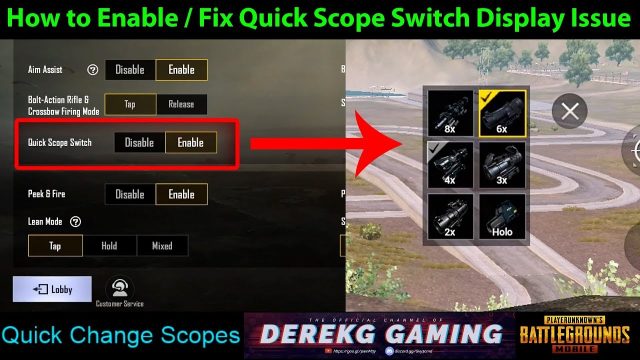
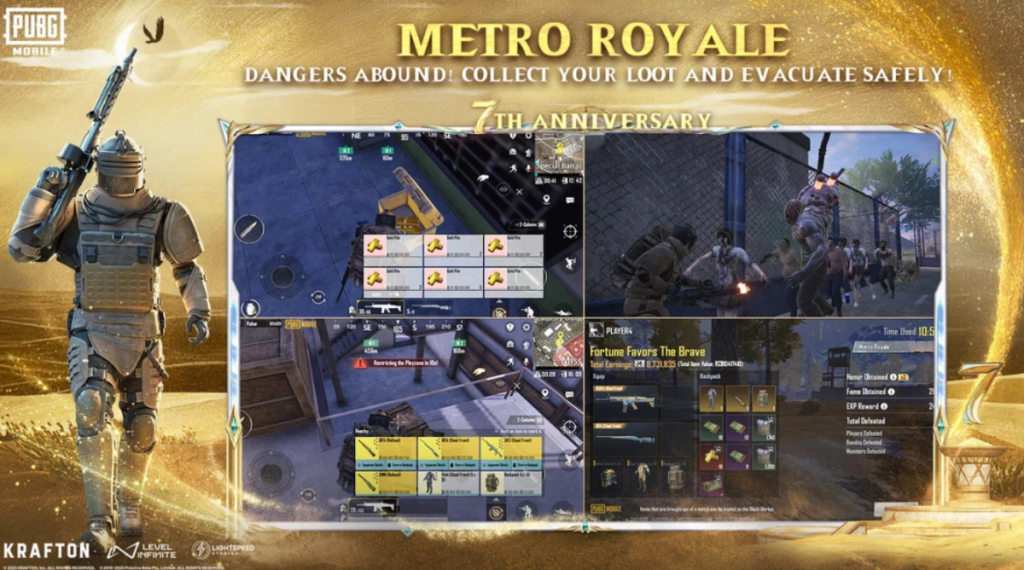
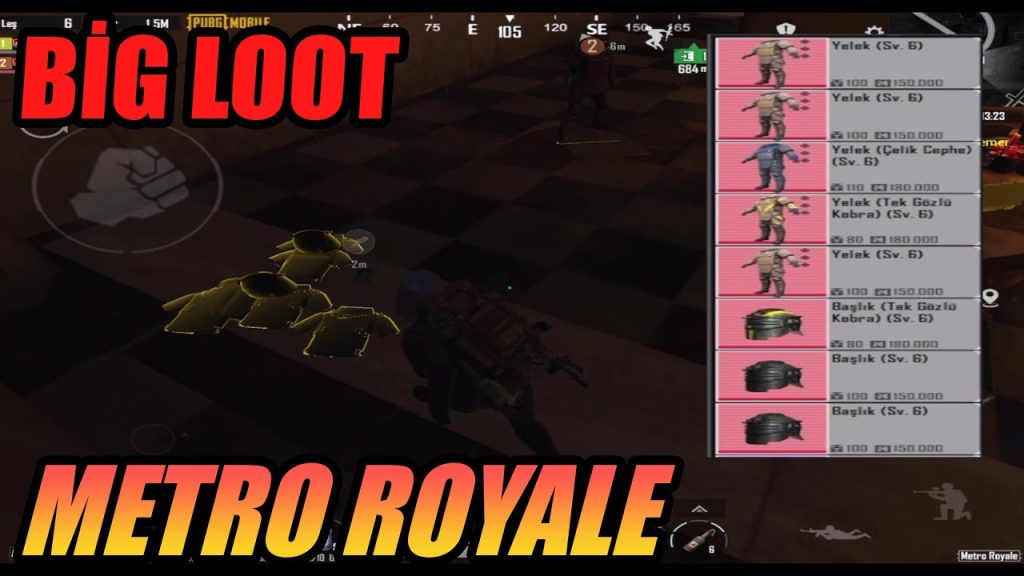
Metro Royale isn’t your typical PUBG Mobile mode. It’s a high-stakes loot-and-extract experience where one wrong button press can cost you that M24 you’ve been hoarding. Standard control layouts just don’t cut it here—you need a setup that lets you loot quickly, peek smartly, and snap onto targets in tight underground tunnels. We’ve scoured pro players, Discord communities, and custom rooms to bring you 10 PUBG control codes for Metro Royale that actually work. These aren’t random codes; each one has been tested in actual Metro matches to boost your survivability and loot collection. Let’s get into it.
1. Why Metro Royale Needs Its Own Control Setup
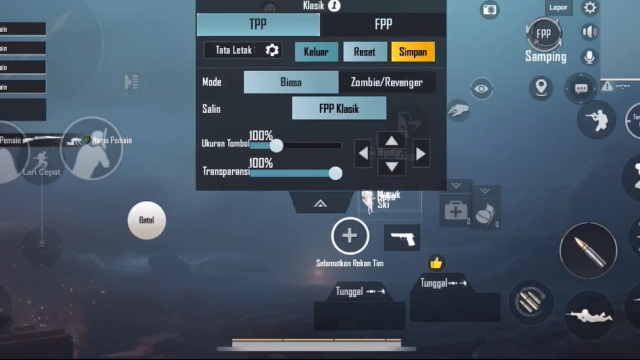
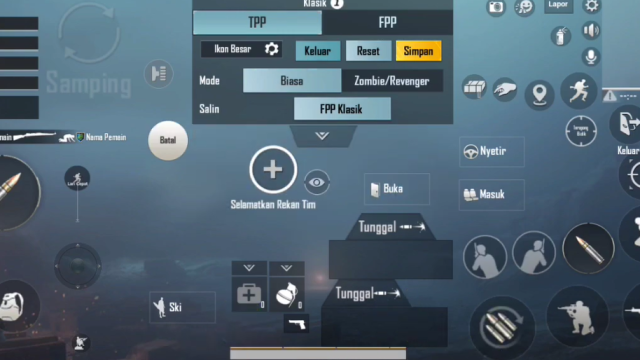
Classic battle royale controls are built for open fields and long engagements. Metro Royale flips that: you’re crawling through bunkers, looting crates under fire, and suddenly facing CQB face-offs. Your standard 2-finger layout won’t let you loot and fire simultaneously. That’s why a dedicated Metro Royale control code changes everything. It shifts your buttons closer together so you can grab loot without lifting your thumb from the fire button. Plus, you need quick access to consumables and throwables without hunting for them on a crowded screen. We’ve included a variety of layouts here, from beginner-friendly 3-finger setups to advanced 6-finger configurations.
2. 4-Finger Claw Layout for Tight Corridors
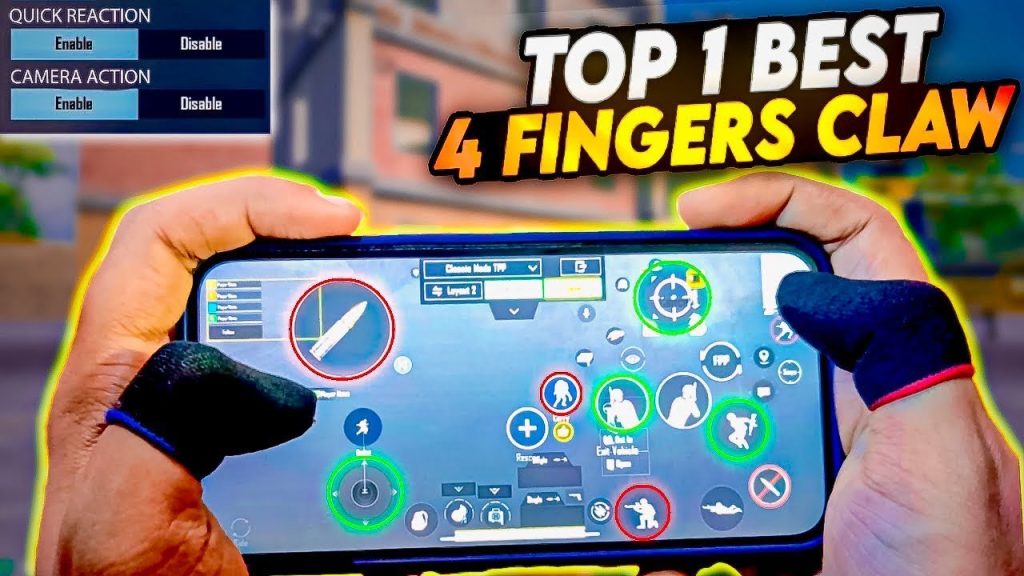
The 4-finger claw is the goldilocks of Metro Royale: not too many fingers to be confusing, but enough to keep you moving and shooting. This setup uses your index fingers for aim and scope while your thumbs handle movement and fire. We’ve seen a version of this code that moves the crouch button right under your left index finger, letting you drop-shot around corners without breaking stride. It’s especially effective in the narrow corridors of the underground bunker. If you’re new to claw, this is the best place to start.
3. Gyro-Only Scope Control for Long-Range Sniping
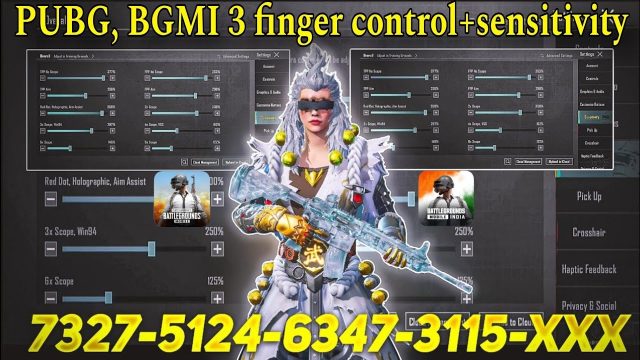
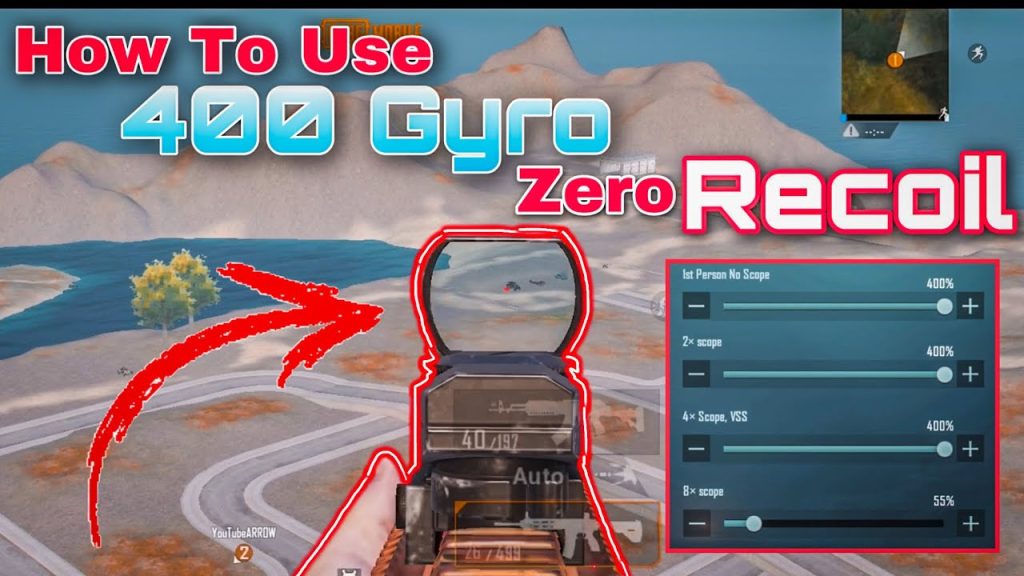
Metro Royale has those long sightlines across the first zone, and you’ll often need to tap heads from distance. A gyro-only scope setup is a game-changer. You keep your normal touch controls for hip-fire, but once you scope in, the gyro takes over for micro-adjustments. This code reduces the scope sensitivity to nearly zero for thumb drag so you’re only moving your phone slightly to fine-tune. It makes sniping feel buttery smooth. If you’re tired of overshooting snipes, combine this with the right sensitivity settings from our guide on control codes and sensitivity.
4. Peek-and-Shoot Optimized Layout
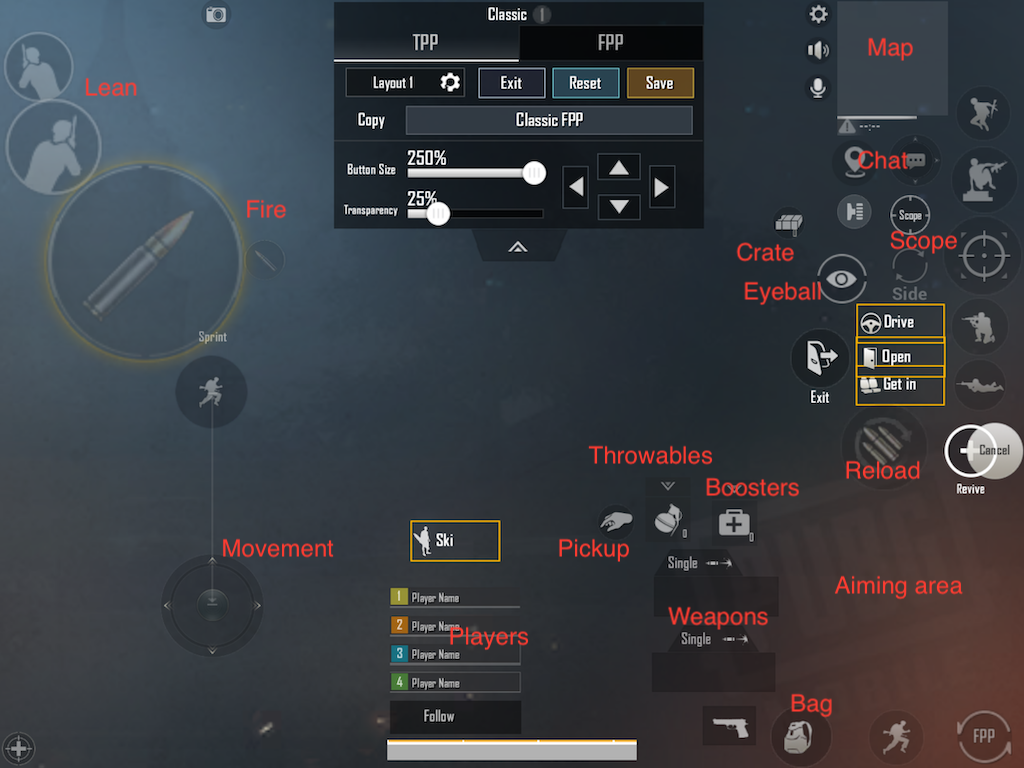
Peeking is life in Metro Royale. You’re constantly leaning out from cover to take shots at players guarding extraction points. This code puts the peek buttons (left and right) directly above your crouch and prone, so you can quick-peek without losing mobility. It also increases the size of the peek buttons to avoid missing them under pressure. We tested a version where the peek and scope buttons are swapped—peek becomes the big button, scope is smaller—and it worked wonders for fast corner play. Check out our best layout codes for more variations.
5. Quick Loot Button Size Hacks
Looting speed is critical in Metro Royale because you’re often grabbing items while on the move. The default loot button is too small and easy to miss. One of the most shared codes on our site increases the pickup button to 1.5x the normal size and moves it to the lower left corner where your thumb rests naturally. It also enlarges the auto-pickup toggle and ammo buttons. This may seem simple, but in the heat of a firefight, it saves precious seconds. These button size hacks are a must-try.
6. Sensitivity Codes for Recoil Control with M416
The M416 is king in Metro Royale because of its versatility. But without the right sensitivity, its recoil will bounce your bullets off the ceiling. This code sets a lower ADS sensitivity for 3x scope and a higher vertical multiplier to keep your spray tight. It also adjusts the gyro sensitivity to 140% for when you’re using a red dot. We pulled this from a top Indian streamer who extracts with an M416 every game. For a full library, browse our PUBG Mobile control codes list.
7. 6-Finger Control Codes for God-Tier Loot Management
If you’re serious about Metro Royale, 6 fingers let you loot, shoot, heal, and throw grenades simultaneously. This code maps fire and aim to your middle fingers, movement and crouch to your thumbs, and meds/throwables to your index fingers. It’s intense to learn but once you’re used to it, you’ll never go back—especially when you need to pop a stim while running around a corner and shooting behind you. For advanced players, we’ve linked our full 6-finger control codes guide.
8. Sound Cues and Fire Mode Toggle Placement
In Metro Royale, switching between single shot and auto can save your life. This code places the fire mode toggle right next to your movement thumb so you can flick between modes without moving your whole hand. It also moves the sound visualiser icon (for footsteps) closer to your crosshair so you can keep an eye on it while aiming. This layout is especially useful in the silent sections where you need to listen for enemy movement.
9. Custom Room Practice Codes for Metro Royale
You don’t want to test a new layout in ranked Metro Royale and lose your gear. That’s where custom room codes come in. Use this code to spawn in the Metro Royale training map with infinite time, so you can tweak your buttons without pressure. The code includes preset loot spawns so you can practice looting quickly. It’s the safest way to try out a 4-finger claw or gyro setup before taking it live. For more, check out our custom room PUBG control codes.
10. Discord Communities Sharing Metro-Specific Codes
The Metro Royale community is active on Discord, constantly swapping layouts and sensitivities. We’ve gathered a list of servers where players share codes specifically for loot-and-extract modes. One server has a dedicated channel for Metro control codes with over 1,000 shared layouts. You can copy-paste the codes directly into your PUBG Mobile settings. It’s a goldmine for finding that one-of-a-kind layout that suits your playstyle. Visit our PUBG control codes Discord servers page to get started.
Wrap Up
Metro Royale is a different beast, but with the right control codes, you can turn those stressful extractions into smooth victories. Whether you go with a 4-finger claw for CQB, a gyro scope for long shots, or a 6-finger setup for ultimate control, these 10 layouts give you a solid starting point. Remember to practice in custom rooms before diving into ranked matches, and keep an eye on Discord for new codes. We’ll keep updating this list as the meta evolves. Happy looting!
Metro Royale is 80% loot, 20% fight—your control layout should reflect that.
Pro PUBG Mobile player, TSM_Faker