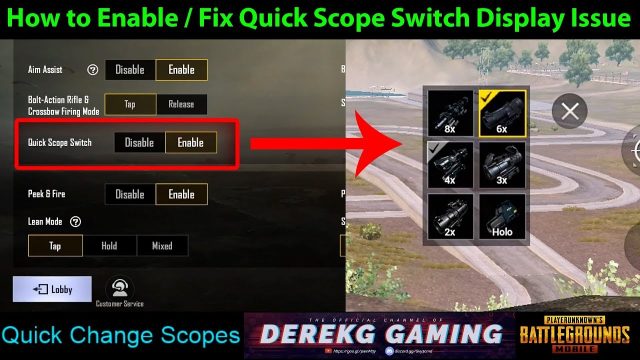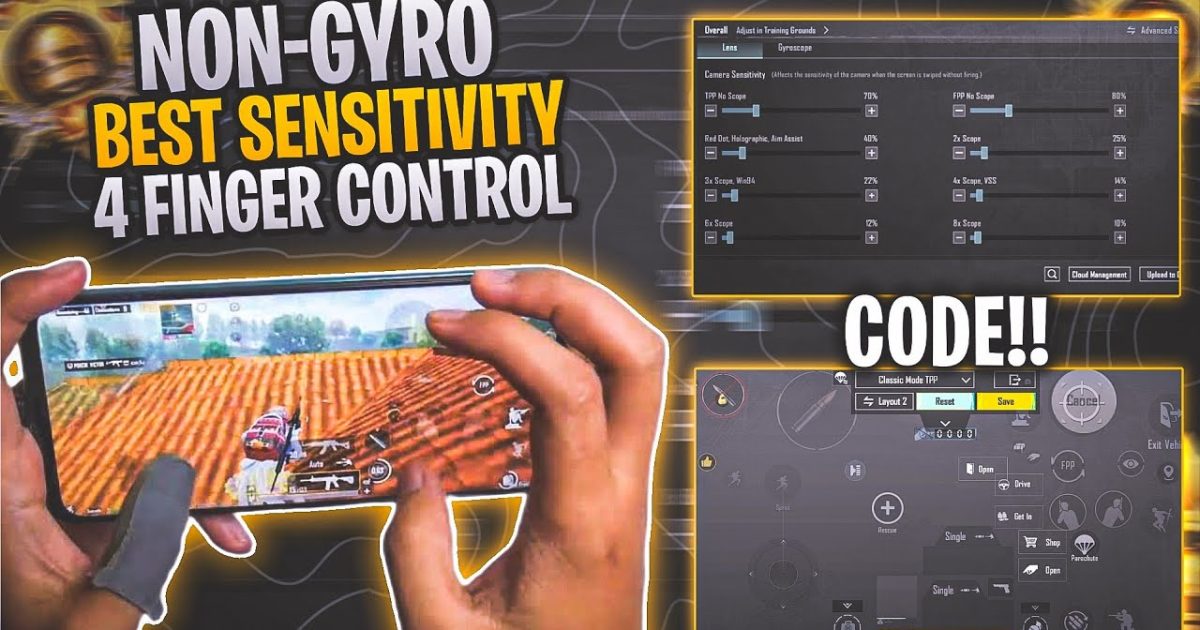
Think you need gyroscope to compete in PUBG Mobile? Think again. Thousands of players dominate without ever tilting their phone, and the secret lies in the right control codes. We’ve trawled through patches, pro layouts, and community favorites to bring you 10 PUBG control codes specifically optimized for non-gyro players. Whether you’re a thumb player or a claw veteran, these codes will tighten your aim, tame recoil, and give you that competitive edge without relying on motion controls. Each code has been tested for consistency and ease of use, so you can copy them and hop straight into the action.
1. Classic 2-Thumb Compact Layout
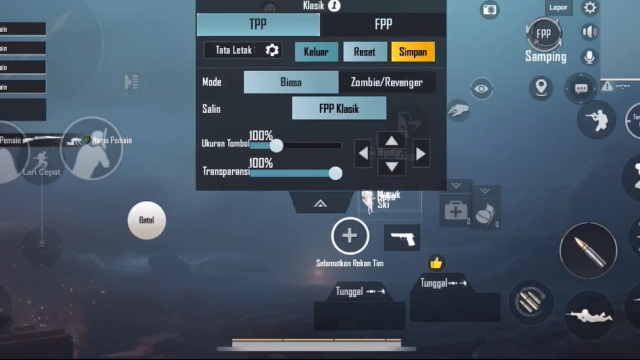
This layout is perfect for mobile gamers who play with both thumbs only. It keeps everything within easy reach: fire button on the left, scope and aim on the right, and movement on the left thumb. The compact design reduces finger stretching, so you can react faster in close encounters. It’s the ideal starting point for anyone transitioning from default controls — just paste the code and enjoy a clutter-free HUD.
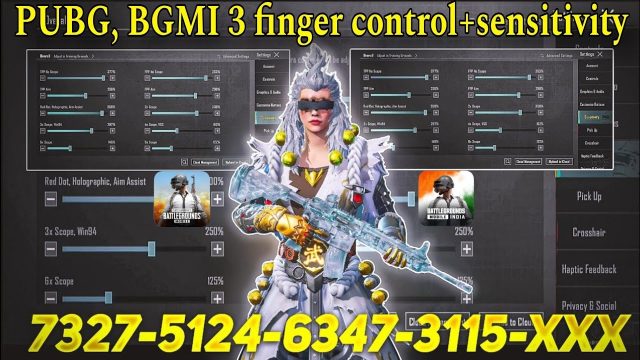
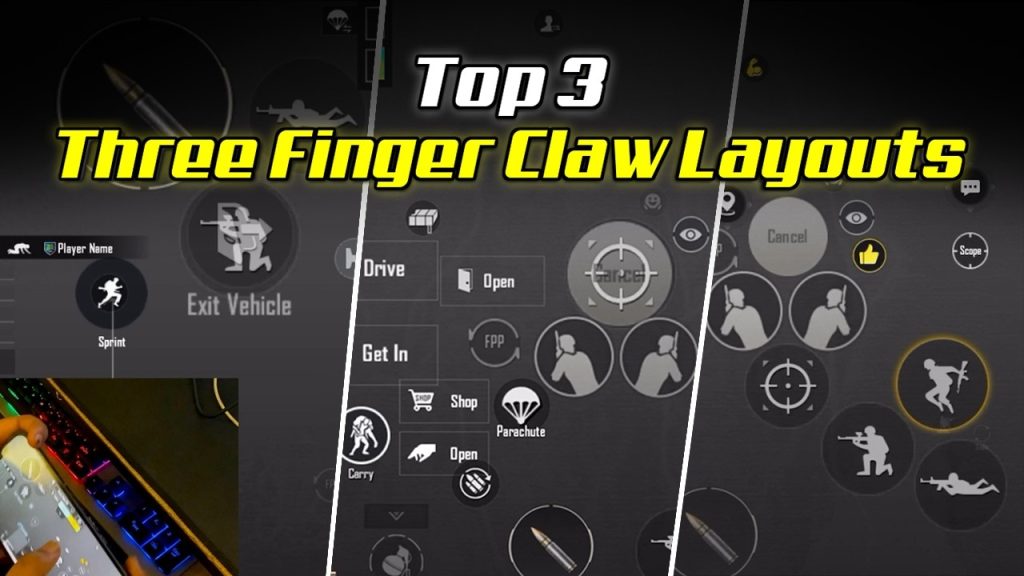
2. 3-Finger Claw (Left Hand Peek) Layout
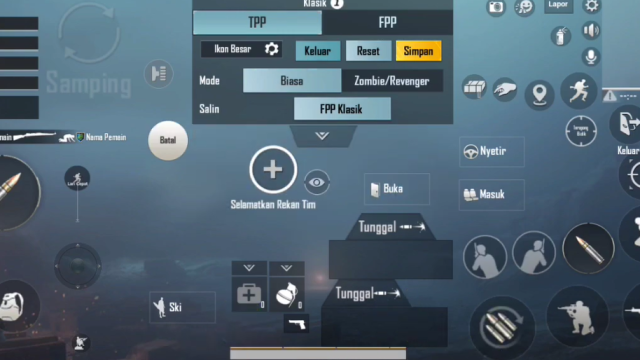
The 3-finger claw is a staple for non-gyro players who want to peek and shoot simultaneously. This setup places the left fire button on the top-left corner, freeing your left thumb for movement while your right thumb handles aim and scope. The peek buttons are mapped to the top edge of the screen, allowing you to jiggle peak without losing aim. It’s a huge upgrade over default and one of the most popular control codes for non-gyro players.
3. 4-Finger Claw with Jitter Aim Fix
If you’re serious about recoil control without gyro, the 4-finger claw is your best friend. This layout adds a dedicated fire button for your left index finger while your right index handles scope. The trick is the jitter aim fix: slightly larger button sizes for the fire and scope buttons prevent accidental misses and stabilize your crosshair during sustained fire. Pair it with medium sensitivity and you’ll be spraying M416s like a laser.
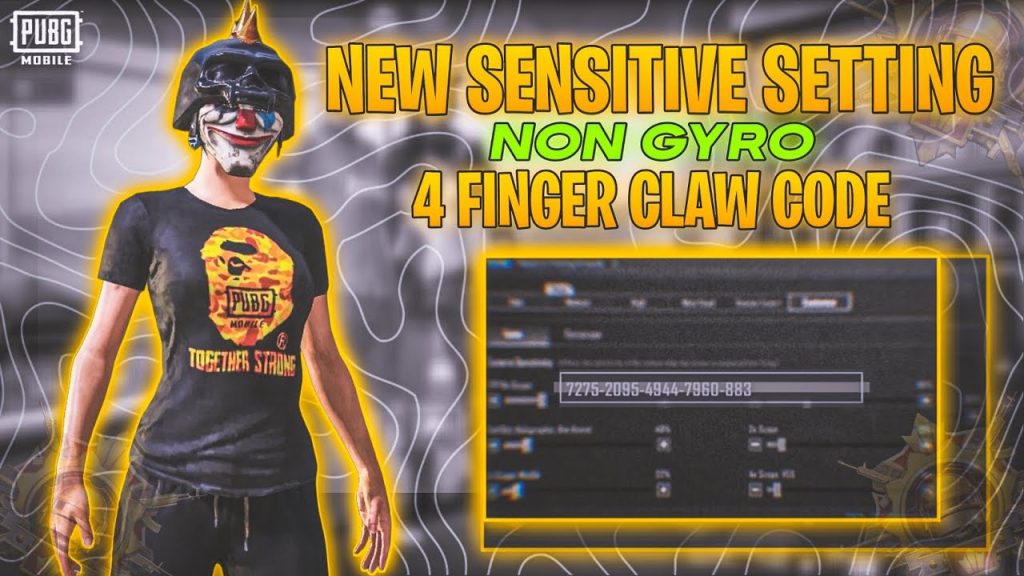
4. No-Gyro Recoil Control Code for M416
The M416 is the most versatile AR in PUBG, but its recoil can be tricky without gyro. This control code adjusts the fire button placement and scope sensitivity to help you drag down naturally while spraying. The layout also increases the button opacity so you can see the recoil pattern better. Combined with the right sensitivity settings (included in the code), you’ll land more shots at medium range. For more M416-specific tweaks, check out our dedicated PUBG control codes for M416.
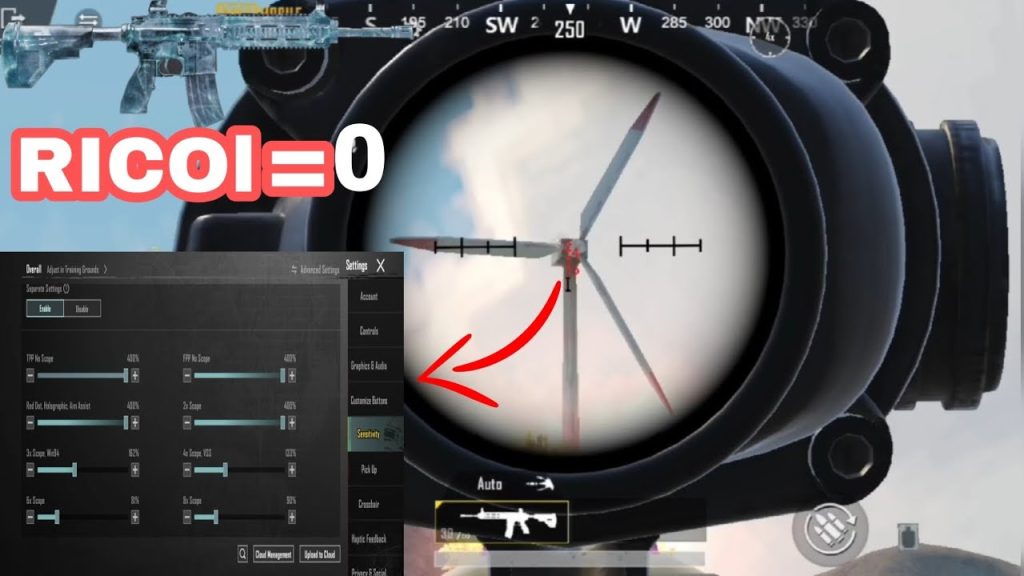
5. Hip-Fire Mastery Layout for Close Quarters
Hip-fire is king in buildings and tight spaces, and this control code is built for that. It enlarges the fire button and moves it slightly lower, so your thumb naturally rests on it. The scope button is minimized to avoid accidental ads in close quarters. Even without gyro, you’ll be able to track targets smoothly thanks to the high camera sensitivity. It’s a must-try for aggressive players who love shotguns and SMGs.
6. Medium Sensitivity Non-Gyro Code
Not sure what sensitivity to use? This control code comes pre-set with a balanced medium sensitivity that works for most non-gyro players. It gives you enough speed to turn quickly while retaining precision for aiming down sights. The button layout is a standard 3-finger claw, but the real magic is the fine-tuned ADS sensitivity slider. You can instantly paste this code and start fragging without fiddling with settings. It’s one of the most shared PUBG mobile control codes list entries.
7. 5-Finger Non-Gyro Layout (Advanced)
For players who have mastered the 4-finger claw, the 5-finger layout adds a prone button for your left ring finger and a crouch button for your right ring finger. This allows you to drop shot and crouch spam without lifting your aiming thumb. It’s demanding on finger coordination but gives you a massive advantage in gunfights. If you’re ready to level up, this is the ultimate non-gyro control code. Pair it with 6-finger control codes for even more advanced setups.
8. Scope Only Gyro Assist (Hybrid Non-Gyro)
This layout is for non-gyro players who still want a little help with scoped aiming. It enables gyro only when you’re ADS, leaving hip-fire completely gyro-free. This hybrid approach lets you use motion for fine-tuning long-range shots while keeping your close-range feel unchanged. The control code includes separate sensitivity for gyro ADS, so you can dial it in without affecting your normal gameplay. It’s a smart middle ground for players who hate full gyro.
9. Low Sensitivity Precision Layout
If you prefer sniping and DMRs, this low sensitivity layout is for you. It reduces your overall camera and ADS sensitivity to give you pixel-perfect aim. The fire button is placed on the top left for claw users, and the scope button is slightly offset to avoid accidental touches. This code is excellent for long-range engagements where every shot counts. For more precision, you can also apply button size hacks to make key buttons even larger.
10. All-Rounder Non-Gyro Code
Can’t decide? This all-rounder layout is designed to work in every situation. It uses a 4-finger claw with moderate sensitivity, minimal button overlap, and intuitive placement for movement, scope, fire, and peek. The code is heavily based on pro player layouts but tweaked for non-gyro comfort. It’s the best starting point if you want to try a single code that covers everything from close combat to long-range sprays. Simply copy it and jump into Classic or Metro Royale.
There you have it — 10 PUBG control codes that prove you don’t need gyroscope to be a threat. Whether you’re a thumb player just starting out or a claw veteran looking for an edge, these layouts cover every playstyle. Remember, the best layout is the one that feels natural to you, so don’t be afraid to tweak button sizes and positions after applying a code. For more control codes and sensitivity settings, explore our full collection of PUBG mobile control codes list. Happy hunting!