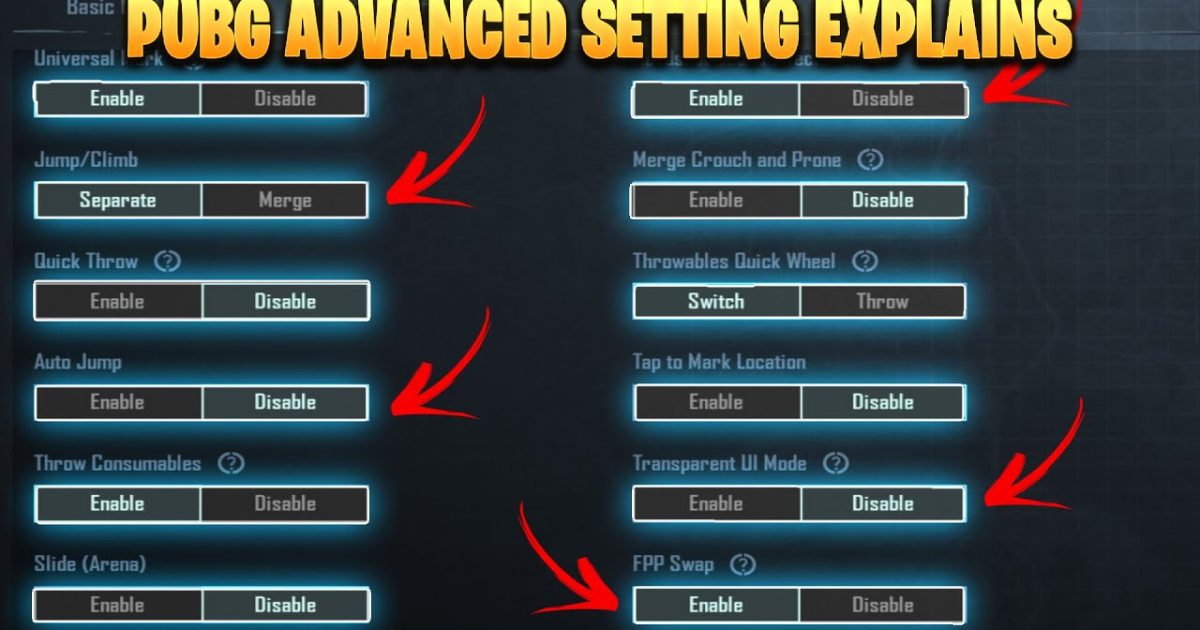
So you’ve mastered the basics of PUBG Mobile—now it’s time to level up. Advanced control codes let you fine-tune every button, sensitivity, and gyro setting to match your playstyle. I’ve hand-picked 8 pro layouts that cover everything from 4-finger claw to iPad dominance. These aren’t generic codes; each one is battle-tested by top players. Ready to copy, paste, and dominate? Let’s get into it.
1. 4-Finger Claw with Gyroscope – The All-Rounder
This layout is the gold standard for competitive PUBG Mobile. You use your index fingers for ads and fire, thumbs for movement and looting, and enable gyroscope for fine aim control. The key is placing your ADS button near your left index and fire button near your right index. Gyro sensitivity should be around 300% for vertical and 150% for horizontal. This combo gives you snappy peak-shots and smooth spray control. If you want a deeper dive into setups like this, check out our advanced control codes guide.
2. 5-Finger Claw for Left Peek Fire
Adding a fifth finger (usually the left middle) opens up dedicated buttons for leaning and peek-firing. The 5-finger layout code places left peek and right peek on the top corners, allowing you to strafe and shoot without lifting your thumbs. This is insane for close-range battles. Many pros use this to win 1v3s in tight compounds. If you need a ready-to-use layout, our 5-finger layout code page has several options you can import directly.
3. 6-Finger iPad Layout with Dedicated Scope
iPad players have the real estate to run a 6-finger setup. This layout uses all six fingers: two per side for movement, aim, lean, and actions. The key addition is a dedicated scope button (separate from ADS) for quick 8x zoom. By mapping scopes to a thumb, you can toggle magnification mid-gunfight. Combine this with a high DPI setting and you’ll out-snipe anyone. For more iPad-specific tweaks, check out our iPad gaming articles.
4. 3-Finger + Gyro for Aggressive Push
Don’t want to go full claw? This 3-finger layout uses left thumb for movement, right thumb for aim, and right index for fire. Gyroscope compensates for the missing finger, handling recoil control and fine adjustments. It’s perfect for aggressive SMG players who love hip-firing. Crank the gyro sensitivity to 400% and set your fire button to the top right corner for easy reach.
5. Custom ADS Button Placement for Quick Scoping
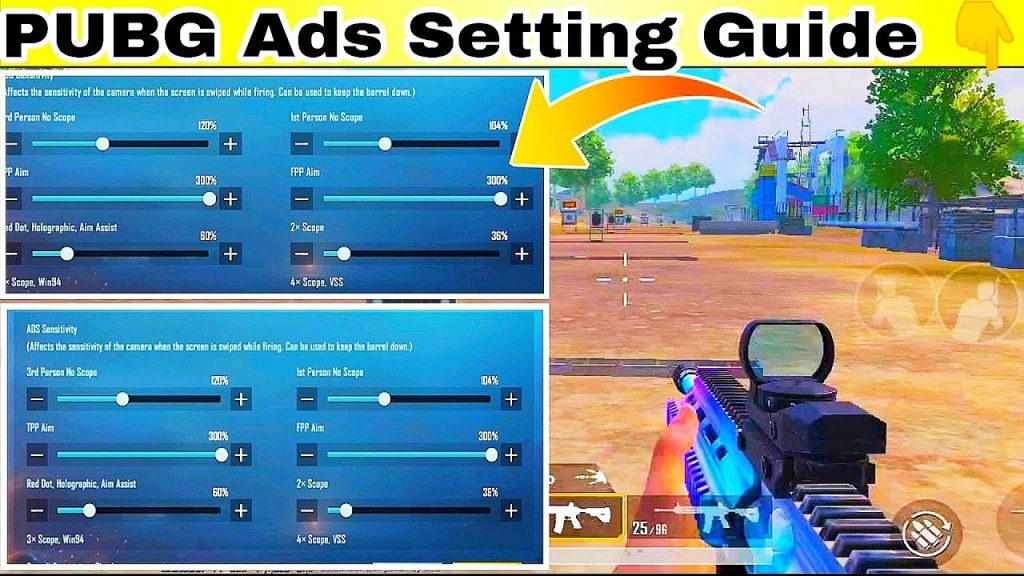
Standard ADS buttons are often too small or misplaced. In this code, the ADS button is enlarged to 150% and placed exactly where your thumb rests. The scope button is separate and smaller, sitting above the fire button. This lets you quick-scope without missing a beat. Pair it with our spray control codes to keep your crosshair on target.
6. Jump-Shot and Drop-Shot Mapping
Jump-shots and drop-shots are essential for disorienting enemies. This layout maps jump to a top corner button (index finger) and prone to a thumb button near the fire button. The timing is everything—jump-fire then crouch mid-air to land a clean headshot. Our jump and shoot codes page has presets that automate the sequence, so you can focus on aim.
7. Spray Control Layout for AKM
The AKM kicks like a mule, but this layout tames it. Increase the vertical sensitivity for the camera while keeping ADS sensitivity moderate. Place the fire button high on the right side so your finger pulls downward naturally. Add a gyroscope with 500% vertical for micro-corrections. This pairing lets you laser enemies at 200 meters. If you main the AKM, grab our AKM spray codes for a copy-paste solution.
8. Optimized Mini-Map and Peek Buttons
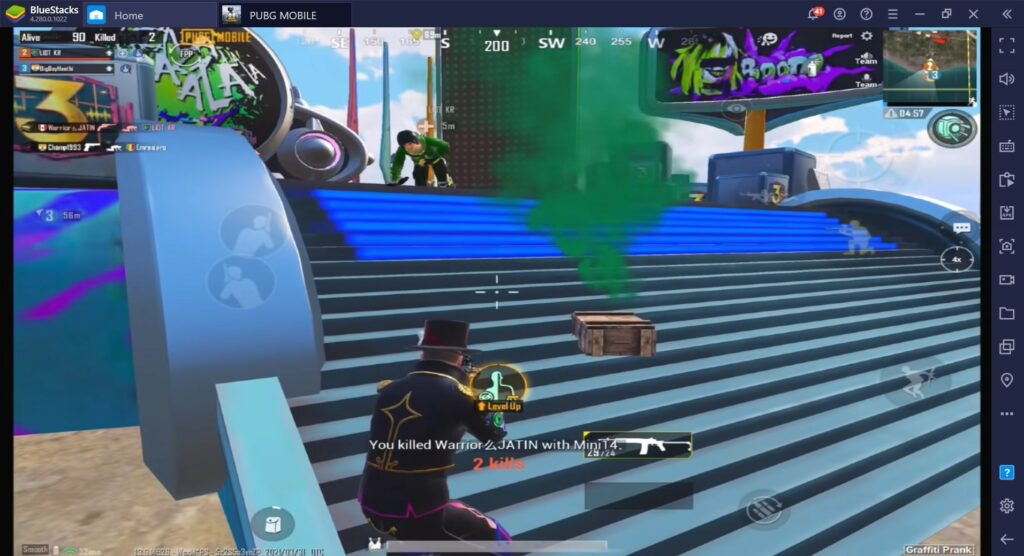
Many players ignore the mini-map size and peek button placement. This code expands the mini-map to 160% and places it bottom-center, so you can glance at enemy positions without moving your eyes. Peek buttons are moved to the top edge, activated by index fingers. This reduces clutter and gives you faster reaction times when holding angles. For general Android layouts, check out our best PUBG control codes for Android page.
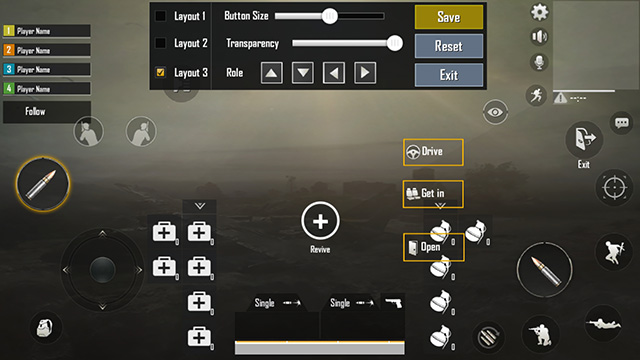
There you have it—8 advanced PUBG control codes that cover every playstyle from claw to gyro to iPad. The best part? You can copy-paste these codes directly into your settings, tweak a few sensitivities, and instantly play like a pro. Start with the 4-finger claw if you’re new to advanced layouts, then experiment with the others. Master these, and you’ll be the one controlling the circle, not running from it. Now go drop that chicken dinner.