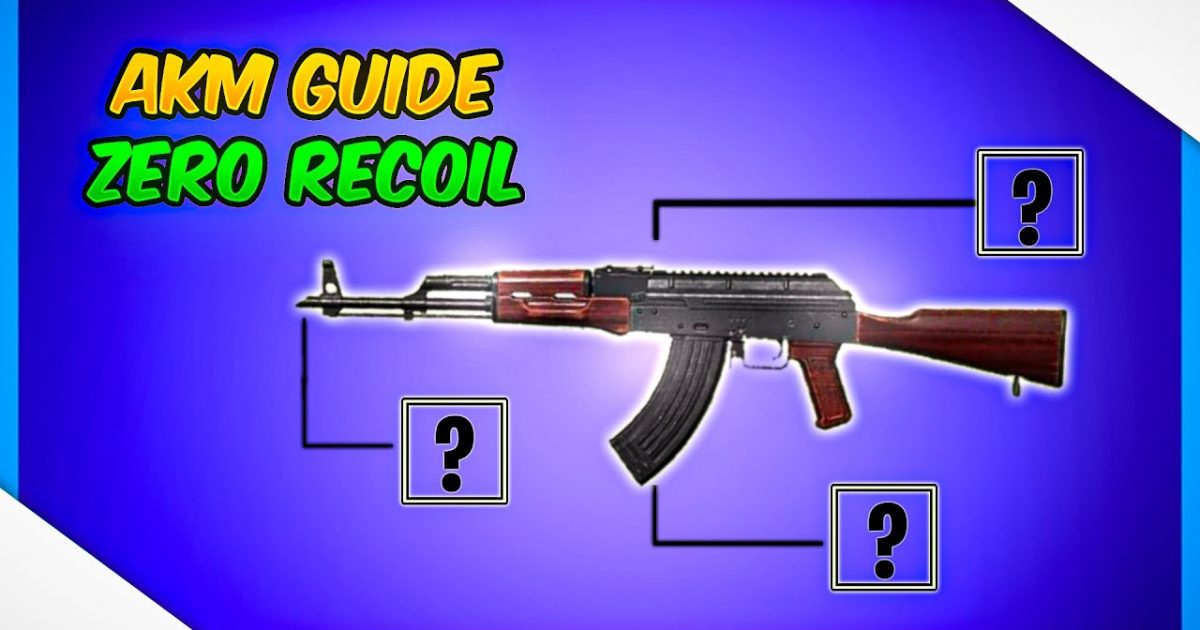
The AKM is a beast—high damage, but brutal recoil that punishes even the slightest slip. While most players blame the gun, the real secret lies in your control layout. After testing dozens of community layouts and pro settings, I’ve narrowed down the top 8 PUBG control codes specifically for AKM spray control. These aren’t just generic tweaks; each code is optimized to tame that vertical bounce and keep your crosshair on target. Whether you’re a claw god or a two-thumb grinder, there’s a code here that’ll make your AKM spray feel like a laser. Let’s dive in.
1. Gyroscope-Assisted Spray
The gyro is your best friend for controlling vertical recoil. By tilting your device downward as you fire, you can counteract the AKM’s upward climb without fighting against your thumb. The key is sensitivity—too high and you’ll overcorrect, too low and it won’t help. This code sets your gyro ADS sensitivity to 300% for red dot and 2x scopes, with a moderate global gyro of 200%. Many pro players swear by this method, and once you get used to the tilt, you’ll hit those long-range sprays consistently. For a deeper dive into gyro-based layouts, check out our spray control codes guide.
2. 4-Finger Claw Layout for AKM
The 4-finger claw gives you the ability to fire, aim, peek, and adjust your joystick simultaneously. For the AKM, this means you can hold down the fire button with your index while controlling your aim with your thumb. This layout places the fire button on the top left (index finger) and the ADS button on the top right (index), freeing your thumbs for movement and gyro fine-tuning. The code includes a 40% increase in fire button size to prevent mis-taps during intense spraying. It’s a popular setup among competitive players and works brilliantly with control codes for Android devices that support high polling rate.
3. 3-Finger Compact Spray
If 4 fingers feel too cramped, a 3-finger claw (middle finger for fire, index for ADS, thumb for movement) is a sweet spot. This code maximizes your ability to spray while maintaining mobility. The trick is to shrink your joystick area slightly and move the fire button to the top left corner. With the AKM’s recoil pattern, you’ll need to pull down gently—this layout gives your thumb a clearer path to do so. Many players confuse this with two-finger setups, but the extra finger on ADS makes a huge difference. For ready-to-use configurations, browse our copy-paste codes.
4. Two-Thumb Spray (Optimized for Mobile)
Yes, you can tame the AKM with just two thumbs—if your layout is right. This code focuses on extreme button clustering: place the fire and ADS buttons right next to each other on the right side, with a small separation to avoid misclicks. The joystick is enlarged to 120% on the left for smoother movement while spraying. The real magic is in the ADS sensitivity—set to 90% so you can drag down quickly without overshooting. It’s a minimalist approach that works surprisingly well for medium-range spray, and it’s perfect for players who prefer two-finger setups over claw.
5. Custom DPI Joystick Settings
The AKM’s horizontal recoil is often overlooked. A larger joystick deadzone can help stabilize your aim by preventing accidental jitter. This code tweaks your joystick’s DPI—set to 80 for movement and 60 for aiming—so small corrections come naturally. The result is smoother tracking when spraying moving targets. Many players ignore joystick size, but adjusting it can dramatically improve your spray control without changing your entire layout. Combine this with a high vertical sensitivity multiplier for the best results.
6. ADS Sensitivity Tweak for AKM
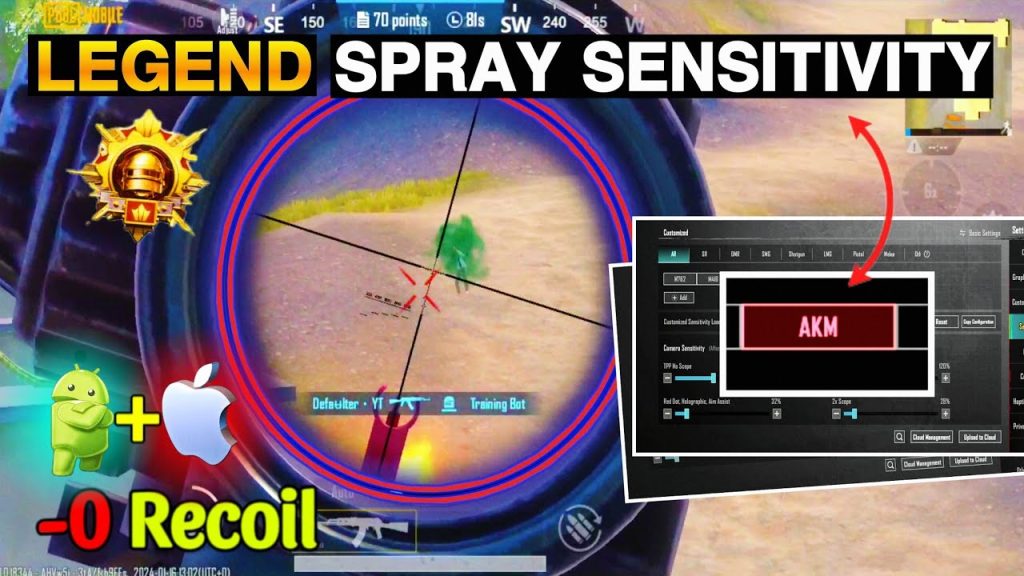
The default ADS sensitivity often feels too slow for the AKM’s recoil. This code bumps your 3x scope ADS sensitivity to 40% and 4x to 35%, while keeping red dot at 50%. The idea is to allow quick recoil compensation without sacrificing precision. If you’re using a 6x scope with the AKM (common for single-tap spraying), set the 6x ADS to 30%. This setup is tested across various devices and pairs nicely with the M762 spray codes for those who switch between assault rifles.
7. Fire Button Placement & Size
Your fire button shouldn’t be an afterthought. For the AKM, where sustained fire is key, a larger button reduces finger fatigue and improves reaction time. This code sets the fire button to 150% size and moves it slightly lower on the right side so your thumb rests naturally. The ADS button is placed just above it with a 10% gap. This placement works with both claw and thumb styles. Remember, you can always tweak the opacity—set it to 60% to avoid visual clutter. For more ideas, learn about sharing codes with friends who struggle with the same layout.
8. Scope Sensitivity Control for Recoil Recovery
The AKM’s spray pattern requires you to recover from horizontal drift after the first few bullets. This code reduces your vertical sensitivity multiplier to 0.8 for 2x and 3x scopes, forcing you to rely more on gyro or hand adjustment. The payoff is tighter bullet grouping during sustained sprays. It’s an advanced tweak that many pro players use, especially when paired with a high fire rate. Experiment with different scope sensitivities to find your sweet spot, and don’t forget to test in the training ground first.
There you have it—8 control codes that’ll transform your AKM from a wild horse into a precision tool. Each layout targets a different aspect of spray control, from gyro assistance to scope adjustments. The best part? You can mix and match these ideas to create your own ideal setup. Start with the code that matches your playstyle, then fine-tune it in the training ground. Remember, no single code works for everyone, but these are battle-tested by the community. Now go drop some 8-kill games with that AKM spray!



