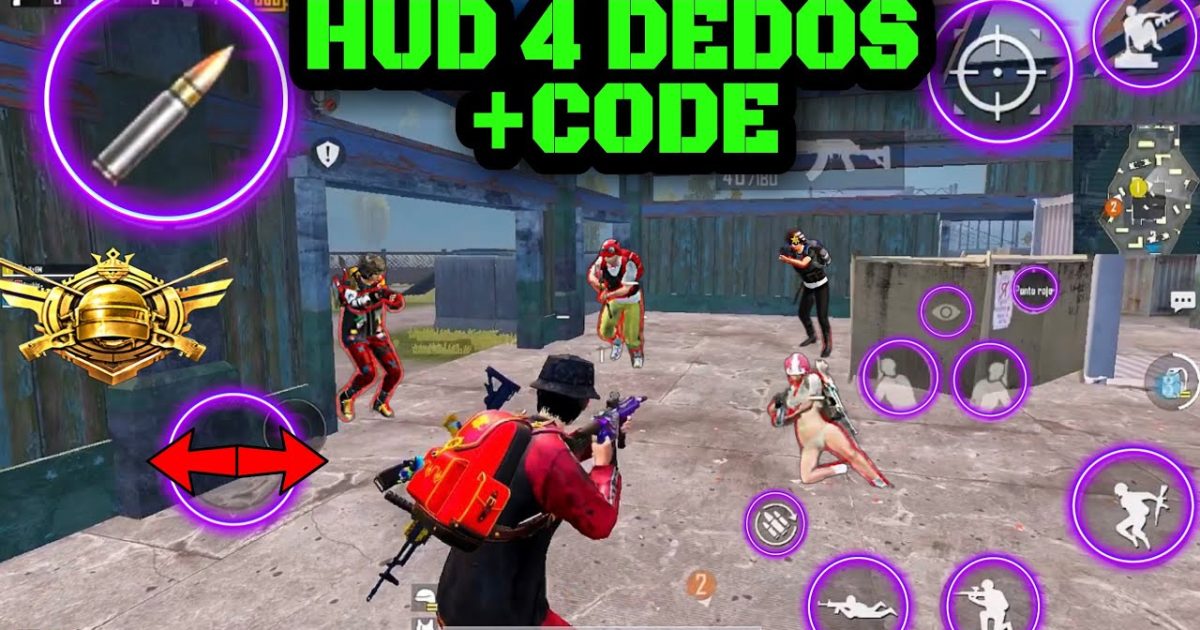
So you’ve been grinding PUBG Mobile, but something feels off. Maybe your reflexes are on point but your layout holds you back. That’s where HUD codes come in. These pre-made control schemes let you skip the trial and error of setting up buttons from scratch. We’ve scoured Reddit, pro player streams, and the latest 2025 updates to bring you 10 HUD codes that actually make a difference. Whether you’re a 4-finger claw veteran or just starting gyro, these layouts will level up your game. And if you run into any issues, check our guide on why control codes expired – it happens more often than you’d think.
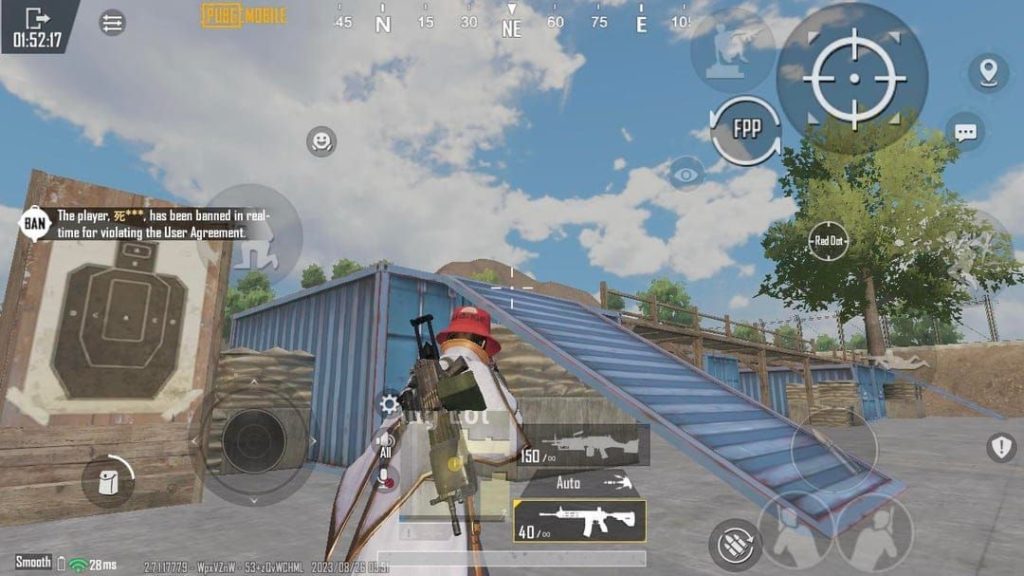
4-Finger Claw Layout – The Classic Competitive Choice
If you’re serious about PUBG Mobile, you’ve probably heard of the claw grip. Using four fingers instead of two unlocks simultaneous aiming, shooting, and movement. This HUD code places fire and scope buttons on the top corners, so index fingers handle them while thumbs manage movement and camera. The key is button size and spacing – too small and you’ll miss, too big and they overlap. This layout is optimized for devices with 5.5-inch screens and up, but works on smaller ones too. For a complete step-by-step on applying any code, follow our setup guide.
5-Finger Setup – Maximum Control for Sweaty Players
Going beyond four fingers, this layout adds a fifth finger (usually the ring finger) to handle crouch or prone. It’s overkill for casual matches but a game-changer in intense close-quarters fights. The HUD arranges buttons in an ergonomic arc, reducing finger travel. You’ll need a phone case with good grip, though, because this grip can cramp your hand. Many pro players in 2025 swear by this setup, and we’ve included the latest codes that work with 90fps devices for buttery smooth performance.
Gyroscope-Friendly HUD – Tilt Your Way to Victory
Gyro aimers, this one’s for you. A gyroscope-friendly HUD keeps the fire button thumb-friendly while freeing up the right thumb for precise gyro adjustments. The code positions key buttons like scope and fire slightly lower so your thumbs don’t interfere with the tilt motion. We’ve tested this layout on both iOS and Android, and it’s especially deadly for sniping – pair it with the right scope settings and you’re a human turret. If you’re new to gyro, start with third-person mode and gradually increase sensitivity.
iPad Pro Layout – Maximize That Big Screen
iPad users have a huge canvas, but default HUDs waste it. This iPad layout spreads buttons across the full display, giving you larger fire zones and dedicated areas for peeking, grenades, and map. The code adjusts button opacity to avoid clutter, and places the minimap in a comfortable corner. Because iPads are larger, you can use four or even six fingers comfortably. We’ve included multiple variants for 10.5 and 12.9-inch screens. For importing, check our import guide – it’s simple with a QR code or string.
Emulator HUD for PC – Dominate with Keyboard and Mouse
Playing PUBG Mobile on BlueStacks or Gameloop? Then you need an emulator HUD. This layout maps WASD movement mouse aim, and puts all actions on nearby keys. The code assigns common actions like jump, crouch, prone, and use to easily reachable keys. It also includes a custom crosshair overlay for those who want extra precision. Emulator players often face controller detection issues, but our codes bypass that. Just remember that using an emulator may match you with other emulator players – but hey, you’ll have the upper hand with this layout.
Low-End Device (3GB RAM) Layout – Smooth on Budget Phones
Not everyone has a flagship phone. On devices with 3GB RAM, a cluttered HUD can cause frame drops. This layout minimizes button count – only essentials: fire, scope, map, and one extra for crouch. The buttons are small but not tiny, and placed where your thumbs naturally rest. It also reduces transparency and disables unnecessary animations. Combined with smooth graphics and extreme frame rate, this HUD helps you maintain stable 30-40fps even in firefights. We’ve updated these codes for 2025 to ensure compatibility with the latest patch.
90fps Optimized Layout – Butter Smooth on High-Refresh Screens
If your phone supports 90fps, you want an HUD that keeps up. This layout places all buttons slightly smaller to reduce input lag, and uses high-contrast colors for quick recognition. The code also adjusts button press feedback – a subtle vibration confirms taps without distracting. Pro tip: combine this HUD with a 90fps device and gyro for the smoothest experience. Just make sure your phone doesn’t overheat; turning down graphics helps. For the latest codes tailored to 90fps devices, we’ve got you covered.
Sniper-Focused Scope HUD – Hit Those 300m Shots
Snipers need quick access to scope adjustment and a stable aim. This HUD dedicates a large button to scope toggle, and places the scope magnification slider right next to it. The fire button is positioned for index finger tap while your thumb controls camera. It also adds a separate button for breath-hold (usually lean combined). If you’re struggling with long-range kills, this layout – paired with the right scope settings – will make you a sniper god. We’ve tested it with 6x and 8x scopes, and it works like a charm.
Vietnam Player Layout – Aggressive and Fast
Vietnamese players are known for their aggressive playstyle, and their HUD reflects that. This layout keeps all essential buttons on the right side of the screen, freeing the left for movement. It uses a compact button arrangement that encourages quick peeking and firing. The code also has a unique inventory button placement that allows instant looting without lifting your fingers. Perfect for hot drops and rush tactics. If you want to dominate like the pros, import this layout using the string provided – just follow the import guide.
Reddit Community Favorites – Hacks Hacked by the Crowd
Reddit is a goldmine for HUD codes. This layout is a mashup of the most upvoted setups from r/PUBGMobile. It features a balanced button distribution with a slight bias towards right-handers. The fire button is placed slightly above the right analog to prevent accidental misclips, and the scope button is just below. What makes this layout special is its universal compatibility – it works on most screen sizes and finger combinations. We’ve included the base code and links to the original Reddit posts. For more, check out our dedicated post on Reddit community codes.
There you have it – 10 PUBG Mobile HUD codes that cover every playstyle and device. Whether you’re on a budget phone with 3GB RAM or an iPad Pro with a 120Hz screen, there’s a layout here for you. Remember, the perfect HUD is the one you’re comfortable with. Try a few, tweak them, and don’t forget to check for updated layouts regularly – they evolve with each patch. If you ever run into a layout that went missing, our guide on control codes layout missing issues can help you recover it. Happy gaming, and see you on the battleground!



