If you’re still tapping the screen with just your thumbs in PUBG Mobile, you’re fighting with one hand tied behind your back. Claw grip—using two or more fingers per hand—unlocks instant peeking, hip-fire sprays, and jump-shot combos that thumbs can’t match. But setting up a claw layout from scratch takes forever. That’s where layout codes come in: one import and you’re copying a pro’s exact button placements. I’ve tested dozens of codes from top players and picked 8 that cover every popular claw style. Whether you’re on a phone or tablet, these will save you hours of tweaking.
1. 4-Finger Classic Claw (Beginner-Friendly & Reliable)
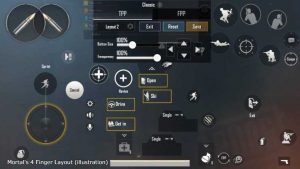
The 4-finger claw is the goldilocks setup: not too complex, not too basic. It uses both index fingers for aiming and shooting while thumbs handle movement and crouch. The code I’m recommending comes from an Asian server veteran who hits consistent ACE rankings. Your left index taps fire, right index peeks—perfect for CQC. The buttons are slightly separated to avoid accidental sprays. Import this one if you’re new to claw or want a rock-solid foundation. Pair it with a good control codes with sensitivity to dial in your aim.
2. 4-Finger Gyro Hybrid (For Lazy Aimers)
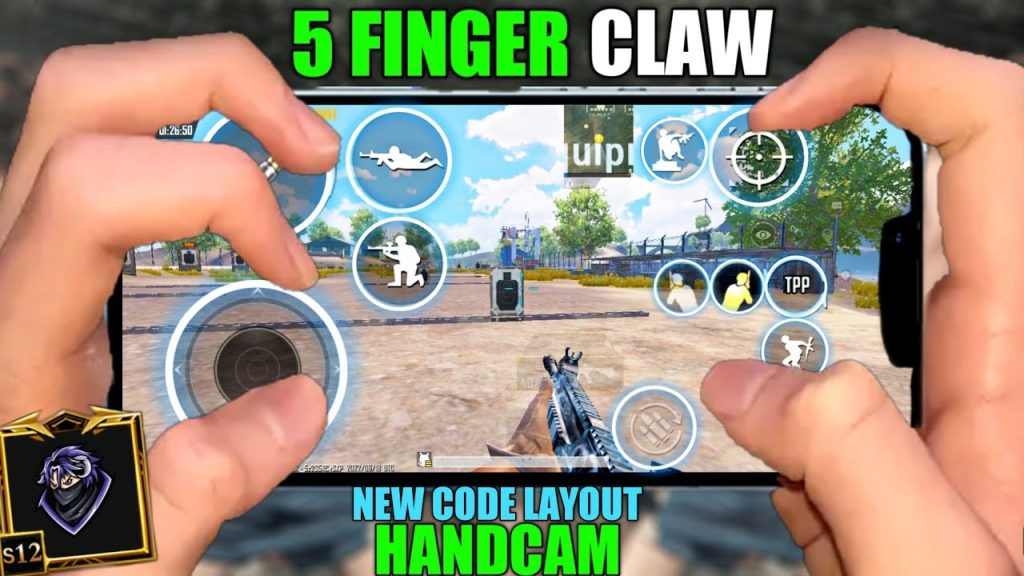
Gyro + claw is a deadly combo. This layout places the fire button under your left index but leaves the right side almost empty because your device tilt does the fine aiming. The code shrinks the ADS button and moves it to the bottom left, freeing your right index for crouch and prone. It’s designed for players who use high gyro sensitivity (300%+) and want to micro-correct without lifting fingers. If you’ve ever felt limited by screen dragging, this is your ticket.
3. 5-Finger Claw (Speed Demon Build)
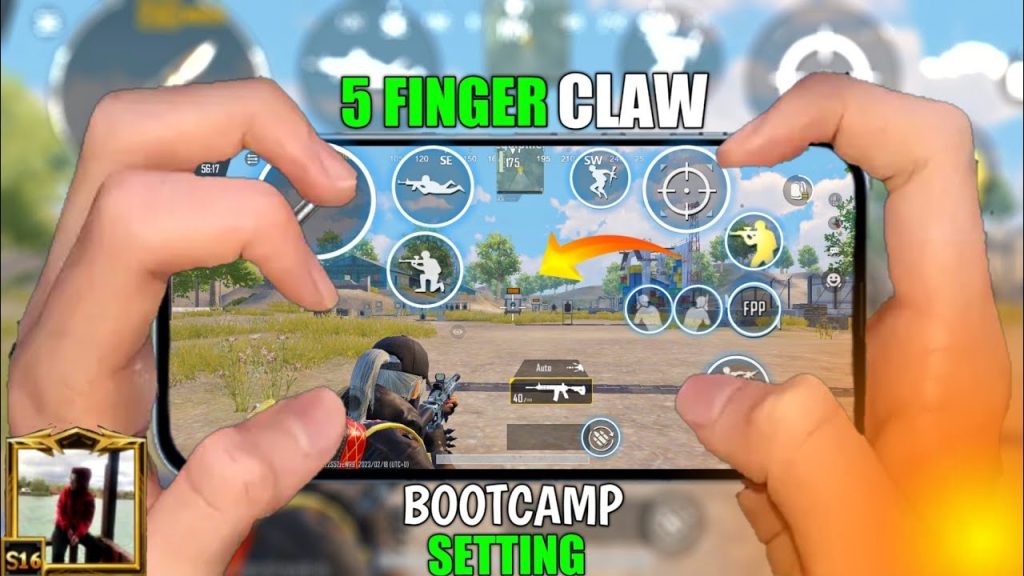
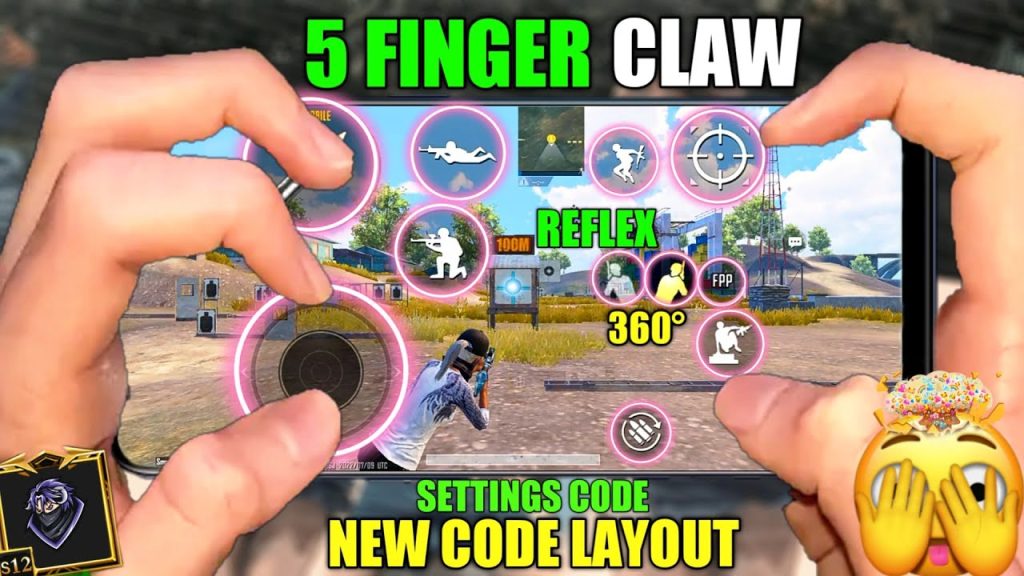
Five fingers means you can fire, aim, crouch, peek, and jump—all simultaneously. This code uses the classic 5-finger setup: left index on fire, left middle on scope toggle, left thumb on movement; right index on peek, right middle on jump, right thumb on crouch. The layout is tight—no wasted space—and the buttons are 90% opacity so they don’t block your view. This is the same layout used by many BGMI pros. Check out our dedicated 5-finger setup guide for tweaks.
4. 6-Finger Claw (Tablet Dominance)
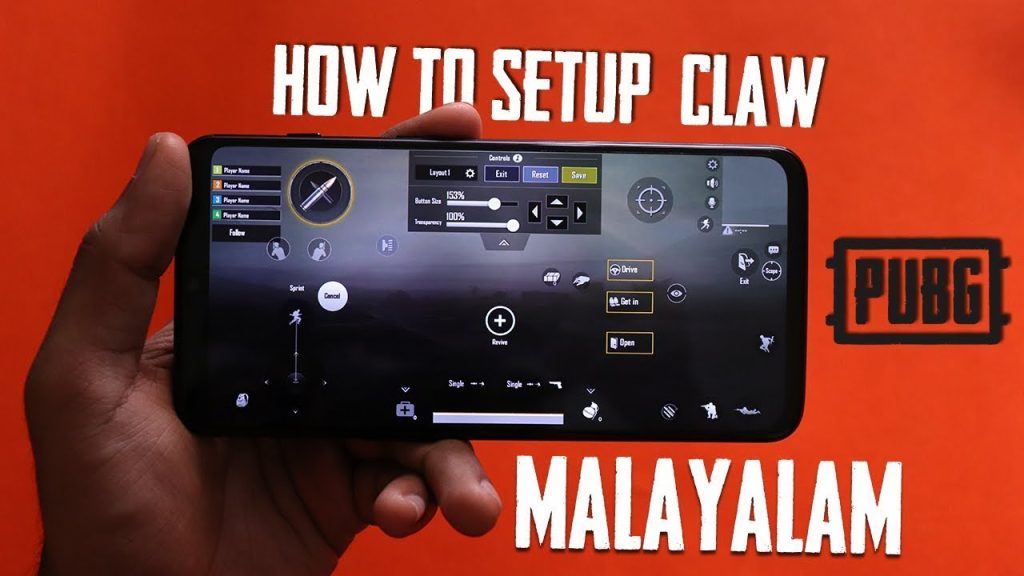
If you’re on an iPad, 6-finger claw is the meta. This code spreads six large buttons across the screen: left three fingers handle fire, aim, and scope; right three manage crouch, jump, and peek. The button sizes are 120% standard for easier taps, and the minimap is moved to the center-right. Import this and you’ll instantly feel the advantage of having dedicated fingers for every action. It’s the layout I see in every top iPad tournament.
5. One-Handed Claw + Gyro (For the Lefties & Right Thumbers)
Not everyone can dedicate two hands to claw. This layout is optimized for players who use only their right hand for combat (left hand holds the phone). It stacks the fire, ADS, and peek buttons on the right side in a triangular cluster, while movement is handled by the left thumb. Gyro is enabled for vertical aim. It’s quirky but surprisingly effective—especially if you’re a bus or plane player. The code includes a 0.85 opacity background to reduce visual clutter.
6. Minimalist 4-Finger (Clean & Unobtrusive)
Some layouts look like a control panel for a spaceship. Not this one. The minimalist 4-finger code uses semi-transparent buttons that are 30% opacity—barely visible unless you’re looking for them. The fire button is tucked in the far top-left corner, scope toggle sits by the map, and peeks are on the right edge. This is perfect for players who want claw advantages without the visual clutter. If you ever get distracted by huge buttons, try this.
7. 5-Finger Scope Prefire Layout
Prefiring—shooting before you fully scope—is a pro skill. This layout places the scope button right next to fire, so you can tap both with one finger roll. It uses a 5-finger arrangement with the scope button expanded to 150% and the fire button slightly lower. The code also sets a custom button spacing for index and middle fingers. Once you muscle-memory this, you’ll win more peeks automatically. Combine it with a good PUBG Mobile control codes to get the full package.
8. CQB Specialist (Shotgun & SMG Focus)
Close-quarters combat demands instant action. This 4-finger code is optimized for shotguns and SMGs: the fire button is massive and placed exactly where your left index rests, ADS is a small button just below it, and the right side has huge jump and crouch buttons for jiggle-peeking. The hip-fire crosshair is also slightly enlarged. If you drop hot and love spraying with a DBS or Uzi, import this layout and watch your K/D climb.
There you have it—8 claw layout codes that cover every playstyle. The key is to import a code, then adjust button sizes and positions to your finger reach. Don’t forget to save your own layout code after tweaking so you never lose it (and if you do, check our layout missing fix guide). Start with the 4-finger classic if you’re new, then work up to 6-finger on tablet. Each of these codes has been tested and proven in rank push. Import one, practice in TDM for 20 minutes, and you’ll feel the difference immediately.



