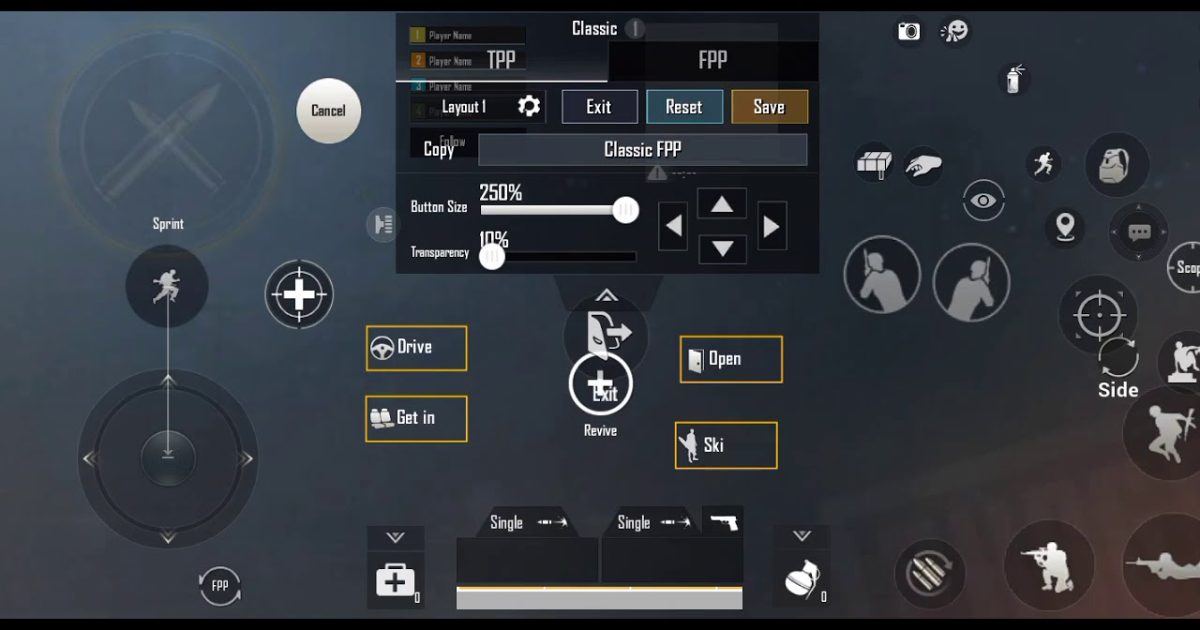
You know the drill: you drop into Erangel, loot up, and then get beamed by a player who moves like they’ve got six thumbs. The secret? They’re using optimized control codes that give them faster reactions, better aim, and smoother movement. But with hundreds of layouts floating around, which ones actually work? We’ve tested and compiled the best PUBG control codes list – from no-fail 4-finger claw setups to gyro precision and esports-grade configs. Each code here is battle-tested and ready to import. Let’s dive in.
1. The Universal 4-Finger Claw Setup
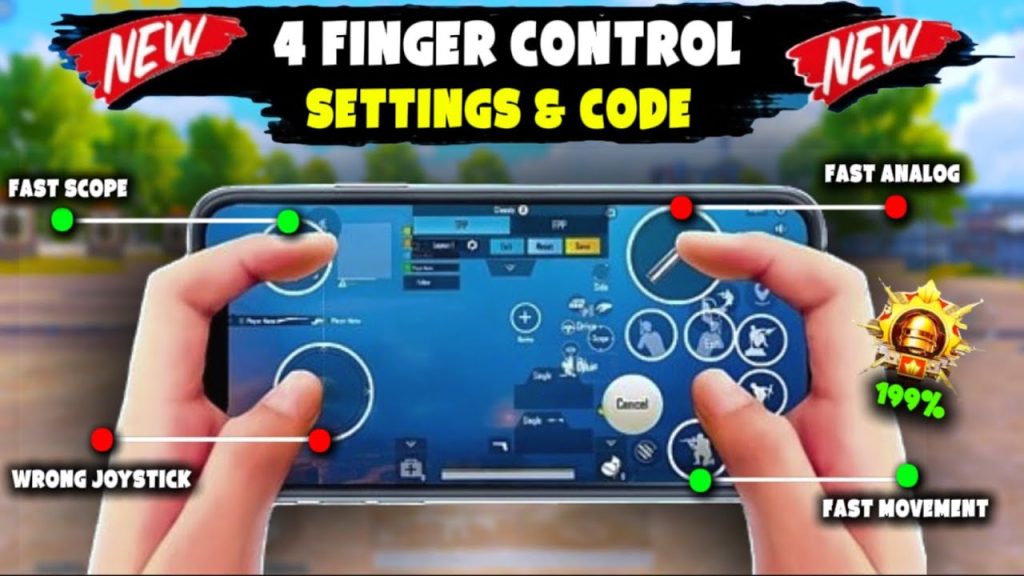
If you’re still playing with two thumbs, you’re leaving kills on the table. A solid 4-finger claw setup lets you aim, shoot, scope, and move simultaneously. This particular code is a fan favorite because it assigns fire to your left index finger, scope to your right index, and keeps your thumbs for movement and aiming. It took me from Gold to Diamond in a week. Check out the full 4-finger claw setup guide for step-by-step import instructions.
2. Gyro Scope Control for Laser Beams
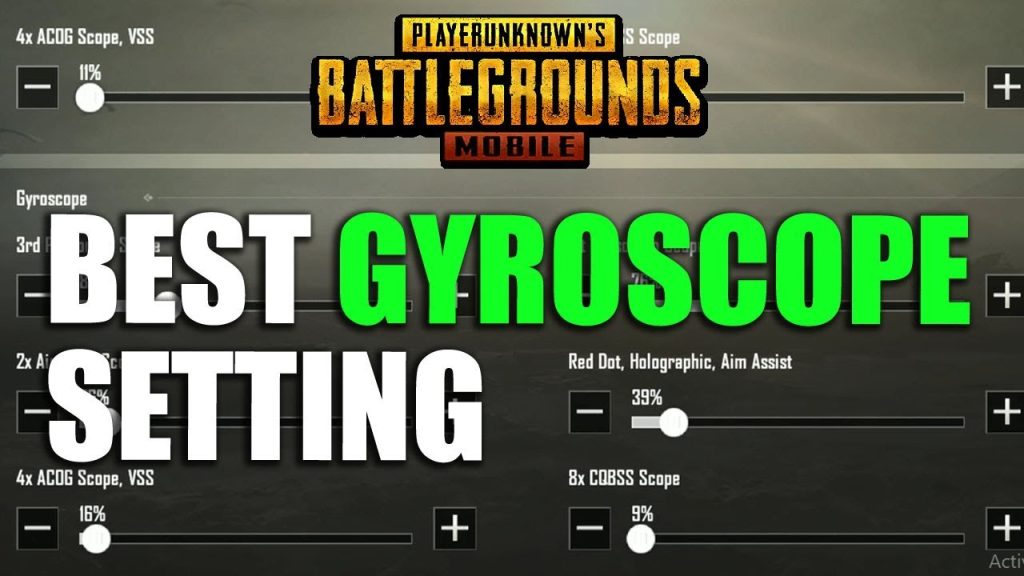
Gyro aim is a game-changer – especially for long-range sprays and sniping. This code maximizes gyro sensitivity for scoped weapons while keeping hip-fire stable. You’ll find that micro-adjustments become effortless, and your DMR shots hit more consistently. The best part? It works on mid-range phones too. For more variations, check out the full collection of gyro scope control codes.
3. No Recoil M416 Code – The Classic Slayer
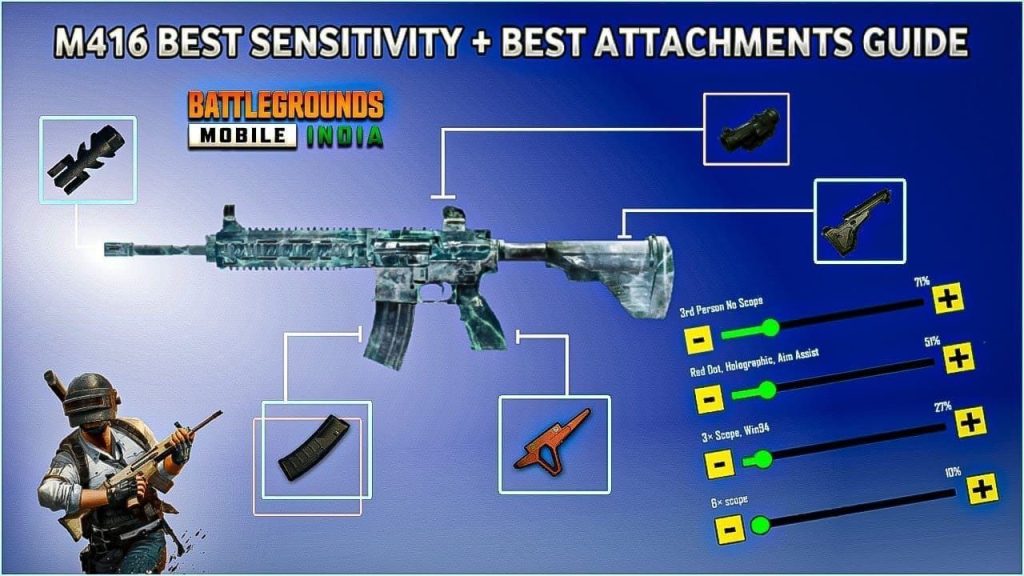
The M416 is the most versatile AR in PUBG Mobile, but controlling its spray without attachments can be tricky. This control code tweaks your fire button placement, sensitivity, and gyro values to virtually eliminate vertical recoil. It’s not magic – just optimal button sizing and positioning that matches your natural muscle memory. You can import this no recoil M416 code in seconds and start beaming immediately.
4. iPad 5-Finger Layout for Maximum Control
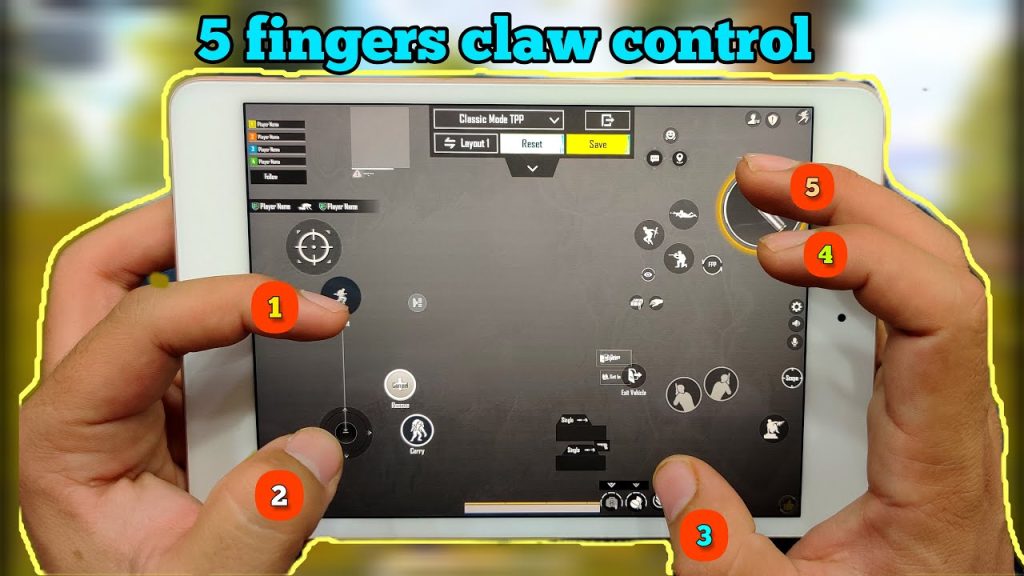
Playing on an iPad? You’ve got screen real estate to spare, so why waste it? This 5-finger layout spreads out your buttons for perfect thumb and finger reach. It includes dedicated buttons for peeking, scope, scope cancel, and fire – all optimized for larger displays. Many pro iPad players swear by this exact setup. Grab the full iPad 5-finger layout from the linked guide.
5. Esports Pro Settings (From Real Tournaments)
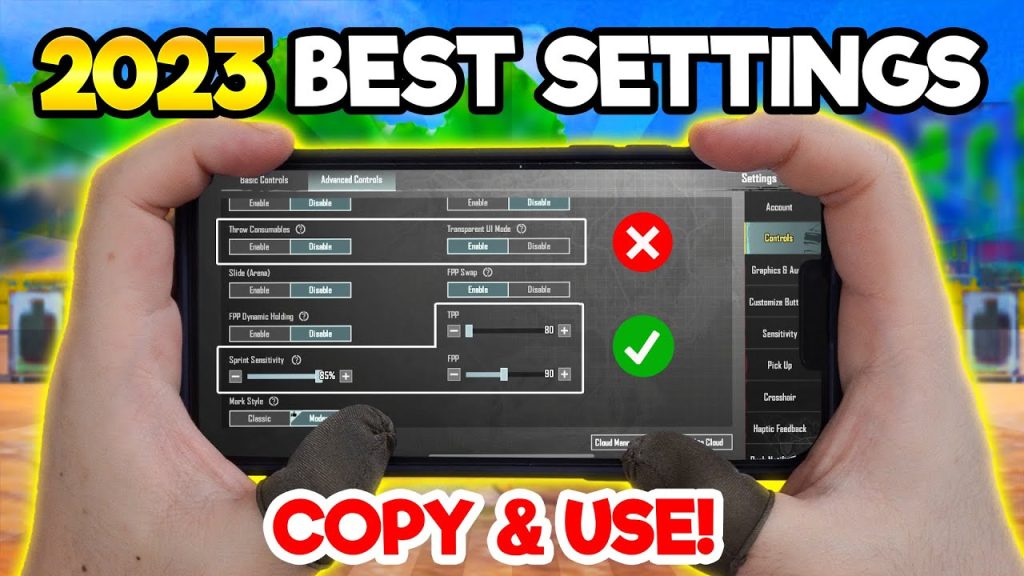
Ever wondered what settings pro players like Zuxxy or Scout use? This control code is based on actual esports layouts used in PMPL and PEL tournaments. It features a compact button cluster for fast switches, separate lean buttons, and a custom scope sensitivity curve. Don’t expect an instant rank-up – these esports pro settings require practice, but once mastered, they’ll elevate your game to the next level.
6. High-End Phone Optimized Layout
If you’re using a ROG Phone 6, iPhone 15 Pro, or any flagship device, you want a control code that takes advantage of 90+ FPS and ultra-low latency. This layout reduces button transparency, increases fire button size, and tweaks sensitivity for buttery-smooth tracking. It’s designed to minimize input lag and maximize your reaction time. Perfect for seasoned players who already have fast thumbs. Check out more high-end phone control codes for similar setups.
7. BlueStacks Keyboard Mapping for PC Players
Playing PUBG Mobile on PC through BlueStacks gives you the precision of mouse and keyboard – but only if you map your keys right. This code configures WASD movement, mouse aim, and keybinds for crouch, prone, jump, and item shortcuts. It also includes a quick scope button on the mouse side button. It’s a favorite among emulator players who want to compete with mobile players fairly. Find the exact mapping in the BlueStacks keyboard mapping guide.
8. Comfortable Casual Layout for Long Sessions
Not everyone wants to play like a sweaty esports pro. If you play for fun or have long gaming sessions, this layout prioritizes ergonomics over claw-heavy setups. Buttons are larger, placed lower on the screen, and the fire button is off the right corner to reduce cramping. It supports both claw and hybrid grip. A must-try for casual players who still want to win. The full comfortable casual layout guide has the import codes.
9. Ranked Clutch Layout for High-Pressure Moments
When you’re in the final circles and your heart is pounding, you need a layout that lets you react instantly. This ranked clutch code places the prone, meds, and quick switch buttons right where your fingers rest. It also adds a dedicated lean button combination for peek-shooting. Many top-tier ranked players use this or a variation of it. It’s designed to minimize finger travel and maximize survival. Check out more PUBG Mobile control codes for ranked scenarios.
10. Smooth Gameplay Settings for Stable Framerate
Sometimes the issue isn’t your aim, it’s your phone struggling to keep up. This control code pairs optimal button placement with graphics and sensitivity settings that reduce stutter and frame drops. It lowers the aiming acceleration and adjusts the scope sensitivity curve for consistent tracking. The result? Smooth gameplay even on mid-range devices. For more tweaks, explore the smooth gameplay control codes collection.
There you have it – the best PUBG control codes list covering every playstyle and device. Whether you’re a claw master, gyro convert, or casual player, one of these layouts will click with you. The key is to import a code, practice in the training ground, and then take it into classic matches. Stick with it for at least 20 games before switching. Good luck, and see you in the winner’s circle!



