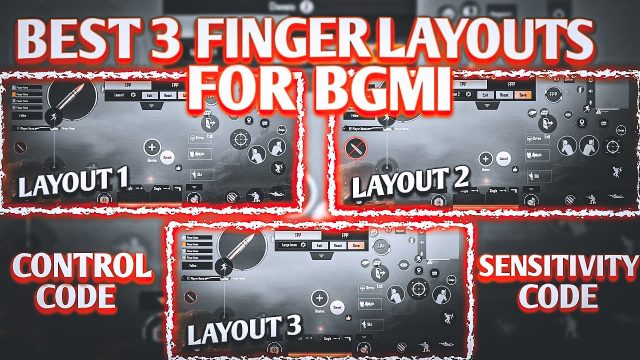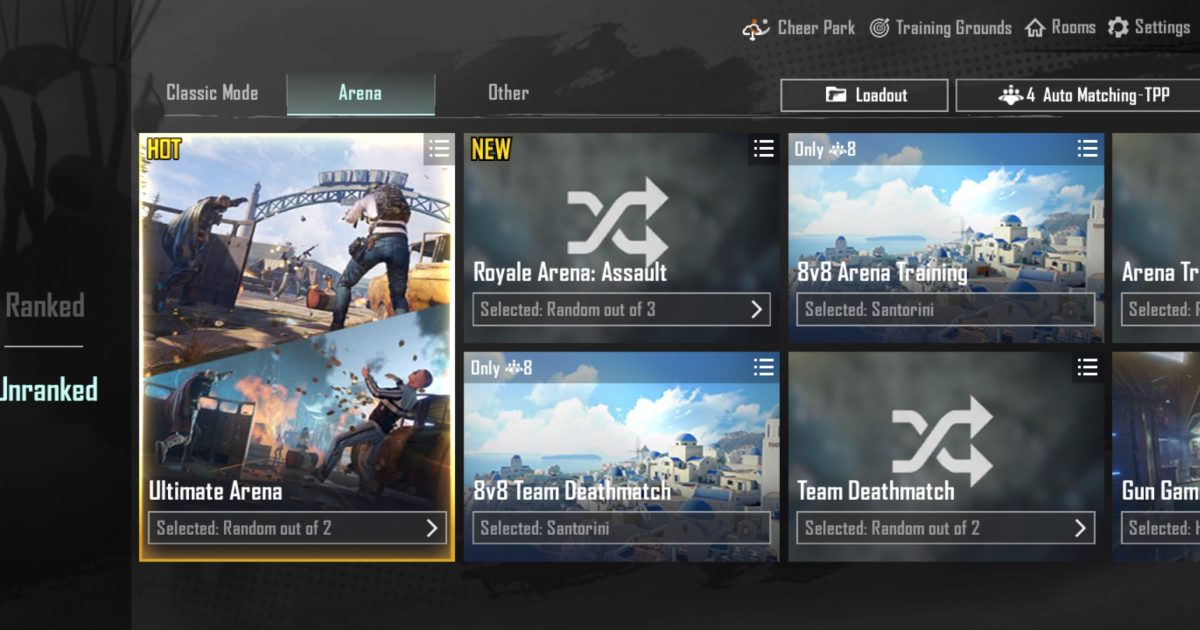
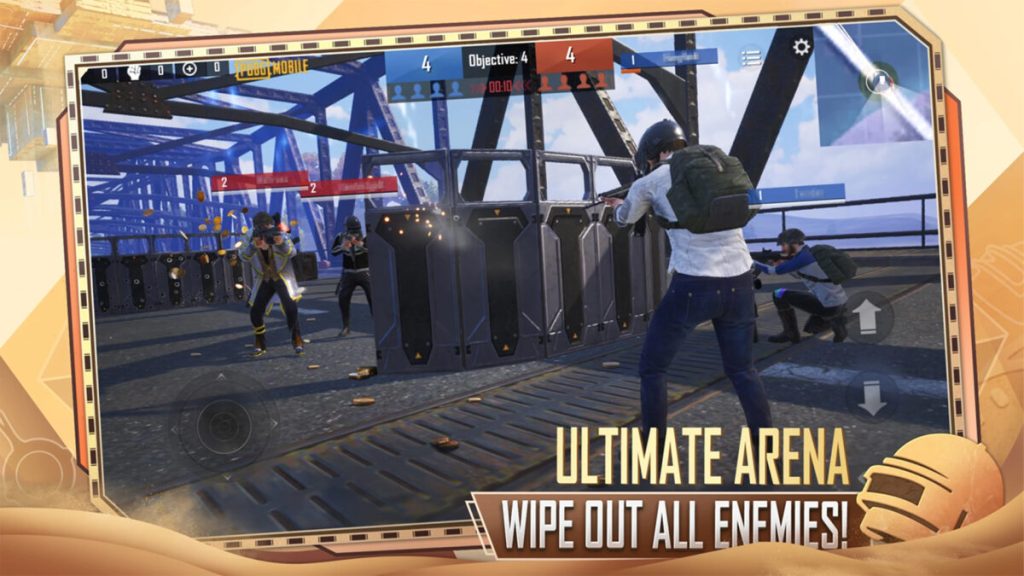
Arena mode in PUBG Mobile is a totally different beast compared to classic. It’s fast, frantic, and demands split-second decisions. If you’re still using a default two-thumb layout, you’re basically fighting with one hand tied behind your back. That’s why we’ve curated these 7 control codes specifically for arena mode — each one tested in TDM and Domination to give you the edge. We looked for layouts that prioritize speed, mobility, and quick peeking, because those are the skills that win arena fights. Whether you’re a claw player, a gyro enthusiast, or somewhere in between, there’s a code here that’ll level up your game.
1. 4-Finger Claw: The Arena Standard
If you haven’t switched to claw yet, arena mode will make you wish you had. This 4-finger layout puts your index fingers on the aim and fire buttons, freeing your thumbs for movement and peeking. It’s the go-to for pro arena players because it lets you jiggle peek, crouch spam, and aim down sights without lifting a finger. We’ve pulled this one from our collection of claw layout codes — it’s optimized for devices with a 6.5-inch screen or larger. The buttons are slightly spaced to avoid accidental presses, and the peek buttons are placed right where your index fingers naturally rest. Import it and try a few warm-up matches in the training ground to get the muscle memory down.
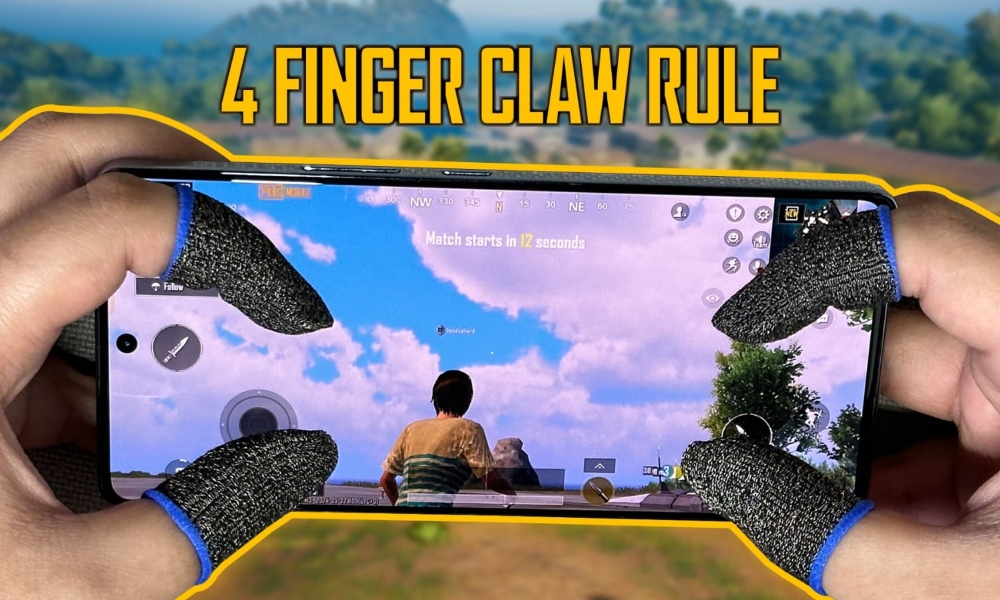
- Left index: ADS + peek left
- Right index: Fire + peek right
- Left thumb: Movement + lean
- Right thumb: Camera + scope selection
2. Gyro-Enabled Quick Scope for Domination
Gyro is a game-changer in arena mode, especially for snipers. This layout uses full gyro for both hip-fire and ADS, but with a twist: the sensitivity is cranked up for quick scopes and toned down for mid-range fights. The layout also moves the scope button to the top-left corner so you can tap it without shifting your grip. If you’re new to gyro, check out our gyro tutorial for the calibration values that make this code work. The key here is that the gyro is always on, so you can micro-adjust your aim while strafing — perfect for those cross-pavement duels in Domination.
3. The Quick Peek Layout (Lean & Shoot)
Peeking is everything in arena. This layout dedicates two buttons to quick peeking (left and right) placed right above the fire button. The trick is that these peek buttons are set to hold, not toggle, so you peek only while pressing. The fire button is slightly shifted to the right so you can hip-fire while peeking without blocking your view. We’ve also mapped ‘crouch’ to the bottom-right — useful for drop-shotting when you’re caught in a close-quarter battle. This code is a must-have if you find yourself losing peek battles.
4. Jiggle Movement + Hip-Fire Mastery
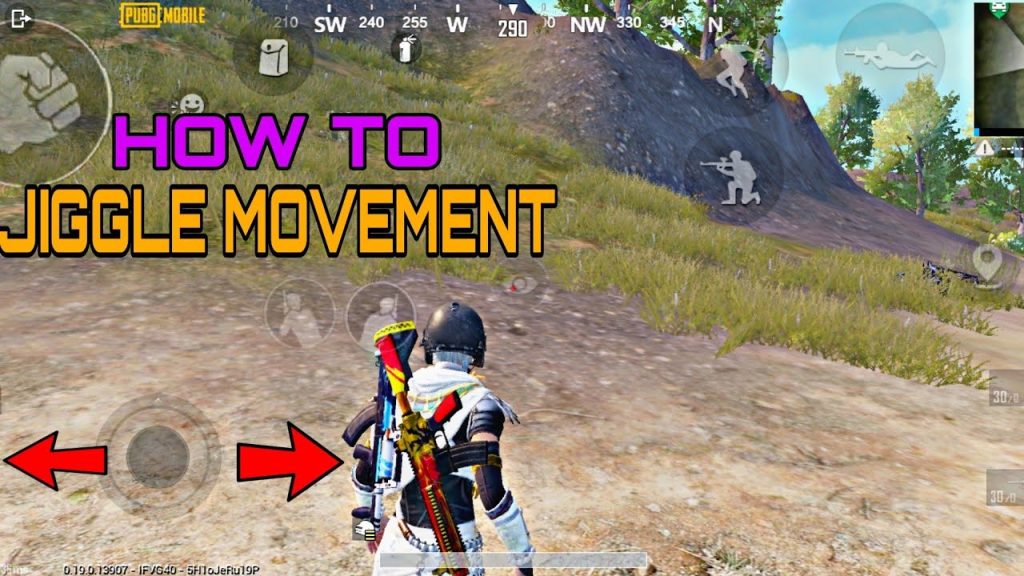
Arena mode rewards unpredictable movement. This layout is designed around jiggle strafe — rapidly tapping left and right to throw off enemy aim. The movement buttons are oversized and placed close to the thumb’s natural pivot point. The hip-fire button is enlarged and moved to the center of the screen so you can fire while jiggling without looking away. We’ve also added a ‘sprint lock’ button to avoid accidentally stopping mid-strafe. Use this code if you prefer an aggressive, in-your-face playstyle. It pairs well with control codes with sensitivity tuned for high DPI.
5. One-Tap Grenade Throw Layout
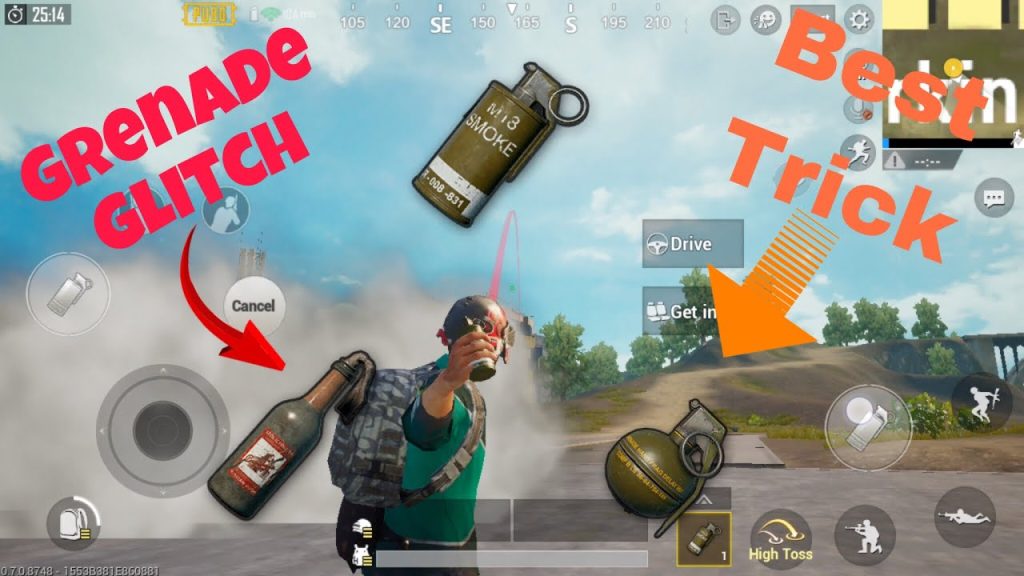
Grenades are underrated in arena — a well-placed frag can clear a room or force enemies out of cover. This layout gives you a dedicated grenade button that cycles through throwable types with a single tap. The throw button is placed near the right thumb so you can cook and toss without breaking aim. The layout also includes a ‘quick switch’ button to swap back to your primary weapon immediately after throwing. It’s a small change that saves precious seconds. Import this alongside some HUD codes for better inventory management.
6. ADS-Fast Layout for Aggressive Peekers
If you like to pre-aim and quick-scope around corners, this layout is for you. It lowers the ADS button to the lower-right corner and enlarges it so you can activate aim assist before you even see the enemy. The fire button is placed right next to it, allowing you to ADS and fire almost simultaneously. The layout also moves the scope magnification switch to the left side so you can change zoom levels on the fly without taking your thumb off the movement stick. This layout is popular among control codes for pro players who play aggressively.
7. All-in-One: Balanced Claw + Gyro Combo
For those who want the best of both worlds, this layout combines a 4-finger claw with gyro assist. The claw handles movement, ADS, and fire, while gyro takes care of fine aim adjustments. The gyro sensitivity is set to a middle ground — not too twitchy, not too slow. The layout also includes separate buttons for leaning left/right (placed on the top edge) and a dedicated prone button for slide cancels. This code is a bit advanced but incredibly versatile. We recommend checking out scope settings to fine-tune the gyro further. It’s the ultimate setup for dominating any arena match.
8. Low DPI / High Sensitivity for Close Quarters
Not all devices can handle high DPI smoothly. This layout is optimized for phones with lower touch sampling rates (around 120Hz). The buttons are spaced further apart to prevent ghost touches, and the sensitivity is boosted to compensate. The layout uses a 3-finger claw (right index for fire, left index for ADS) and places the map, inventory, and voice chat buttons on the top edge. It’s a great fallback if the more complex layouts feel too cramped on your screen. It also works well with control codes with sensitivity presets that are already fine-tuned for 90fps devices.
There you have it — 8 arena-specific control codes that cover everything from claw to gyro to quick peeking. Import a few, test them in training, and stick with the one that feels natural. Remember, no layout is a magic bullet; practice makes perfect. But with these codes, you’ll be jiggle-peeking and drop-shotting like a pro in no time. Pick your favorite and drop into your next TDM ready to dominate.