If you’re serious about BGMI (Battlegrounds Mobile India), you know that control codes and sensitivity go hand in hand. A perfect layout can turn a mediocre player into a fragging machine, but only if the sensitivity matches your playstyle. That’s why I’ve curated 10 BGMI control codes that come with optimized sensitivity settings for different grips, devices, and preferences. Whether you’re a claw god, gyro wizard, or thumb player, there’s something here for you. Every code has been tested in classic matches and TDM, so you can import and dominate immediately.
1. 4-Finger Claw with High Sensitivity
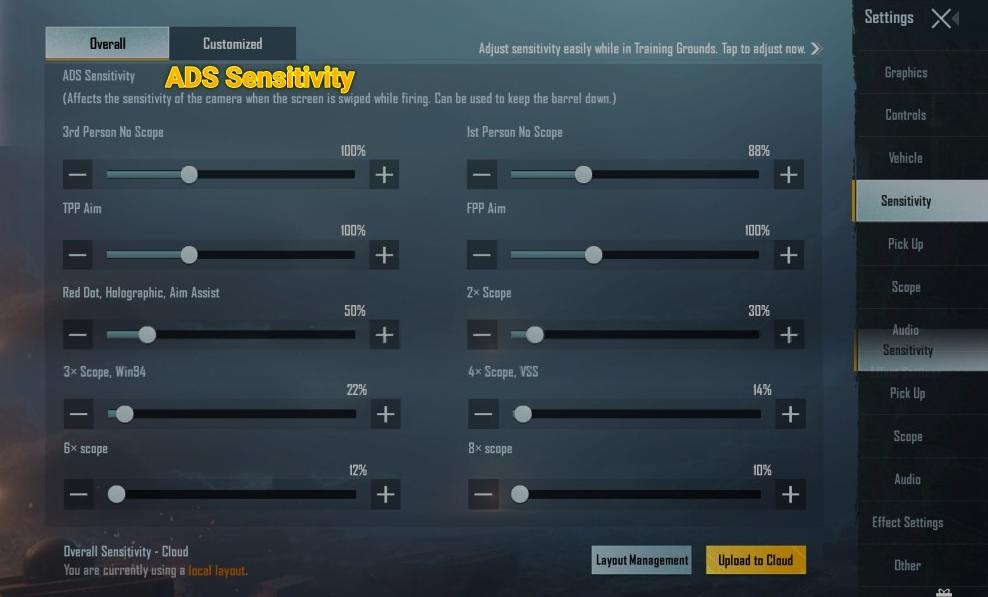
The 4-finger claw is the go-to for competitive players. This layout places index fingers on the aim and fire buttons, allowing for quick jiggle peaks and instant reactions. The sensitivity here is cranked up: camera sensitivity at 100%, ADS sensitivity at 80%, and gyroscope at 300% when scoped. It’s aggressive but rewards fast flicks. Use this if you have a phone with at least 6GB RAM and a smooth display. For tips on pairing this with aim assist, check out our guide on aim assist.
2. Gyroscope-Only Layout for Precision
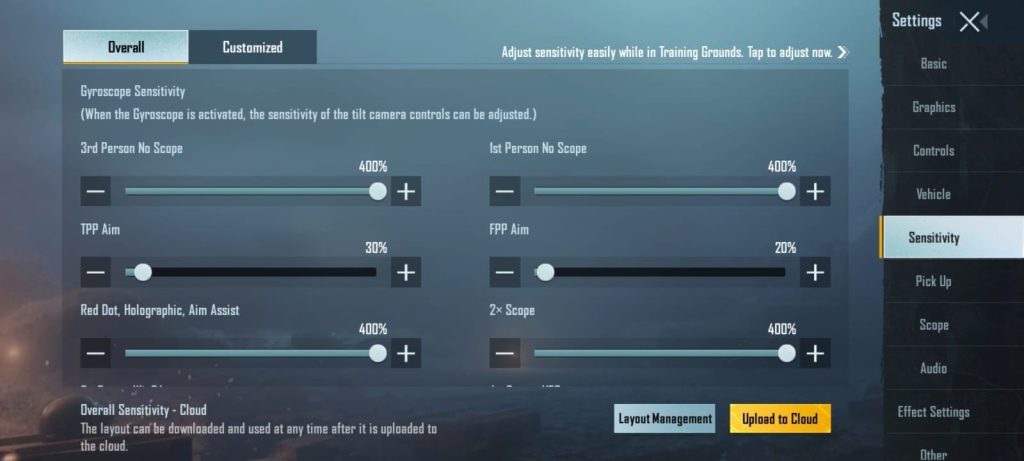
Some pros swear by gyroscope-only control. This layout removes the right thumb from aiming entirely—you tilt your device to aim. The sensitivity is calibrated so that a slight tilt gives you micro-adjustments, while a bigger tilt snaps to targets. Gyro sensitivity is set to 400% for hip fire and 250% for scoped. It takes practice, but once you’re used to it, you’ll never miss a spray. This works best on phones with good gyro sensors like the iPhone or OnePlus series.
3. 3-Finger Layout with Balanced ADS Sensitivity
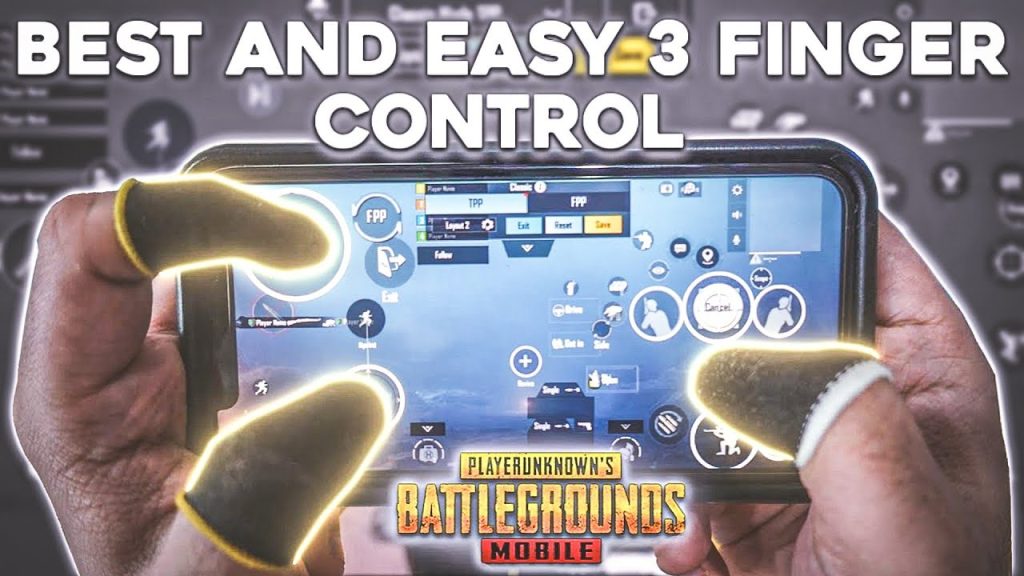
If you’re not ready for four fingers, a 3-finger layout is a great middle ground. This code uses the left index for fire, right thumb for aim, and right index for scope. The ADS sensitivity is set to 70%, giving you steady aim without being too sluggish. The camera sensitivity is 90%, and gyro is at 150% for fine-tuning. It’s perfect for players transitioning from thumbs to claws. Pair it with a good grip for consistency.
4. Two-Finger Thumb Layout with Fine-Tuned Sensitivity
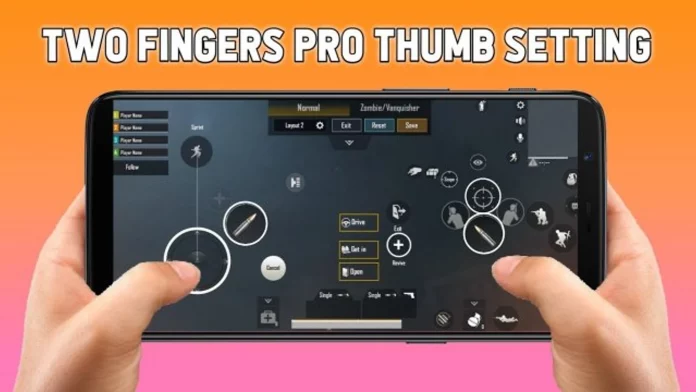
Don’t let anyone tell you two thumbs can’t compete. This layout is optimized for fast movement and accurate sprays. The fire button is placed near the right edge for quick taps, and the aim button is slightly lower. Sensitivity is set to 85% camera, 60% ADS, and gyro at 100%. The key here is the sensitivity curve—it’s linear, so your muscle memory builds fast. Great for casual players or those on low end phones. For more options on weaker devices, check our low end phones guide.
5. 5-Finger Claw for the Hardcore
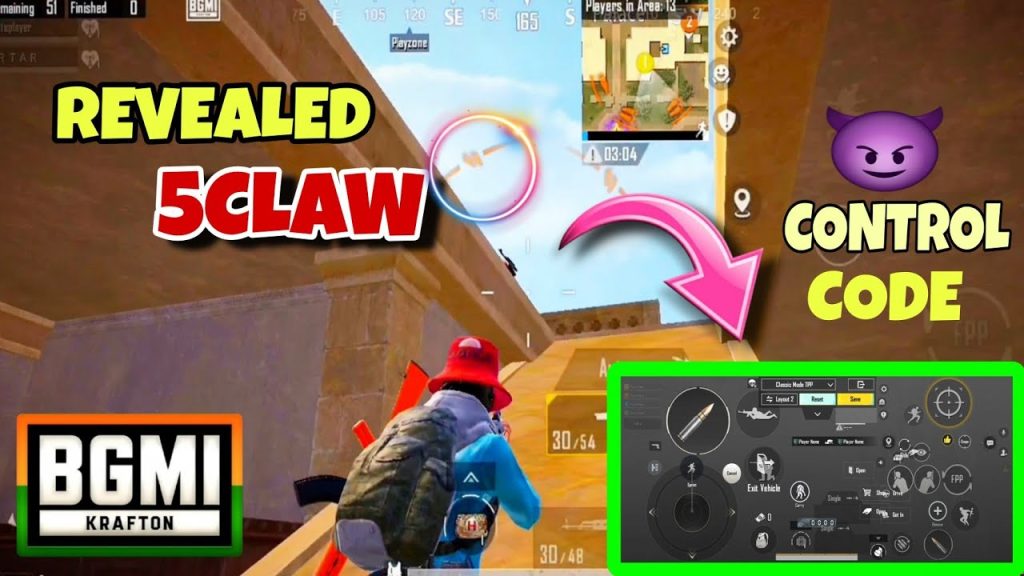
Five fingers? Yes, it’s a thing. This layout uses both index fingers for fire and scope, middle fingers for crouch and lean, and thumbs for movement and aim. The sensitivity is ultra-high: camera at 120%, ADS at 90%, gyro at 350%. It’s chaotic at first, but the payoff is insane reaction speed. You’ll need a tablet or a large phone. For an alternative, the six finger claw layout pushes even further.
6. Emulator Control Code for PC Players
Playing BGMI on an emulator? This control code maps the keys to a standard keyboard and mouse layout. Sensitivity is locked to your mouse DPI, but the in-game sensitivity is set to 50% for a natural feel. The code also adjusts the ADS sensitivity to be slightly lower for better precision. Perfect for Gameloop or BlueStacks users. Want more emulator-specific codes? Our emulator guide has you covered.
7. Low-End Device Optimized Control Code
Struggling with lag on a budget phone? This control code reduces button clutter and lowers sensitivity to prevent frame drops. Camera sensitivity is 60%, ADS 40%, and gyro is turned off to save battery. The layout uses simple two-finger controls with minimal overlap. It’s not flashy, but it’s stable. Also, consider using our dedicated guide for low end phones to squeeze out more performance.
8. iPad Layout with Wide Sensitivity Range
The iPad’s big screen demands a special layout. This code spreads all buttons to the edges, keeping the center clear for vision. Sensitivity is set to 70% camera, 50% ADS, and gyro at 200%. The larger screen means you can use lower sensitivity for more precise aim. If you’re an iPad player, check out our iPad-specific codes for even more options.
9. AWM Sniper Sensitivity Code
The AWM is a one-shot beast, but only if you can land that head. This control code is laser-focused on sniper play. The scope sensitivity is set to 30% for 6x and 8x scopes, while the camera sensitivity stays at 90% for quick scans. Gyro is off when scoped to prevent micro-shakes. Pair it with the right grip and you’ll be a nightmare at range. For more sniper setups, explore our AWM control codes.
10. Weapon Switching Sensitivity Code
Speed matters when switching between your primary and secondary. This control code places the weapon switch button right where your thumb rests, and sensitivity is tuned so that your aim doesn’t reset after switching. Camera sensitivity is 95%, ADS 75%, and gyro 200%. The layout also includes quick peek and lean on the same side. Master weapon swapping with our weapon switching guide.
There you have it—10 BGMI control codes with sensitivity settings that cover every playstyle and device. Whether you’re a claw pro, gyro enthusiast, or casual thumb player, one of these layouts will boost your game. Remember, control codes are just the start; pair them with good practice and a stable internet connection. Import one, tweak it to your liking, and drop into the battleground with confidence. For a deeper dive, check out our ultimate control codes guide.