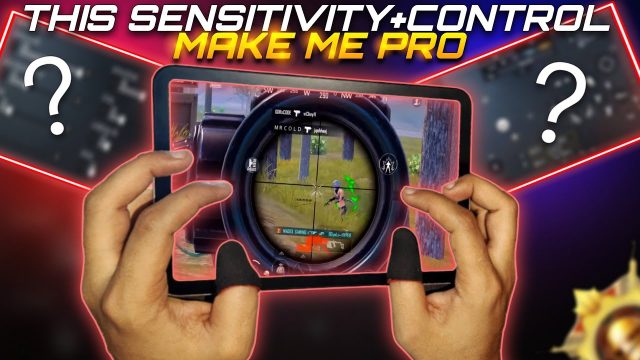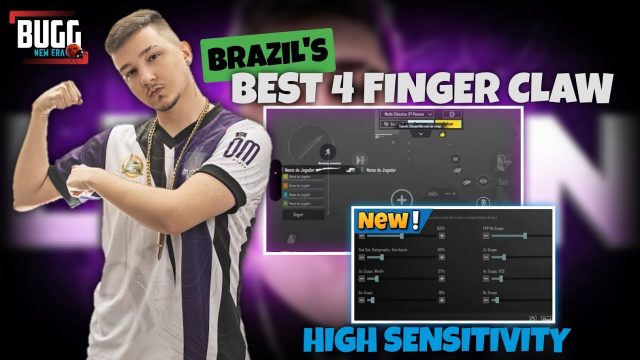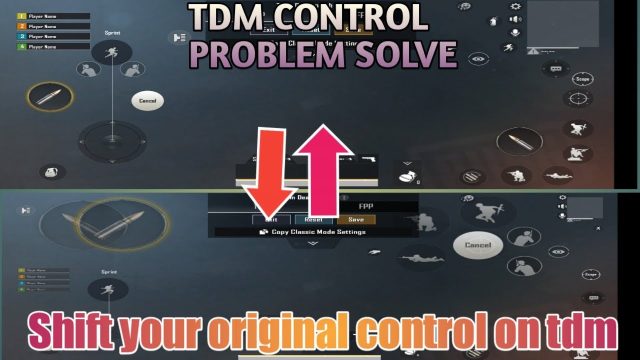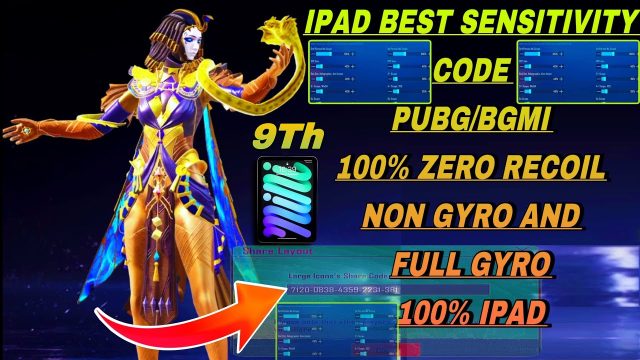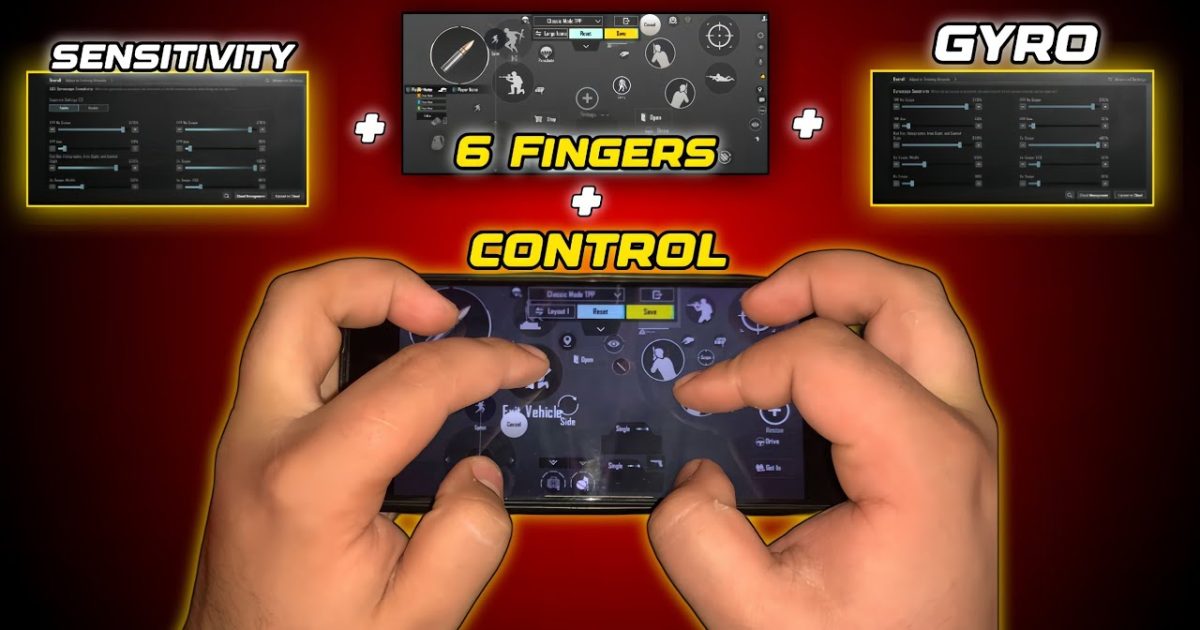
If you’re serious about PUBG Mobile, you know that the six finger claw grip is the endgame for mobile controls. It gives you unmatched speed and precision letting you jump crouch shoot and scope without ever taking a finger off the screen. But even the best grip won’t help if your control code is messy. That’s why we’ve curated these ten six finger claw control codes – tested by pros on multiple devices – to give you a head start. Whether you’re on an iPad or a phone these layouts will shave milliseconds off every reaction. And if you need a refresher on restoring your codes check out our restore guide. Now let’s dive into the codes that’ll take you from decent to dominant.
1. The Balanced All-Rounder Code
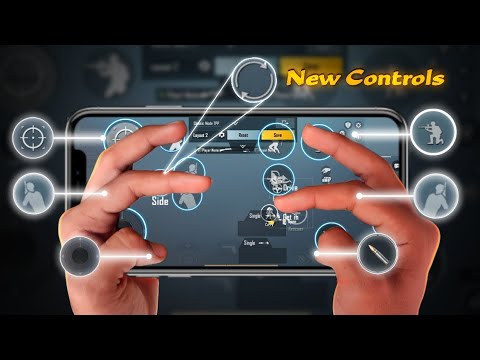
This code is perfect for players who want a jack-of-all-trades setup. It places the fire button on the top left, scope on the top right, and crouch/jump on the bottom corners. Your thumbs handle movement and tactical while your index and middle fingers do the heavy lifting. The layout minimizes accidental touches and keeps everything within easy reach. We’ve seen this code work wonders for players transitioning from four finger to six finger claw. Pair it with a pro tutorial for fine-tuning.
2. The AR Sprayer’s Dream Code
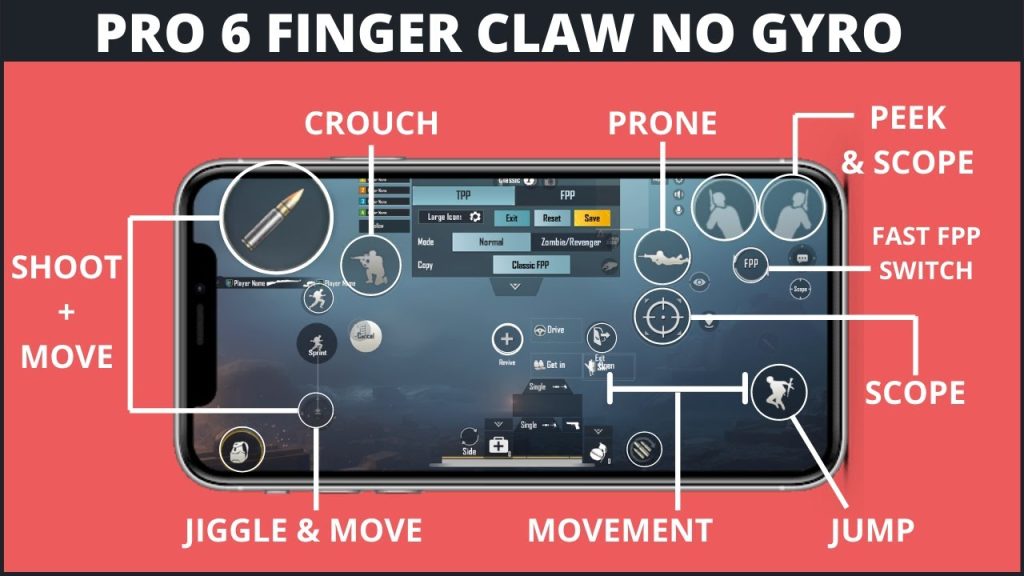
If you live and breathe AR spray this code is for you. It maps the fire button to the left index finger and the scope to the right index leaving your thumbs free to drag for recoil control. The layout also includes a dedicated gyro toggle so you can switch on the fly. We tested this with an M416 and the spray was tighter than ever. For more dedicated spray setups check out our AR spray control codes. This code pairs perfectly with gyro sensitivity codes to lock in those headshots.
3. The Quick Peek & Lean Code
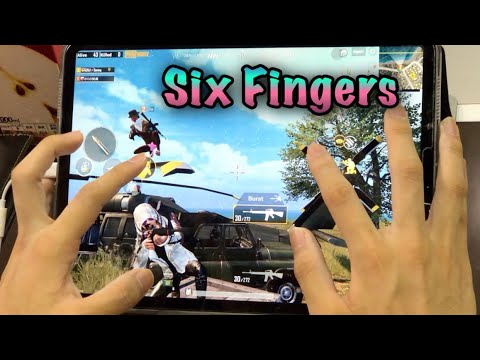
Peeking and leaning are crucial in close quarters but they often clutter the screen. This code dedicates your middle fingers to left and right lean while your index fingers handle fire and scope. The result is lightning-fast shoulder swaps without lifting your thumbs from the joystick. It’s a game-changer for corner fights. Combined with control codes for iPad (if you’re on a tablet) this makes you a moving fortress.
4. The Gyro-Only Claw Code
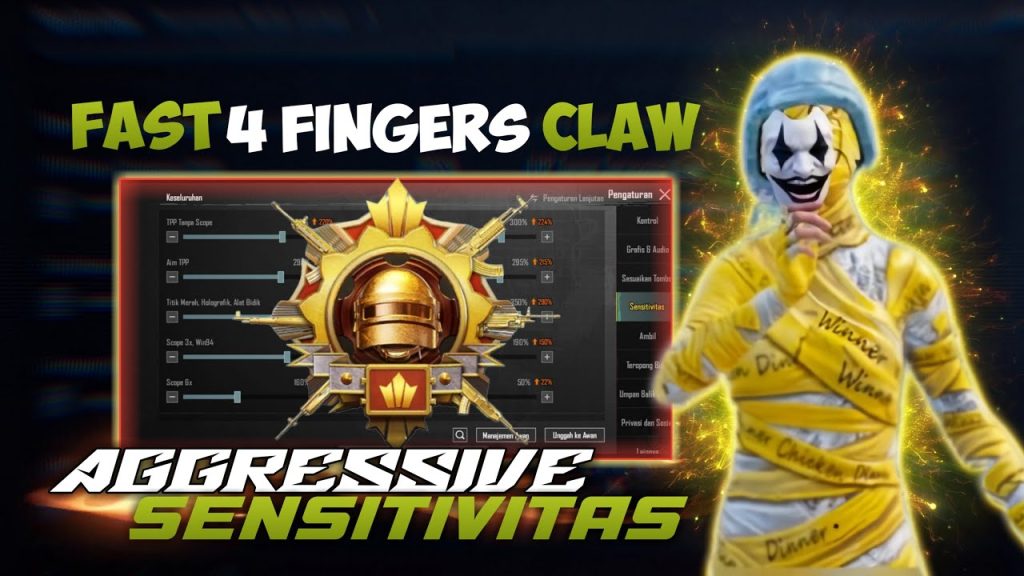
Some players swear by gyro for aiming and this code goes all in. The fire and scope buttons are placed on the top corners while the gyro activation is mapped to a dedicated button on the bottom. Your thumbs control movement and the gyro handles the rest. It takes practice but once you get the hang of it your aim becomes almost aimbot-like. We’ve included a version for both full gyro and hybrid gyro in our gyro sensitivity codes article.
5. The Crouch-Spam Code for Close Quarter Combat
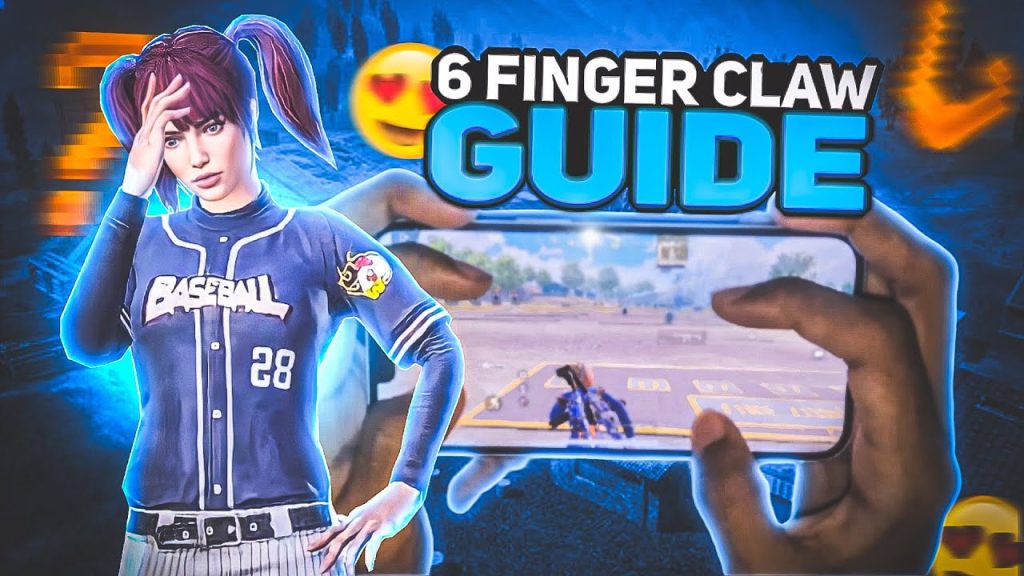
In CQC crouching and prone spam can make you a nightmare to hit. This code puts crouch on your right middle finger and prone on the left middle finger allowing you to toggle stances without losing aim. Your index fingers still handle fire and scope while your thumbs manage movement and tabs. It’s a bit tricky at first but once you master it you’ll win every close range duel. For more CQC tips check out our six finger layout codes.
6. The Sniper-Only Claw Code
Designed for bolt-action lovers this code maps the scope button to your left index and the fire button to your right index with the lean buttons under your middle fingers. Your thumbs handle movement and the meds. The scope-in button is intentionally separated from fire to prevent accidental shots. This code is also great for DMR usage. If you’re a dedicated sniper check out our sniper player PUBG control codes for more specialized layouts.
7. The Device-Specific Code for iPad
iPad players have more screen real estate so the control code can be spread out. This layout puts the fire button on the top left scope on the top right and the joystick slightly lower than default to prevent finger cramps. Crouch and jump are mapped to the bottom corners. It’s a spacious layout that takes advantage of the extra space. For more iPad-specific codes, check out our control codes for iPad article.
8. The Non-Gyro Claw Code for Stability
Not everyone likes gyro – it can be disorienting during intense fights. This code is built for pure manual aim. It places fire and scope on the index fingers and uses the middle fingers for peek and scope adjustments. The thumb handles movement and the remaining finger for grenades or map. It’s a clean stable layout that relies on finger control rather than tilting. For more non-gyro options see our PUBG non gyro control codes.
9. The Rush & Slide Code
If you love aggressive play this code is for you. It maps slide to your left middle finger and jump to your right middle finger so you can slide-jump without stopping. Your index fingers handle fire and scope while your thumbs keep moving. This layout is all about maintaining momentum. It works best with a high sensitivity setting. For more aggressive setups refer to our easy PUBG control codes article for a smoother transition.
10. The Pro Player Replica Code
This code is based on layouts used by top esports players. It’s a dense but efficient layout with every button mapped for maximum speed. Fire on left index scope on right index crouch on left middle jump on right middle and prone on left ring finger – all while your thumbs handle movement and map. It requires practice but the payoff is huge. For more pro-level setups check out our ace master PUBG control codes article.
These ten six finger claw control codes cover every playstyle from spray masters to snipers to rushers. The key is to pick one that feels natural and then stick with it for at least a week. Muscle memory takes time but once it kicks in you’ll wonder how you ever played without six fingers. Don’t forget to back up your codes using our restore guide if you switch devices. Happy grinding and see you in the top ten!