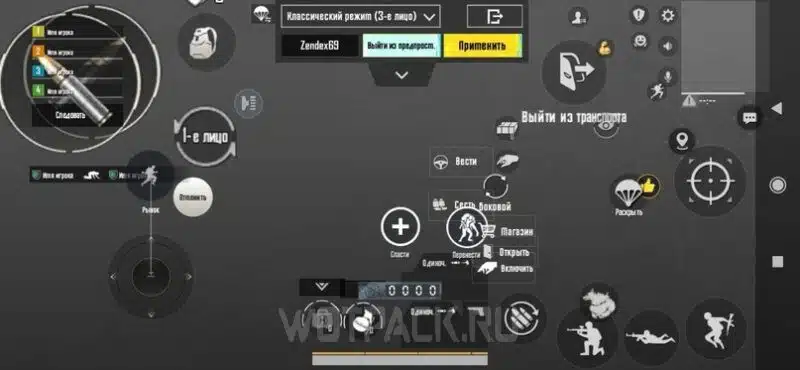
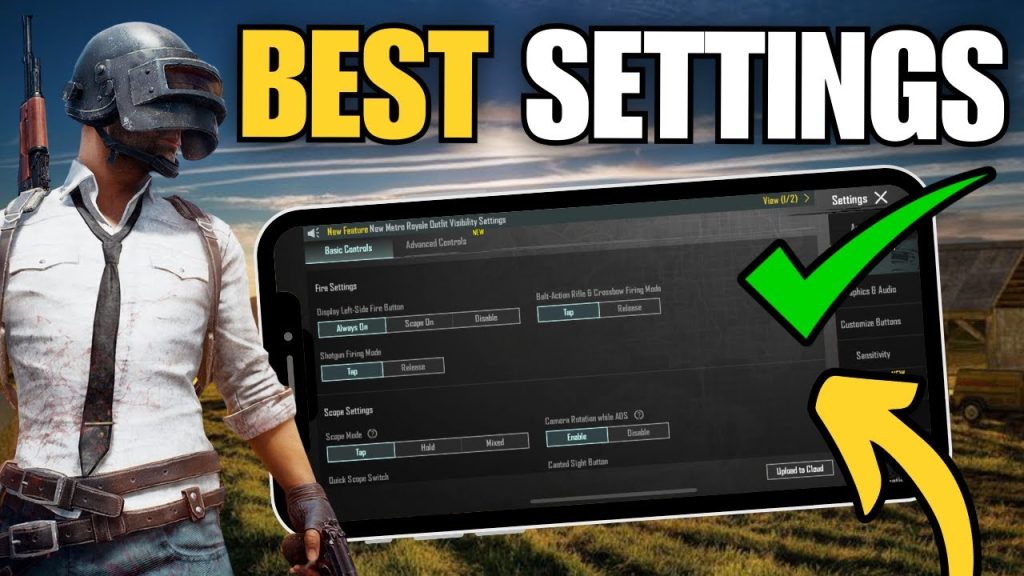
If you’re tired of fumbling with default controls and want to level up your game, you’ve come to the right place. PUBG Mobile control codes are pre-configured layout settings that you can copy-paste into your game, instantly giving you a pro setup without hours of trial and error. I’ve scoured the community and tested dozens of codes to bring you the 10 best control codes paired with layout settings that actually work in 2025. Whether you’re on a budget phone or a flagship, a claw player or a thumb player, there’s something here for you.
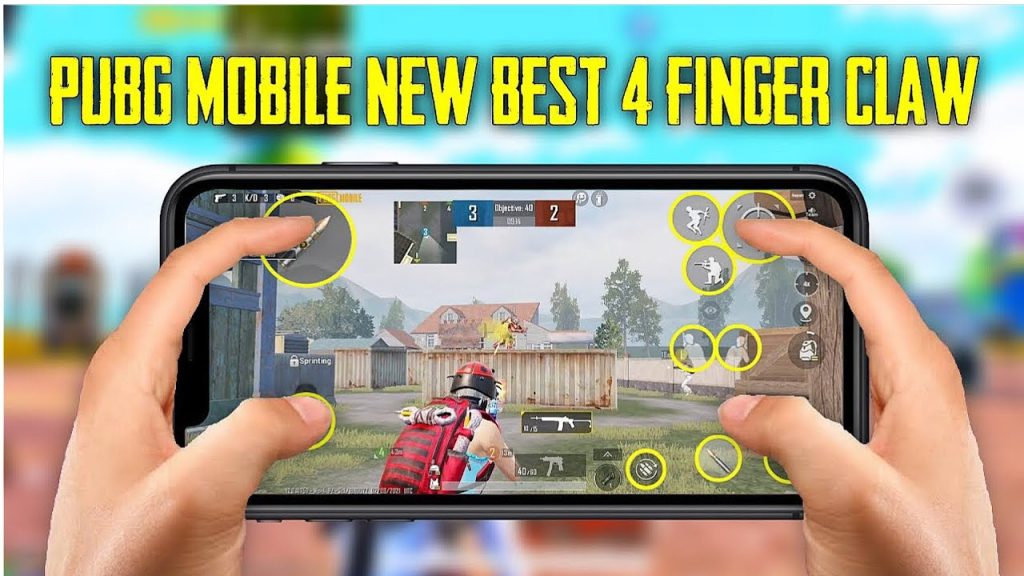
1. 4-Finger Claw Layout for All-Round Domination
The 4-finger claw is the gold standard for serious players. Using your index fingers to aim and shoot while your thumbs handle movement and scoping gives you insane reaction speed. The control code I recommend places the fire button high left, scope on top right, and keeps everything else tight around your thumbs. This layout works wonders on any device, but it’s especially effective on phones with larger screens. If you’re new to claw, check out these 4-finger claw control codes for a ready-to-use setup.
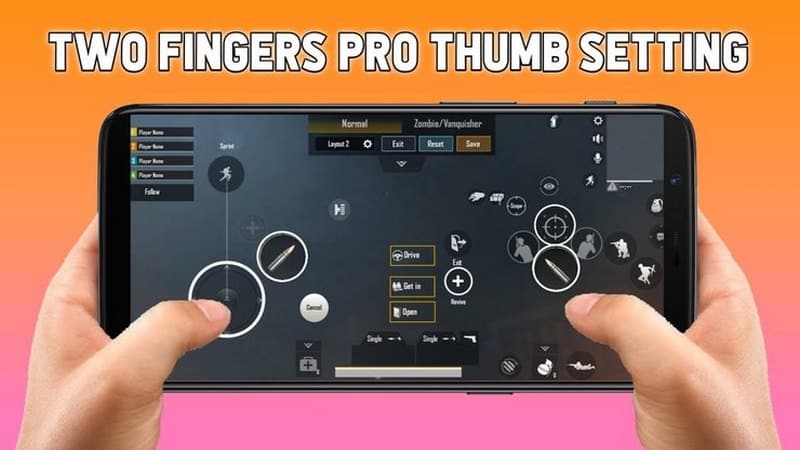
2. Gyroscope Layout for Laser Accurate Spraying
Gyroscope players know that tilting your phone to aim is a game-changer, especially for close-range spray. The best gyro layout uses a low sensitivity for hip fire and medium for scoped. This control code moves the lean and peek buttons closer to your thumbs so you can tilt-and-shoot without stretching. Pair it with a high ADS gyro sensitivity and you’ll be beaming enemies before they can react.
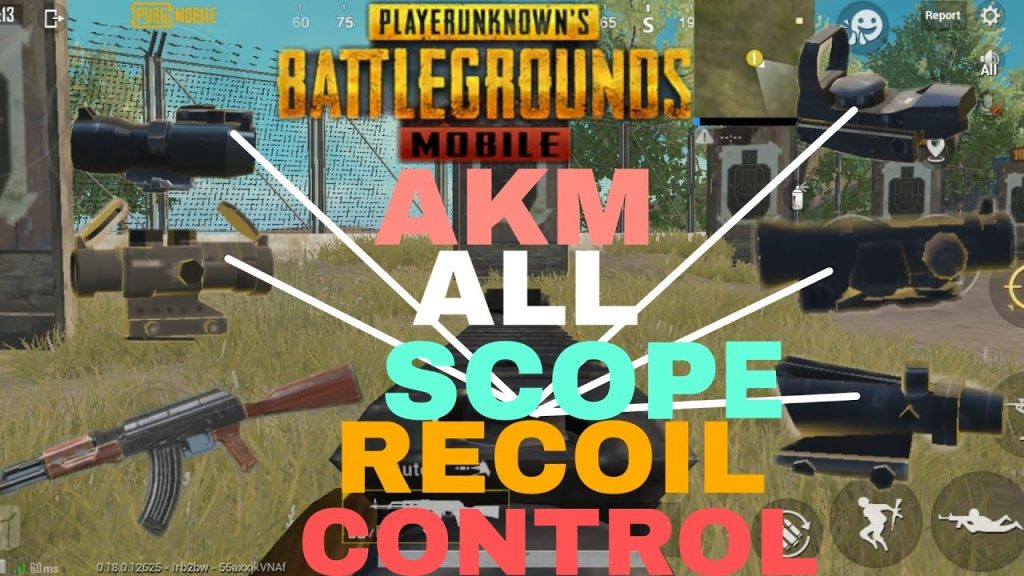
3. AKM Spray Control Code for Long-Range Beams
The AKM is a beast but its recoil is no joke. This control code is designed specifically for AKM spray patterns. It adjusts your aim down sight sensitivity and puts the fire button slightly lower to counter the upward kick. The layout also relocates the scope toggle to be easily accessible while spraying. For more AKM-specific tweaks, dive into these AKM spray settings.
4. TDM Layout for Fast-Paced Action
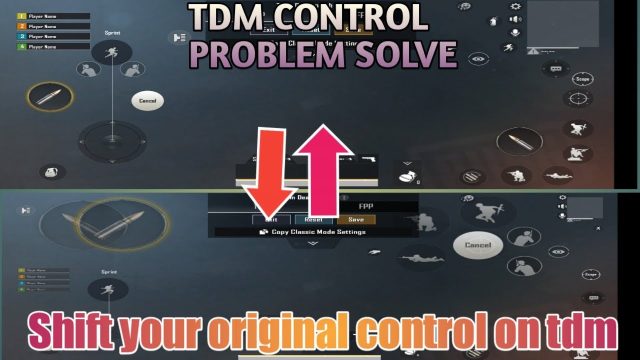
Team Deathmatch is all about respawns and quick kills. Your layout needs to prioritize instant reaction over precision. This TDM control code moves the fire button to the top left corner for easy index finger tapping and puts the jump and crouch buttons around your right thumb. It’s aggressive, but you’ll win those 1v1s more often. Check out these TDM control codes for a complete setup.
5. Redmi Phone Optimized Layout for Budget Gamers
Redmi phones are popular but often have smaller screens and different touch response. This control code is optimized for Redmi devices, shrinking button sizes and increasing spacing to avoid accidental presses. The layout also uses a higher camera sensitivity to compensate for lower touch sampling. For a pre-made code, grab these Redmi phone control codes.
6. iPhone Pro Max Layout for Maximum Screen Real Estate
iPhone Pro Max models have massive displays, so you can fit more buttons without clutter. This layout spreads out the controls—fire on the far left, scope on top right, and inventory buttons around the edges. The result is a clean setup that feels natural and reduces misclicks. If you’re on an iPhone, these iPhone Pro Max layouts are a must-try.
7. Emulator Setup Control Code for PC Players
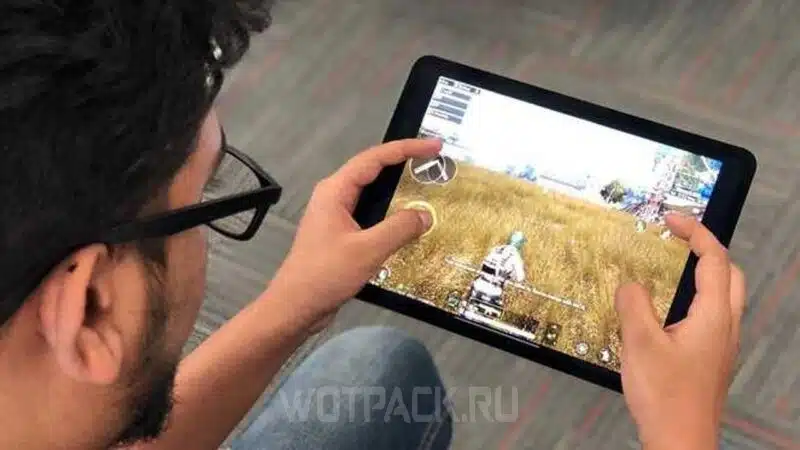
Playing PUBG Mobile on PC via emulator? You need a control code that maps keyboard keys perfectly. This layout assigns WASD for movement, mouse for aiming, and space for jump. The code also adjusts the button sizes to match your monitor’s resolution. It’s the smoothest way to play on BlueStacks or Gameloop.
8. Solo vs Squad Layout: Adapt Your Style
Solo and squad modes demand different layouts. For solo, you want quick access to healing items and lean buttons. For squad, you need team communication buttons and grenade shortcuts. This control code switches between two presets—one for solo aggression and one for squad support. Learn more about solo vs squad layouts to optimize your game.
9. Asian Server Control Code for High Ping Compensation
Asian servers are notorious for high ping and aggressive players. This layout uses a lower fire button with a larger hitbox to compensate for lag. It also places the peek buttons closer together so you can jiggle-peek faster. If you’re playing on Asian servers, this code will help you trade kills more consistently.
10. Beginner-Friendly Layout for Players Just Starting Out
New to the game? Don’t overwhelm yourself with complex claws. This beginner layout keeps everything simple: auto-fire enabled, scope button on the left, and a single fire button in the center. It’s designed to get you comfortable with movement and aiming before you graduate to advanced setups. Copy this code and you’ll be sliding into top 10 in no time.
There you have it—10 PUBG Mobile control codes with layout settings tailored to different playstyles and devices. Remember, a control code is only as good as its fit for your hand and screen size. Don’t hesitate to tweak these layouts to match your own muscle memory. Copy-paste your favorite, jump into a match, and start dominating in 2025.