Ever watched a streamer flick a 6x scope onto an enemy’s head and wondered how their controls feel so buttery? That’s the magic of a well-tuned PUBG control code. One string of digits can transform your HUD, button placement, and sensitivity into a pro-level setup. But finding those golden codes isn’t always easy. You can’t just Google ‘pubg control code’ and expect the perfect one to pop up. That’s why we’ve hunted down 10 legit ways to discover control codes, from Telegram to pro player streams. No fluff, no clickbait—just real sources you can use right now to up your game.
1. Join PUBG Mobile Control Codes Telegram Channels
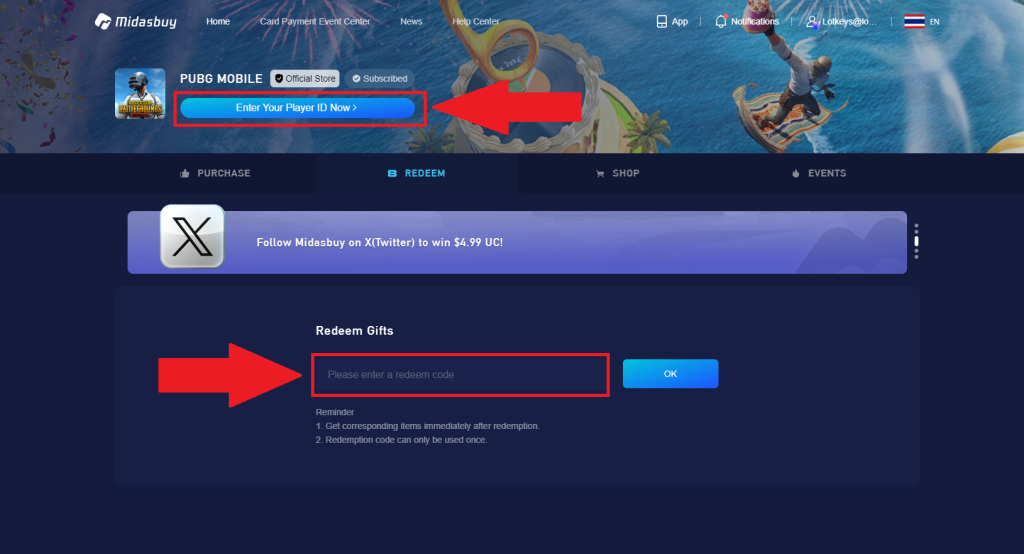
Telegram is the number one hub for PUBG control codes. Dedicated channels post fresh codes daily, often sorted by device, finger setup, and playstyle. You’ll find codes from top-ranked players that aren’t shared anywhere else. Plus, many channels include video previews so you can see the layout in action before copying it. Just search for ‘PUBG control codes Telegram‘ and you’ll find dozens. For a curated list of the best ones, check out our guide to PUBG Mobile control codes Telegram channels.
2. Follow Pro Players on YouTube
Many pro PUBG Mobile players share their control codes directly in video descriptions or pinned comments. Search for ‘PUBG control code [your device]’ on YouTube and filter by recent uploads. You’ll often see players like Scout, Mortal, or XQF members dropping codes. Watching their gameplay also gives you context on how the layout works, so you can tweak it for yourself. Pro tip: look for videos with ‘control code’ in the title or a link in the description.
3. Check Out Dedicated Control Codes Websites
There are websites built entirely around collecting PUBG control codes. They categorize codes by device (iPhone, Android, iPad), finger setup (4-finger, 6-finger), and purpose (ranked push, sniping, etc.). Some even let you preview the layout before applying it. A quick search for ‘PUBG control codes [device]’ will pull up several. For a massive database of tested layouts, head to the complete list of PUBG control codes.
4. Browse PUBG Reddit Communities
Subreddits like r/PUBGMobile and r/PUBG_Lite are goldmines for control codes. Players regularly share their layouts, discuss what works, and even help troubleshoot. Look for posts with ‘control code’ or ‘layout’ in the title. Sort by top of all time to find the most popular setups. You can also ask for codes specific to your device or playstyle. Just be sure to test them in training mode before jumping into a match.
5. Join PUBG Mobile Discord Servers
Discord servers dedicated to PUBG Mobile often have channels specifically for control codes. Communities like PUBG Mobile Esports, POGG, and various content creator servers share dozens of codes. You can also chat with experienced players who can recommend layouts for your phone or tablet. Look for servers that have a ‘codes’ or ‘layouts’ category. And don’t forget to check the pinned messages—they usually have the best of the best.
6. Copy Codes From Streamers and Content Creators
Live streamers on YouTube, Facebook Gaming, or Twitch often show their control codes on screen or link them in chat. If you catch a streamer using a setup you like, just ask in chat—many are happy to share. Some even create videos dedicated to their control layouts. Following top streamers like Dynamo, Kronten, or SaumRaj will give you a steady stream of new codes to try.
7. Use the In-Game Control Code Sharing Feature
PUBG Mobile itself has a built-in control code system. You can export your layout as a code and share it with friends or community members. To find codes, look for players in the global chat or your friends list who mention they have a good layout. Also, some clans share codes internally. If you see a teammate playing exceptionally well, ask for their code. It’s the most direct way to get a layout that’s already proven in combat.
8. Ask Clan Members or Squad Mates
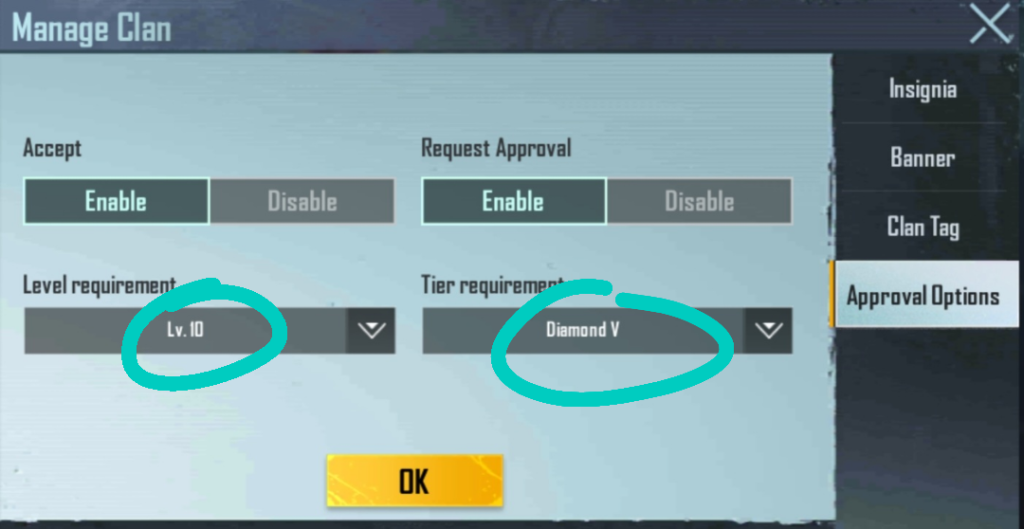
Don’t underestimate the power of your in-game network. Your clan or regular squad mates might have already found fantastic control codes. Since they play with you, they understand your style and can recommend codes that complement your team’s strategy. Plus, sharing codes within a group ensures you’re all on the same page. This is especially useful for ranked push—coordinated setups can give you an edge. Speaking of which, check out these PUBG control codes for ranked push from top teams.
9. Search Social Media With Specific Hashtags
Instagram, TikTok, and Twitter have thriving PUBG Mobile communities. Search hashtags like #pubgcontrolcode, #pubglayout, or #pubghud. You’ll find short videos showing the layout and the code in the caption or comments. TikTok especially has viral sensations where creators show off their “one-tap” or “god-tier” setups. Just be cautious—some codes posted on social media are outdated or gimmicky. Stick to accounts with high engagement and positive comments.
10. Search for ‘Simple’ or ‘Tested’ Codes Online
If you’re new to using control codes, start with simple layouts that don’t overload your screen. Many websites and videos curate ‘simple’ codes that are easy to adapt. Also look for ‘tested’ codes—ones that have been verified by the community to work well in real matches. For example, our collection of simple PUBG control codes is perfect for beginners, and these tested PUBG control codes are guaranteed to improve your gameplay.
Finding the right PUBG control code doesn’t have to be a grind. Whether you’re scouring Telegram, watching pro streams, or asking your squad, there’s a layout out there that fits you. Remember to always test a new code in training ground first, and don’t be afraid to tweak it. Once you find your sweet spot, make sure to back it up—our PUBG control codes backup guide shows you how. Now go drop into the battleground with a setup that feels like it was made for you.



