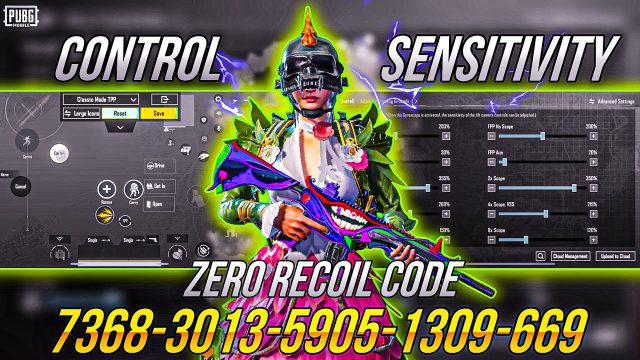
So you’ve finally nailed that perfect control layout – maybe a 4-finger claw with custom button sizes, or a gyro-heavy setup for those sweet M762 sprays. Now you want to share it with your squad, your clan, or the whole world. How? PUBG Mobile doesn’t make it super obvious, but once you know the methods, sharing (and receiving) control codes is dead easy. We’ve compiled the 8 most effective ways to share PUBG Mobile control codes, so your friends can stop copying your setup by eye and get the exact same layout in seconds.
1. Use the In-Game Share Button (The Official Way)
The simplest method is right inside the game. When you’re in the control layout editor (the screen where you drag buttons around), look for the “Share” button – it’s usually near the top or bottom. Tap it, choose “Copy Code” and your control code is copied to your clipboard as a long alphanumeric string. You can then paste it anywhere: WhatsApp, Discord, notes, etc. The person receiving it just needs to open their layout editor, tap “Import” and paste the code. Boom, they get your exact layout.
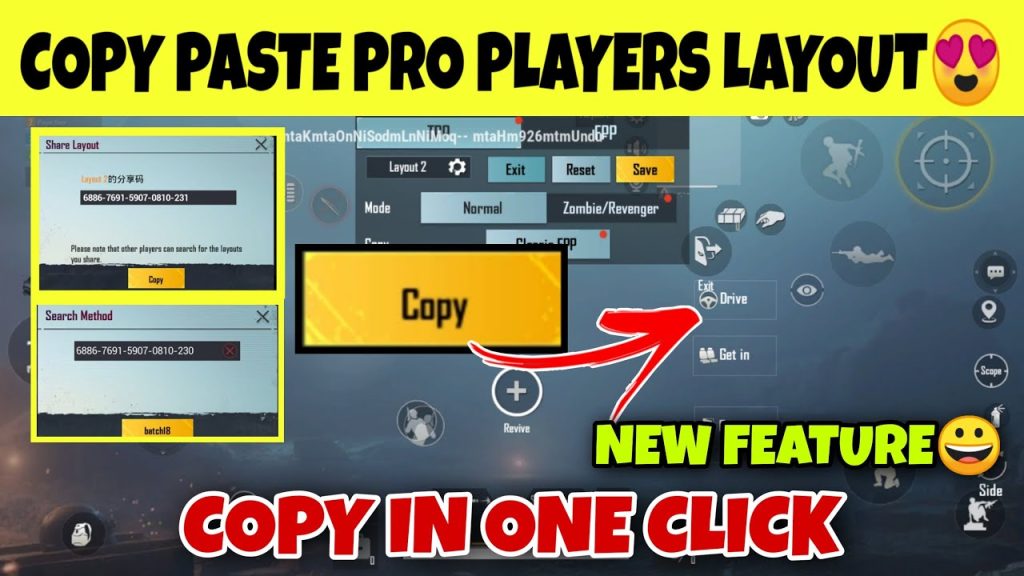
This is the most universal method – it works across Android and iOS, and the code is compact. One downside: some players complain that the code doesn’t capture certain advanced settings like ADS sensitivity gyroscope values, but for button positions alone, it’s solid. Make sure to also check our guide on how to update pubg mobile control codes if you tweak your layout and need to gen a fresh code.
2. Share via QR Code (For Instant Scanning)
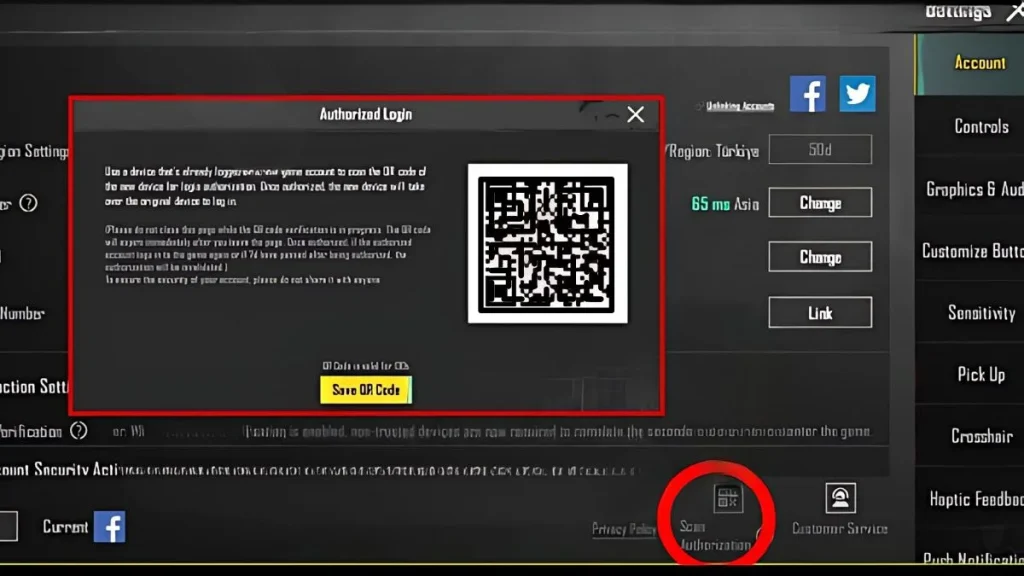
If you’re playing on an emulator (like BlueStacks) or have a second device, you can generate a QR code from your control code using any free QR generator website. Take the copied code, go to a site like qr-code-generator.com, paste it, and download the QR image. Then send that image to your friends. They can scan it using any QR scanner app – but note: PUBG Mobile doesn’t natively scan QR codes directly. So your friend still has to copy the text behind the QR. It’s more of a visual sharing trick, great for streaming or sending in a group chat where text might get lost.
3. Post Your Codes on Dedicated PUBG Control Code Forums
Why keep your god-tier layout to yourself? Head over to a pubg control codes forum (yes, there are several dedicated to just this). You’ll find communities where players share their best layouts, rate each other’s codes, and give feedback. Simply create a post with your code, maybe add a description of the device, finger setup, and playstyle. It’s a great way to get validation and help others. Plus, you can browse thousands of codes there, including popular pubg claw control codes and setups for specific devices.
4. Share on Social Media – Discord, Reddit, Facebook Groups
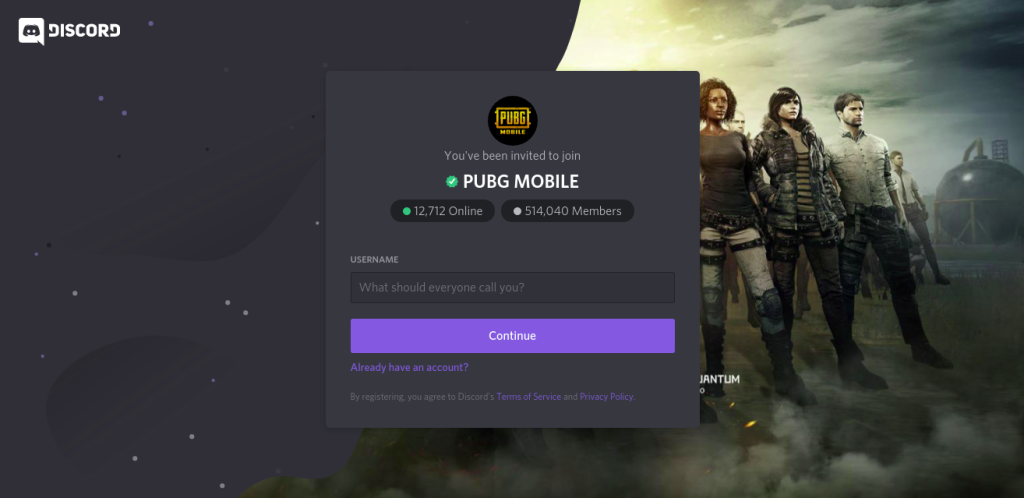
Social platforms are crawling with PUBG Mobile players. Discord servers dedicated to PUBG often have a #controls or #layouts channel where you can paste your code. Reddit’s r/PUBGMobile and r/PUBGConsole (for mobile) allow text posts. Facebook groups for PUBG Mobile tips are also hotspots. The trick: format your code nicely (put it in a code block on Discord or separate lines) so it’s easy to copy. And include your device model and setup – like “iPad Pro 2022, 4-finger claw, pubg mobile 2 finger control code users might need to adjust.” Also mention if you’re using gyro.
5. Save Codes to a Text File and Share via Cloud Storage
If you have a collection of layouts – maybe one for claw, one for thumb players, one for low-end phones – create a text file on your PC or phone. Paste each code with a label. Upload the file to Google Drive, Dropbox, or OneDrive, set the sharing link to “anyone with the link can view”, and send that link. This is perfect for content creators who want to offer multiple codes in one place. You can even include a QR code for each variant. And if you ever update a code, just swap the text in the file and the link stays the same.
6. Share via Team Communication Apps (WhatsApp, Telegram)
For quick sharing with your squad, nothing beats WhatsApp or Telegram. Just copy the code and paste it into a chat. To ensure it doesn’t get lost in a flurry of memes, consider pinning the message or creating a dedicated group for layouts. Telegram even allows you to send a file, which is handy if you want to send a screenshot of your layout along with the code. Just be careful: codes are long strings, so double-check there’s no typo.
7. Use YouTube Description (For Streamers and Tutorial Creators)
If you create PUBG Mobile content, the best place to share your control code is in the video description. Many players watch a gameplay clip and immediately want to try the streamer’s layout. Paste the code in the description, and also include a visual breakdown of your settings. You can even time-code a segment where you show the layout editor. This builds credibility and engagement. And if your video features a powerful weapon like the M762, mention that you use specific pubg control codes for low end phones to ensure smooth spray.
8. Share via Screenshot Layout (When Codes Aren’t Available)
Sometimes you want to share a layout but the code isn’t cooperating (maybe the update tweaked something). In that case, take a high-quality screenshot of your control layout editor with all overlay buttons visible. Crop it, add labels showing the button functions, and share the image. Your friends can manually replicate the positions. It’s not as instant as a code, but it’s universal. Combine it with a description of your sensitivity settings, including bgmi control codes with sensitivity if you play BGMI, so they can dial in the feels.
There you have it – 8 ways to share PUBG Mobile control codes, from the official in-game share to creative workarounds like screenshots. The best method depends on your audience: quick sharing with friends? WhatsApp or Discord. Building a community? Post on a forum or YouTube. Need to give multiple options? Cloud storage with a text file. Pick the one that fits your vibe and start spreading your perfect layout. Remember, the more you share, the more you discover – and you’ll find plenty of inspiration in return. Happy hunting!