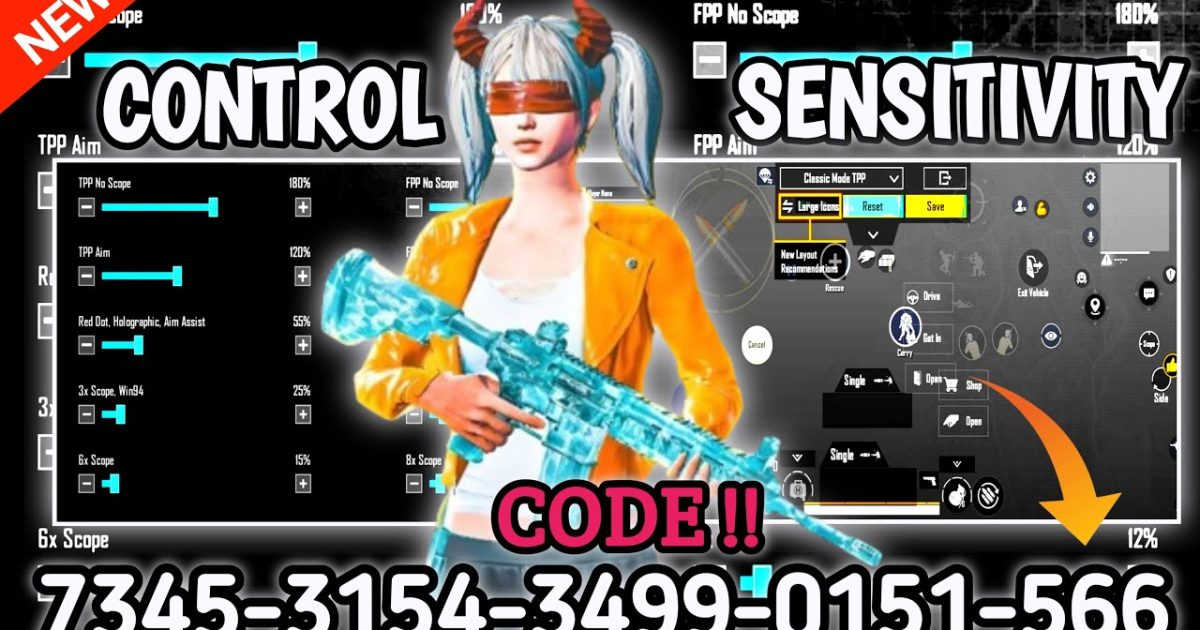
Let’s be real – sticking with the same PUBG Mobile control codes forever is like using a butter knife in a gunfight. The game evolves, your phone changes, and your aim deserves better. Whether you’re chasing that chicken dinner or just trying to not panic-fire into a wall, updating your control codes is a game-changer. In this guide, we’ve rounded up 10 dead-simple methods to update your layout, from quick in-game tweaks to importing pro settings. No technical degree required, just a phone and a few minutes.
1. Update Directly in the Settings Menu
The most straightforward way to update your control codes is right inside the game. Head to Settings → Controls → Customize Layout. Here you can drag, resize, and tweak every button. It’s perfect for small fixes like moving the fire button closer to your thumb or adjusting the scope sensitivity. Remember to hit ‘Save’ when you’re done, or you’ll lose all your hard work.
2. Import Codes from Trusted Sources
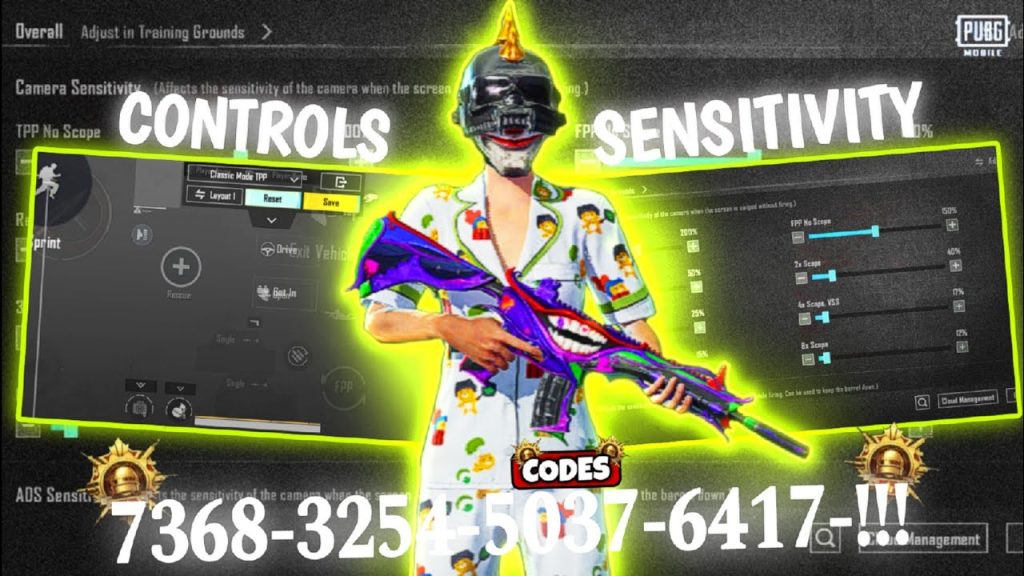
Why reinvent the wheel? Websites like pubgcontrolcodes.xyz offer a ton of community-tested layouts. If you want the best pubg control codes for low end phones, check out that collection. To import, just copy the code provided, go to the settings import option, paste it, and let the game do the rest. It’s that easy. If the import fails, don’t panic – we’ll cover that in a bit.
3. Reset and Start Fresh
Sometimes your current layout is a mess of accidental moves and ghost touches. The best fix? A clean slate. Learn how to reset pubg control codes using the in-game reset button – it’s under Settings → Controls → Reset. This wipes everything and gives you a blank canvas. Then you can build a layout from scratch or import a pro one. Trust me, it’s refreshing.
4. Manually Tweak Each Button for Fine-Tuning
Importing a code gets you 80% of the way, but the last 20% is all about personal preference. Spend a few minutes adjusting button sizes, transparency, and positions. For example, if you’re a claw player, make sure your fire and aim buttons are placed where your index fingers can comfortably tap without cramping. Pro tip: use the training ground to test before jumping into a real match.
5. Update When You Switch Devices
Moving from a phone to an iPad (or vice versa) changes everything. Screen size, aspect ratio, finger reach – it all affects your controls. If you’re upgrading, check out the pubg control codes guide for cross-device tips. You might need to import a layout specifically designed for larger screens, or manually adjust button spacing to avoid stretching.
6. Fix Import Errors Like a Pro
Ever pasted a code and got the dreaded “Import Failed” message? It’s annoying but fixable. Common reasons include extra spaces, outdated code format, or incompatible game version. Make sure you’re copying the entire string with no line breaks. If it still fails, try a different source – check out the article on pubg mobile control codes import failed for more solutions.
7. Use a Third-Party Tool (with Caution)
Some apps and software let you create and share control codes outside the game. Tools like Octopus or Panda Mouse Pro can map keyboard controls for emulators, but for mobile, stick to safe, approved methods. Unofficial tools can get you banned. Always download from verified sources and read reviews. When in doubt, use the built-in import feature – it’s just as effective.
8. Update to a Claw Layout for More Speed
If you’re still using thumbs-only, you’re missing out. Claw layouts (using two or more fingers per hand) let you aim, shoot, and peek simultaneously. Many pro players share their claw codes online – you can import them in seconds. Start with a four-finger claw layout and adjust as needed. Once you get used to it, your reaction time will skyrocket.
9. Sync Sensitivity with Control Codes
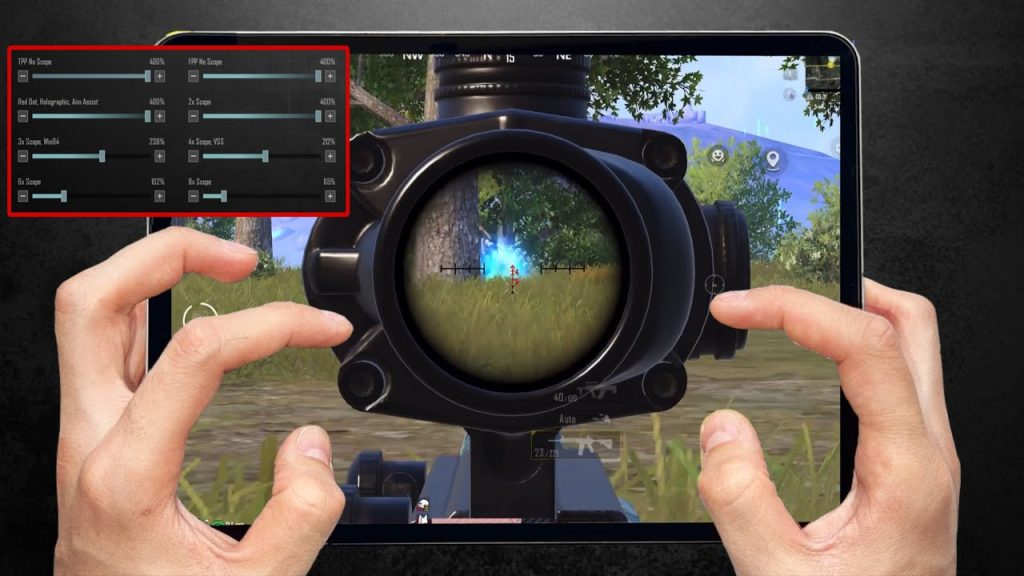
A new control layout often requires adjusting your sensitivity settings. For example, a faster claw setup might need lower ADS sensitivity to avoid overshooting. Don’t forget to save your sensitivity preset under Settings → Sensitivity. Some websites offer complete packages including control codes and sensitivity numbers. It’s a one-two punch for better gameplay.
10. Test and Iterate – There’s No “One Size Fits All”
Your last tip: keep testing. Play a few TDM matches with your new layout. Notice any mis-taps? Adjust. Can’t reach the peak button? Move it. The best players fine-tune their controls weekly. Bookmark your favorite sources and revisit often. For a deep dive, explore the how to import pubg mobile control codes guide for step-by-step visuals.
There’s no magic layout that wins every fight – but updating your control codes regularly gives you the edge. Start with one of these methods today, and you’ll notice the difference in no time. Whether you’re a casual player or aiming for esports, fresh controls equal fresh wins. Happy gaming!



