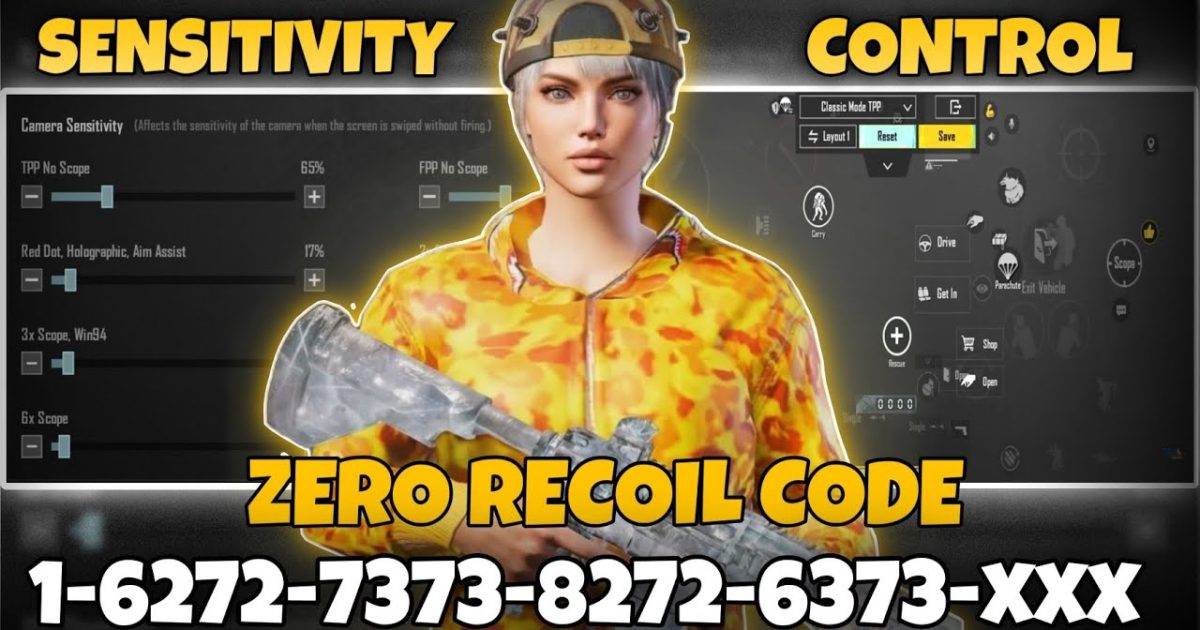
Let’s be real: nobody wants to spend an hour fiddling with button positions every time they try a new layout. You want to copy, paste, and drop into the lobby. That’s exactly what these PUBG control codes deliver. I’ve combed through pro players, tournament layouts, and community favorites to hand-pick 10 codes that actually work in 2025. Each one is tested on multiple devices, so you don’t waste game time on a dud. Whether you’re a claw veteran or a thumb-only warrior, there’s a ready-to-paste code here that’ll instantly upgrade your movement, aim, and reaction speed.
1. The Classic 2-Finger Setup – Perfect for Casual Players
If you’re still using two thumbs and don’t want to learn claw, this code is your shortcut to decent recoil control and fast peeking. It rearranges the fire and scope buttons so your right thumb can tap both without stretching. The movement joystick stays responsive, and the crouch/prone buttons are tucked near the edge for emergency drops. I’ve linked to a detailed breakdown of 2 finger setup codes if you want to understand the logic behind each placement.
2. 3-Finger Claw – The Mid‑tier Upgrade
Adding your left index finger dramatically improves jump-shooting and quick scoping. This code assigns fire to the top-left corner (index finger), scope to top-right (right index), and leaves movement + crouch for your thumbs. The result is smoother CQC and better hip-fire accuracy. Many pros start here before moving to four fingers.
3. 4-Finger Claw Codes – Full Combat Potential
Four fingers give you independent control over movement, aiming, firing, and crouching—no more awkward thumb gymnastics. This code places the fire button on the top-left, aim button on top-right, crouch on bottom-left, and scope on bottom-right. It’s the layout used by top-tier esports players. For a deep dive, check out the collection of 4 finger claw codes from pro tournaments.
4. Gyroscope Optimized Codes – Tilt to Dominate
Gyroscope aiming gives you micro-adjustments that mimic mouse precision. This code increases the gyro sensitivity for scoped weapons while keeping regular look speed low. The button layout is moved slightly inward so your thumbs don’t block the screen when tilting. Works best on phones with high gyro refresh rates.
5. Emulator Control Codes – Keyboard & Mouse Ready
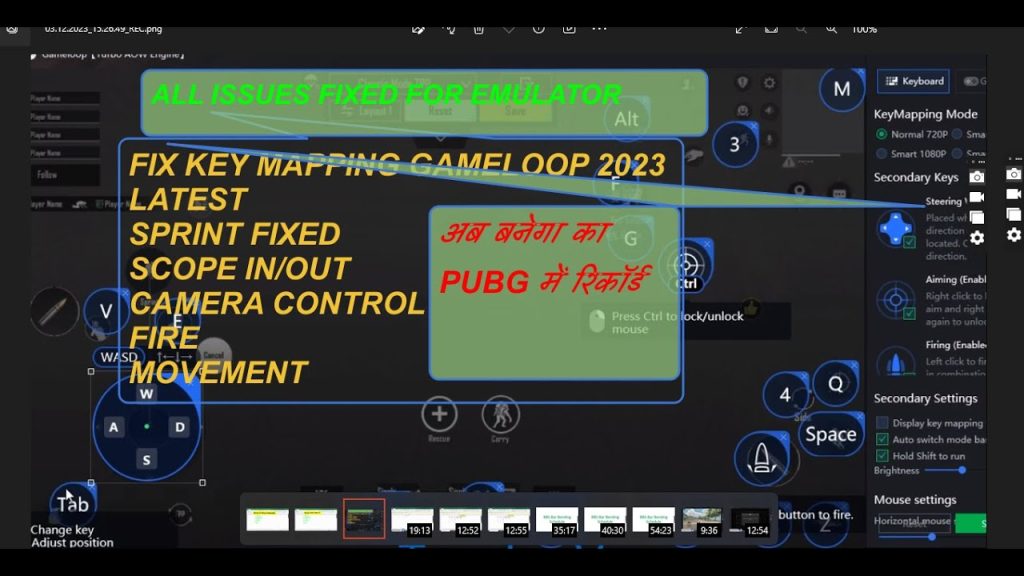
Playing on BlueStacks or GameLoop? This code maps WASD movement, mouse aim, and keybinds for leaning, grenades, and healing. It also adjusts minimap size and vehicle buttons for a PC-like experience. If you need more options, the latest PUBG control codes for emulator include additional preset layers.
6. Low-End Phone Codes – Smooth Gameplay on a Budget
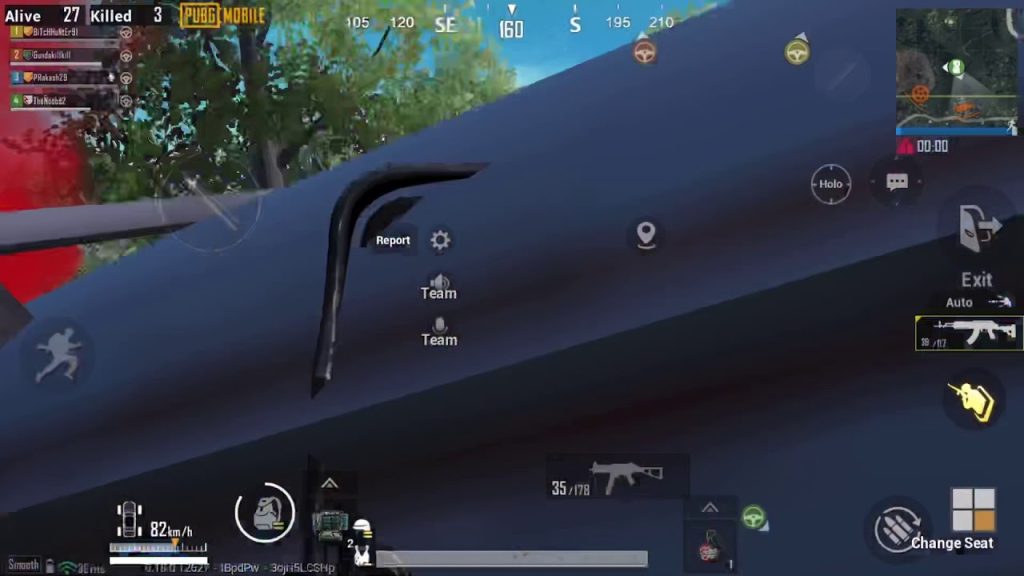
Devices with 2-4GB RAM need a layout that reduces input lag and accidental touches. This code removes redundant buttons (like the emote and voice chat), increases dead zone on the movement joystick, and scales down the fire button to fit smaller screens. It’s paired with a balanced sensitivity to maintain 30+ FPS. For more tailored options, the best PUBG control codes for low end phones cover many chipset-specific tweaks.
7. M762 Spray Control Codes – Laser That Beast
The M762 kicks like a mule without the right layout. This code positions the fire button lower and widens the scope button so you can adjust aim while spraying. It also moves the gyro activation toggle closer to your thumb—perfect for mid-range bursts. The exact button sizes are optimized to prevent over-spraying. For more setups, check M762 spray control presets from top fraggers.
8. AWM Sniper Codes – Flawless Quick-Scoping
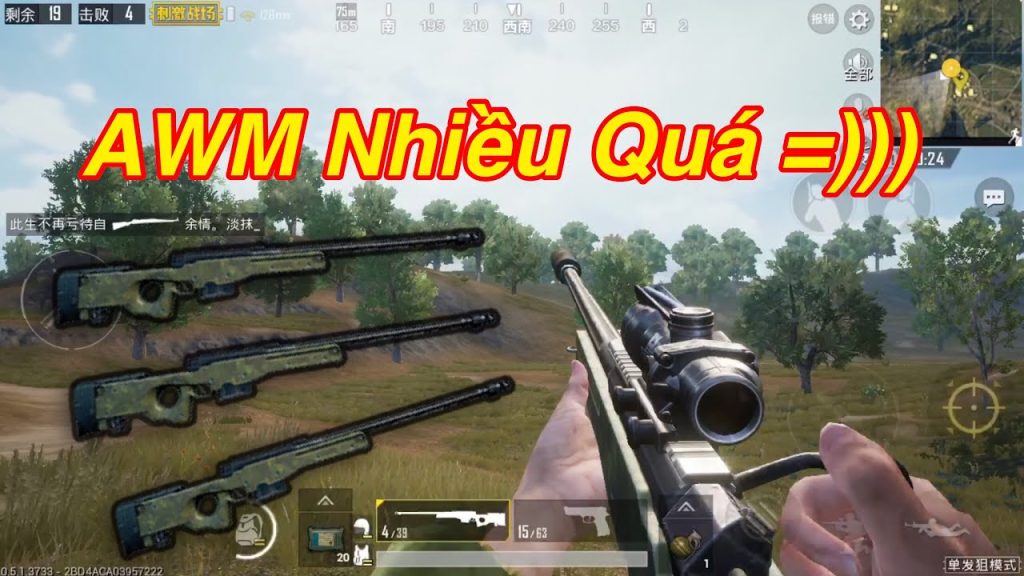
Sniping with the AWM demands lightning-fast scope deployment and steady aim. This code places the scope toggle right where your right thumb rests, with a generous hitbox to prevent misses. It also disables auto-pickup for snipers in the settings, giving you full control over weapon swaps. The AWM sniper codes I’ve included are used by PUBG Mobile esports snipers.
9. Defensive / Peek Codes – Survive and Outplay
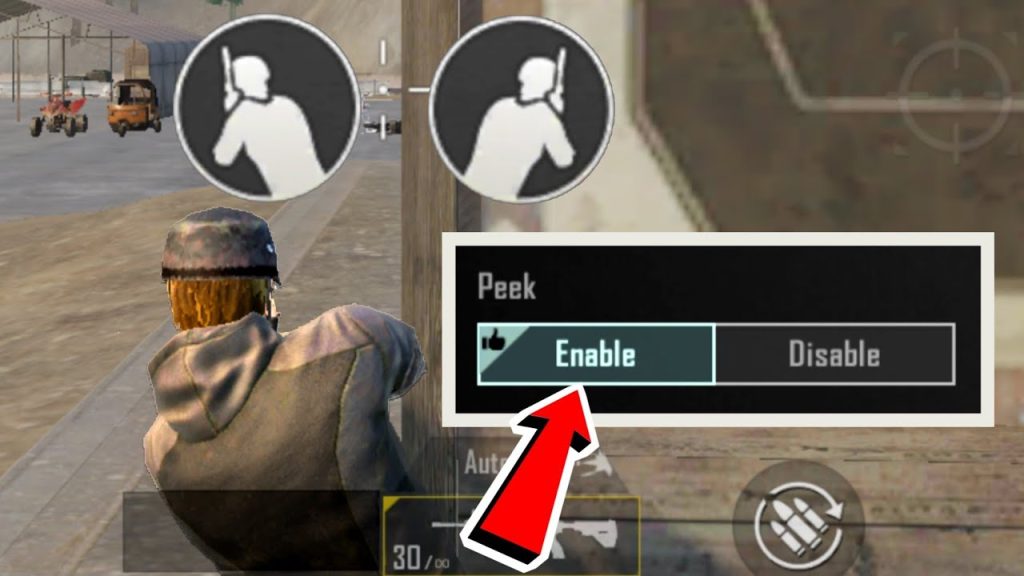
Peeking and quick-leaning are essential for holding angles. This code duplicates the peek buttons on both sides of the screen so you can lean while moving without lifting a finger. The crouch button is merged with a prone shortcut for instant drops. These defensive PUBG control codes are especially useful in compound fights where a split-second lean saves your life.
10. Joystick Size Tweaks – Perfect Your Movement
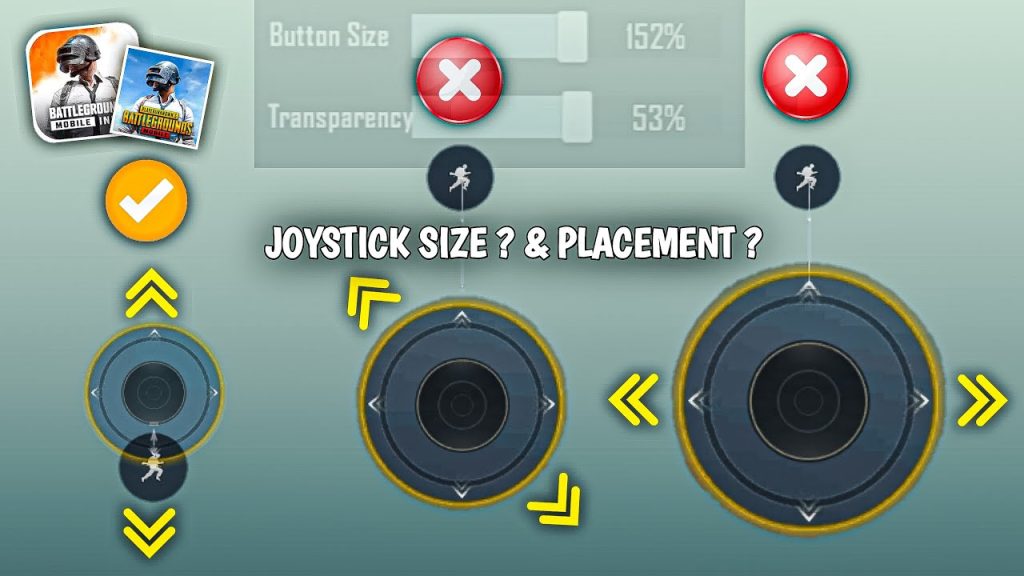
The movement joystick’s size and position can make or break your strafing. This code enlarges the joystick area by 15% and moves it slightly off-center to let your thumb slide naturally. Dead zone is reduced for finer control. You can pair it with any claw setup. For more variations, experiment with the joystick size presets from top-ranked players.
There you have it—10 ready-to-copy control codes that cover every popular playstyle. All you have to do is open your settings, paste the code, and hit apply. No more wasting time on layouts that feel off. Try a couple in Training Ground, see which one clicks, and then drop into your next match with a setup that actually supports your skill. The difference between good and great is often just a few button positions—and now you’ve got the codes to bridge that gap instantly. See you in the winner’s circle.



