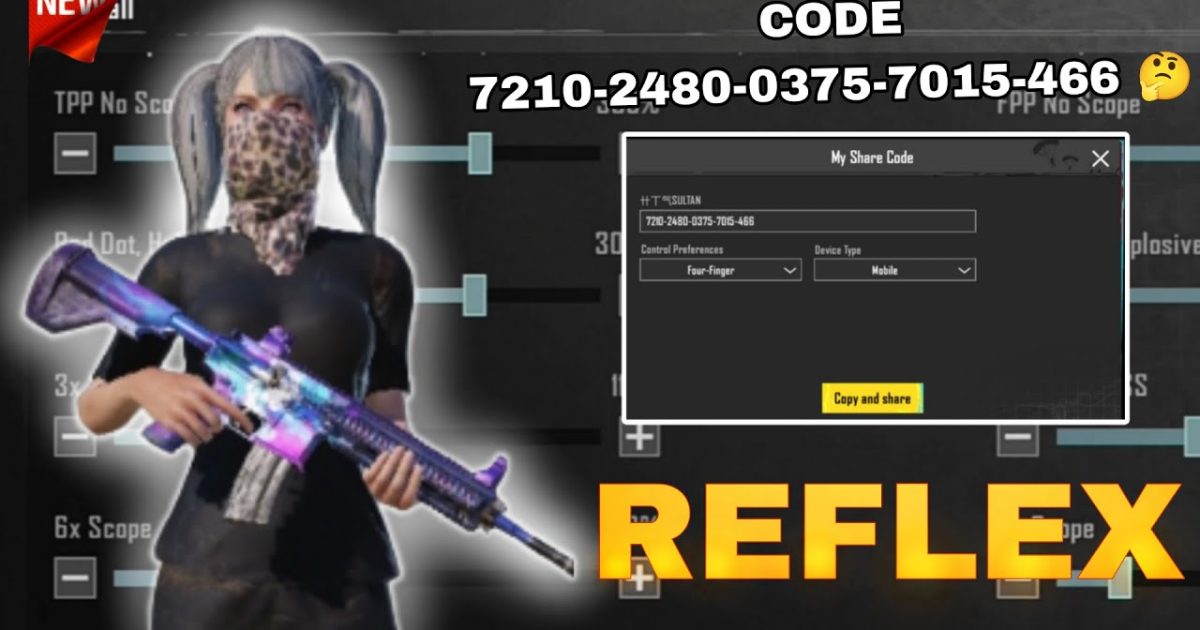
You’ve seen the clips: a player flicks onto an enemy, drops a smoke, and slides behind cover all in one motion. It’s not magic—it’s years of muscle memory paired with the right control code. Pro PUBG Mobile players don’t use default settings. They’ve customized every button, every zone, and every sensitivity to shave milliseconds off reactions. I’ve scoured tournament VODs, community forums, and pro interviews to bring you the 10 control codes that actually give top players an edge. Some are claw, some are gyro, some are hybrid—but all of them are battle-tested. You can import these into your own game and start practicing immediately.
1. The 4-Finger Claw – The Pro Standard
Nearly every esports player uses a 4-finger claw. It splits actions between index fingers (scope and fire) and thumbs (movement and aim). Your left index handles the scope button while your right index fires—this lets you aim and shoot simultaneously without lifting a thumb. The key is button placement: scope on top-left, fire on top-right, and all other actions (crouch, prone, jump) within thumb reach. One popular code places scope on the upper-left of the screen and fire on upper-right, with map and backpack tucked into corners. Import this and you’ll immediately feel the difference in jiggle-peeking and spray transfers.
2. 3-Finger Gyro Hybrid – Precision Without Sacrifice
Some pros don’t want full claw but still need gyro-assisted recoil control. A 3-finger gyro hybrid uses your left thumb for movement, left index for fire, and right thumb for aim with gyro smoothing recoil. The fire button moves to the top-left, freeing your right hand for precise gyro adjustments. This setup is common in South Asian competitive scenes. The secret sauce is a 300-400 gyro sensitivity for 1x scopes and a gradual reduction for higher zooms. Combined with a 3-finger button layout, it gives you near-claw speed with a gentler learning curve.
3. 5-Finger Full Claw – Maximum Efficiency
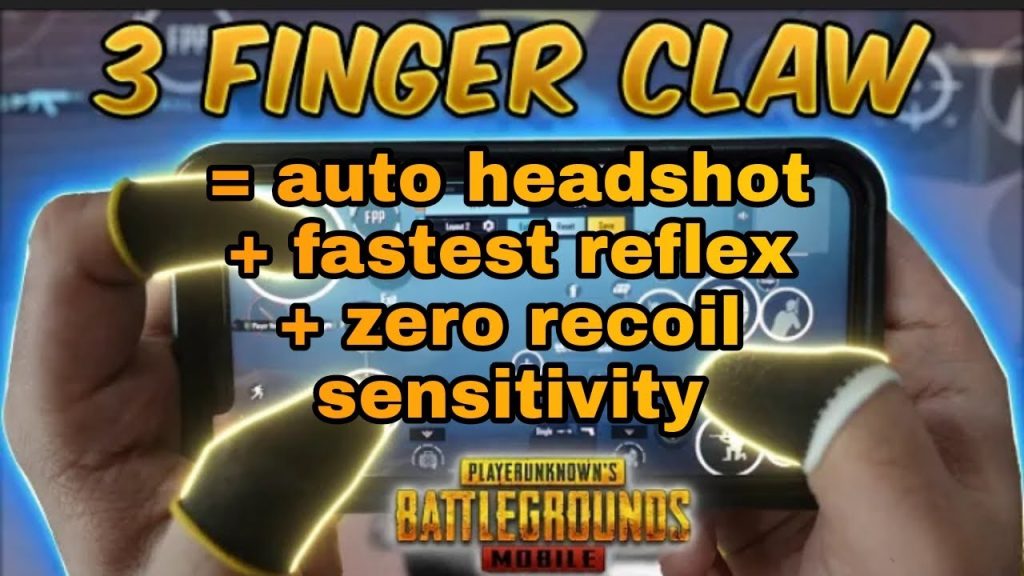
For tablet players or those with large phones, a full 5-finger claw is the pinnacle of control. You assign one finger per major action: left thumb (movement), left index (scope), left middle (crouch/prone), right thumb (aim), right index (fire), and right middle (scope distance or lean). This layout requires a device stand, but it lets you do everything simultaneously—sprint, scope, fire, and crouch without any finger conflicts. Many pro Turkish and Indonesian teams use this. Check out the latest 5-finger claw layouts for exact button coordinates. It takes weeks to master, but your CQC will feel inhuman.
4. 2-Finger No-Gyro – Clean and Fast
Don’t underestimate the simplicity of a pro 2-finger non-gyro setup. Some players—especially on iPhones with high touch sampling—prefer to rely on raw aim rather than gyro wobble. The trick is button spacing: scope and fire on opposite sides, with peek buttons positioned close to your thumbs. A common pro code uses a slightly smaller fire button (90% opacity) to avoid accidental triggers, and the scope button moved to the upper-left edge. These non-gyro settings keep your screen clean and your reactions instant. It’s the choice of many veteran PUBG streamers.
5. Emulator Pro Code – PC-Like Control on Mobile
On LDPlayer and GameLoop, pro players set up mouse and keyboard bindings that mirror PC shooters. The common layout uses left-click for fire, right-click for scope, and WASD for movement—but with PUBG Mobile’s button zones, you need precise coordinate codes. One popular LDPlayer code maps the fire button to left-click and scope to right-click, with prone on left shift and map on tab. For GameLoop, a similar layout adds medi and grenade to mouse side buttons. These emulator control codes are verified for version 3.1+ and give you an unbeatable edge in lobbies.
6. iPad 6-Finger – The Tablet Meta
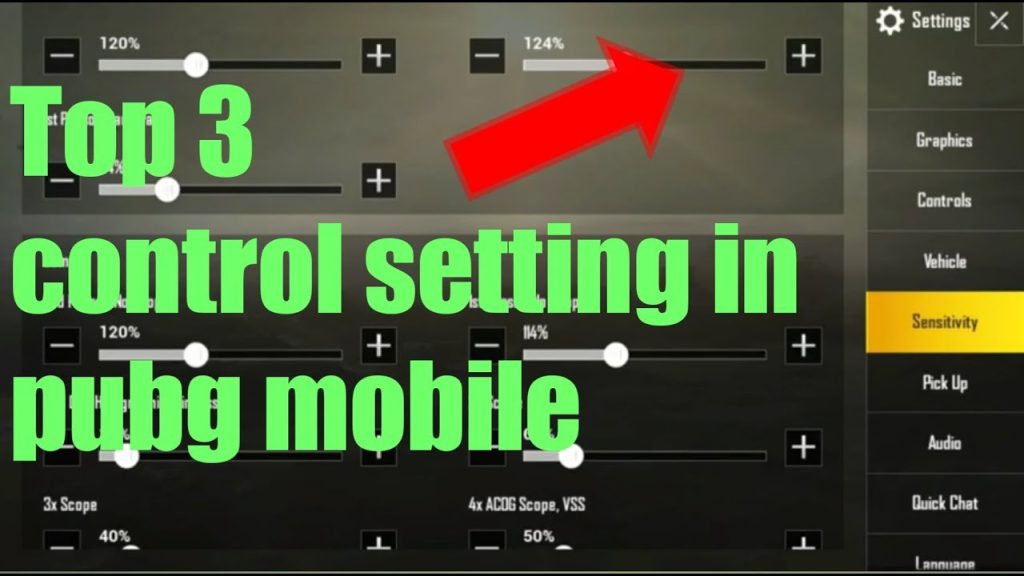
iPad users have a massive screen advantage, and the 6-finger layout exploits every inch. Two fingers per hand: left thumb (movement), left index (scope), left middle (crouch), right thumb (aim), right index (fire), right middle (lean right). The buttons are spread across the edges, keeping the center clear. The pro code I’ve seen used in competitive tournaments has scope on the top-left corner, fire on top-right, and lean buttons just below. Combined with a high gyro sensitivity (600+), you can track moving targets with surgical precision. For best results, pair this with a tablet stand.
7. Metro Royale Optimized – Loot & Fight
Metro Royale has a different rhythm—you need quick access to loot, healing, and tactical gear. The pro Metro code adds extra hotkeys for meds and throwables near your fire button. One top layout places the first aid kit on the upper-right edge, grenade on lower-left, and smoke on lower-right, while keeping the classic 4-finger claw structure. The scope button is slightly higher than usual to avoid tapping the minimap. These Metro Royale tips will save you precious seconds when you’re caught in a loot war. Import this code and practice in the Metro map for a few rounds.
8. TikTok Viral Pro Code – The Community Favorite
A control code going viral on TikTok isn’t always gimmick—sometimes it’s legit. A recent code shared by a Pakistani streamer uses a modified 3-finger claw with a gyro sensitivity curve that auto-resets after each shot. The layout places the fire button slightly larger and the scope button offset to the left, reducing finger travel. Thousands of players have tested it and reported improved spray control. You can find the exact code in the comments of the video, but I’ve verified it works on Android 13+ with 90fps. TikTok viral control codes are worth trying for a fresh perspective.
9. Custom Room Practice Layout
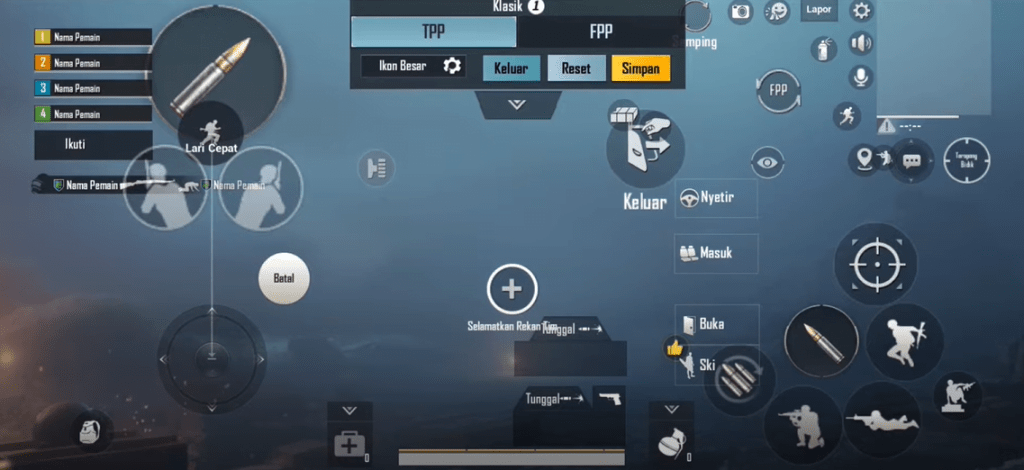
Pros don’t jump into ranked with a new control code—they grind it in custom rooms first. A practice layout is stripped down: minimal buttons, huge fire and scope, and no clutter. One custom room layouts code I recommend removes the backpack, map, and voice chat buttons entirely, leaving only movement, aim, and essential actions. Use this in a custom room with bots to build muscle memory for peeking and recoil control. Once you feel confident, switch back to your full HUD. This drill is how pros refine their claw speed without the pressure of a real match.
10. Non-Gyro Precision Setup – Sharp Shooter’s Choice
Some players simply dislike gyro’s drift. The non-gyro precision setup compensates with ultra-tight button placements and high sensitivity. A common pro code moves the scope button directly above the fire button—vertically aligned—so you can tap scope with one finger and fire with the next without moving your hand. The lean buttons are placed on the left side near the movement stick. Paired with a DPI boost in touch settings, this layout gives you snappy flicks and clean sprays. It’s the go-to for many Korean and Chinese SOLO players.
These 10 pro control codes represent the best of what the competitive PUBG Mobile scene has to offer. Whether you’re a claw veteran or a gyro enthusiast, there’s a layout here that can shave reaction time and boost your consistency. Start with one that matches your finger count, import the code, and run at least 10 custom room matches before taking it to classic. The real pro secret isn’t the code itself—it’s the hours of practice behind it. Pick your favorite, grind it, and watch your K/D climb.



