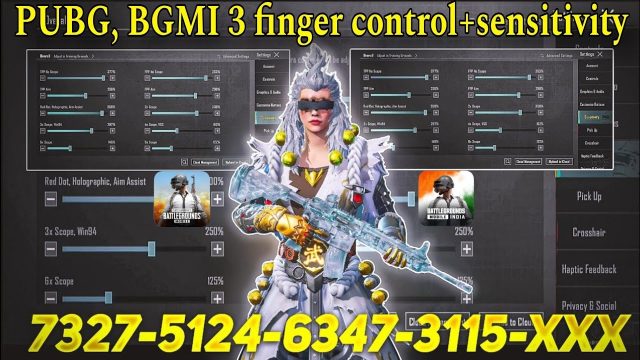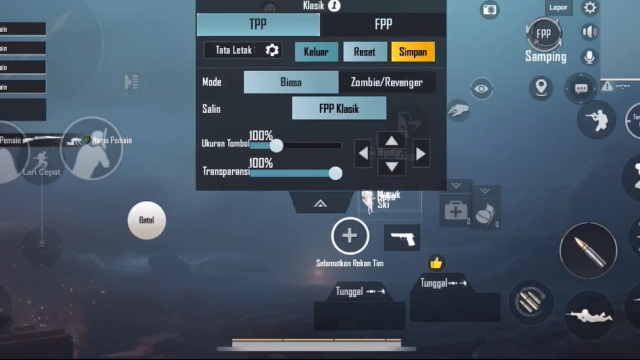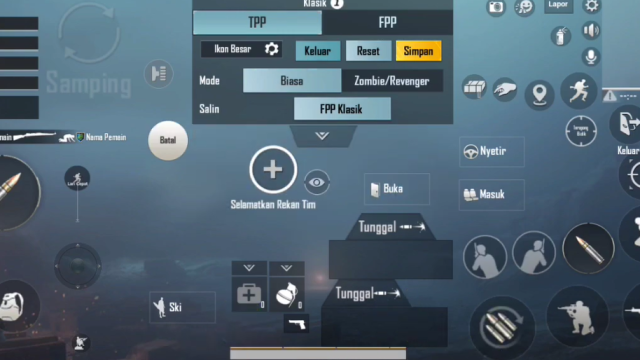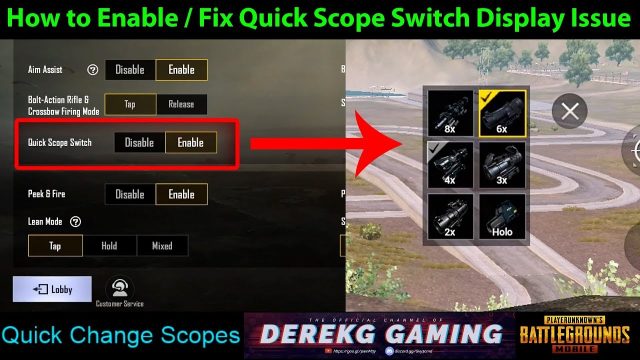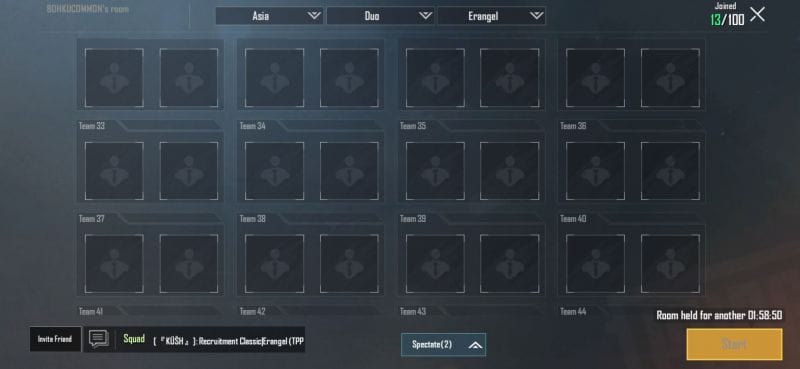
Custom rooms in PUBG Mobile aren’t just for messing around with friends—they’re the ultimate testing ground for new control layouts. By using shared control codes, you can instantly load pro setups and see if they click with your playstyle. I’ve dug through the community’s most popular codes and picked the ones that actually improve your aim, movement, and comfort. Whether you’re a claw player, a gyro addict, or still rocking thumbs, there’s a code here for you.
1. The 3-Finger Claw Custom Code
Three-finger claw is the gateway to advanced control. This code positions fire and scope buttons on the top left, freeing your right thumb for jiggle peeking and quick movement. It’s perfect for close-range battles where split-second reactions matter. The layout keeps your fingers spread naturally, reducing fatigue during long sessions. If you’re switching from thumbs, this is the first code you should try.
2. The 4-Finger Claw Custom Code
Once you’re comfortable with three fingers, four-finger claw takes your game to the next level. This code maps prone, crouch, and scope to your index fingers, allowing your thumbs to focus purely on movement and aim. The result? Faster drop shots and smoother peeking. Many top-tier streamers use this setup because it maximizes input without sacrificing comfort. Check out our best layout codes for more variations.
3. The Full Gyro Custom Code
Gyro aiming is a game-changer for precision, and this code is optimized for full gyro control. It disables aim assist and relies entirely on device tilt, giving you pixel-perfect adjustments. The button layout is minimal, with fire and scope tucked away so your gyro aim stays uninterrupted. If you’ve struggled with sticky aim, our gyro control codes are a must-read before jumping into this setup.
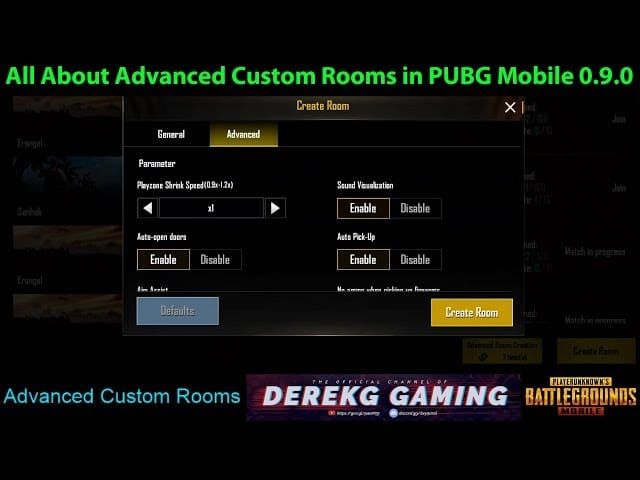
4. The Hybrid (Gyro + Thumbs) Custom Code
Not ready to go full gyro? This hybrid code blends thumb aiming with gyro fine-tuning. It’s designed for players who want gyro assistance for long-range sprays but still rely on thumbs for close fights. The layout places gyro activation on a separate button so you can toggle mid-game. It’s versatile and beginner-friendly—perfect for anyone exploring gyro without ditching muscle memory.

5. The iPad 6-Finger Layout Code
iPad players have a massive screen advantage, but only with the right layout. This 6-finger code uses all your fingers: two for movement, two for aim, and two for actions. It’s aggressive but incredibly efficient once mastered. The button spacing is wider to match the larger screen, and the layout eliminates any reach issues. If you play on iPad, this code is a game-changer. For more iPad-specific settings, check our PUBG Mobile control codes list.

6. The Mobile 5-Finger Layout Code
For those who want maximum control on a phone, this 5-finger code squeezes in all essential actions without cluttering the screen. It uses three fingers on the left side (thumb, index, middle) and two on the right. The left side handles movement and scope, while the right manages aim and fire. It’s demanding but rewarding—expect a steep learning curve. Practice in custom rooms until it feels natural.
7. The Button Size Optimization Code
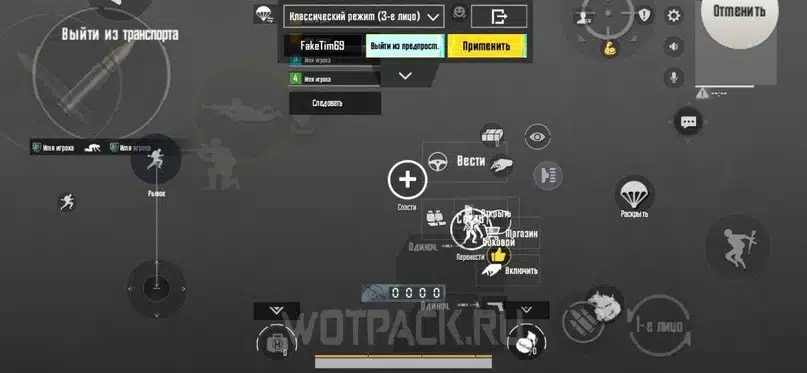
Even the best layout fails if buttons are too small or too big. This code focuses solely on button size and spacing, making it a great starting point for tweaking your own setup. It increases the fire button radius and enlarges the joystick area for better grip. Use this as a base then adjust to your preference. Our button size hacks article dives deeper into customizing these values.
8. The DMR-Specific Control Code
DMRs like the Mini14 and SLR need a different touch. This code places fire on a separate button with a small dead zone to prevent accidental shots, and it optimizes scope-peek timing. It also maps a dedicated crouch button for quick stance changes during peeks. If you’re a DMR enthusiast, this layout will make your tap-fire feel surgical. See our Mini14 control codes for more DMR-specific tips.
9. The M416 Laser Build Code
The M416 is everyone’s favorite AR, but its recoil demands precise control. This code rearranges buttons to give your right thumb full reign over vertical aim while your left index handles crouch and prone for spray transfers. The layout also increases the scope button size for quick 6x to 3x toggles. Pair this with the right sensitivity—check our M416 control codes for the full package.
10. The Mini14 Tap-Fire Code
Mini14 demands rapid, accurate tap-firing. This code places fire on a button with minimal travel distance, and it disables auto-fire to prevent panic shots. The scope button is moved to the top right for quick scoping, and a separate peek button helps with wall-peeking. It’s a niche layout but essential for DMR mains. For more on this weapon, don’t miss our dedicated Mini14 control codes.
Custom room control codes let you experiment without risking your ranked setup. Try each of these codes in a custom match, spend a few minutes getting used to the feel, then tweak what doesn’t work. The perfect layout is out there—these codes are just the starting point. Share your own codes with the community and keep pushing your gameplay. Good luck in the battlegrounds!