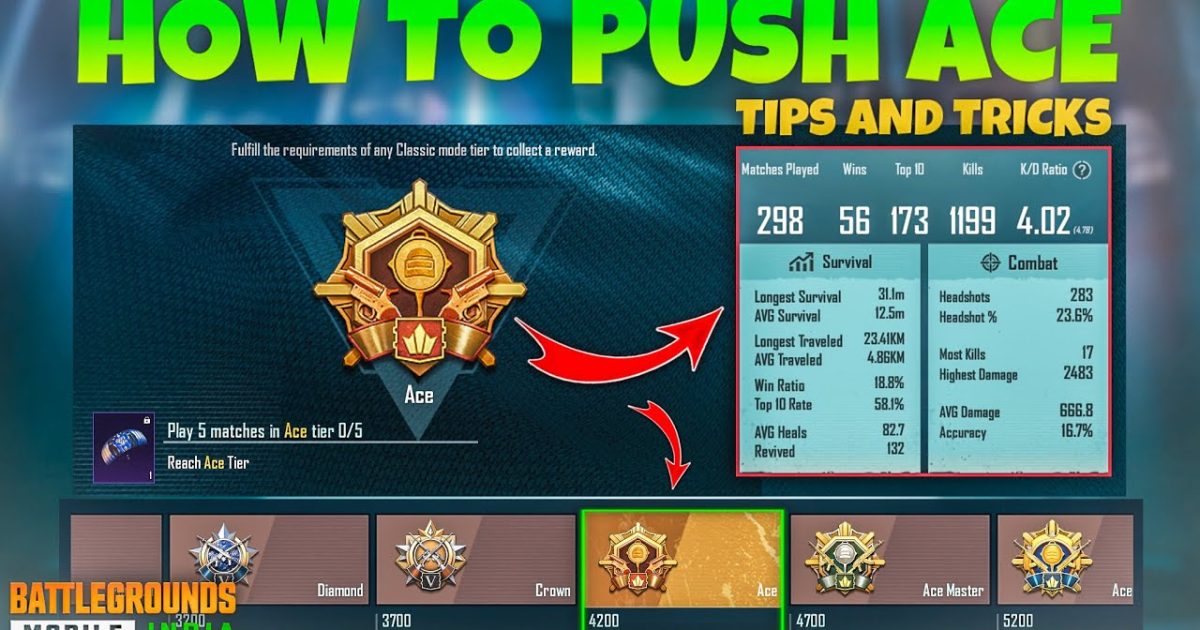
Pushing to ACE rank in PUBG Mobile isn’t just about aim—it’s about having a control layout that lets you move, shoot, and react faster than your opponents. The right control code can mean the difference between clutching a 1v4 and getting sent back to the lobby. I’ve tested dozens of layouts and picked 10 that are specifically built for aggressive pushes. Whether you play on a phone or tablet, with or without gyro, there’s a code here that will level up your game. If you’re new to importing codes, check out our guide on how to import PUBG control codes first.
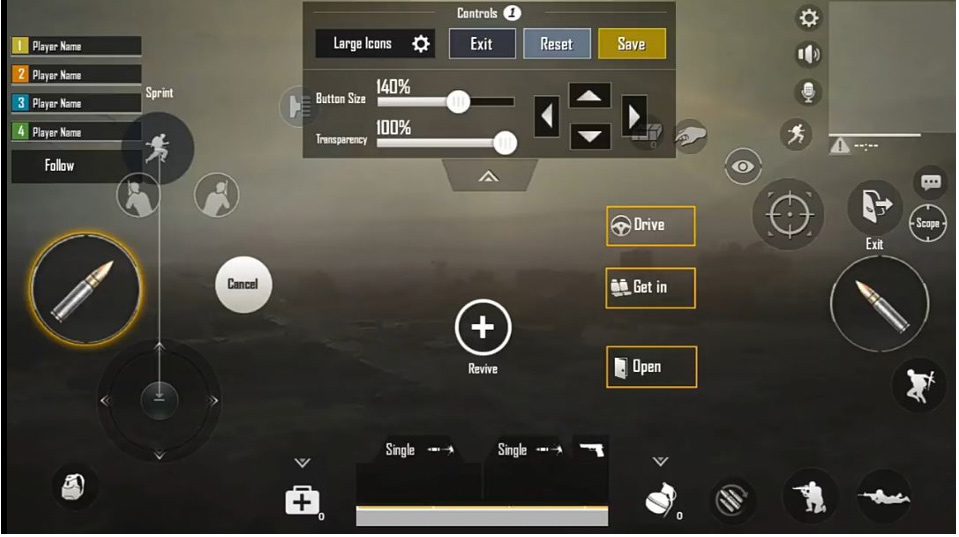
1. 4-Finger Claw (High DPI) – The ACE Push Classic
This is the most popular layout among pro players pushing ACE. With four fingers on screen, you can jump, crouch, fire, and scope simultaneously. The high DPI settings let you flick quickly for close-range sprays while maintaining control for mid-range taps. It’s perfect for hot drops and aggressive pushes because you never have to lift a finger. If you want a proven foundation, start with one of the 4 finger control codes from our collection.
2. 5-Finger Layout – Maximum Control for CQC
Five fingers give you the ultimate edge in close quarters. You can aim, fire, crouch, jump, and lean all at once—essential for outplaying enemies in buildings. This layout takes practice but once you master it, your push potential skyrockets. Pair it with a high sensitivity and you’ll be sliding and spraying like a pro. Check out our optimized 5 finger control codes to get started.
3. Gyro Scope Layout – Laser Beams for Longest Pushes
If you play with gyroscope enabled, this layout is a game-changer. It maps scope and fire to gyro movements, letting you track moving targets with micro-adjustments. For ACE push, this means you can hold angles and beam enemies from range without overcompensating. It’s especially effective for DMR users who need precision. Just remember to calibrate your gyro sensitivity first.
4. No Gyro 4-Finger – Stable Aim for Smoother Pushes
Not everyone likes gyro—and that’s okay. This layout uses four fingers with zero gyro, relying on thumb and index coordination for stable aim. It’s great for players who find gyro too jittery during intense pushes. The key is a balanced sensitivity that lets you track without overshooting. Grab a proven no gyro control code to skip the trial and error.
5. Tablet Optimized Layout – Wider View, Faster Reactions
Playing on a tablet gives you extra screen real estate, but only if your control layout takes advantage of it. This code spreads buttons to the edges, reducing finger overlap and increasing reaction time. With a wider FOV, you can spot enemies earlier and push with confidence. It’s a top choice for iPad and Android tablet users aiming for ACE.
6. One-Handed Mode – Quick Rotates and Easy Peeking
Sometimes you need to free up a hand—for a drink, a call, or just comfort. This one-handed layout puts all essential controls within thumb reach, allowing you to push and rotate efficiently with one hand. It’s not for hardcore pushes, but it’s perfect for mid-game rotations and safe peeking. Ideal for players who want to keep grinding without strain.
7. Jiggle-Peek Layout – Outplay Enemies with Movement
Jiggle peeking is a must-have skill for ACE push. This layout places lean and peek buttons near your fire button, making it easy to bob in and out of cover while returning fire. Combined with a high sensitivity, you can bait shots and punish misses. It’s especially effective against snipers and campers.
8. Hip-Fire Focused Layout – Win Close Encounters
When you’re pushing through tight spaces, hip-fire is king. This layout minimizes scope time and maximizes crosshair placement. It maps hip-fire to a larger button area, so you never accidentally scope in at bad times. Perfect for SMG users and aggressive rushers who like to get in the enemy’s face.
9. Crouch-Jump Combo – Unpredictable Movement
Crouch-jumping is a staple of high-level play, and this layout binds both actions to a single tap. You can slide, jump, and crouch in fluid combos that make you a nightmare to hit. It’s great for pushing rooms and forcing enemies to miss. Practice the timing and you’ll win fights you have no business winning.
10. 3-Finger Quick Peek – Balanced for Mid-Range Dominance
Three-finger layouts offer a sweet spot between control and simplicity. This one focuses on quick peeking—lean, peek, shoot, and retreat in one fluid motion. It’s ideal for AR users who want to dominate mid-range engagements. If you’re transitioning from casual to competitive, this is a great stepping stone.
There you have it—10 PUBG control codes tailored for ACE push. Each layout targets a specific playstyle, so experiment with a few to see what clicks. Remember, importing codes is easy: just copy the code, paste it in settings, and you’re good to go. For the latest layouts that work in current meta, check out our new meta control codes and pro player layouts. Now get out there and push that rank!



