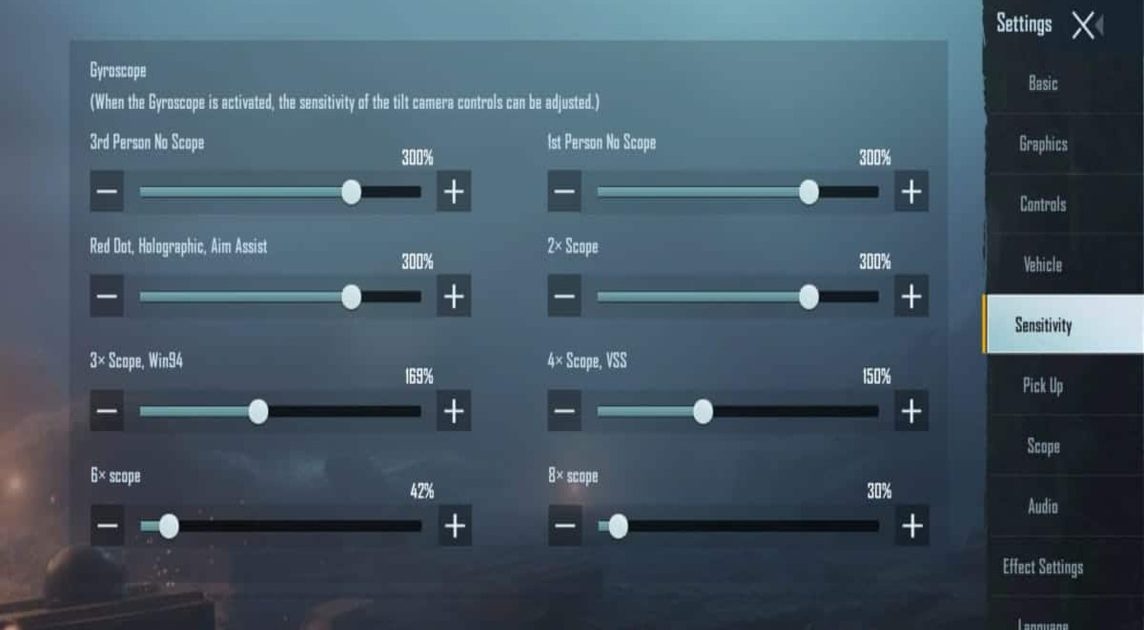
Gyroscope aim in PUBG Mobile is a game-changer, but it only shines when paired with the right control codes. A sloppy layout or mismatched sensitivity can make gyro feel twitchy or unresponsive. After testing dozens of setups from pro players and top-tier streamers, I’ve handpicked 10 control codes that perfectly sync with gyro settings. These aren’t random layouts—each one is optimized for a specific playstyle, whether you’re a claw player, a tablet user, or a jiggle-movement addict. Ready to turn your phone into a precision tool? Let’s dive into the codes that’ll make your aim stickier than a pubg new state’s hype. Also, check out the latest PUBG gyro control codes if you want more variety.
1. The 4-Finger Claw Gyro Setup for All-Round Dominance
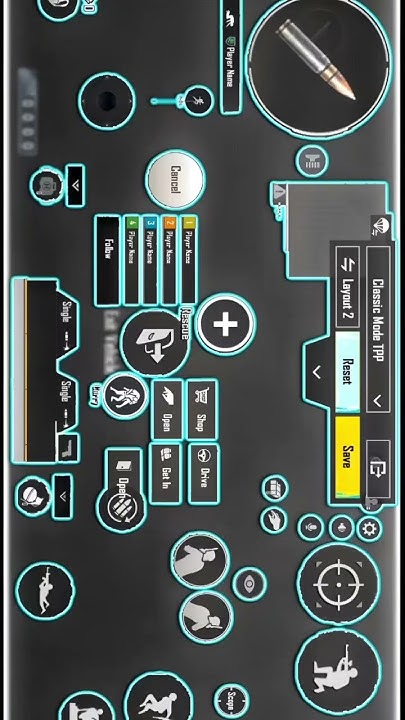
This is the Swiss Army knife of gyro control codes. It uses a 4-finger claw grip with gyro enabled on ADS and scope only—no full gyro nonsense that makes looting a nightmare. The left index handles fire and scope, right index manages lean and ADS, while thumbs do movement and jump. The gyro sensitivity is set to 300% for 4x scopes and above, with a 200% base for red dots. This gives you smooth micro-adjustments without overshooting. For close range, you can temporarily toggle gyro on hip-fire by tapping a dedicated button. Pro tip: pair this with control codes with ADS settings for even better recoil control.
2. Full Gyro (Always-On) for Mobile Only Players
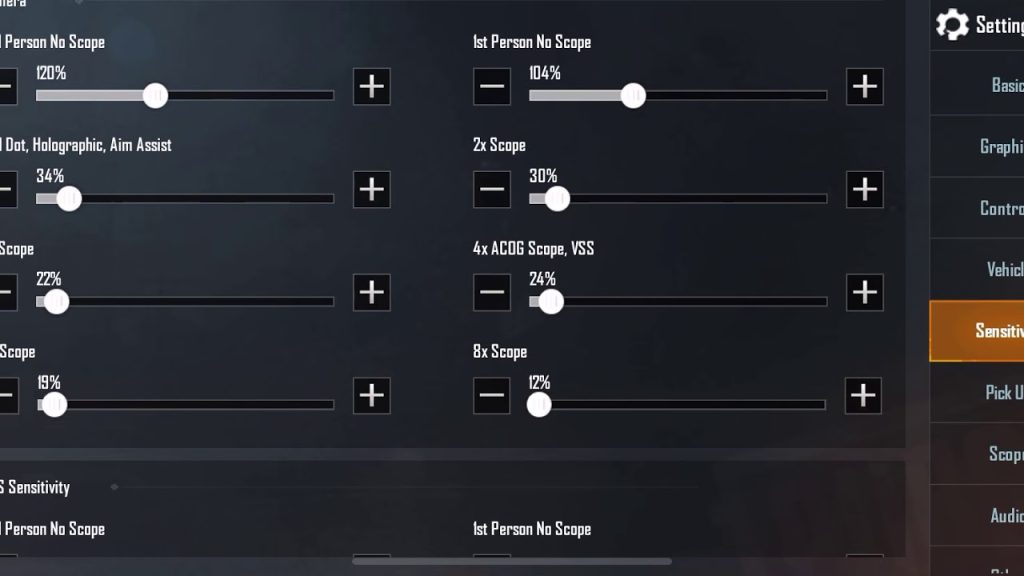
If you’re a thumb player who wants to minimize screen taps, full gyro is your jam. This control code keeps gyro active 100% of the time, so you aim by tilting your device. The layout is simple: right thumb for fire and scope, left thumb for movement, and gyro for everything else. Sensitivity is cranked to 120% for general, 150% for red dot, and 250% for 6x. The trick is to use a low DPI on your touch settings to avoid accidental taps. You’ll need a phone with a stable gyro sensor and a good grip. This setup is murder on your battery but insane for close range.
3. Hybrid Gyro (ADS + Hip-Fire Toggle) for Versatility
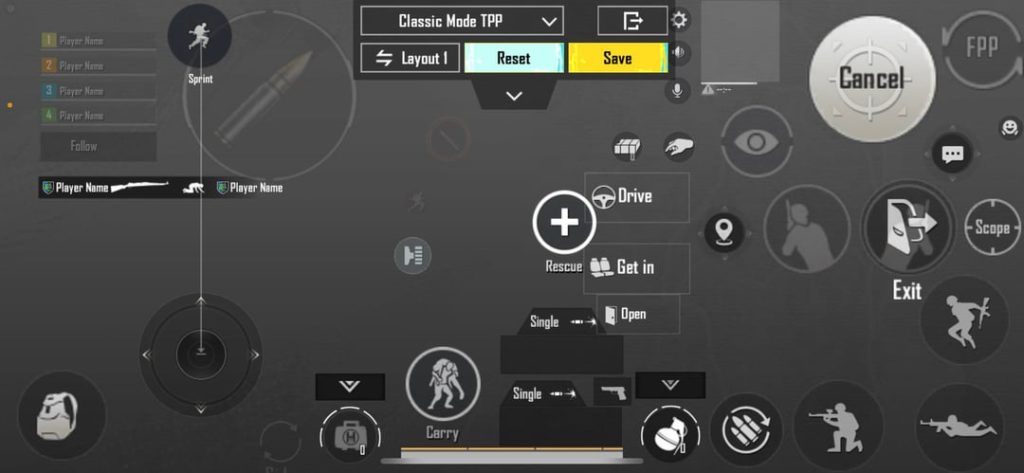
This layout gives you the best of both worlds: gyro on ADS for long-range precision, and a toggleable hip-fire gyro for CQB. The control code places a small gyro-toggle button near your right thumb. When off, you use pure thumb aim for looting and driving. When on, gyro kicks in for hip-fire spray. The ADS sensitivity is set to 400% for 8x scopes, making it a dream for DMRs. Many pros use this during competitive PUBG control codes matches because it reduces hand strain. Just remember to practice the toggle timing—it’s a game-changer.
4. The 6-Finger Tablet Gyro God Layout
Tablet players, this one’s for you. With a bigger screen and gyro, you can pull off insane sprays. This 6-finger layout uses three fingers per side: index for fire/scope, middle for lean/ADS, ring for prone/crouch, thumbs for movement/vision. Gyro is set to 250% for all scopes, with a special 500% for the 3x scope (the recoil master). Because tablets are heavier, you’ll want to reduce the gyro dead zone to 5% to prevent drift. This is one of the most addictive 6 finger control codes I’ve tried. It makes your M416 beam at 200 meters.
5. Gyro-Assisted Jiggle Movement Code
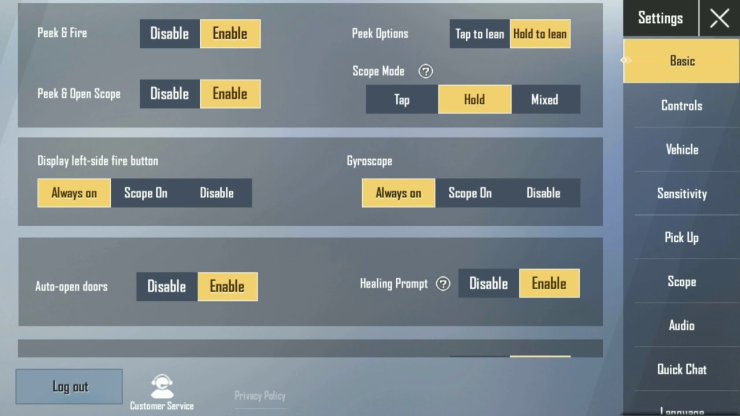
You know those opponents who dance like they’re having a seizure while hitting every shot? That’s jiggle movement with gyro. This control code binds lean to gyro roll (tilting left/right) while keeping your thumbs free for strafing. The gyro sensitivity for lean is set to 180%—not too high to lose control, but enough to dodge bullets. Combine this with the close range M416 control codes we covered earlier, and you’ll be untouchable in CQB. Practice in the training ground to sync your leans with movement.
6. Low-Sensitivity Gyro for Long-Range Beamers
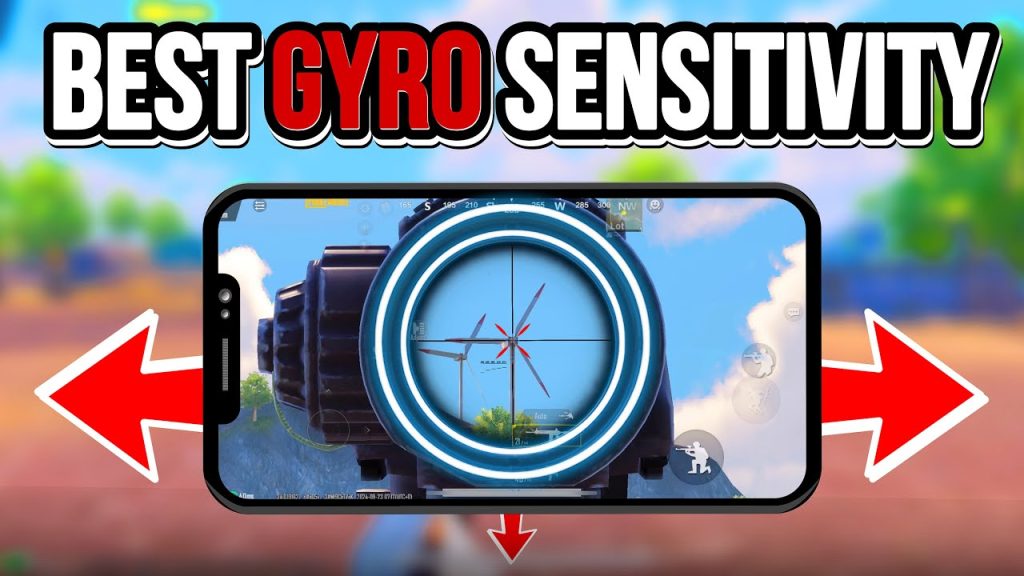
If you’re a DMR or sniper main, you want gyro that’s buttery smooth, not jittery. This code uses ultra-low gyro sensitivity: 80% for general, 100% for red dot, and 300% for 8x scope. The layout is a 4-finger claw with a dedicated gyro-scope button that activates a fixed 400% sensitivity only when scoped. This prevents accidental movement while positioning. Pair it with a Kar98k or Mini14 for headshots that feel like aimbot. For more sniper-specific setups, check out the latest PUBG gyro control codes that focus on one-shot weapons.
7. High-Sensitivity Gyro for Shotgun & SMG Rushers
Rushing with a DBS or Vector requires lightning-fast flicks. This control code pushes gyro to the max: 400% general, 500% red dot, and 800% for 1x scope. But with great power comes great responsibility—you need a strong dead zone (15%) to avoid drift. The layout uses only 3 fingers to keep your grip firm, with gyro on at all times. For jiggle movement during rushes, you’ll want to combine this with the jiggle movement control codes we posted earlier. Works best on phones with a gyro rate above 200Hz.
8. Gyro + Crouch Prone Macro for Recoil Reset
This isn’t a macro in the cheating sense—it’s a control code that binds prone or crouch to a gyro gesture (e.g., tilting the phone face-down). When you hit the deck, gyro automatically resets your aim to center, wiping recoil in the process. The layout uses 5 fingers with gyro on ADS only. The gesture sensitivity is set to 300% with a 2-second activation delay to prevent accidental prone. It’s a niche but deadly technique for players who like to go prone mid-spray. Test it in TDM before taking it to classic.
9. 4-Finger Thumb Gyro for Small Phones
Not everyone has a gaming brick phone. On a standard 6-inch display, you need a compact layout. This control code uses four buttons on the left side (fire, scope, lean left, lean right) and gyro for the right-handed aiming. The buttons are tiny (size 4) and placed just below the gyro zone. Gyro sensitivity is 250% for all scopes, with a 10% dead zone. It’s perfect for one-handing during commutes. For a full list of layouts for different devices, see the competitive PUBG control codes from pro mobile players.
10. Auto-Gyro Calibration Code for Laggy Sensors
Some older phones have laggy gyro sensors that cause drift. This control code includes a calibration overlay: a small button that resets gyro center when tapped. The layout is a simple 2-finger thumb setup with gyro on ADS. The code sets the gyro high pass filter to 5Hz to filter out tiny tremors. It also uses a gyro smoothing option set to 0.7. Combine this with the 6 finger control codes if you’re on a newer device, but for laggy sensors, this is your savior. After applying, always test in the training ground.
These 10 control codes cover every playstyle—from full gyro nutters to hybrid precision freaks. The key is to not just import the code but tweak the gyro sensitivity to match your hand stability. Start with the one that fits your grip, then adjust the dead zone and sensitivity by 10% increments. For more pro-verified settings, don’t miss the latest PUBG gyro control codes article. Share your favorite code in the comments or ping me on Discord if you need help fine-tuning. See you on Erangel!



