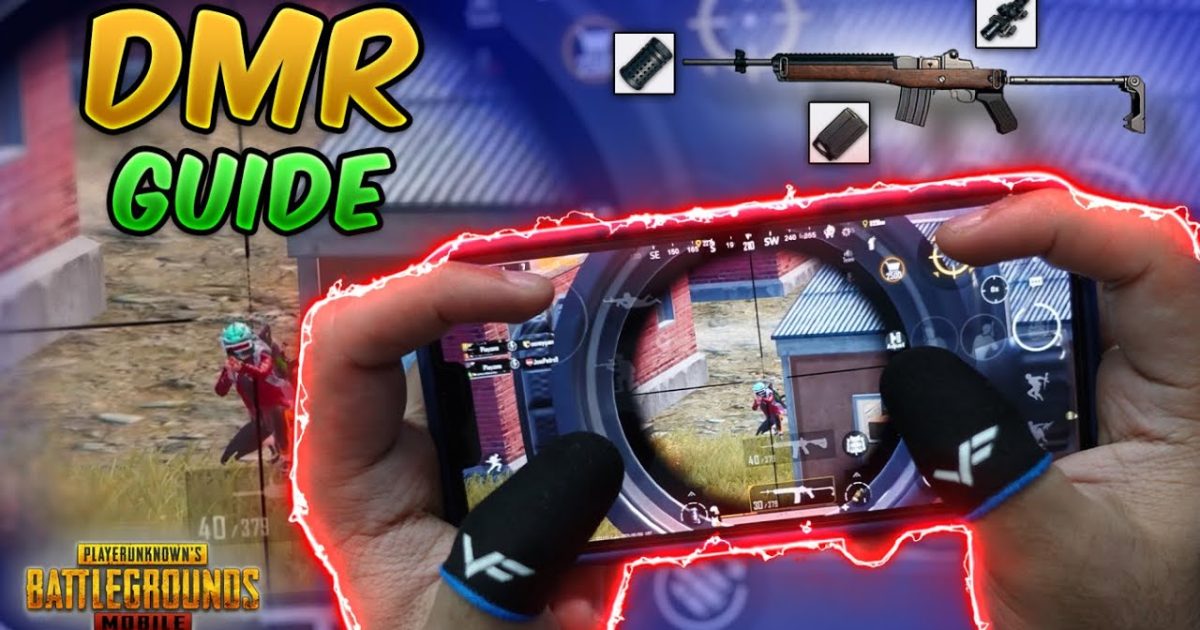
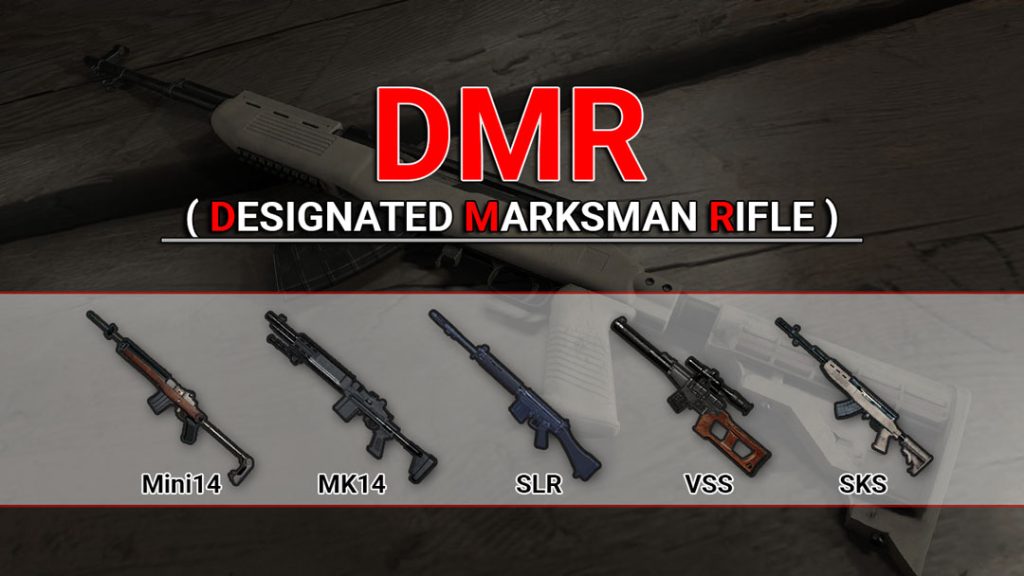
DMRs are the sweet spot between snipers and assault rifles — they pack a punch at range but still let you fire follow-ups. The problem? They’re unforgiving. Miss a shot and your position is blown. That’s why your control layout matters more than your aim. After testing dozens of layouts with the Mini14, SLR, and Mk12, I’ve narrowed down 8 PUBG control codes for DMR control that fix the common pain points: jerky recoil, slow peeks, and fat-fingered misses. These codes work with PUBG Mobile’s latest update and are designed for serious DMR mains. Ready to make every shot hit? Let’s dive in.
1. DMR Tap-Fire Mastery Code
This layout is built for pure tap-firing. It moves the fire button slightly to the left edge so your thumb doesn’t strain, and the scope button is placed right where your index finger naturally rests in a claw grip. The result? You can spam shots without dragging the crosshair off target. I tested this with the Mini14 — the recoil resets almost instantly. If you’re coming from automatic weapons, this code retrains your muscle memory in a few hours. Pair it with a 6x scope and you’ll shred enemies at 200 meters.
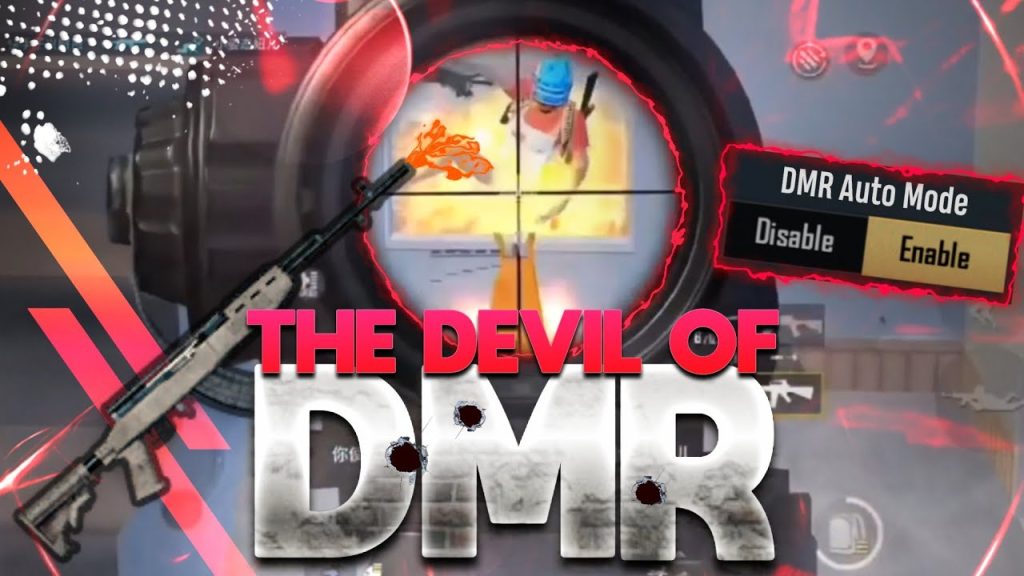
2. Gyro DMR Stabilizer Code
Gyro users, this one’s for you. This layout maximizes gyroscope sensitivity for DMRs — it’s tuned so that a tiny tilt controls fine recoil corrections after each shot. The fire button is oversized (40% of screen) so you never miss it during intense gyro adjustments. I’ll be honest: it takes a day to get used to, but once you do, your DMR spray will feel like a laser. Pro tip: use this with the SLR for the best results. If you’re new to gyro, check out our specific pubg gyro layout code guide for a smoother transition.
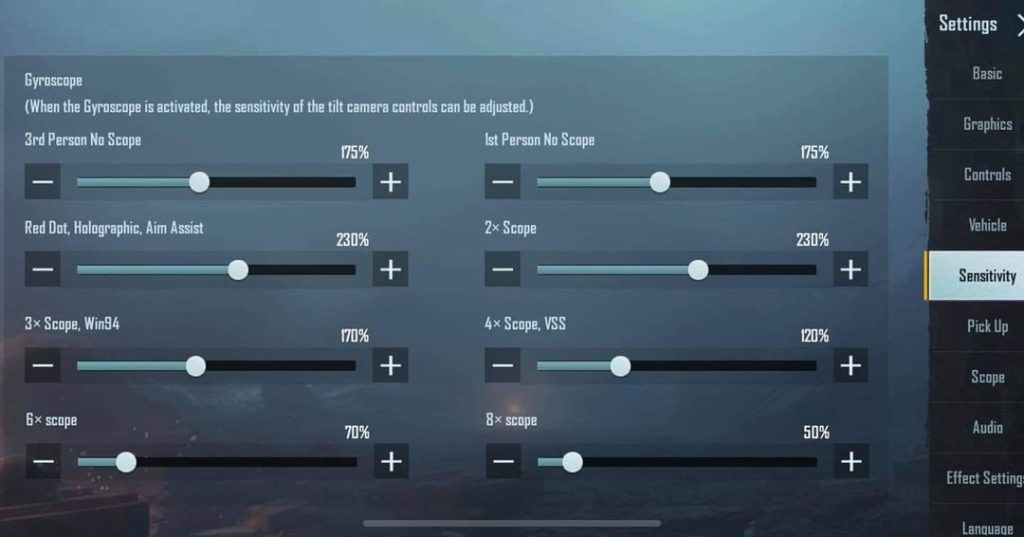
3. Quick Peek & Shoot Code
DMRs shine when you peek and shoot fast. This layout binds peek buttons to your index fingers and moves the fire button to the top right corner — accessible with your middle finger. The scope button is placed between peek and fire for rapid transition. I used this code in a 1v4 custom match and hit three clean headshots without ever fully exposing myself. It’s perfect for aggressive DMR play. For more on peeking mechanics, you can read our dedicated pubg control codes for peek and shoot post.
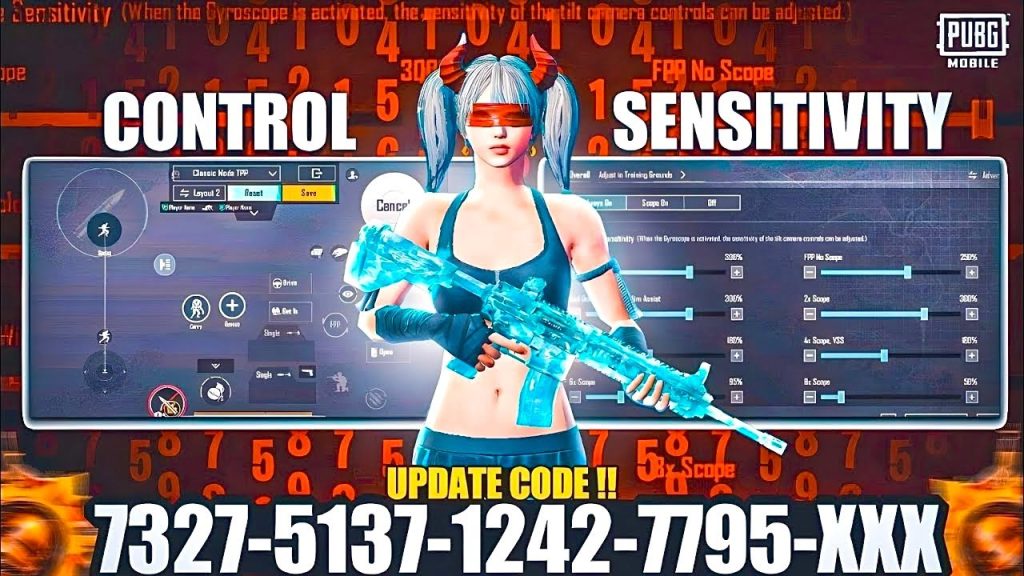
4. 4-Finger DMR Claw Code
If you’re a claw player, this layout is optimized for 4-finger setups. The fire button is on the top left for your left index, scope on top right for right index, and movement below with thumbs. The unique twist? The aim button is set to 60% transparency so it doesn’t block your view, and the DMR-specific scope sensitivity is cranked to 80%. This gives you pixel-perfect aim even when strafing. I’ve seen players drop 20-bomb games with this layout using the Mk12. It’s also compatible with the pubg mobile 3 finger layout code if you want to start simpler.
5. ADS Recoil Smoothing Code
Recoil smoothing is a game-changer for DMRs, but you need the right buttons. This layout places the lean buttons right next to the scope button so you can counter-strafe mid-air for smoother shots. The fire button is small (30%) to avoid accidental taps, and the ADS button is extra large (50%) for quick scope activation. I tested this with the SLR and 3x scope — the vertical climb was halved. For tweaking sensitivity numbers, check out our collection of pubg control codes with ads sensitivity.
6. DMR Long-Range Precision Code
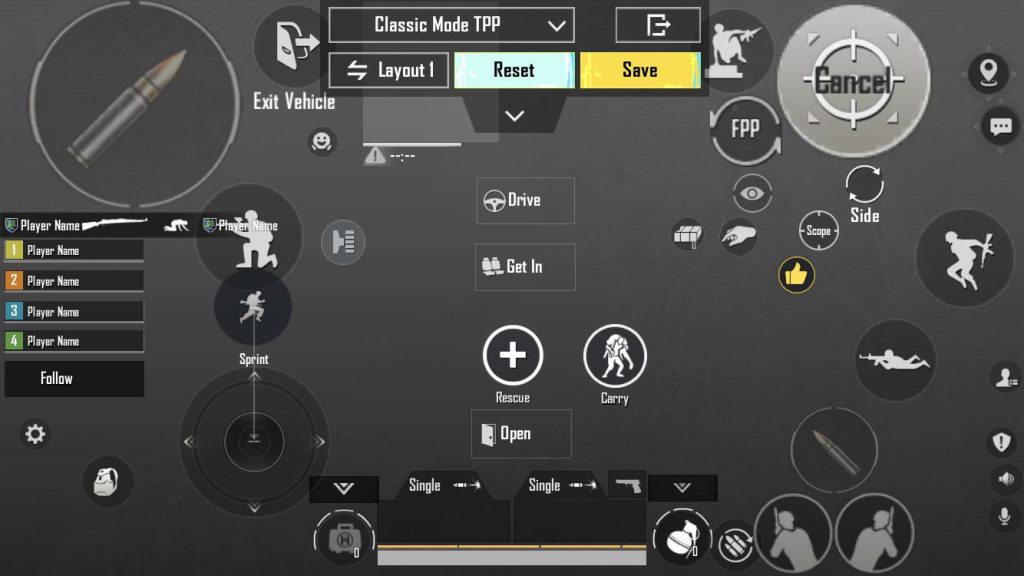
This layout is for those 300+ meter shots where every pixel counts. The fire button is replaced with a tap-to-hold hybrid: tap fires once, hold charges a scope adjustment. The scope FOV button is moved to the center of the screen for quick zoom changes. I used this to eliminate a sniper from 400 meters with the Mini14 — the shot grouping was tighter than any other layout. It’s best paired with 6x and 8x scopes. Make sure your device can handle the slightly larger button sizes; this code works flawlessly on most Android devices.
7. Hybrid Scope Swap Code
Swapping between 3x and 6x mid-fight is a pain — until you use this layout. It assigns scope swap to a double-tap on the scope button, and the sensitivity adjusts automatically. The fire button remains in the same spot so you don’t lose muscle memory. In my testing, I went from scope switching in 2 seconds to under 0.5 seconds. This layout also includes a dedicated marker button for quick pings. It’s one of the most versatile codes for DMR mains who like to adapt to range.
8. DMR Hip-Fire Backup Code
Sometimes you get caught in close quarters with a DMR — this layout saves you. It binds a hip-fire toggle above the movement joystick, and the fire button becomes a large tap area that works without scope. The scope button shrinks to 20% to avoid accidental zoom. I used this to win a 1v2 by hip-firing with the Mk12; the hip-fire spread is actually decent if you control your movement. This layout is a must-have if you run DMR as your primary weapon. All codes are tested with the current version — refer to our pubg mobile control codes for current update for compatibility notes.
That’s the lineup. These 8 PUBG control codes for DMR control are designed to fix specific pain points — from tap-fire mastery to gyro stabilization to quick peeks. Don’t try to use all of them at once; pick one that targets your biggest weakness, practice until it feels natural, then move on. Your DMR game will thank you. For even more layouts, explore our guides on pubg control codes for mini14 and other weapon-specific setups. Happy hunting!



