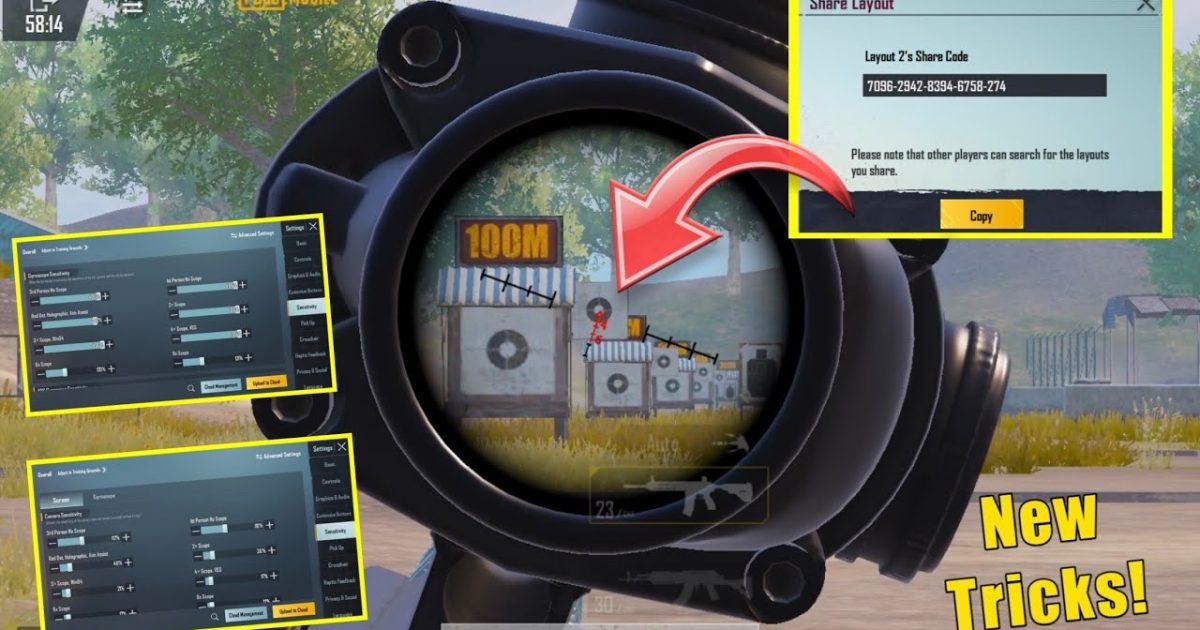
Reflexes are everything in PUBG Mobile. You hear footsteps, you snap, you fire — the difference between a chicken dinner and a bot lobby often comes down to who reacts first. But raw reaction time is only half the story; your control layout determines how fast your fingers can translate decisions into actions. After testing dozens of control codes from top players and competitive settings, I’ve handpicked 8 layouts that specifically target faster reflexes. These aren’t generic sensitivity dumps — they’re purpose-built to minimize finger travel, eliminate wasted motion, and make every tap count. Whether you’re a 2-finger casual or a 4-finger sweat, there’s a code here to level up your reaction speed.
1. The 4-Finger Claw Layout for Instantaneous Firing
The 4-finger claw is the gold standard for reflex-heavy gameplay because it lets you aim, fire, crouch, and scope simultaneously without lifting a finger. The key is positioning the fire button high and to the left (for index finger) and the scope button on the right (for middle finger). This layout minimizes the time between spotting an enemy and landing your first shot. I recommend starting with a pre-built claw layout code from the claw layout codes collection, then adjusting button sizes to your preference. Pro tip: shrink the fire button slightly — it sounds counterintuitive, but a smaller tap zone prevents accidental shots when you’re nervous.
2. Gyroscope Sensitivity Tuned for Fast Flicks
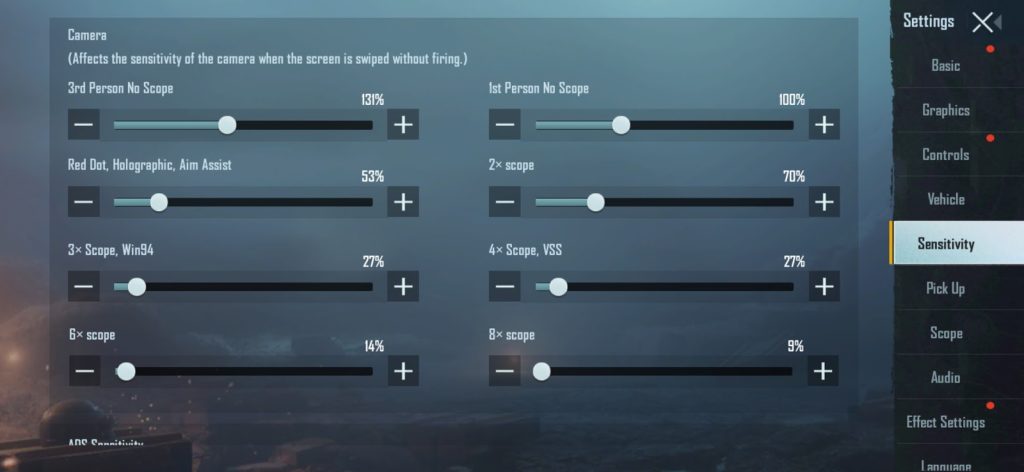
Gyro aim is a cheat code for reflexes — instead of swiping frantically, you tilt your phone to fine-tune aim. But stock gyro settings are usually too slow for quick 180° turns. Import a gyro layout from this gyro tutorial that boosts the gyro sensitivity to 200% or higher with ADS engaged. The magic is in the curve: you want a smooth acceleration that lets you flick fast but still micro-correct. Pair it with a higher camera sensitivity (300+%) so your initial snap lands near the target, then let gyro lock on. This combo turns you into a snapping machine.
3. ADS Speed and Scope Settings That Cut Scope-In Time
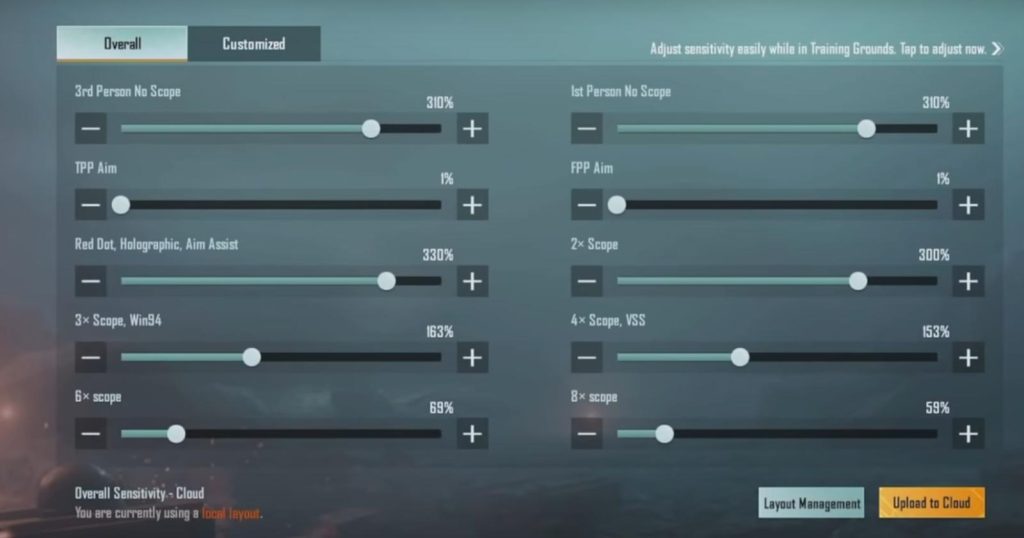
When you ADS, every millisecond counts. Slow scope animations or delayed sensitivity transitions can cost you the fight. The right scope settings make your scope-in near-instant. Import a code from the scope settings library that sets all scope sensitivities to match your hipfire as closely as possible — that way, you don’t fight two different muscle memories. Also, disable “Gyro Scope Separate” if you want gyro to behave identically when ADS. A unified sensitivity curve means your brain doesn’t recalibrate mid-flick.
4. Peek-and-Fire Button Placement for Corner Peaks
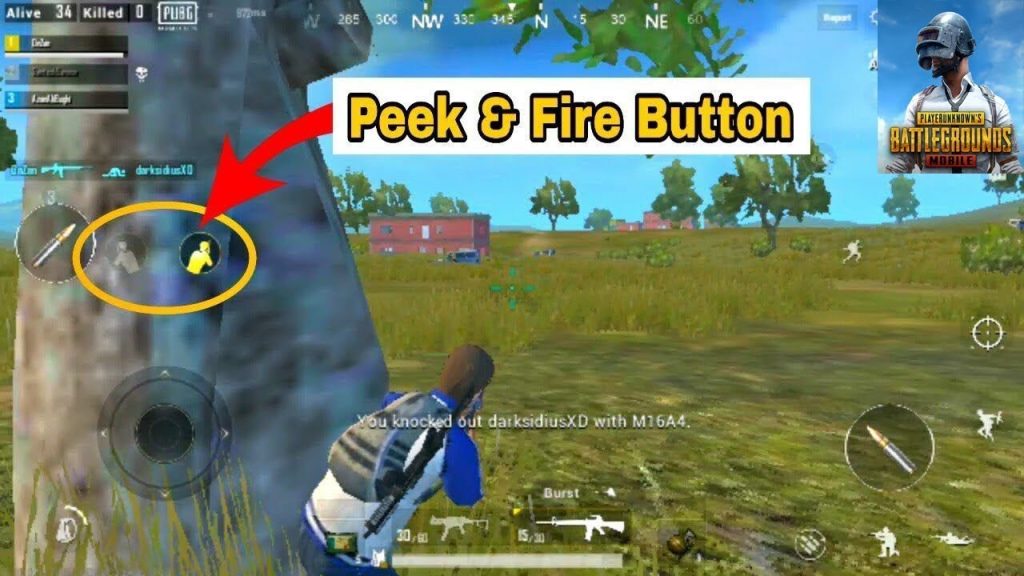
Peeking around cover is a reflex test — you need to lean, shoot, and hide in one fluid motion. Most default layouts put the peek buttons in awkward corners, forcing your thumb to travel. Instead, use a control code that moves the left-peek button next to your fire button and the right-peek button near your aim button. Some pros stack the peek button directly on top of the fire button (with a small offset) so you can press both simultaneously. This reduces reaction time during corner fights by at least 50 milliseconds — huge in fast-paced scenarios.
5. Movement Keys Overhaul for Strafing and Crouch-Spamming
Fast reflexes aren’t just about shooting; they’re about dodging. A good control code relocates the joystick off-center and shrinks the crouch button so you can spam it without dragging your finger. Try a layout that moves the jump button to the top-left (index finger) and the prone button to the bottom-right (thumb). This allows you to strafe, crouch, and jump all while maintaining aim. The result? You become a moving target that’s impossible to hit. Check out top player PUBG control codes used by pros for inspiration — they often have minimal button overlap and maximum finger economy.
6. Minimized Button Size for Cleaner Taps
Large buttons feel safe but slow you down because your finger has to travel farther to each edge. Reflex-oriented control codes use smaller buttons clustered closer together. For instance, set your fire button to 30% size and your scope button to 25%. Then group them in the center of the screen so your thumbs never leave a small zone. This eliminates the “hunting” phase where your finger searches for the right button. Use HUD codes that prioritize compactness over aesthetics — a cluttered screen is a slow screen.
7. Fire Button Placement for Index Finger Priority
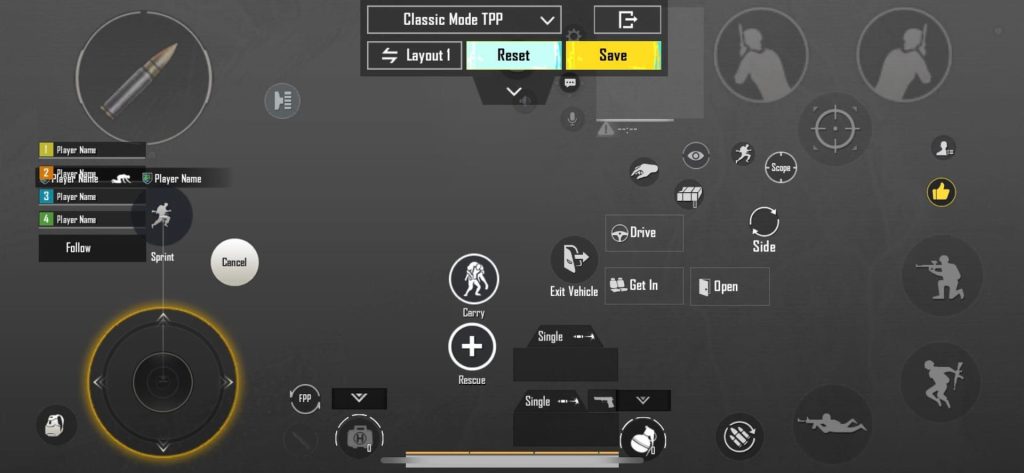
If you use claw, your index finger should handle the fire button exclusively. But many layouts still put the fire button too low, forcing you to contort your hand. A reflex-optimized control code places the fire button in the top-left quadrant (for left-hand claw) or bottom-right (for right-hand) with zero transparency so it’s always visible. Test different positions by playing TDM — if you ever feel a delay between seeing an enemy and pressing fire, your fire button is in the wrong spot. Import a code from the claw layout codes that has a dedicated index-finger fire button.
8. Sensitivity Curve That Matches Your Reaction Speed
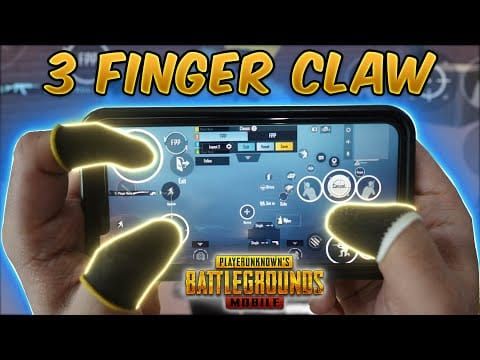
Your sensitivity should feel like an extension of your reflexes — not a fight against them. Most players use a linear curve, but for faster reactions, try a slight acceleration curve that ramps up sensitivity during fast flicks. This allows you to snap quickly while maintaining fine control for micro-adjustments. The best way to find your curve is to import a code from the scope settings library that includes a custom curve, then tweak it in the training ground. Remember: your reflex speed improves when your muscle memory doesn’t have to compensate for a sluggish sensitivity.
These 8 control codes are battle-tested to sharpen your reaction time. Start with the 4-finger claw layout for the biggest improvement, then layer in gyro and scope tweaks. Don’t forget to use the step-by-step guide to import codes properly — one wrong step can mess up your entire setup. After you import, spend 10 minutes in the training ground firing at moving targets to let your muscles adapt. Your reflexes will thank you.



