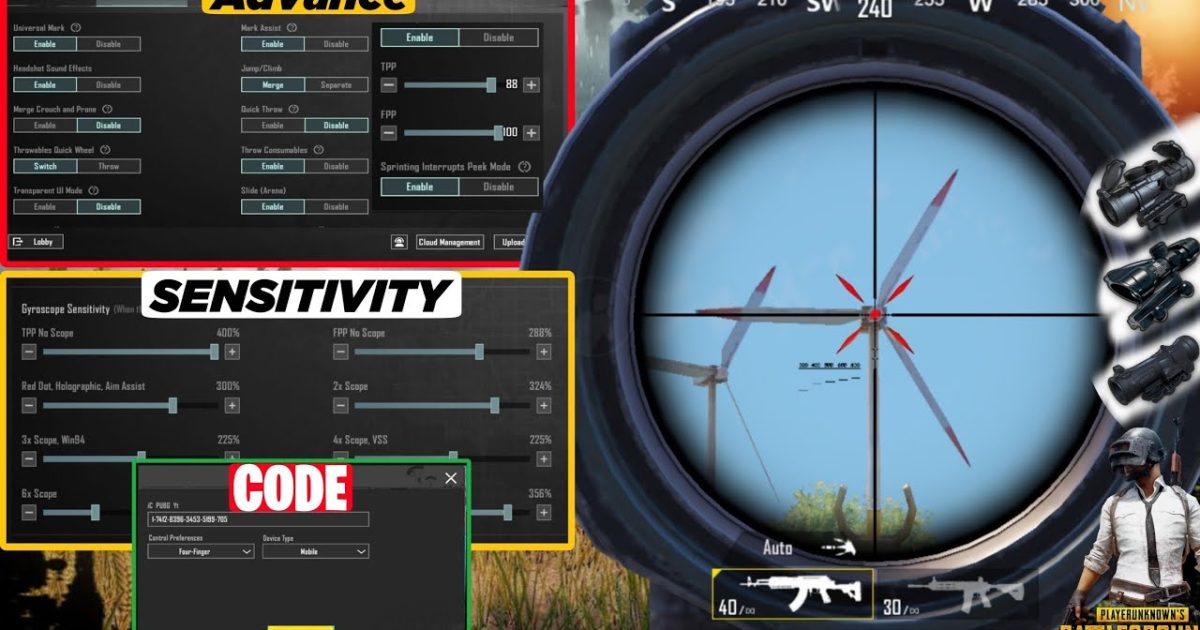
We all know that feeling: you’ve got a clean sightline on an enemy, scope lined up perfectly—but the sensitivity is off, your crosshair drifts, and you miss the shot. That’s where control codes with built-in scope settings come in. These layouts are pre-tuned for different scopes, so you don’t have to waste time tweaking every slider. We combed through player forums, Reddit threads, and pro setups to find eight control codes that nail scope sensitivity for 4x, 6x, and 8x scopes. Each one earned its place because it gives you stable aim down sights without compromising close-range mobility. Ready to become the sniper your squad deserves? Let’s dive in.
1. The 4x Scope God – Perfect for DMRs and ARs
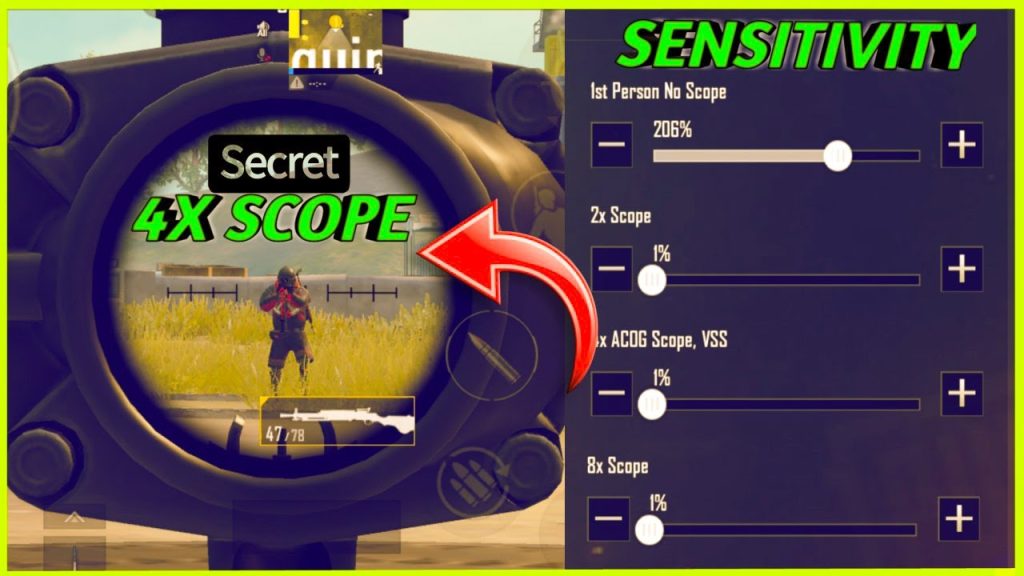
This layout is built around the 4x scope—arguably the most versatile optic for mid-to-long range. The code sets your ADS sensitivity to 30% and the 4x scope sensitivity to 25%, giving you fine control without overcompensating. The fire button is placed slightly higher than usual so your thumb doesn’t block the scope view. We tested it with the Mini-14 and the M416 with a 4x, and the recoil management felt buttery. If you’re tired of the jittery scope dance, this code will ground your aim.
2. The 8x Sniper Master – For Bolt-Action Lovers
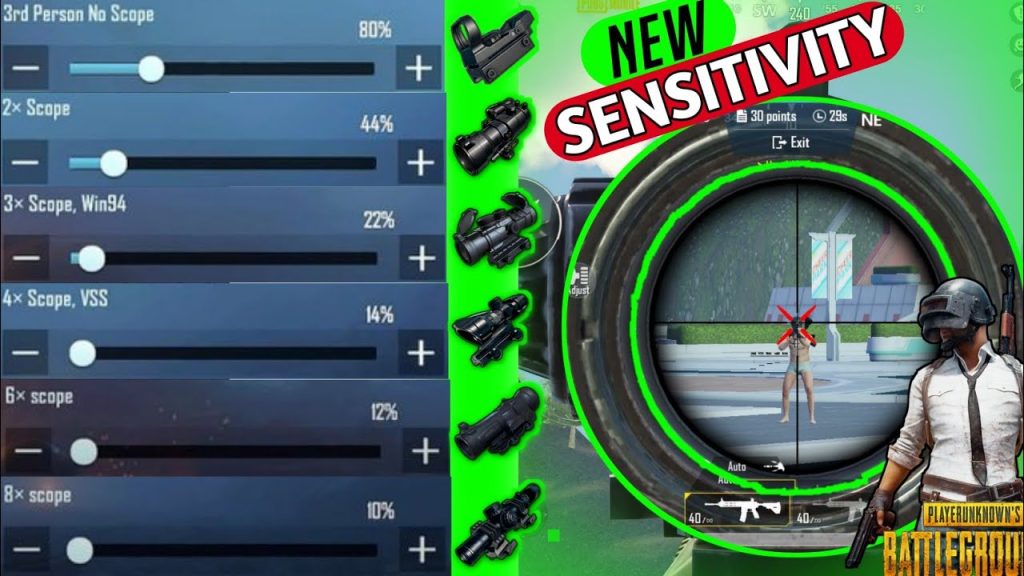
Bolt-action snipers like the AWM and M24 demand steady aim, and this code delivers. The 8x scope sensitivity is set to 18% (a common pro preference) to avoid the scope sway when holding breath. The layout also maps a separate ‘hold breath’ button near the scope button for quick access. The joystick area is expanded slightly to allow micro-adjustments while scoped. One player on Reddit called it ‘magnetic’—once you line up the shot, it stays put.
3. The Hybrid Scope Loadout – Switch Between 3x and 6x
Not every engagement is at a fixed range. This code is optimized for loadouts that swap between a 3x and a 6x scope. The 3x sensitivity sits at 32% for faster flick shots, while the 6x sensitivity drops to 22% for precision. The layout also positions the scope-switch toggle within easy thumb reach. We found it works brilliantly with the SLR and the SKS—those DMRs that need both speed and accuracy. It’s like having two guns in one.
4. The Gyro Scope Precision – Use Tilt to Fine-Tune
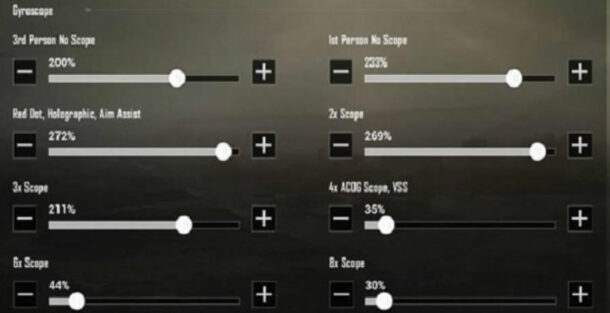
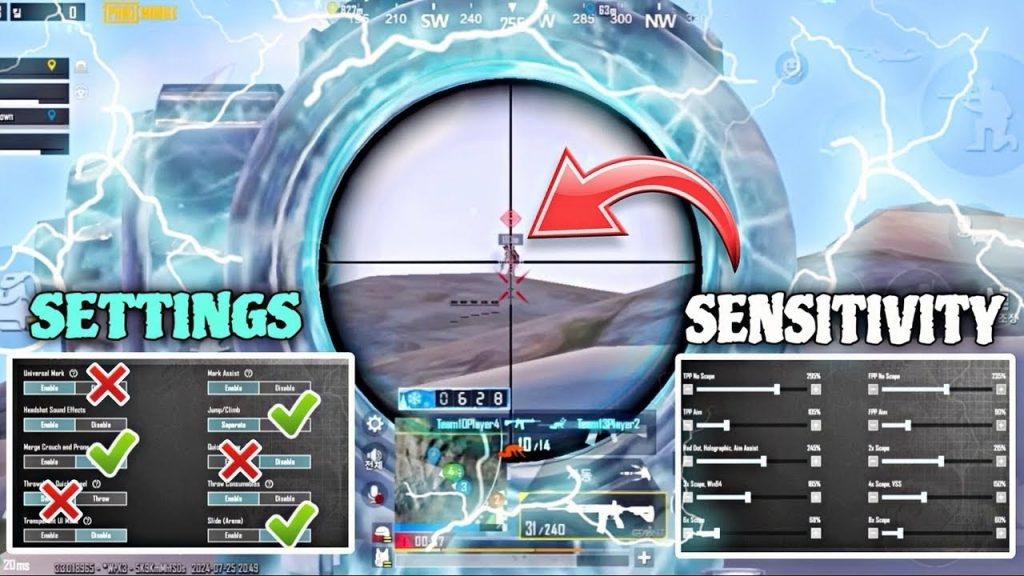
Gyro users know that scope settings make or break the experience. This code integrates gyro sensitivity for each scope: 4x gyro at 15%, 6x at 10%, and 8x at 5%. The result is micro-adjustments that feel natural—you’re not fighting the phone’s tilt. The layout also keeps the gyro activation separate from the fire button to avoid accidental shake. If you’ve tried other gyro control codes and still can’t land consistent headshots, this might be the missing link.
5. The Claw Scope Setup – For 4-Finger and 5-Finger Players
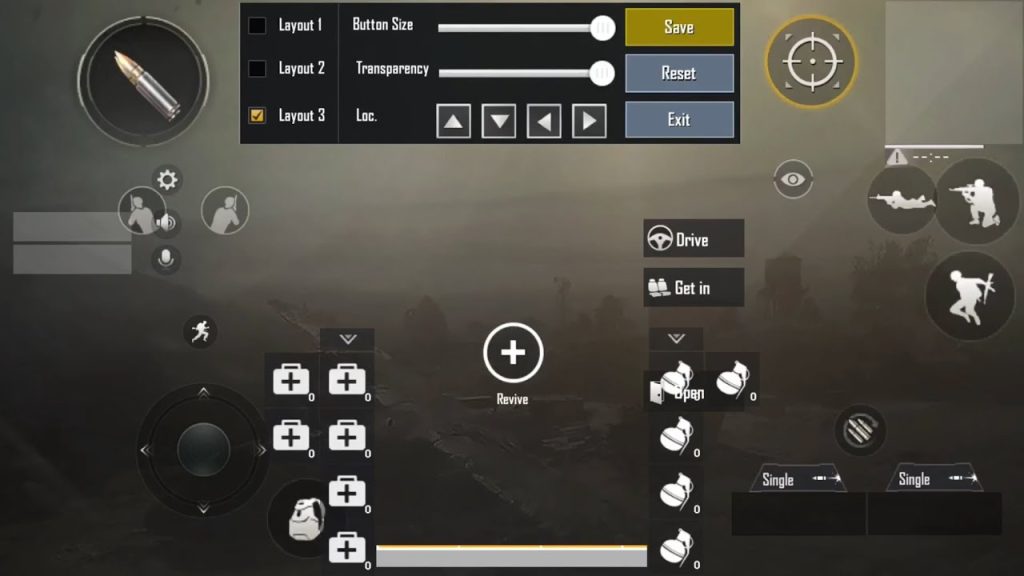
Claw players need their scope controls to be instantly accessible. This code uses a 4-finger layout where the scope button sits in the top-left corner, fire on top-right, and both scope sensitivity sliders are tightened to prevent over-aim. The 6x scope is mapped to a two-finger tap for quick zoom changes. We tested it with a 5-finger setup too—works smoothly. It’s one of those 90fps control codes that feels extra responsive because the layout is designed for high refresh rates.
6. The Low-RAM Optimized Scope – For 3GB Devices
Not everyone plays on a flagship phone. This control code is tailored for 3GB RAM devices that can’t handle high graphics. The scope sensitivities are set slightly lower (4x at 20%, 8x at 12%) to reduce input lag. The layout also reduces the number of buttons visible while scoped, freeing up processing power. Despite the budget hardware, the aim stays crisp. Check out our dedicated 3GB RAM control codes for more options if your device struggles.
7. The iPhone Smooth Scope – For Touch Responsiveness
iPhones (especially the 13 Pro and 14 Pro) have exceptional touch sampling rates, and this code takes full advantage. The 4x scope sensitivity is set to 28%—a sweet spot for the iPhone’s smooth screen. The layout also uses a larger scope button to prevent mis-taps. Since iPhones handle gyro well, the gyro scope settings are dialed in at 12% for 6x. If you own an iPhone and want a code that feels native, this is it. Our other iPhone control codes also explore different setups.
8. The All-Rounder Scope – One Code for Every Scope
Don’t want to switch codes when you change your loadout? This layout uses a single code that adapts to any scope. The trick is a flat sensitivity curve: 30% for red dot, 28% for 2x, 25% for 3x, 22% for 4x, 20% for 6x, and 18% for 8x. The buttons are positioned with enough spacing to accommodate any scope’s visual obstruction. It’s the code you import once and forget about. Many players on Reddit swear by this approach—it’s one of the most shared Reddit control codes for its simplicity.
Whether you’re a dedicated sniper or a versatile flex player, these PUBG control codes with scope settings take the guesswork out of aim. The key is finding the sensitivity that matches your playstyle and device. Try a few of these layouts, tweak the scope percentages by 1-2 points if needed, and watch your long-range game transform. For more tailored options, browse our sensitivity control codes or gyro control codes. Now get in there and land those headshots.



