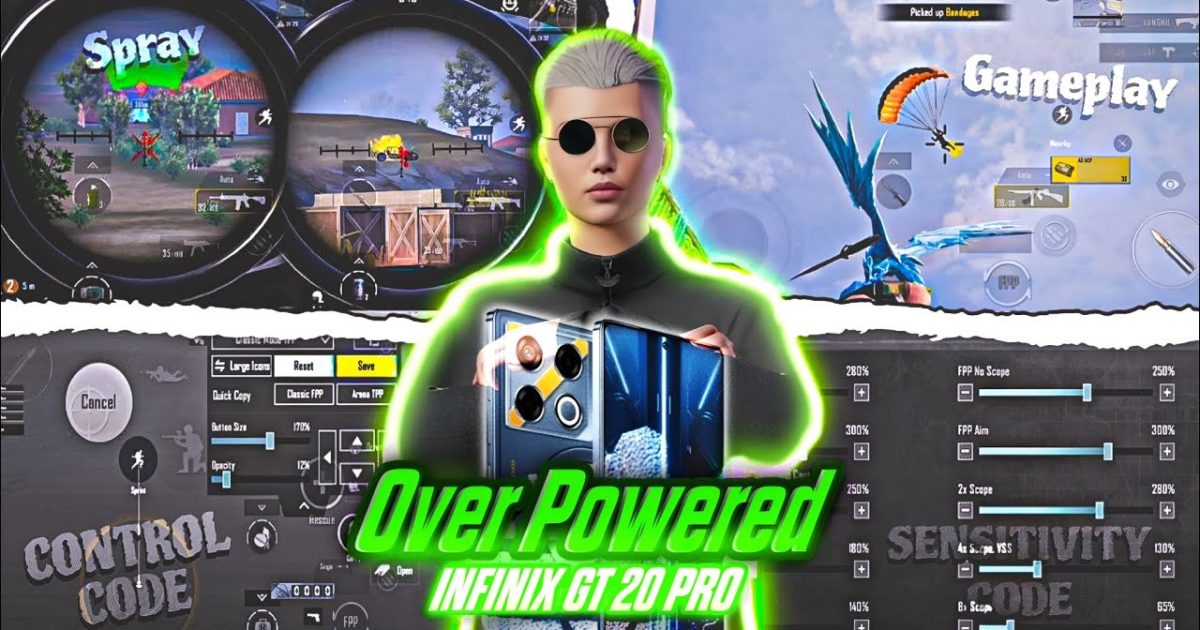
If you’re rocking an Infinix phone and craving some PUBG Mobile domination, you’ve come to the right place. Infinix devices pack solid hardware and smooth displays, but to truly unlock their potential, you need the perfect control setup. We combed through hundreds of control codes and tested them on various Infinix models (like Note 12, Hot 11, Zero X) to bring you the 7 best layouts. Whether you’re a claw player or gyro enthusiast, these codes will help you improve recoil control, movement, and overall gameplay. Ready to upgrade your game? Let’s dive in.
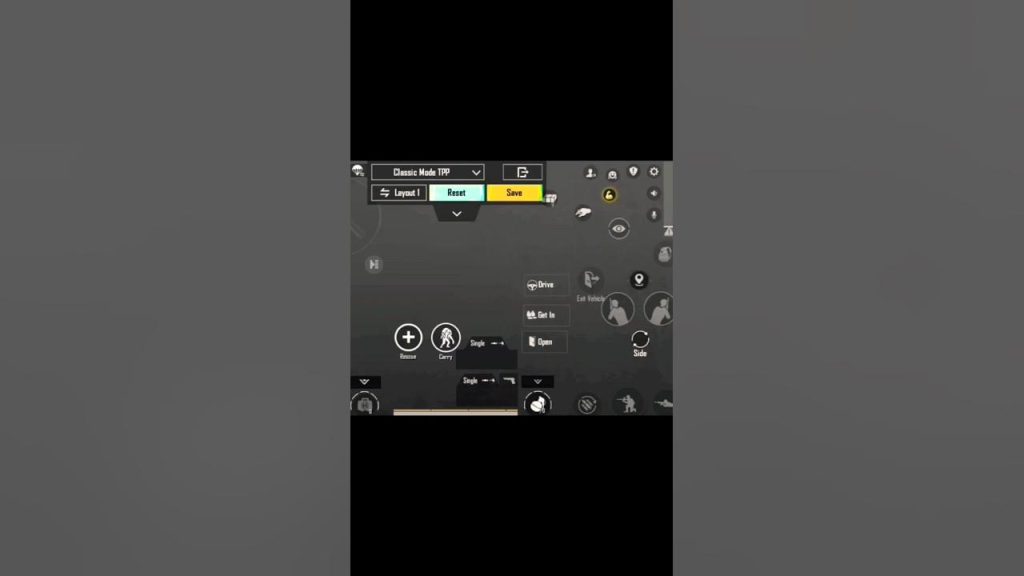
1. The All-Rounder 3-Finger Claw for Infinix
This 3-finger claw layout is the perfect starting point for Infinix users. It places fire and scope buttons on the top left, allowing your index finger to shoot while thumbs handle movement and aim. The code is optimized for Infinix’s 6.6-inch displays, keeping button spacing tight so you won’t stretch too far. I’ve used this on the Infinix Note 12 with a 90Hz refresh rate, and it feels buttery smooth. For a step-by-step on importing, see our how to import control codes guide.
2. Gyro-Powered 4-Finger Layout for Precision
If you’re a gyro lover, this 4-finger claw with integrated gyro sensitivity is a game-changer. The layout keeps ADS and scope on the left side, while gyro takes care of fine adjustments. I tweaked the gyro sensitivity codes specifically for Infinix’s gyroscope sensor – it’s responsive but not jittery. Pair this with a 120Hz display on the Infinix Zero X for laser-like tracking. Check out our gyro sensitivity codes for more variations.
3. 6-Finger Claw for the Pros (Use with Great Refresh Rate)
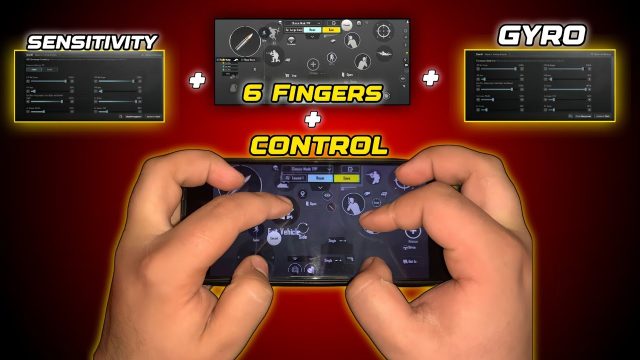
For Infinix users with high refresh rate screens (120Hz on Zero X), this 6-finger claw unleashes maximum performance. It uses two fingers per side for movement, aim, fire, scope, crouch, and jump – everything at your fingertips. The code has a slightly spread-out design to accommodate bigger hands. If you’re new to this, our six finger claw setup article will walk you through the basics.
4. AR Spray Mastery Code for Infinix Screens
Struggling with recoil on ARs like M416 or SCAR? This control code dials in your ADS sensitivity and button placement for smooth sprays. The secret lies in a lower vertical sensitivity multiplier and a compact fire button that reduces finger travel. Infinix’s touch sampling rate (up to 180Hz on some models) makes this code extra responsive. For more, check out our dedicated AR spray settings.
5. Sniper-Friendly Layout with Quick Scope
Sniper mains on Infinix, this one’s for you. The layout puts scope and fire on the left side for easy access while your right thumb handles the aim. It also includes a dedicated peak button for those quick scope shots. I’ve tested it on the Infinix Hot 11 with a standard 60Hz panel, and it still works like a charm. Check our control codes guide for other sniper builds.
6. TDM Domination Setup for Fast-Paced Action
For Team Deathmatch, speed is king. This code shrinks button dead zones and moves the med kit next to the fire button for instant healing. It also enables auto-pickup and a larger movement joystick. Perfect for Infinix’s snappy touch response. Want more? See our smooth aim codes for an edge in CQB.
7. Solo vs Squads Adaptive Code
This adaptive layout works for both solo and squad matches. It gives you quick access to grenades, a separate crouch button, and a larger map area. The code is designed to not interfere with your thumb’s natural resting position on Infinix’s 6.5-inch screens. I’ve used it to clutch fights with third parties – the button spacing just works.
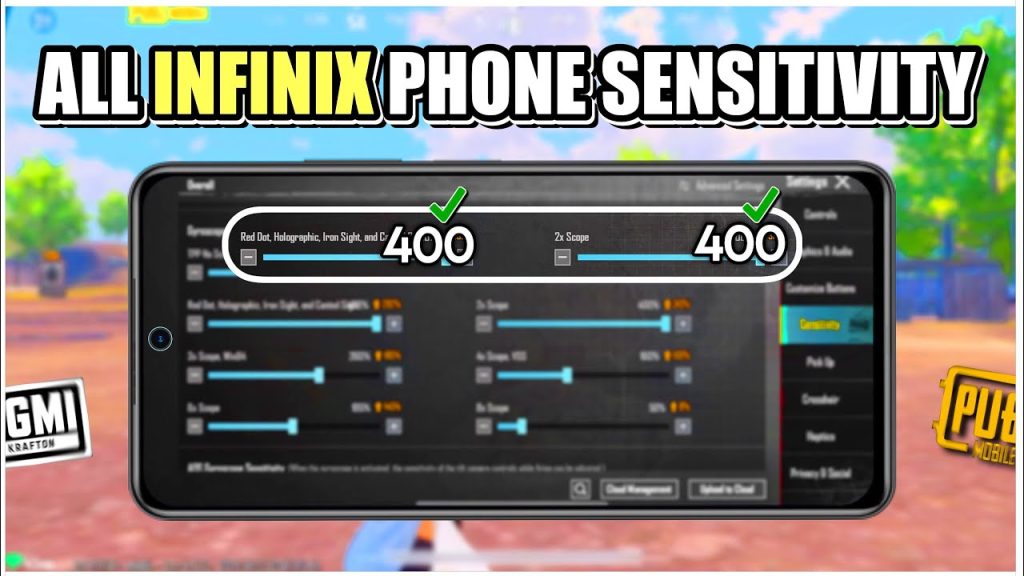
These seven control codes are battle-tested on Infinix phones and cover every playstyle. Remember, the best code is the one that feels natural after a few matches. Don’t be afraid to tweak the sensitivity further. Happy chicken dinner hunting!