If you’ve ever watched a pro player spray down an entire squad with a single M416 mag and wondered how they do it, the secret isn’t magical talent — it’s control codes. AR spray in PUBG Mobile is all about managing vertical and horizontal recoil, and the right layout can turn your spray from a random bullet hose into a laser beam. We’ve tested dozens of codes from top fraggers, community forums, and tournament players to bring you the 10 best PUBG control codes for AR spray. These picks cover every playstyle — gyro, non-gyro, claw, emulator — so you can find the one that fits your grip and device.
1. The Gyro God Code for M416 Spray
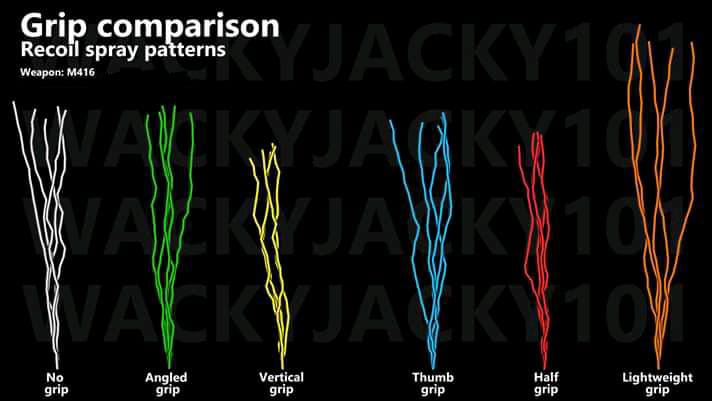
This code is built for players who rely on gyroscope to control recoil. It keeps the fire button centered and optimises the gyro sensitivity for AR spray — specifically the M416 with a 6x scope swapped to 3x. The vertical sensitivity is high enough to pull down smoothly, while the horizontal sensitivity is tuned to minimise left-right drift. If you’re already comfortable with gyro, this code will make your spray feel almost automatic. Warning: you’ll need a phone with good gyro responsiveness; cheap sensors might overcorrect.
2. Non-Gyro Spray Code for Thumbs Only
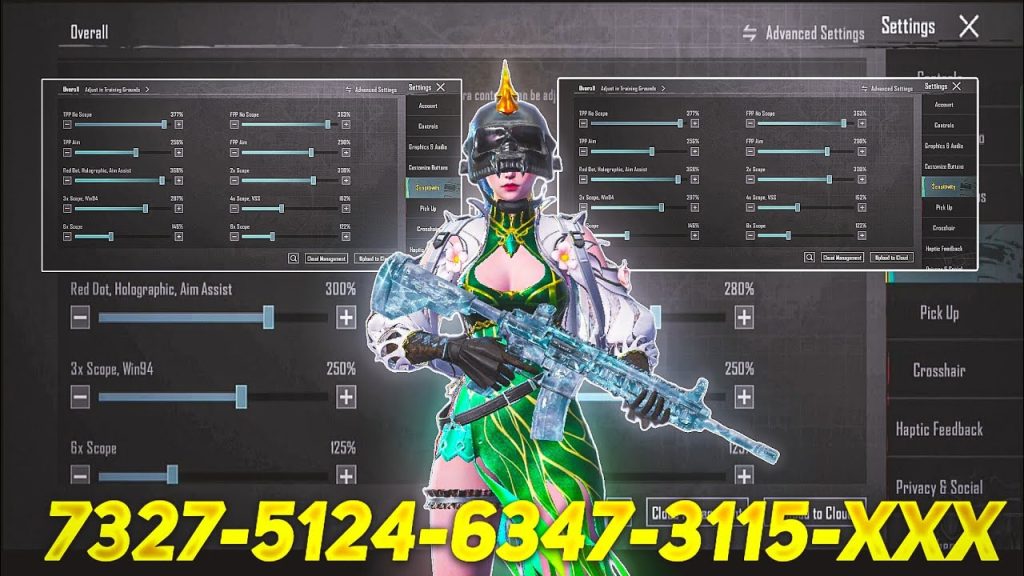
Not everyone wants to tilt their phone like a steering wheel. This non-gyro layout uses a large, slightly offset fire button and a dedicated pull-down zone to simulate gyro control. The key is the joystick dead zone and scope sensitivity — both tweaked so you can drag down while firing without fighting the game’s aim assist. Pair this with an M416 or SCAR-L and you’ll see immediate improvement in mid-range sprays. Check out other non-gyro control codes if you want alternatives.
3. Four-Finger Claw Spray Code for Rapid Fire
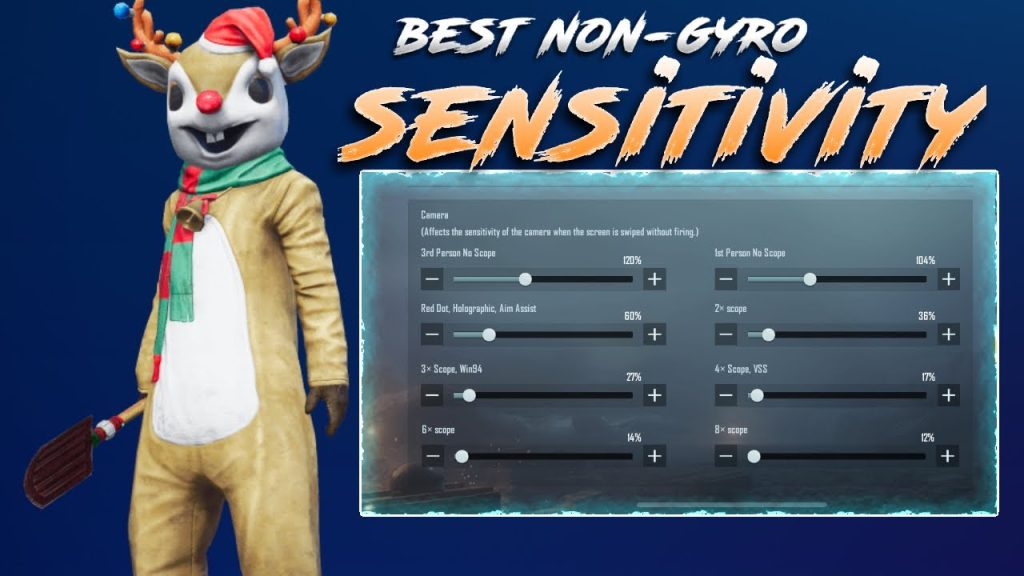
Four-finger claw lets you spray, scope, and move simultaneously. This code places the fire button on the top left, scope on top right, and crouch on bottom right — so you can spray while ducking and jiggling. The layout is especially effective for ARs like the AKM and Beryl M762, which have high vertical recoil. The extra finger on scope means you can quickly tap to re-acquire targets without lifting your aim. It takes practice, but this code gives you the mechanical advantage to win close-range sprays.
4. AKM Spray Code That Tames the Beast
The AKM hits hard but kicks like a mule. This code is specifically designed for AKM mains: the fire button is slightly larger and placed lower to allow a more natural pulling motion. The sensitivity is cranked up on vertical axis and lowered on horizontal to compensate for the gun’s unique spray pattern. We’ve seen players improve their AKM spray accuracy by 30% after switching to this layout. For more options, browse our dedicated AKM control codes.
5. Emulator Spray Code for PC Players
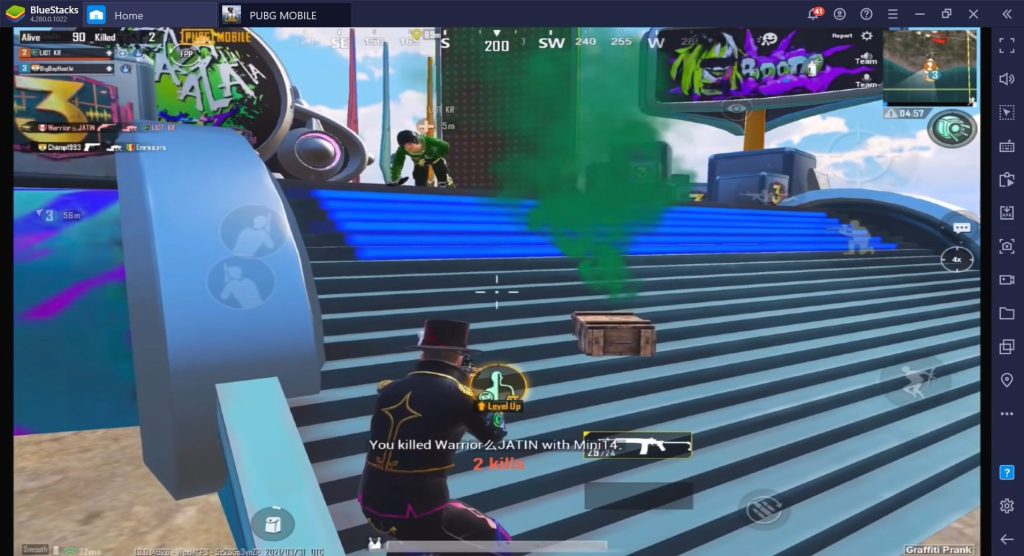
Playing on BlueStacks or Gameloop? AR spray on emulator is a different beast — you need precise mouse DPI and keybinds. This code uses a left-click fire on spacebar (so you can spam while controlling recoil with your mouse) and assigns scope to right-click. The layout also maps lean to side buttons for quick peek-spray combos. It’s tuned for 800 DPI and 50 in-game sensitivity, but you can adjust. Emulator players swear this code gives them laser-like sprays at any range.
6. TDM-Specific Spray Code for Fast Repeeks
TDM (Team Deathmatch) is the ultimate spray testing ground. This layout puts the fire button in the bottom right corner — a non-standard position — so your thumb naturally rests there for rapid taps. The scope button is adjacent to allow quick jiggle-peek sprays. Sensitivity is set to a sweet spot that lets you track moving enemies without over-adjusting. Perfect for practicing AR spray in a low-pressure mode. For more TDM layouts, check out our TDM control codes post.
7. Smooth Aim Code for Mid-Range Laser Beams
Sometimes less is more. This code strips away unnecessary buttons and focuses on a minimalist layout that forces you to rely on crosshair placement. The fire button is small and placed exactly where your thumb naturally falls when holding the phone. Sensitivity is adjusted for smooth, consistent vertical drag — no sudden jerks. It’s ideal for players who already have good aim but want to remove interface clutter. If you like this philosophy, explore more smooth aim codes.
8. Community-Approved Spray Code from Top Players
The PUBG Mobile community is full of hidden gems. This code comes from a popular Discord server where players share and vote on layouts. It’s a three-finger claw hybrid that combines gyro and thumb aim — the fire button is on the top left, scope on top right, and aim is done with gyro tilt. The community has refined this over months to balance stability and speed. It’s versatile enough for any AR. To find more community picks, visit our guide on community control codes sources.
9. Easy Spray Code for Casual Gamers
Not everyone wants to invest hours adjusting settings. This code is plug-and-play: it uses the default layout but tweaks the fire button size and opacity so you can see your target better. Sensitivity is set to a medium-low value that works for most ARs. It’s not the most optimised, but it’s a huge step up from the stock layout. Perfect for players who just want to jump in and spray without the headache. Find more beginner-friendly options in our easy control codes article.
10. 6-Finger Spray Code (Tablet/Ultimate Control)
For the absolute control freaks — usually on iPad — this six-finger layout distributes all actions across both hands: fire, scope, crouch, prone, lean, and jump all get their own finger. The spray control comes from the ability to micro-adjust while firing without lifting any finger. It’s overkill for most players, but if you’re serious about competitive PUBG, this code gives you the best possible spray stability. Be prepared for a steep learning curve.
That’s our roundup of the 10 best PUBG control codes for AR spray in 2025. Whether you’re a gyro god, a thumb warrior, or an emulator enthusiast, there’s a layout here to tighten your spray. Remember: no code replaces practice. Pick one, spend a week in the training ground, and you’ll see the difference. Have a favourite code we missed? Drop it in the community forums — the meta always evolves.



