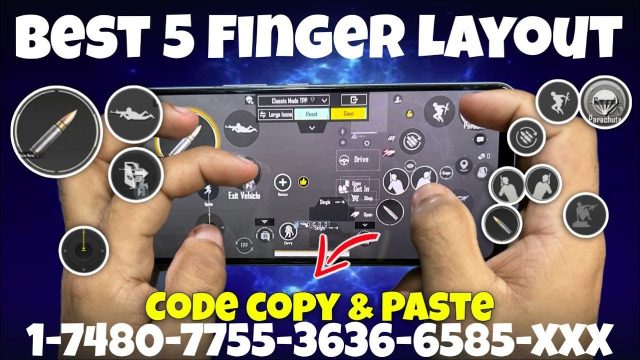
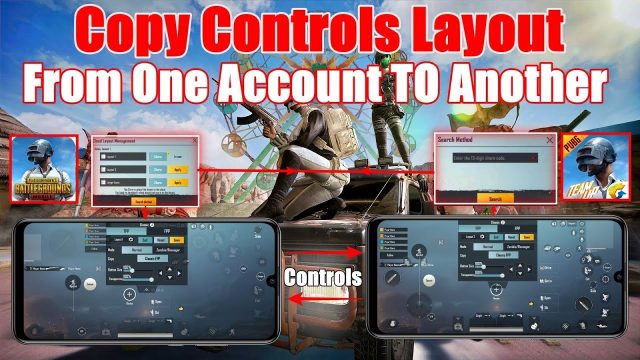
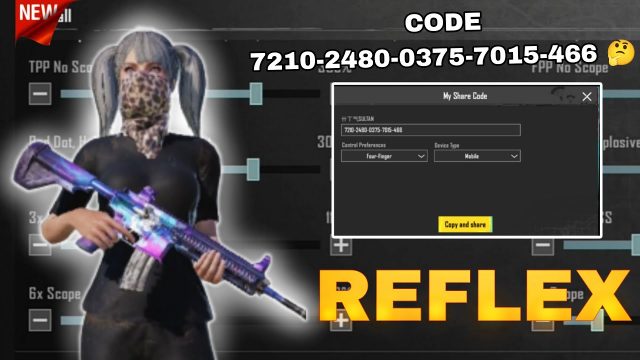
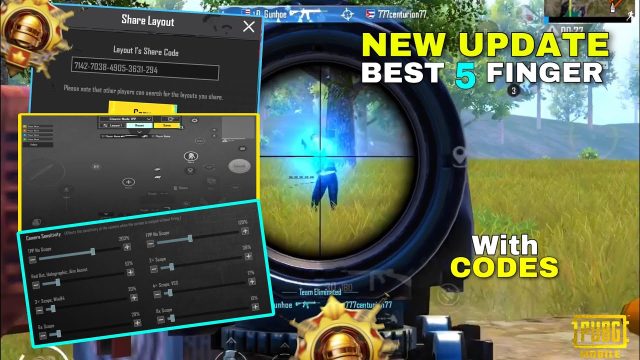
So you’ve got a killer PUBG Mobile control layout, maybe from a pro or your own tweaks, and now you want to share it with your squad or followers. Sharing control codes is easier than ever, but doing it right saves everyone headaches. We’ve rounded up 10 essential tips for sharing PUBG control codes like a pro, from the quickest copy methods to fixing those annoying invalid errors. Each tip is battle-tested and will help you get your teammates on the same layout fast. Let’s dive in.
1. Use the In-Game Copy Feature
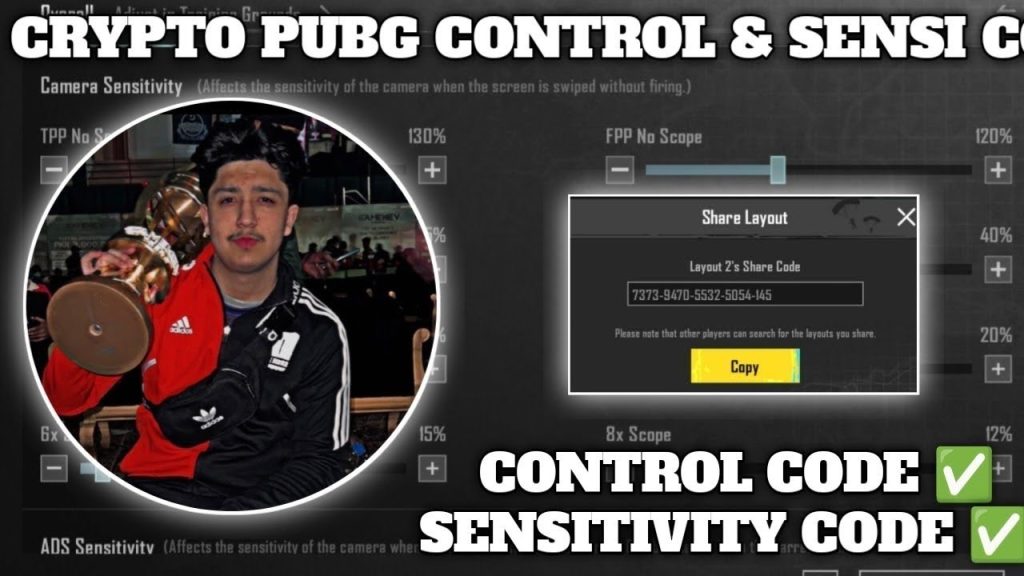
The simplest way to share your layout is right inside PUBG Mobile. After you’ve saved your control preset, open your settings and tap the share button. The game generates a six-digit code that anyone can enter to import your exact layout. This is perfect for quick sharing with friends in your clan. If you’re not sure how to generate the code, check our guide on how to copy control codes.
2. Share via WhatsApp Groups
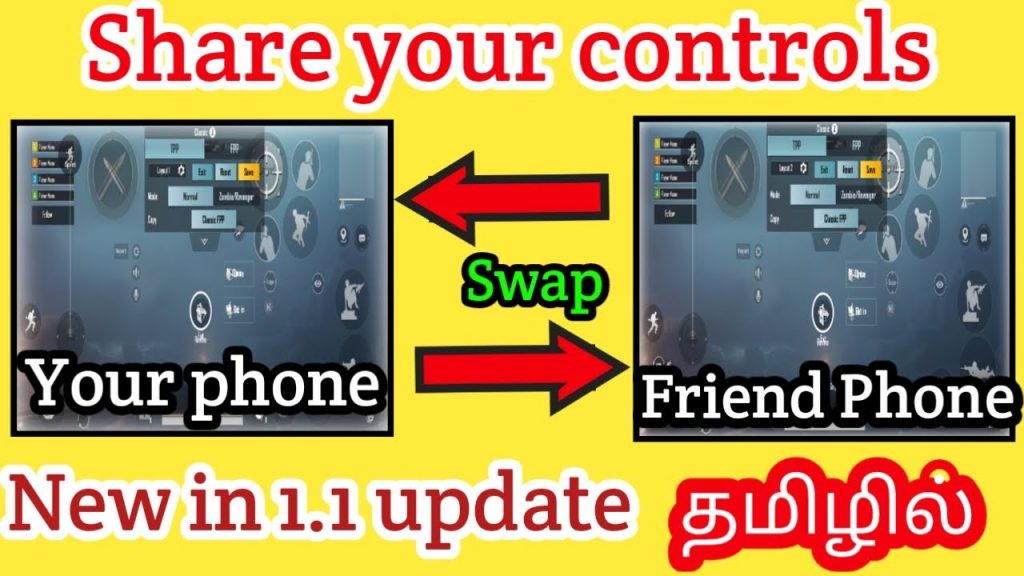
WhatsApp is huge for PUBG communities, especially in regions like Pakistan and Nepal. Just copy your control code from the game and paste it into a WhatsApp group chat with your squad. Make sure they know it’s a six-digit number, not a text. To avoid typos, send the code as a screenshot of the code itself. This method works great for small teams looking to sync layouts instantly.
3. Use Discord for Clans
Discord is the go-to for organized clans and esports groups. Create a dedicated channel called #control-codes where members can share their layouts. For extra organization, pin the most popular codes. When sharing, include a brief description of your layout—e.g., “4-finger non-gyro with quick scope.” This helps others decide if it fits their playstyle. Pro tip: if someone’s code gets an error, point them to our guide on fixing invalid code issues.
4. Share on Facebook Gaming
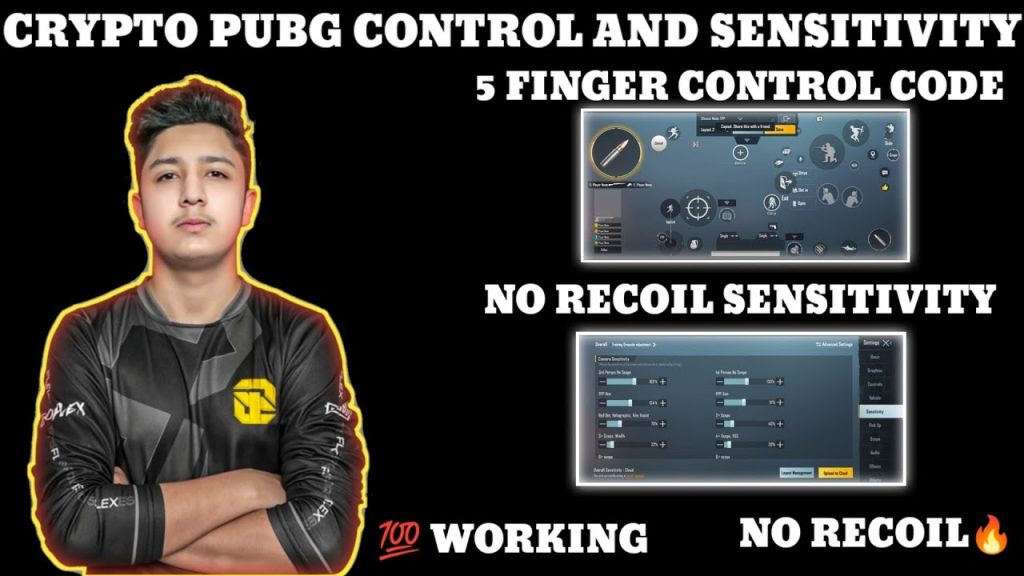
Facebook Gaming groups and pages are goldmines for PUBG players. Post a clip of your gameplay with your control code overlaid in the video or in the caption. This builds trust—viewers see your layout in action. Tag the game and use hashtags like #PUBGControlCodes. Make sure the code is clearly visible and double-check it for typos. If you’re a streamer, you can even do a live share and let viewers copy the code in real time.
5. Use YouTube Video Descriptions
YouTubers and content creators often share their settings in video descriptions. When you upload a clutch gameplay or a settings review, paste your control code in the description along with a quick how-to. Also include your device model and sensitivity preset for context. This helps viewers know if the code works for their device. For a comprehensive list of the best control codes from top players, check our collection of pro layouts.
6. Share via Reddit PUBG Subreddits
Reddit communities like r/PUBGMobile and r/PUBGControlCodes are perfect for sharing your creations. Make a post with a clear title, e.g., “4-finger claw control code for iPad Pro – [123456].” Include a screenshot of your layout and a brief analysis of why it works. Engage with comments—if people say the code isn’t working, help them troubleshoot. Common issues like “code not found” are often due to region locks or server updates.
7. Use Third-Party Websites
Several websites curate PUBG control codes for easy browsing. You can submit your code to these platforms, often with a description and tags. This gives your layout visibility to thousands of players. However, always check the site’s credibility—some might steal your code or require login. Stick to well-known sites that specialize in control codes. And remember, if you’re looking for tested codes, our site has the best control codes updated regularly.
8. Avoid Sharing Sensitive Info
A control code only shares your button layout and settings, not your account credentials. That’s safe. But when sharing screenshots or videos, blur out your UID, username, and any login info. Some players accidentally expose their friend list or chat. Keep it clean. Also, never share a code that requires a specific device (like an iPad-only layout) without mentioning it, or you’ll get complaints of control codes not working.
9. Fix Invalid Code Errors Before Sharing
Before you share a code, test it yourself on a second account or ask a friend to try it. Invalid codes usually happen due to expired codes (they last about 30 days) or region mismatches. If your code shows as invalid, first try re-generating it. If that fails, check for any updates to the game—sometimes a patch breaks codes. Our detailed guide on invalid code causes can help you fix it fast. Also, ensure the recipient’s game version matches yours.
10. Backup Your Layouts Regularly
Control codes are temporary—they expire and can be wiped during updates. Always keep a backup of your layout by taking screenshots of all your settings pages (buttons, sensitivity, aim settings). You can also save multiple presets in-game. Before sharing a code, make sure it’s still active. If you lose your layout, you can rebuild it from your backup. For extra safety, store your codes in a note app. And if you ever face issues with settings not saving, we’ve got fixes for that too.
Sharing PUBG control codes doesn’t have to be a headache. Whether you’re sending a quick code to a friend on WhatsApp or posting a detailed layout on YouTube, these 10 tips will help you share effectively and avoid common pitfalls. Remember to double-check your code, specify your device and setup, and keep a backup. Now go out there and help your squad level up their game—one code at a time.