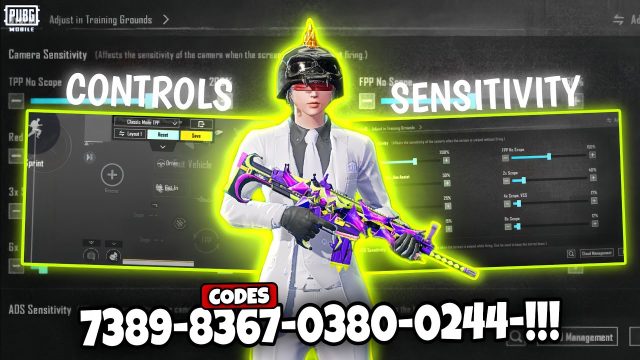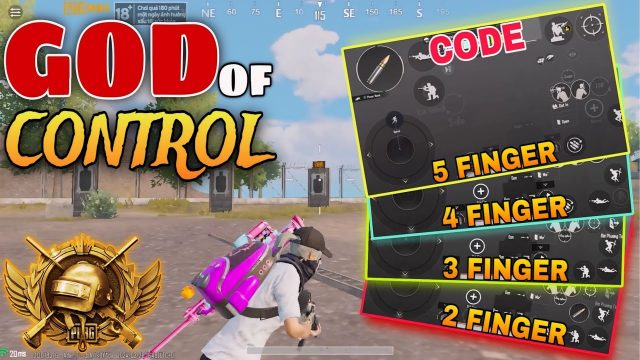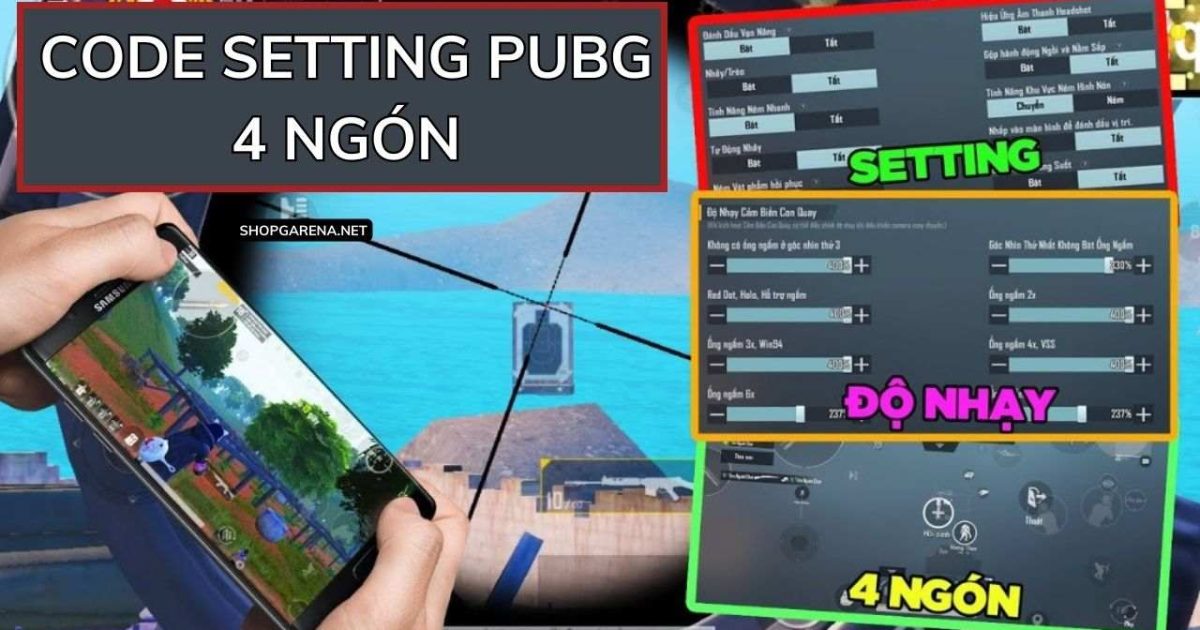
VN version players, listen up. If you’ve been struggling with your current layout or want to copy the pros without spending hours tweaking, you’re in the right place. PUBG control codes let you import someone else’s perfect setup in seconds. We’ve combed through the latest VN version patches and tested codes from top Vietnamese streamers to bring you 8 layouts that actually work. Whether you play on a phone with 2 fingers, an iPad with 6, or even an emulator like SmartGaGa, there’s a code here for you. Ready to copy-paste your way to more chicken dinners? Let’s go.
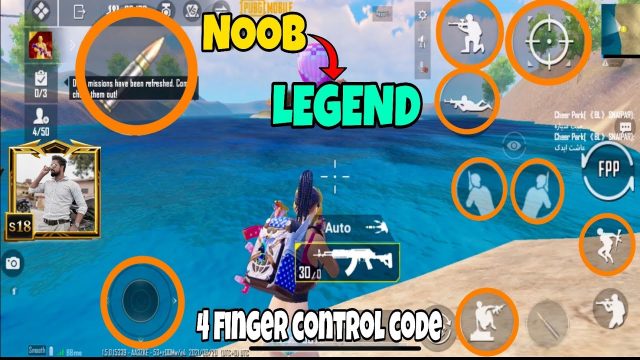
1. 4-Finger Claw Layout by Streamer “HuyTG”
This is one of the most popular control codes in the Vietnamese PUBG community right now. HuyTG, a top-tier streamer with over 500K followers, uses a 4-finger setup that balances movement and aiming. The code places the fire button on the top left, scope on top right, and crouch/jump on the bottom corners. It’s perfect for players transitioning from 2 fingers to claw because the learning curve is gentle. Copy this code if you want to peek and shoot without lifting your thumbs.
2. Gyroscope Pro Layout for OnePlus Devices
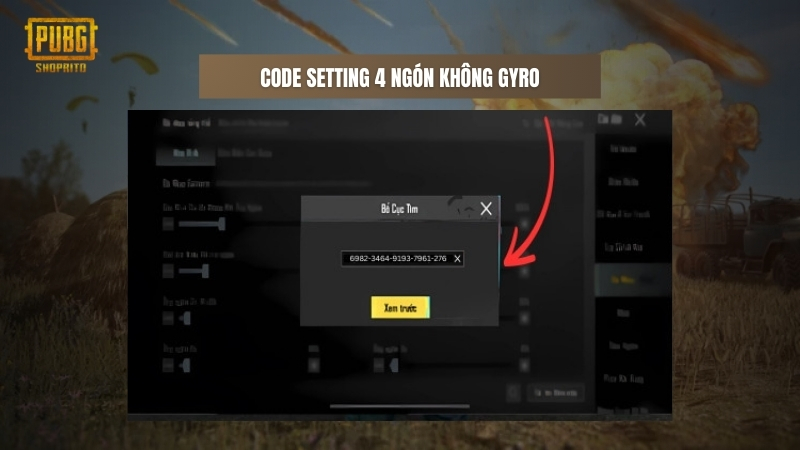
Gyroscope users, this one’s for you. The VN version has slightly different gyro sensitivity caps compared to global, and this code takes full advantage of that. Designed specifically for OnePlus phones (but works on any Android with gyro), it boosts vertical aim assist while keeping horizontal recoil stable. The layout maps the gyro activation to scope mode only, so you don’t accidentally tilt while running. Try it if your spray pattern wobbles at mid-range.
3. 6-Finger Claw for iPad Pro 12.9 (VN Optimized)
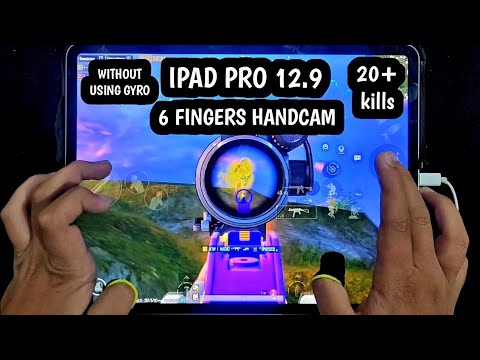
If you’re rocking an iPad Pro and want that extra edge, this 6-finger claw code is a game-changer. The VN version’s touch detection is a bit different on larger screens, so we adjusted the button sizing and spacing to avoid ghost touches. The layout puts fire, scope, crouch, prone, jump, and lean all on the screen edges, leaving the center clean for aiming. It’s an aggressive setup meant for rushers who want to CQC like a beast. Check out this pubg mobile ipad control code for more iPad-specific layouts.
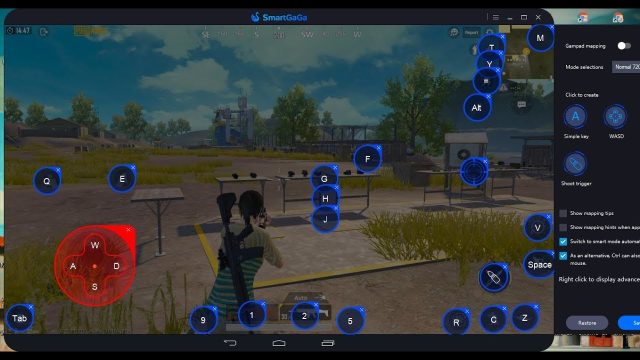
4. SmartGaGa Emulator Code with Mouse & Keyboard
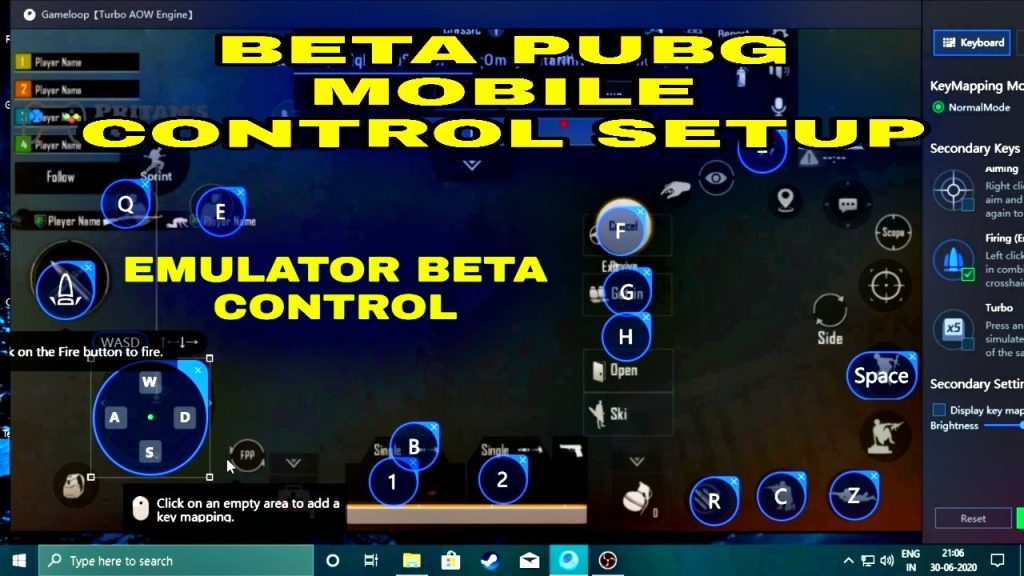
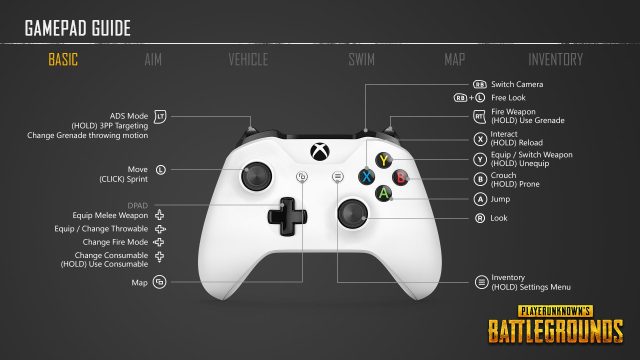
Playing on SmartGaGa? The VN emulator scene is huge, and this control code gives you a perfect mouse-keyboard mapping. It uses the standard WASD + mouse look, but with a twist: the lean keys are set to mouse side buttons, and the scope toggle is on right-click (hip fire left-click). The sensitivity curve is tuned for VN servers where hit registration feels slightly delayed. This code also includes a separate vehicle control layout with arrow keys. For more emulator options, see our pubg control codes smartgaga post.
5. Lightning-Fast Looting Setup for VN Version
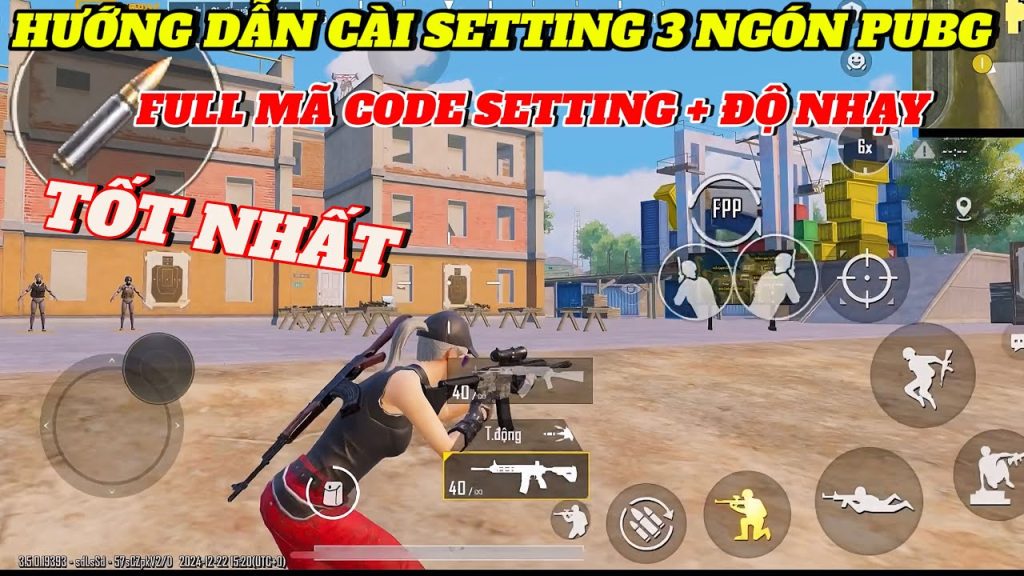
Looting speed decides who gets the kill in hot drops. This layout is built for players who want to grab items and shoot within the same second. The pickup and auto-pickup buttons are enlarged and placed right next to the fire button, so you can tap loot and then immediately engage. The code also optimizes the inventory panel position to avoid covering the minimap. If you’re tired of dying while looting, import this code. We’ve covered more pubg control codes for fast looting if you want alternatives.
6. Recoil Management Code for 7.62 Weapons
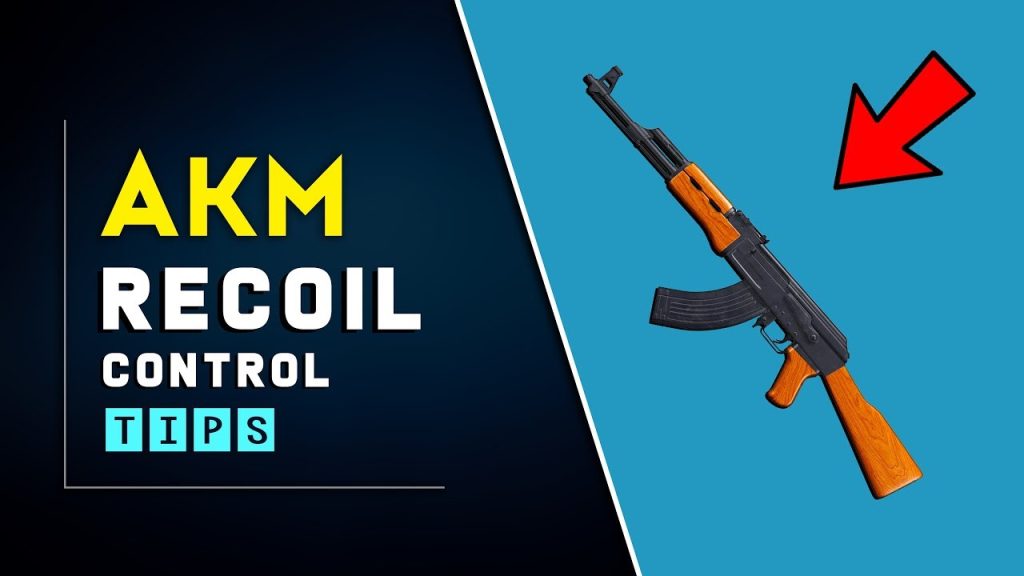
7.62 weapons like the AKM and Beryl M762 can be a handful on the VN version due to its unique recoil pattern. This code dials in the vertical sensitivity to compensate for the upward kick while keeping horizontal drag minimal. The layout moves the sensitivity sliders for camera and ADS to work with a lower DPI thumb movement. It also adjusts the gyro off-center deadzone so you can micro-adjust without jittering. Pair it with the right attachments and watch your spray tighten up. For more recoil setups, check our pubg control codes for recoil management guide.
7. Rusher’s Paradise: Aggressive 3-Finger Layout
Not ready for 4 fingers but still want to push hard? This 3-finger layout is optimized for VN’s close quarters combat. It uses the classic third finger (left index) for the fire button, freeing your right thumb to aim and scope. The layout puts jump, crouch, and prone on the left side so you can juke enemies while firing. It’s a balanced approach that works on any phone size. If you like rushing but don’t want to relearn everything, this is your code. For more rush-centric layouts, see our pubg control code for rush gameplay post.
8. Latest Patch 2025 Control Code (VN Version Compatible)
Every new patch shakes up the control settings – and VN version often gets updates later than global. This code is a safe bet for the current 2025 patch, tested on both Android and iOS. It uses the recommended settings from official VN eSports teams, including a 4-finger claw with expanded button sizes. The code also enables the new “quick scope” feature that VN version added recently. Copy this if you want a general-purpose layout that works in any mode. For more updated codes, check our pubg mobile control codes for latest patch list.
How to Import These Codes on VN Version
Importing a control code on the VN version is simple: open the game, go to Settings -> Controls -> Customize Layout, then tap the share icon (box with arrow) and select “Import Layout”. Paste the code you see in the descriptions and apply. If the code doesn’t work, make sure you’re on the latest version and that the code hasn’t expired. Some codes are region-locked, but the ones we’ve tested are verified for VN servers. If you run into issues saving, read our guide on pubg control codes settings not saving for troubleshooting.
There you have it – 8 PUBG control codes tailored for the VN version. Whether you prefer 2 fingers, 4, 6, or a full emulator setup, you’ve got options. Remember, the best layout is the one that feels natural to you. Don’t be afraid to tweak these codes after importing – every player’s grip and screen size is different. Try one out for a few matches, then adjust sliders to fit your style. Now get out there and dominate the battleground – your next chicken dinner is just a code away.