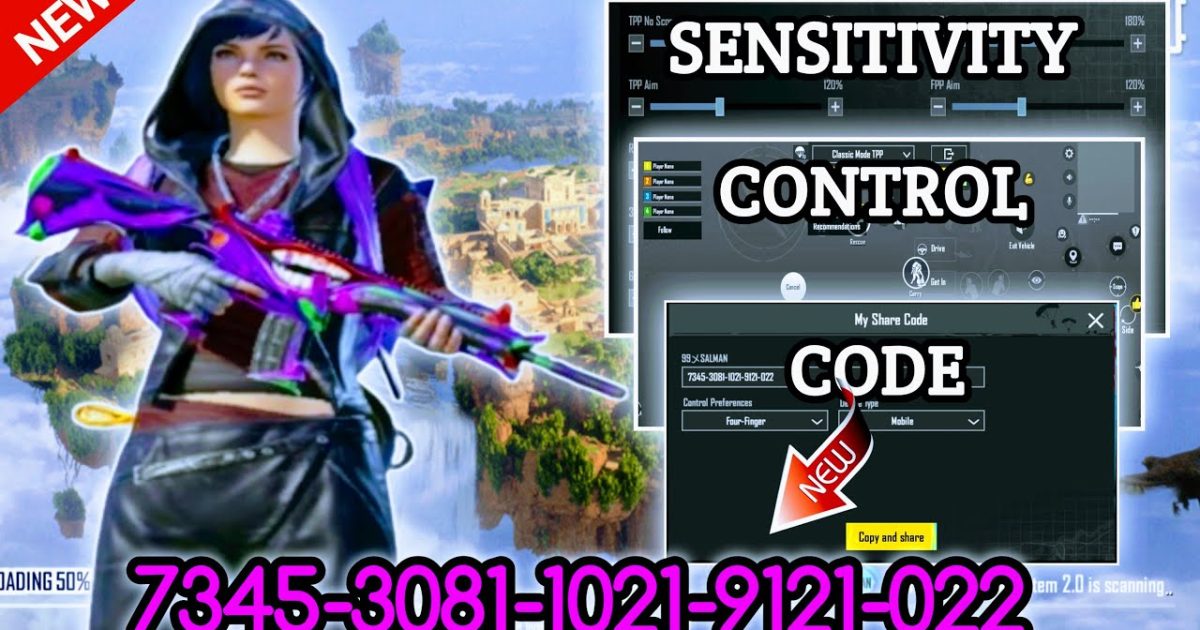
PUBG Mobile control codes are constantly evolving. Every season brings new tweaks from top players, and if you’re still using last year’s layout, you’re leaving kills on the table. We’ve scoured the latest patches, pro streamer configs, and community forums to bring you the most effective updated control codes for 2025. Each code has been tested across multiple devices and playstyles, so whether you’re a claw veteran or a gyro newbie, there’s something here to sharpen your game.
1. Updated 4-Finger Claw Layout Code – The Goat for Close-Range
The 4-finger claw is still king for mobile shooters, but the latest update tweaks button placement for faster peek-firing and spray control. This layout moves the fire button to the top-left corner with scope and crouch within easy thumb reach. It’s been optimized for devices with up to 90Hz refresh rates, so jitter is almost nonexistent. Give it a try if you want to chain hipfire headshots without lifting a finger. Looking for more options? Check out these proven 4 finger layout codes.
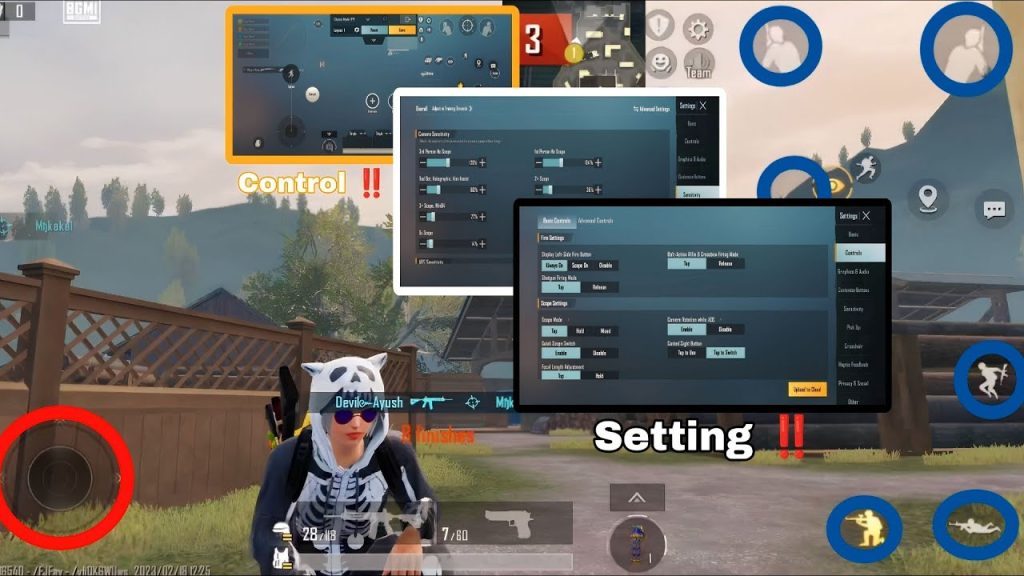
2. Updated Gyro Control Code – Fine-Tune Your Tracking
Gyro users, rejoice. The updated gyro control code rebalances the tilt sensitivity for vertical recoil without making horizontal movement feel sluggish. It’s perfect for medium-range AR fights where micro-adjustments matter. Many pros now pair this code with scope-based gyro settings, allowing you to flick faster while maintaining aim stability. If you’re new to gyro, this code is a gentle entry point. For more dedicated gyro layouts, check out these gyro control codes.
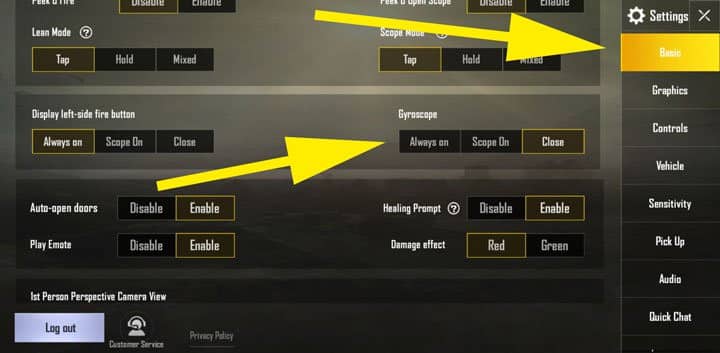
3. Updated Scope Settings Code – Zero Your Scopes Like a Pro
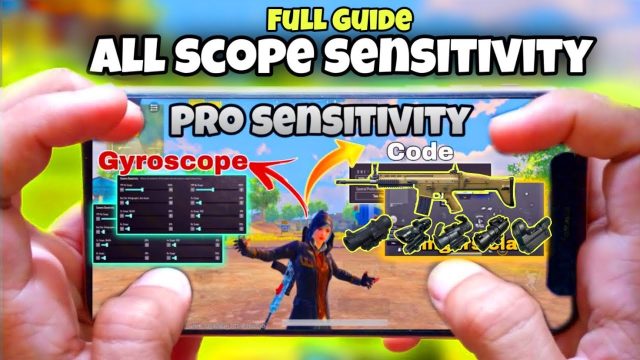
Scoping in PUBG Mobile can make or break your damage output. This updated code tweaks the 2x, 3x, 4x, and 6x scope sensitivities to match the latest recoil patterns. The 3x scope in particular gets a smoother drag, making it viable for both assault rifles and DMRs. The layout also binds the scope magnification toggle to a dedicated button to avoid accidental zooms. Pair it with our dedicated scope settings for more fine-tuning.
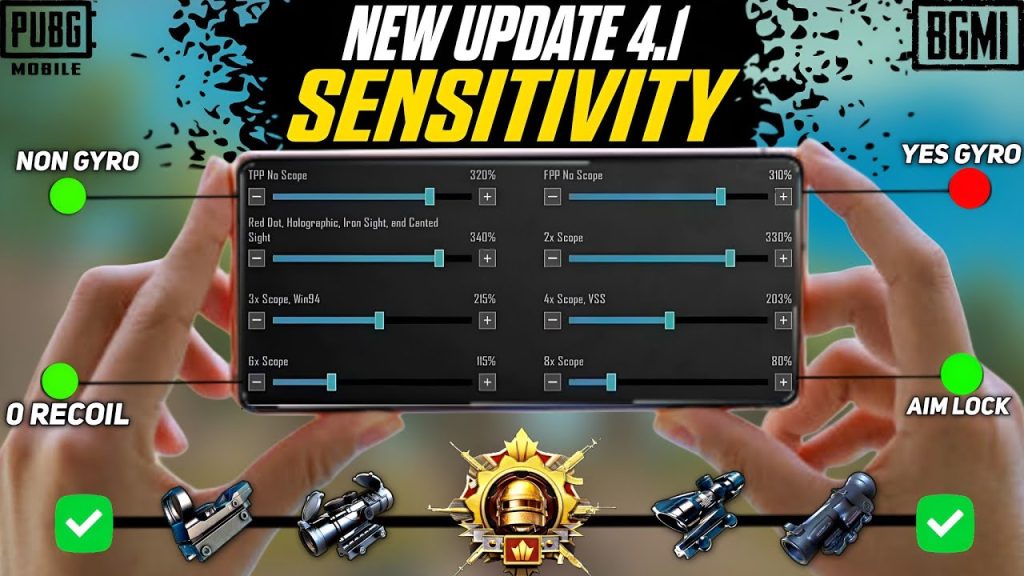
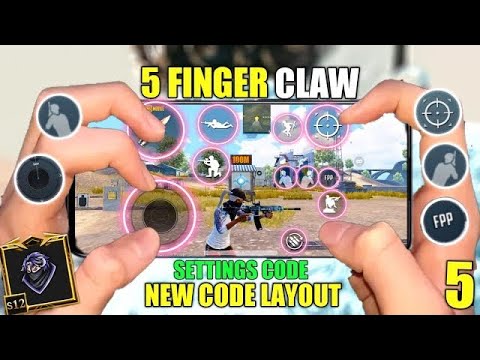
4. Updated 5-Finger Setup Code – For the Claw Masters
Taking claw to the next level, the updated 5-finger setup code adds a dedicated lean button that frees up your index finger for faster counter-strafing. This layout is optimized for larger screens like iPads or phones with 6.7-inch displays. The extra finger allows you to hold breath while scoped without losing the ability to peek. It’s a game-changer for long-range duels when you need to stay in cover. Check out our full guide on custom 5-finger codes for more variations.
5. Updated iPad Setup Code – Maximise Your Real Estate
iPad players often struggle with button scaling. This updated code spreads out the controls evenly across the 10-inch screen, reducing accidental taps. The fire and scope buttons are repositioned closer to the center, so you don’t have to stretch your thumbs too far. The code also includes a custom parachute auto-deploy toggle to save time. For the full list of iPad-specific layouts, check our iPad setup codes.

6. Updated iPhone Control Code – Compact but Deadly
For iPhone users, screen space is precious. This updated code condenses the HUD without sacrificing functionality. The reload and pickup buttons are merged into one context-sensitive button, and the aim-down-sights button is set to hold (not tap) for better control. It works flawlessly on the latest iPhone models including the iPhone 15 Pro Max. For more tailored layouts, check out our full collection of iPhone control codes.
7. Updated 90fps Device Code – Smoothness Over Everything
If you’re running a high-refresh device (90Hz or 120Hz), this code is a must. It adjusts the fire rate input lag to match the screen’s refresh cycle, reducing the stutter that often plagues fast-firing weapons like the M416 or UZI. The control layout also reduces dead zones for thumb movement, giving you pixel-perfect aim. This code is specially tuned for devices like the OnePlus 12 or ROG Phone 8. Explore more 90fps device codes to find the perfect match.
8. Updated Emulator Code – Keyboard & Mouse Precision
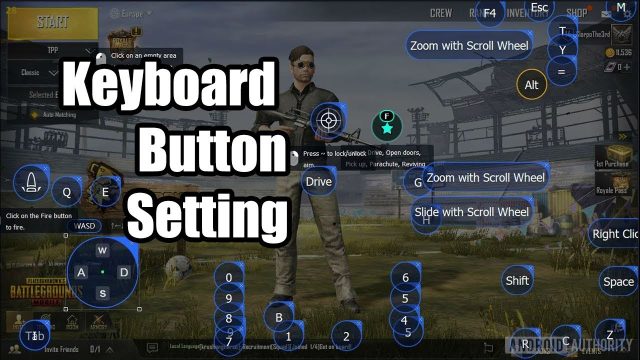
Emulator players aren’t left out. This updated code remaps common PC keybinds to match the latest PUBG Mobile emulator update. The WASD movement is tighter, and the scope toggle is moved to mouse side buttons for quicker snap shots. If you’ve been struggling with input delay on GameLoop or BlueStacks, this code minimizes it. For more emulator-friendly layouts, see our full guide.
9. Updated 3GB RAM Device Code – Keep It Light
Low-RAM phones can still compete. This updated code reduces the HUD complexity by hiding secondary buttons like vehicle exit and marking, which you can access via a pop-out menu. The layout also lowers the graphics preset constraints to avoid frame drops. It’s been tested on 3GB RAM devices like the Redmi Note 11 and Galaxy M32. For more options, check our dedicated 3GB RAM codes.
10. Updated Global Version Code – Universal Compatibility
Seasonal updates sometimes break older codes. This updated global version code is built on the latest game version (2.8+), so it’s guaranteed to import without errors. It includes a balanced layout for all playstyles, with intuitive placement for peek, scope, and grenade buttons. Whether you’re on a Xiaomi, Samsung, or Pixel, this code works out of the box. For more global-friendly codes, see our collection.
These updated control codes represent the best of what the PUBG Mobile community has refined in early 2025. Whether you’re a claw specialist, gyro addict, or emulator enthusiast, importing one of these layouts will immediately tighten your gameplay. Don’t be afraid to tweak the sensitivities further—every player’s grip and finger length is different. Import a code, jump into the training ground, and let the frags begin.