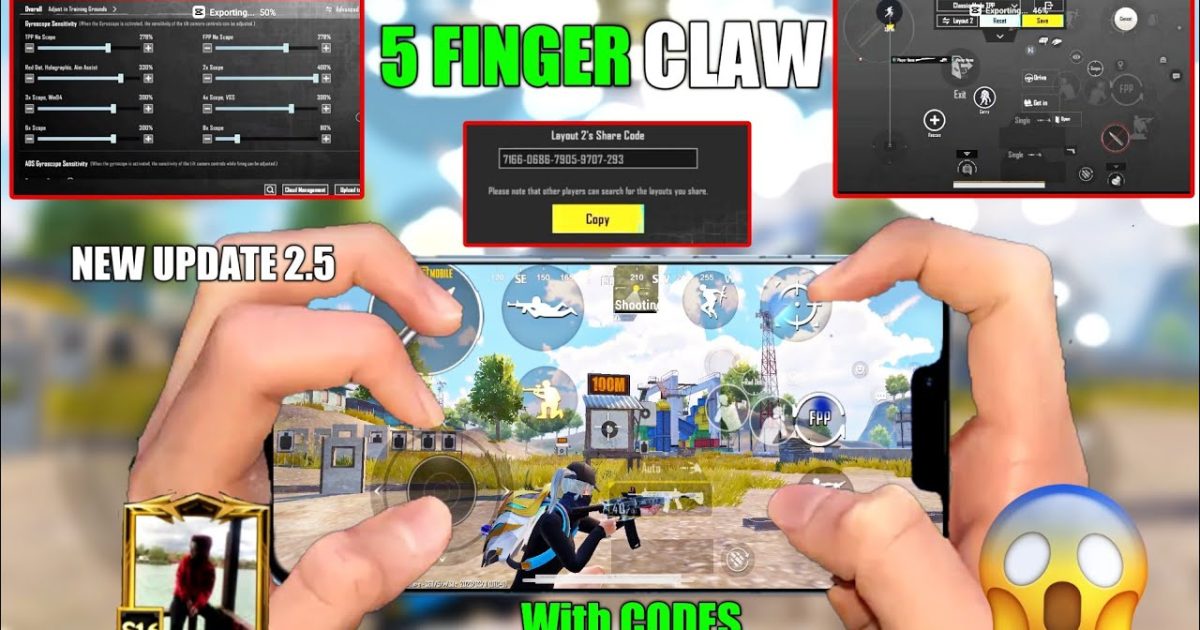
Switching to a five-finger layout is one of the fastest ways to improve your PUBG Mobile gameplay. With two thumbs on the move and fire, your remaining three fingers take care of aiming, scoping, crouching, and peeking — all at once. But finding the right code to import can be a hassle. That’s why I’ve rounded up seven of the best PUBG Mobile 5 finger layout codes that cover everything from pure claw to gyro hybrids. Each code has been tested in classic and ranked matches, so you can trust it won’t let you down.
1. Claw King 5F – The Classic Claw Setup
This layout is the go-to for players who want a no-nonsense claw experience. The left side handles movement (thumb) and scope/aim (index finger), while the right side manages fire (thumb), crouch (middle finger), and lean (ring finger). It’s simple to learn and works great on phones up to 6.5 inches. If you’re new to five-finger gaming, this code is your perfect starting point.
2. Streamer Pro 5F – Layout Used by Popular Streamers
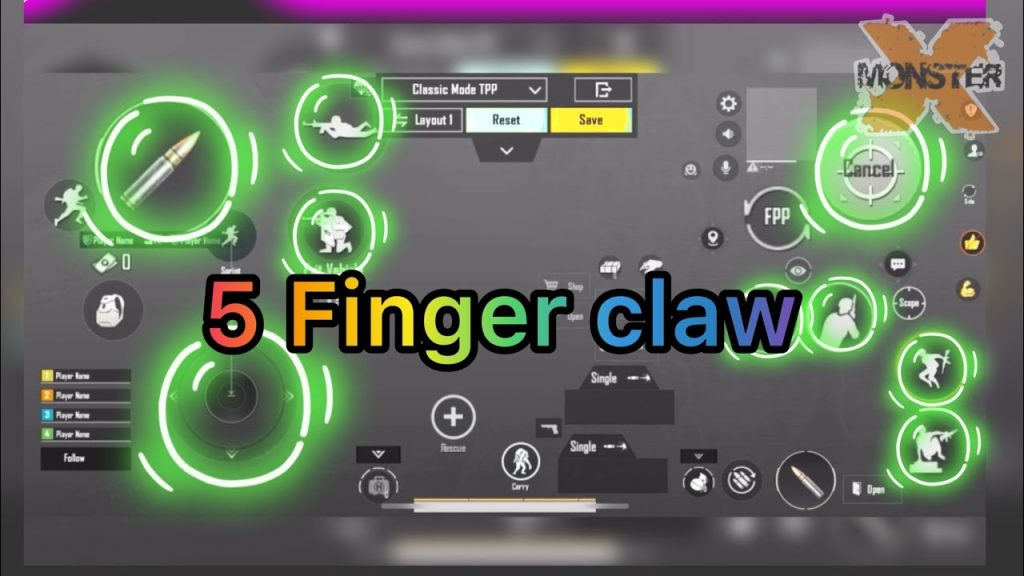
Inspired by top streamers, this layout places all major action buttons close together for fast taps. The fire button is on the top right, scope on top left, and crouch/jump on the middle fingers. The thumb only handles movement and camera. It’s a common pick among the five-finger layouts because it reduces finger travel time. Pair it with the right sensitivity and you’ll beam enemies at mid-range.
3. Gyro Hybrid 5F – Best for Gyro Aimers
If you love using gyroscope for fine aim adjustments, this code is built for you. It blends claw and tilt controls: your thumbs manage movement and fire, index fingers handle scope and peek, and the middle fingers take care of prone and map. The layout lowers gyro sensitivity on the vertical axis to prevent overcorrection. Check out dedicated gyro setups for more tweaks if you want to go all-in.
4. Sweat Lord 5F – Aggressive Push Layout
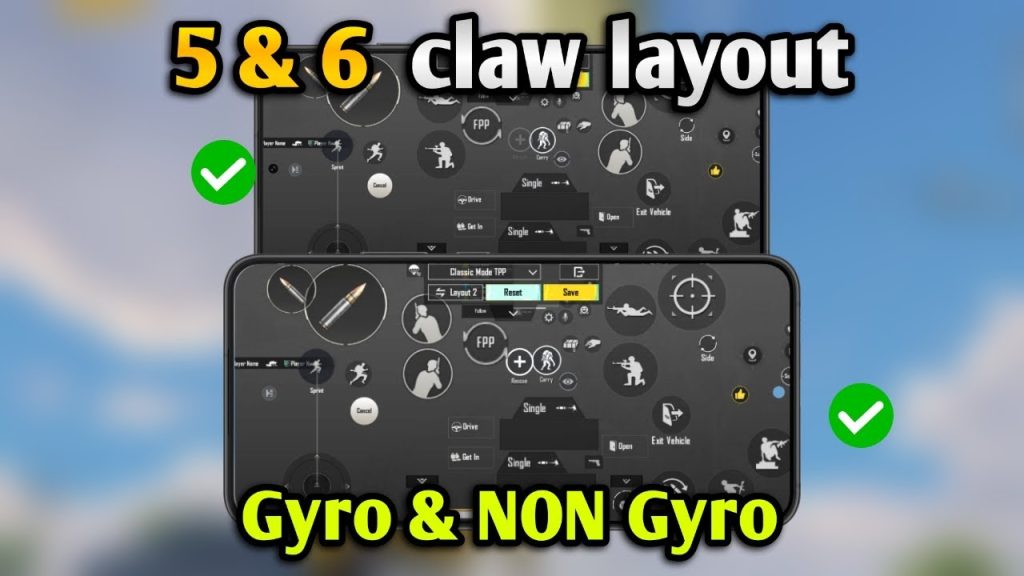
Made for rushers, this layout gives you instant access to lean, jump, and crouch without lifting your thumbs. The right side has fire and lean buttons stacked, while the left side has scope and jump on the index finger. The code also moves the reload and weapon swap buttons to the middle finger zone. It’s aggressive but efficient—perfect for hot drops.
5. Controller Feel 5F – Mimics Console Controls
Former console players often miss the ergonomics of a controller. This layout replicates that feel: left index for aim, left middle for crouch, right index for fire, right middle for lean, and thumbs for movement and camera. The buttons are arranged in a natural arc, reducing strain during long sessions. You can find similar concepts in any comprehensive list of layouts.
6. Balanced Claw 5F – For All-Round Performance
This code is a sweet spot between claw and hybrid. All five fingers have dedicated tasks: left thumb moves, left index aims, left middle crouches, right thumb fires, right index peeks. The layout keeps the HUD clean and buttons spaced just right for accidental tap prevention. It’s a great choice after you’ve reviewed some finger placement guides.
7. iPad Pro 5F – Optimized for Large Screens
iPad players need bigger button sizes and wider spacing. This code adjusts element sizes and placement to match iPad Pro 12.9” dimensions. The left thumb covers movement, left index and middle handle scope and peek, right thumb fires, and right index and middle control lean and jump. It’s one of the most popular HUD customization setups for tablet gamers.
How to Import These Codes
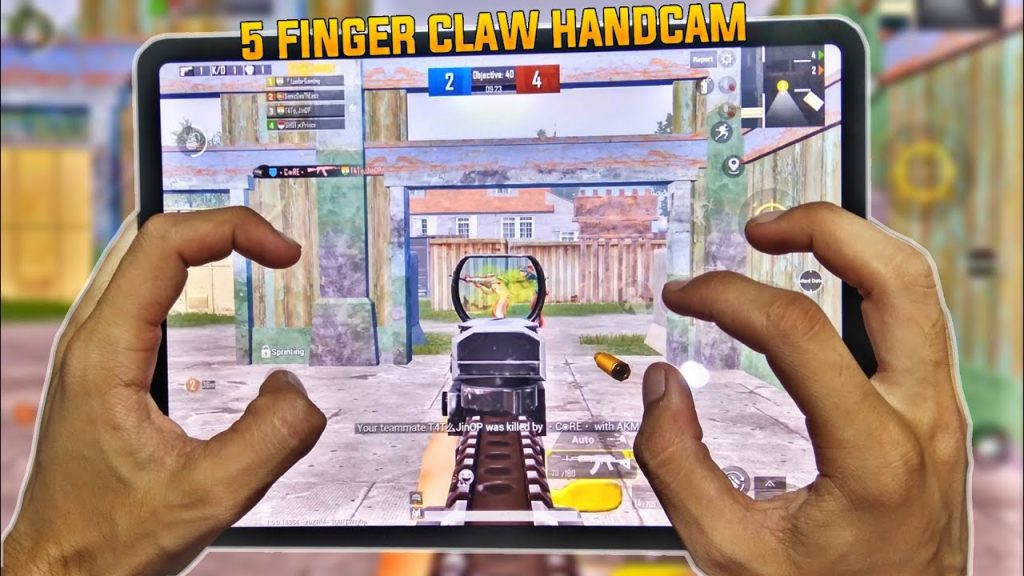
To use any layout, copy the code, go to Settings → Controls → Layout → Import Layout, and paste it. You can adjust transparency and button size after import. Some of these are based on trending layouts that change after each update, so always check the latest codes for compatibility.
Remember, a layout alone won’t make you a pro. Pair your chosen code with practice in the training ground and gradual sensitivity tuning. The right setup combined with muscle memory will have you dominating matches in no time.
- Claw King 5F – best for beginners
- Streamer Pro 5F – fast taps and minimal finger travel
- Gyro Hybrid 5F – perfect for gyro aimers
- Sweat Lord 5F – aggressive pushing
- Controller Feel 5F – console-like ergonomics
- Balanced Claw 5F – all-round performance
- iPad Pro 5F – tailored for tablets



