Every new season of PUBG Mobile brings a shake-up. Weapon buffs, map rotations, and meta shifts mean your old control layout might not cut it anymore. That’s why we’ve combed through the latest pro setups, community favorites, and patch-specific tweaks to bring you 10 control codes tailored for the new season. Whether you’re a claw player, a gyro enthusiast, or someone who just wants to loot faster, these codes have been tested in the current environment to give you a real advantage. Let’s dive in.
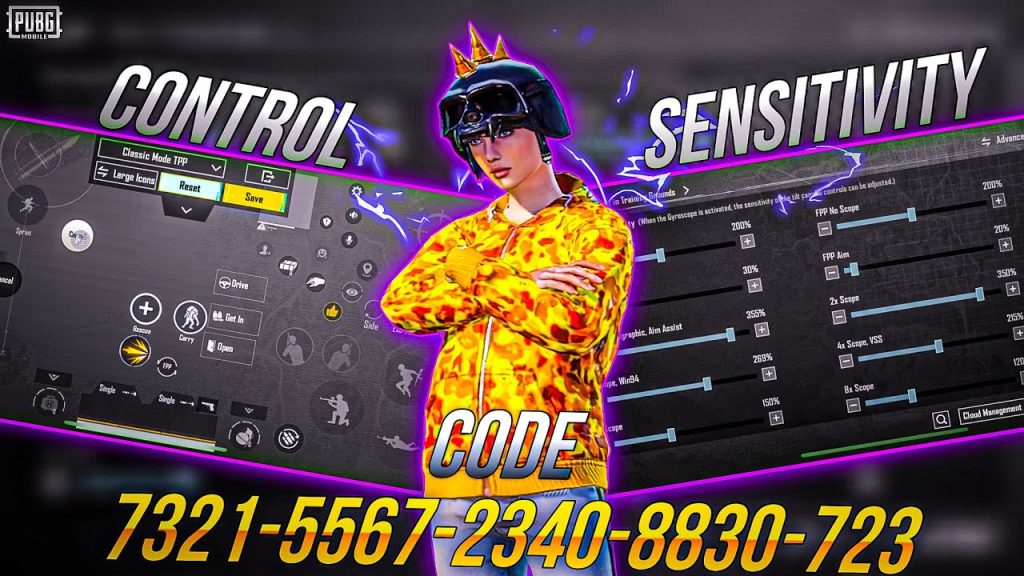
4-Finger Claw Layout for Close Combat Domination
If you want to win those tight house-to-house fights, a 4-finger claw layout is your best bet. This code positions your fire, scope, crouch, and jump buttons so you can do everything without lifting your thumbs. The new season’s SMG buffs make this layout even more deadly. Copy this code and watch your close-quarters win rate skyrocket. If you need more close combat-specific options, check out our dedicated close combat codes.
Gyro-Assisted Precision for Long-Range Sniping
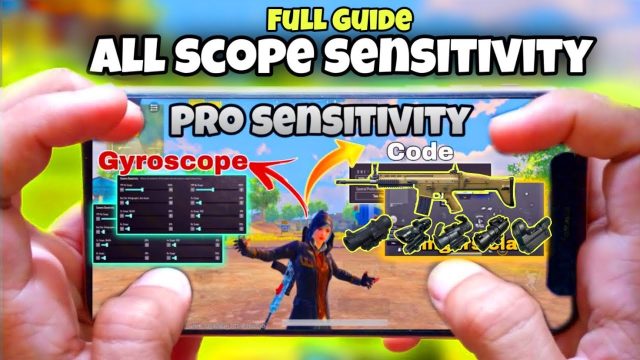
Gyroscope aiming is the secret weapon of top snipers. This control code combines a high sensitivity gyro with well-placed peek and scope buttons, letting you micro-adjust your crosshair effortlessly. The new season’s bolt-action rifle tweaks mean you’ll need steady hands—this code delivers. Pair it with our recommended gyro codes for even finer control.
Fast Looting Layout to Win the Loot Race
How many times have you died while fumbling with the inventory? This fast looting code rearranges your pickup and attachment slots so you can grab gear and swap weapons in the blink of an eye. It’s perfect for hot drops like Bootcamp or Paradise Resort. For even more looting efficiency, see our compilation of fast looting codes.
Recoil Control Spray Code for ARs
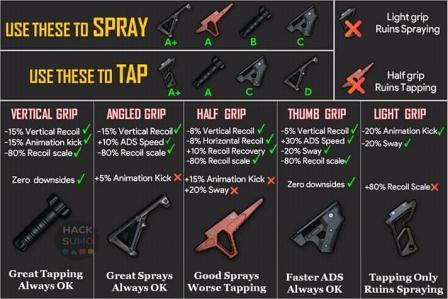
Keeping your crosshair on target during a full-auto spray is tough, but this control code makes it easier. By adjusting the fire button placement and combining it with a gyro-assisted pull-down, you can manage recoil like a pro. The new season’s M416 and SCAR-L adjustments make this layout a must-try. Dive deeper into recoil management codes for more tailored setups.
6-Finger Claw Layout for the Ultimate Control
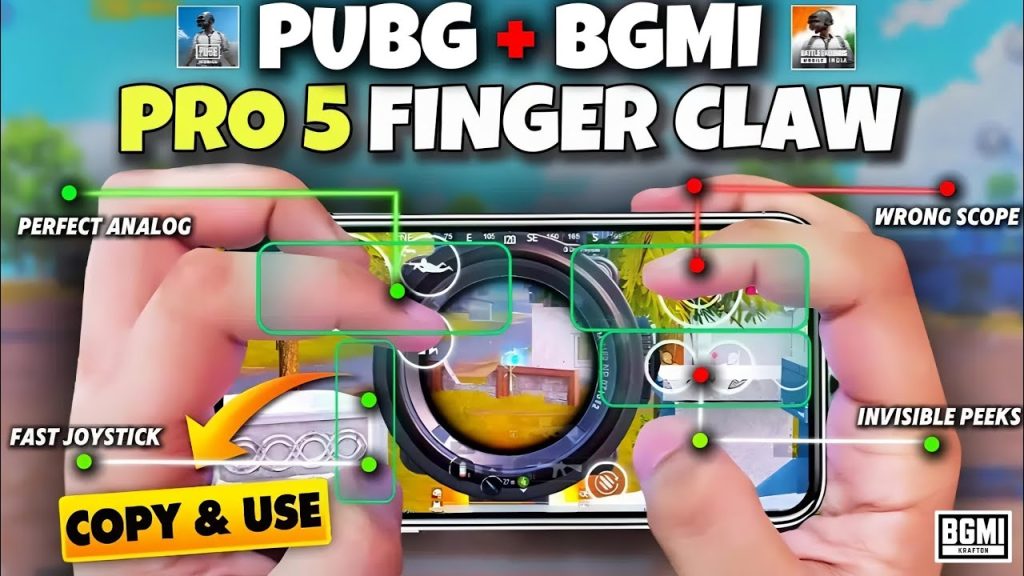
Ready to take your gameplay to the next level? A 6-finger claw layout gives you maximum control by dedicating each finger to a specific action. This code includes dedicated buttons for lean, scope, fire, jump, crouch, and grenade—so you can do complex maneuvers without sacrificing speed. It has a steep learning curve, but once mastered, you’ll have an edge over 99% of players. This layout is popular among streamers, so you’ll also want to check out streamer codes for inspiration.
iPad Optimised Layout for the Big Screen
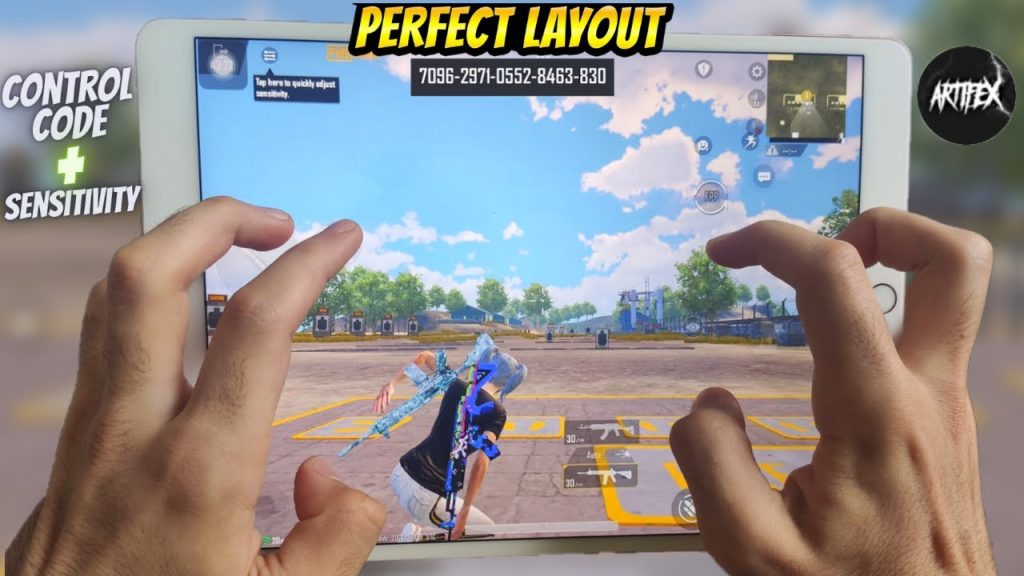
Playing on an iPad gives you a bigger view, but the controls need to be scaled up. This iPad-optimized control code repositions all buttons to the edges of the screen, so your fingers don’t block the action. It’s designed for both claw and thumb players, with larger fire buttons for easier tapping. If you’re an iPad gamer, this is the code to start with. Browse our collection of iPad control codes for more options.
One-Tap Peek and Fire for Cover Combat
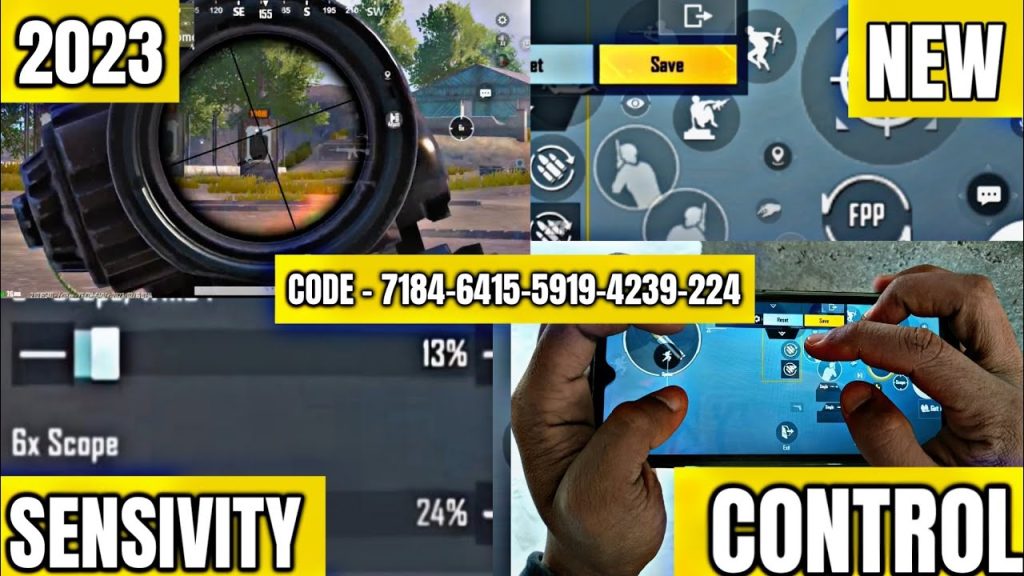
Peeking and firing from cover is a core skill, and this control code makes it a single tap. By placing the peek and fire buttons close together, you can lean out and shoot instantly without adjusting your aim. It’s especially effective with DMRs and snipers in the new season’s long-range meta. This layout is a simple but game-changing tweak.
Emergency Drop + Crouch Spam Code for Evasive Moves
When you’re caught in the open, quick drops and crouch spamming can save your life. This code places the prone and crouch buttons within easy reach of your right thumb, allowing you to drop or spam crouch while firing. It’s a lifesaver in the late game and a must-have for aggressive rushers. Use it alongside your main layout to become harder to hit.
Gyro-Only No Scope Layout for Quick Scopes
No-scope shots with snipers are all about feel. This gyro-only layout removes all aim assist and uses high gyro sensitivity for flick shots. It’s tricky but incredibly rewarding when you land that mid-air headshot. The new season’s sniper bullet speed changes make this layout more viable than ever. Combine it with our gyro codes for a full gyro setup.
SmartGaGa Emulator Layout for PC Players
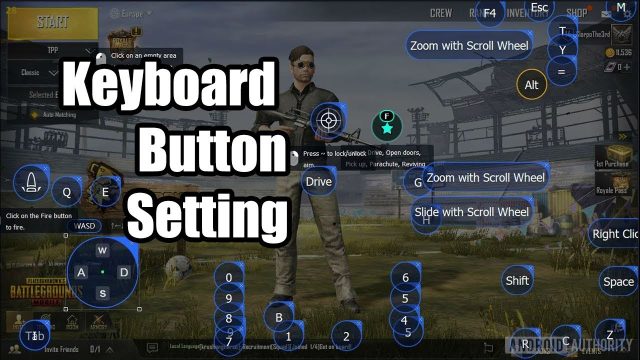
If you play PUBG Mobile on PC via SmartGaGa, you need a control code that maps keyboard and mouse actions properly. This layout aligns keys for WASD movement, mouse aim, and quick access to inventory and map. It’s optimized for the new season’s performance patches, reducing input lag. Pro tip: tweak sensitivity to match your playstyle. For more emulator setups, check our SmartGaGa codes.
These 10 control codes are your ticket to dominating the new season. Whether you prefer a simple thumb layout or a advanced 6-finger claw, there’s something here for everyone. Remember, the best code is the one you practice with—so pick one, hit the training ground, and adapt it to your style. The new season waits for no one. Get in there, copy a code, and start climbing the ranks!