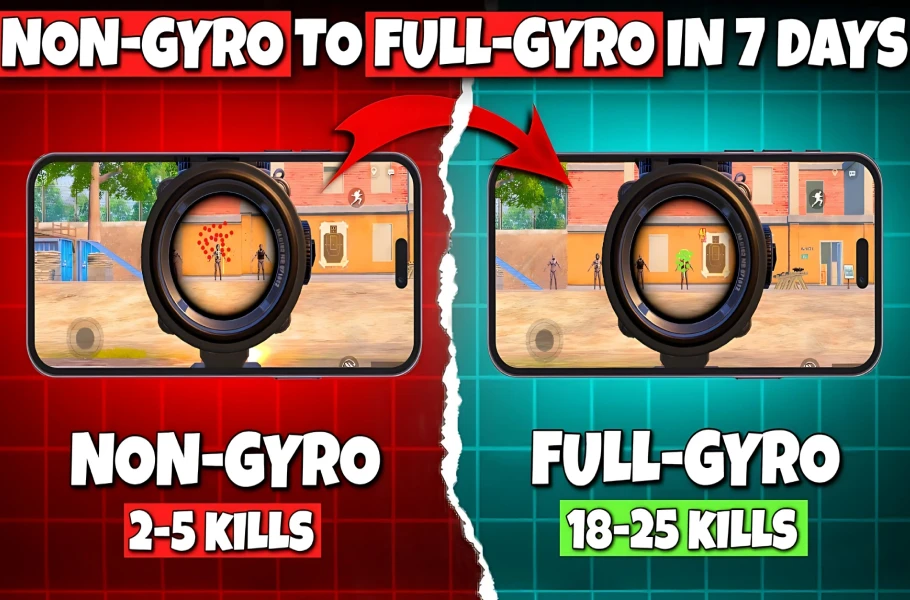
If you’re playing PUBG Mobile without gyro, you’re leaving kills on the table. Gyroscope aiming lets you fine-tune your crosshair by tilting your phone, making recoil control and target tracking buttery smooth. But a great gyro setup needs a control code that matches your playstyle. We tested dozens of layouts used by top players and picked 7 control codes with gyro that work like magic. Whether you use 3 fingers or 6, there’s a code here for you.
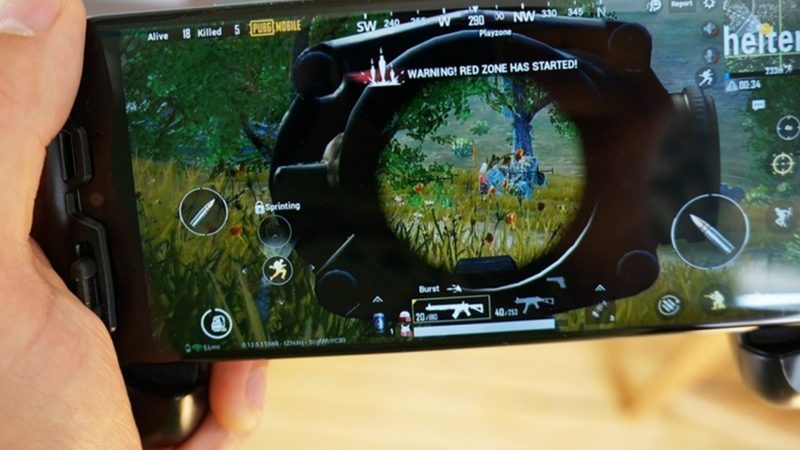
3-Finger Claw Gyro – The All-Rounder
This code uses three fingers: left thumb for movement, left index for scope/fire, right thumb for aim and gyro assist. Perfect for transitioning from thumbs to claw. Set gyro sensitivity to 300% for ADS and 100% for camera. The layout places fire and scope buttons close together on the top left, so your left index can whip between them. It’s a solid foundation for any playstyle.
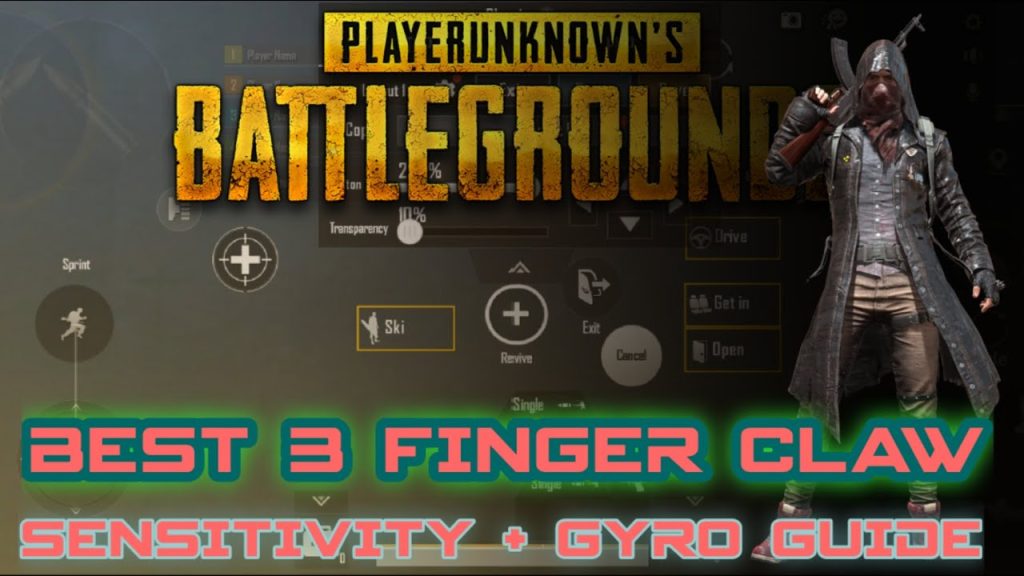
4-Finger Gyro for Spray Control
Four fingers let you crouch, scope, shoot, and peek without lifting off. Gyro set to 400% ADS for mid-range sprays. Layout puts fire on top left, scope on top right, and crouch on bottom right. The left thumb handles movement and prone. This code minimizes finger travel, letting you spray down enemies with laser accuracy. Pair it with our recoil management codes for even tighter groups.
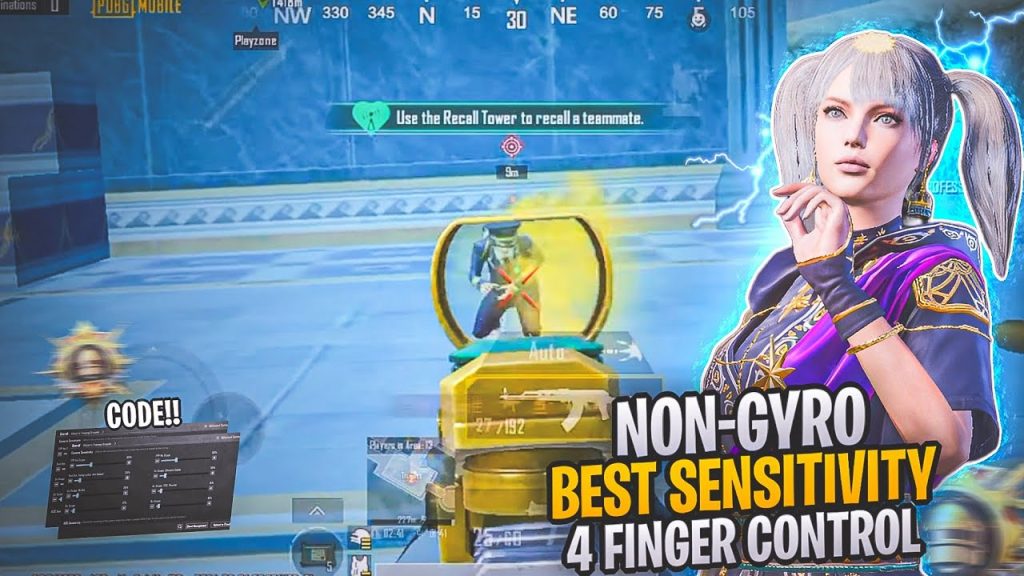
5-Finger Gyro – The Precision Setup
Two fingers on left, three on right. Gyro turned off for camera but maxed for ADS (500%). Great for DMR and sniper players who need micro-adjustments. The left thumb moves, left index scopes and crouches; right thumb aims, right index shoots, and right middle finger peeks. It’s a dream for long-range precision. If you want to fine-tune your sensitivity, check out our sensitivity tutorial.
6-Finger Gyro Claw – Pro Level
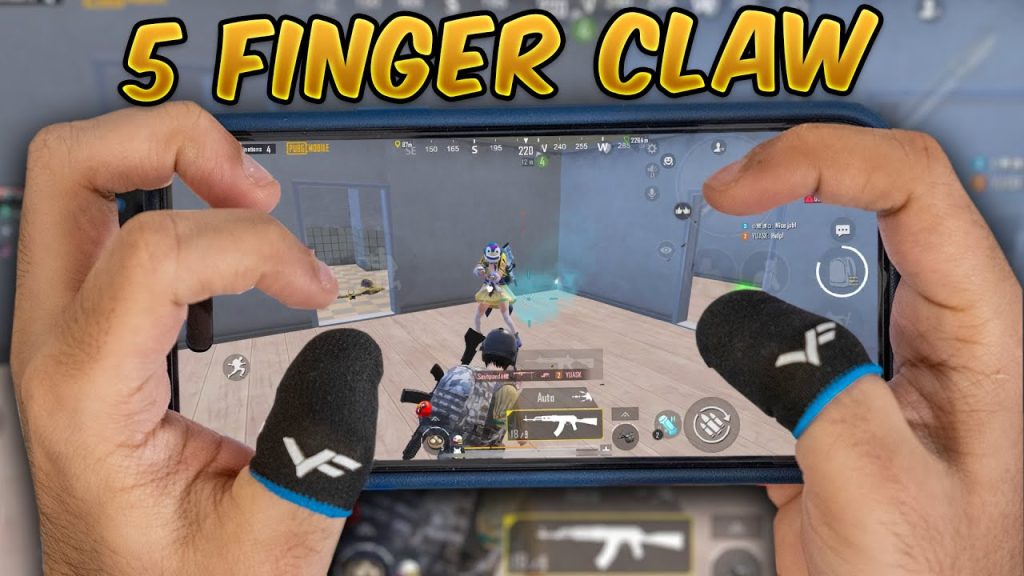
The ultimate layout. All six fingers active. Gyro sensitivity 350% ADS, 200% camera. Requires practice but offers unparalleled control. We included this code based on popular 6 finger claw control codes from top players. Your left hand handles movement, scope, and reload; right hand manages aim, fire, peek, and crouch. Once you master it, you’ll dominate close and long range alike.
Gyro-Only Scope Code (No Tap Aim)
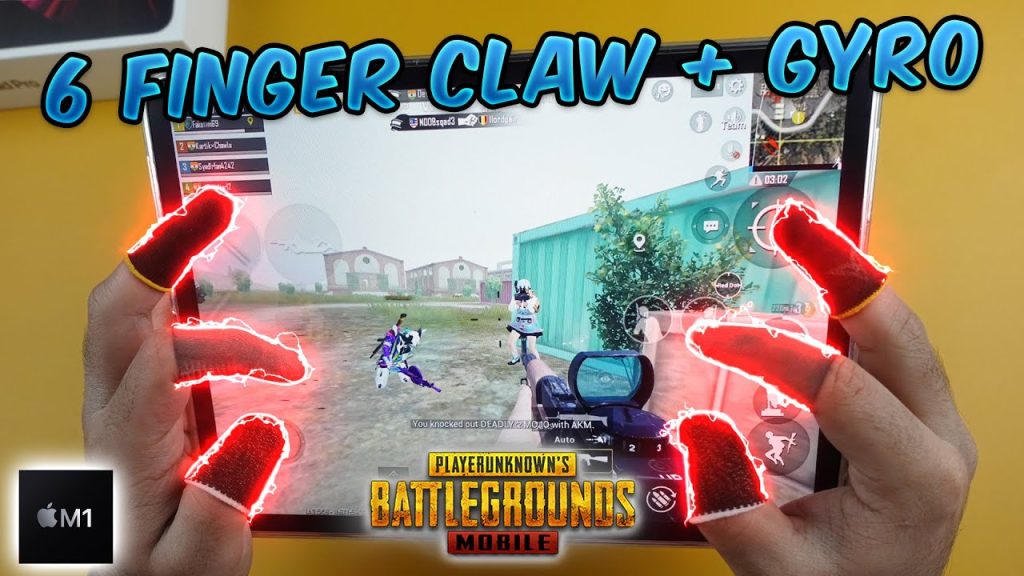
For players who want to rely entirely on gyro for aiming. Only fire and scope on screen. Gyro set to 600% ADS. Best on iPad large screen where the extra real estate helps with tilt control. This code removes the aim button entirely, forcing you to use gyro for all aiming. It’s extreme but makes you a gyro master. If you’re on iPad, check out mobile control layout codes for more big-screen setups.
Hybrid Gyro + Thumb Code for Close Combat
Combines gyro assist with thumb aim for fast flicks. Gyro at 250% ADS, with aim button for hip fire. Great for rushers. The layout keeps the aim button on the right side for quick taps, while gyro handles fine adjustments. It’s the perfect blend. For more room-clearing tactics, try these close combat control codes.
Streamer Gyro Setup – Copy the Pros
Based on popular streamer layouts. Gyro sensitivity 300% for all. Unique HUD with buttons placed for easy access. This code is optimized for smooth gyro movement and minimal hand strain. We’ve taken the best from streamer-approved control codes to give you a plug-and-play setup that pros actually use. Just copy and adjust to your liking.
These 7 gyro control codes cover every playstyle. Try each one in training mode, adjust gyro sensitivity to your preference, and stick with the one that feels natural. Gyro takes time to master, but once you do, your aim will never be the same.



