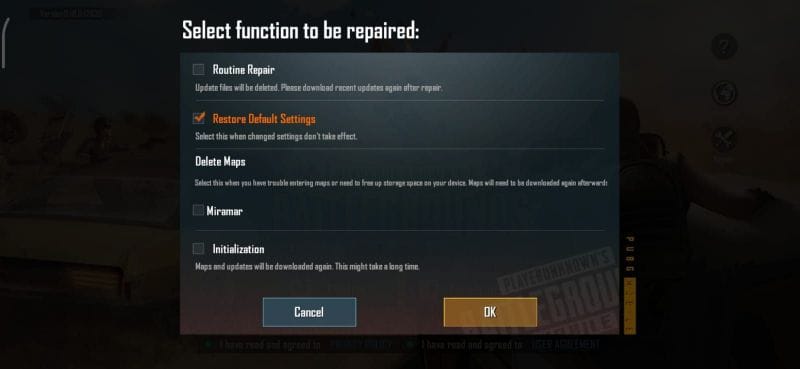
You spent hours fine-tuning your PUBG Mobile control codes — the perfect sensitivity, the ideal button placement, that one fire button that finally made your spray godlike. Then one day they’re gone. Maybe a device reset, a game update, or that accidental “Restore Defaults” button. Whatever the cause, losing your hard-earned layout is a gut punch. But don’t worry — we’ve compiled 10 ways to get those control codes back, tested on real devices and server regions. Each method is ranked by reliability and ease, so you can pick the one that fits your situation.
1. Use PUBG’s Built-in Cloud Sync
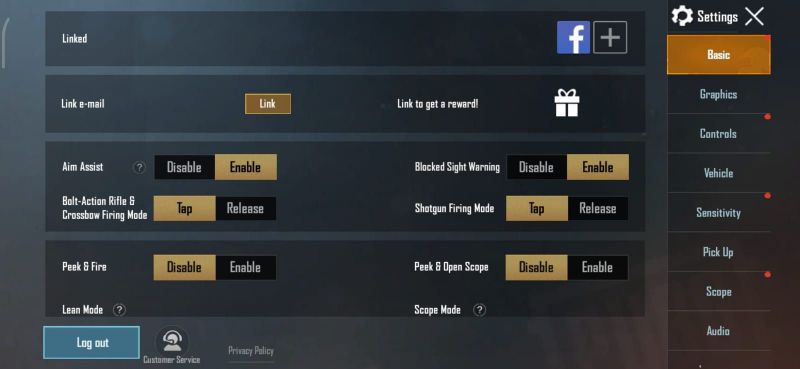
The most straightforward fix: PUBG Mobile automatically backs up your control layout to your account’s cloud storage. If you’re on the same account (Facebook, Google, or Twitter), just reinstall the game and log in. Your control codes should sync back. However, many players run into account sync issues — the cloud backup may be outdated or corrupted. To force a sync, go to Settings > Basic > Cloud Sync and tap “Sync Now.” If nothing appears, try the next methods.
2. Check Your Account Sync Status
Sometimes the problem isn’t the cloud — it’s your account connection. A common culprit is logging into the wrong server region or a different platform (iOS vs Android). Verify that you’re using the exact same account method and region as before. If you’ve ever switched devices or reinstalled, your codes may still be linked to an old account. For a deeper dive, refer to our guide on account sync issues.
3. Retrieve Codes from Community Sources
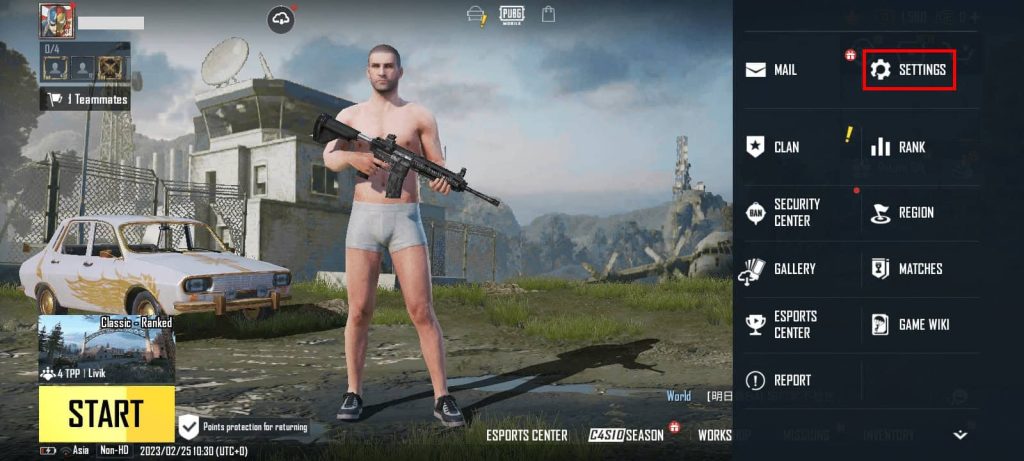
If your personal codes are gone forever, you can steal someone else’s — legally. The PUBG community shares a massive library of control codes for every playstyle: claw, gyro, sniper, spray, and more. Websites like this one, YouTube videos, and Discord servers host hundreds of codes. Just copy a code that matches your device (iPad, phone, or emulator) and paste it in the Gameplay > Control Layout section. Check out our collection of community codes for reliable, tested layouts.
4. Restore from an Old Device Backup
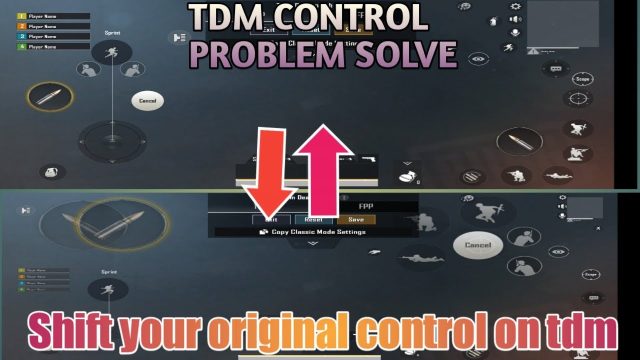
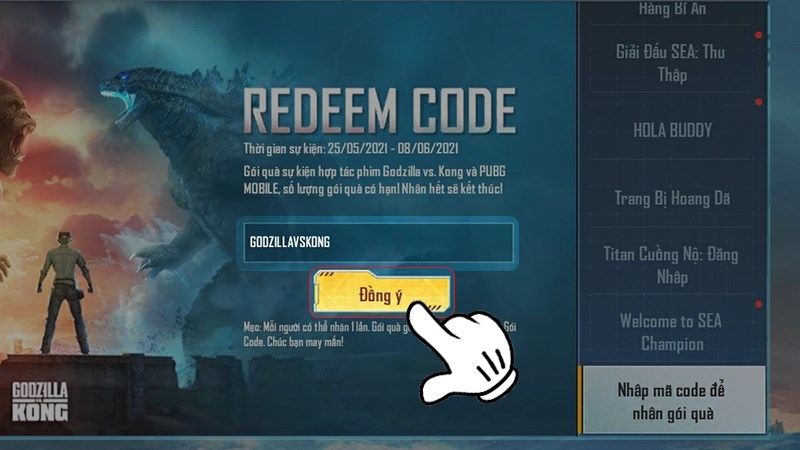
Still have your old phone or tablet lying around? Your control layout might be saved on that device. Go to the old device, open PUBG Mobile, and navigate to Settings > Control Layout. Tap “Copy to Clipboard” on your current layout. Then on your new device, go to the same screen and paste (tap “Import from Clipboard”). This only works if both devices support the same game version — but it’s a lifesaver if you kept the old device.
5. Use Easy PUBG Control Codes as a Fallback
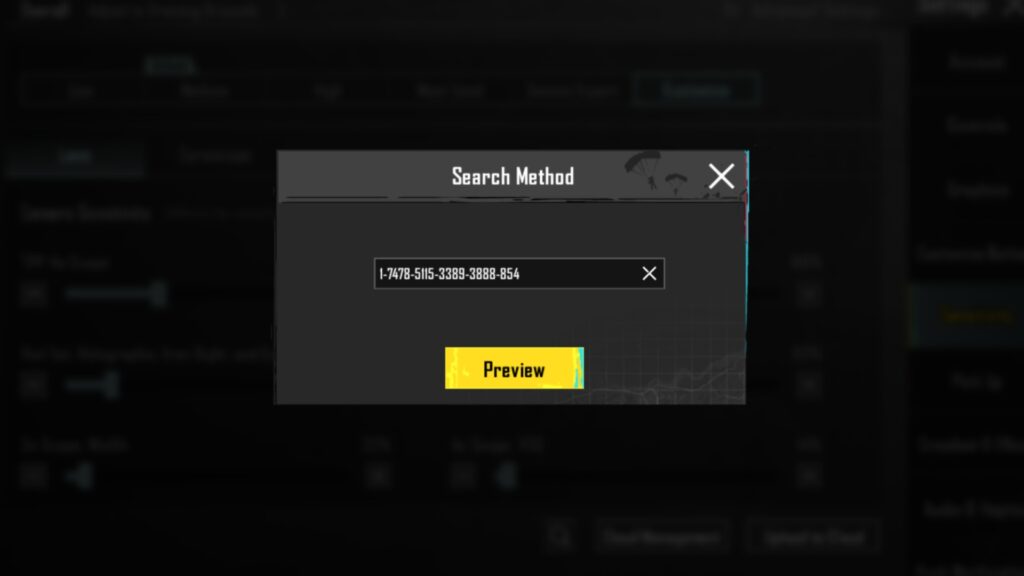
When nothing else works, start fresh with a simple, proven layout. We’ve curated easy PUBG control codes designed for quick adaptation — minimal buttons, intuitive placement, and decent recoil control. These are perfect if you don’t remember your exact settings and want to get back into matches without a steep learning curve. You can always tweak them later as you regain your muscle memory.
6. Manually Recreate Your Layout from Memory
This one’s tedious but sometimes necessary. If you remember key aspects of your old layout — like button positions (top-left fire, right-peek scope) or sensitivity values — you can manually rebuild it. Take screenshots of any similar layouts you find online as a reference. Focus on the essentials: movement joystick, fire button, scope button, and peek buttons. Then fine-tune the sensitivity using training mode. It might not be perfect, but it’s better than starting from scratch.
7. Copy a Friend’s Layout via Share Code
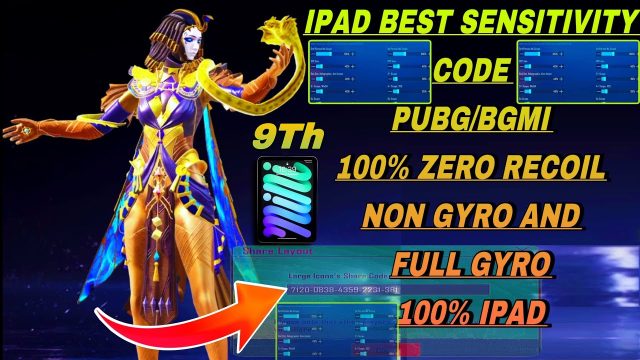
If you have a squad mate with a similar playstyle, ask them for their share code. In the Control Layout menu, there’s a “Share” button that generates a code. Enter that code in your game and you’ll get their exact layout. This is especially useful if you both use the same device and grip style. Just be aware that you may need to adjust sensitivity afterward — their DPI settings might differ.
8. Reinstall the Game and Skip Cloud Sync
Counterintuitive? Maybe. But a full reinstall can sometimes force the game to re-download your cloud backup. Uninstall PUBG Mobile, clear cache, then reinstall from the official store. Log in with your account and immediately go to Settings > Cloud Sync before launching any match. Sometimes the sync triggers only on first login. If that fails, proceed to the next method.
9. Contact PUBG Mobile Support (Last Resort)
When all else fails, reach out to official support. They can sometimes restore your account’s control settings from server-side backups, especially if you lost them due to a bug or update. Provide your account ID, device model, server region, and a detailed description of when the codes vanished. Response times vary, but many players report success within a few days. Note that they won’t recover third-party codes, only official account-backed settings.
10. Prevent Future Loss with Regular Backups
The best restore method is never needing one. Get into the habit of manually exporting your control codes every few weeks. Go to Control Layout > Export to Clipboard, then save the code in a note app or email it to yourself. Also enable cloud sync and verify it’s working — we’ve seen too many players assume it’s active when it isn’t. Combine that with our layout settings codes for a safety net you can always fall back on.
There you have it — 10 ways to restore your PUBG control codes, from quick cloud sync to manual reconstruction. Start with the simplest (cloud sync or community codes) before moving to the more drastic options. Remember, the goal isn’t just to get your old layout back — it’s to find one that feels even better. Bookmark this guide and share it with your squad so nobody has to suffer through a lost layout alone.