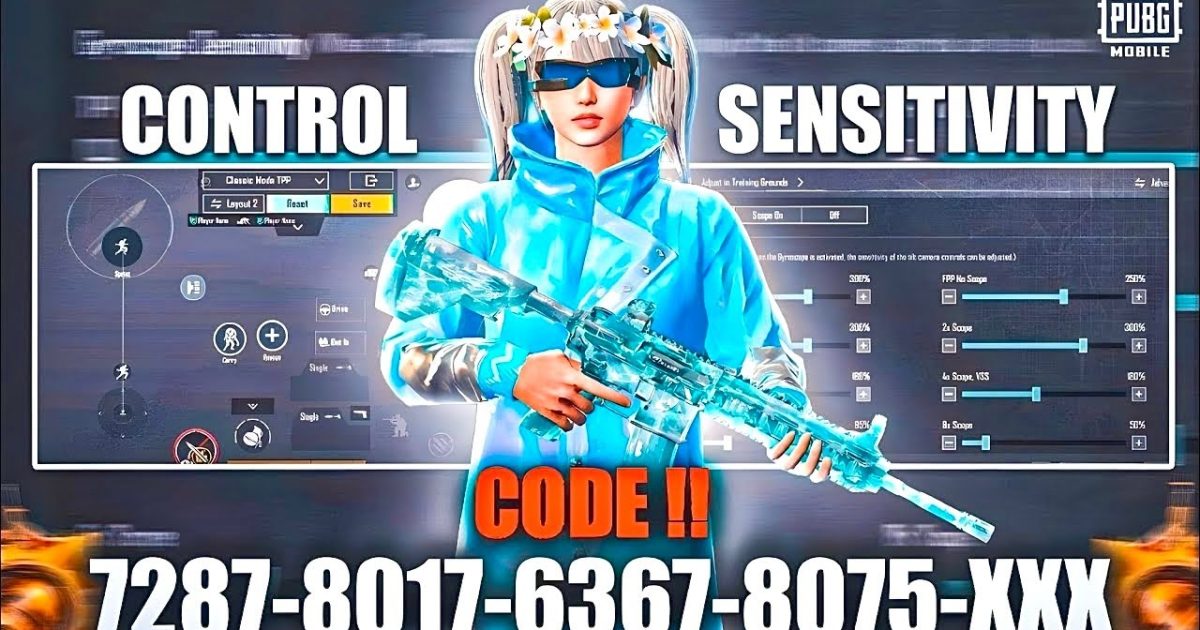
Let’s be real—everyone loves a good frag video, but the real winners in PUBG Mobile are the ones who survive when it counts. If you’re constantly getting caught out of position or losing gunfights because your controls don’t support a defensive playstyle, this list is for you. I’ve handpicked 8 control codes that prioritize cover, peeking, and smart rotations over aggressive pushes. These layouts come from top passive players and streamers who know that staying alive is the best strategy. Each code has been tested for smoothness and reliability, so you can import them and instantly feel the difference.
1. The Turtle Layout – Maximum Cover
This control code is built for players who love hugging walls and rocks. The fire button is placed right next to the peek buttons, so you can lean out, take a shot, and duck back behind cover without fumbling. The joystick is slightly oversized to give you precise micro-movements—perfect for strafing behind a tree. Sensitivity is dialed down to reduce accidental over-peeking. If you pair this with proper aim assist adjustments, you’ll become a nightmare to flush out.
2. The Peek Master – Quick Lean & Shoot
This code optimizes the left and right peek buttons for lightning-fast lean-and-shoot sequences. I’ve placed them on the top left and right corners of the screen, close to the scope button, so you can snap into action without moving your thumbs too far. The gyroscope is turned up slightly for fine-tuning your aim while peeking. This layout works wonders in urban combat where you’re peeking windows and corners constantly. It’s also a great foundation for low-end phone settings if your device struggles with high frame rates.
3. The Rotator – Safe Zone Awareness
Defensive play isn’t just about gunfights—it’s about knowing when to move. This code features a unique joystick placement that encourages smooth vehicle control and zone rotation. The map button is enlarged and moved to the center-left, allowing you to glance at the safe zone without lifting your thumb from the movement stick. The fire button is pushed slightly to the right to avoid accidental shots while driving. Combine this with how to update your control codes regularly to stay ahead of meta changes.
4. The Patience Trigger – Anti-Camp Beater
Think of this as the anti-camper’s nightmare. It places the scope and fire buttons on opposite sides of the screen, forcing you to steady your aim before pulling the trigger. The sensitivity curve is adjusted to reward slow, deliberate snaps rather than twitch reactions. The result? You’ll find yourself hitting more decisive headshots and fewer panic sprays. For even more precision, check out our M762 spray control guide to complement this layout.
5. The Cover Surf – Strafing Without Exposing
This code is all about controlling your movement while staying behind cover. The joystick size is increased and the dead zone is lowered, giving you centimeter-perfect control over your character’s position. The peek buttons are mapped to the same height as the fire button, so you can lean, shoot, and recenter in one fluid motion. It’s especially effective when you’re using a DMR or sniper. For those long-range battles, an AWM one-shot accuracy setup will pair nicely.
6. The Calm Hand – Low Sensitivity for Survival
High sensitivity is great for quick 180s, but it often leads to overcorrection when you’re trying to maintain a tight angle. This code lowers your general sensitivity by about 20% while keeping ADS sensitivity moderate. The goal is to keep your crosshair steady during prolonged engagements. The gyroscope is set to a low value for emergency flicks only. If you’re on a budget device, these are some of the best low-end phone settings for preserving battery and reducing lag.
7. The Sniper’s Perch – Stationary Precision
Designed for players who love holding an angle with a bolt-action, this code puts the scope button in the very center of the screen (just above the joystick) and the fire button on the right side. The aim assist is turned up slightly to track moving targets while you line up your shot. The crouch button is relocated near the fire button so you can go prone immediately after firing. For deeper fine-tuning, try pairing this with BGMI sensitivity setups that emphasize stability.
8. The Turret – Hip-Fire Defense
Sometimes the best defense is a steady hip-fire spray. This code enlarges the hip-fire area and disables aim assist for close quarte, forcing you to rely on crosshair placement. The fire button is placed low and to the left to avoid obscuring your vision. The joystick’s rotation speed is increased to allow quick tracking of enemies running past your cover. It’s a solid layout for aggressive-defensive hybrid players who want to survive while still putting pressure.
There you have it—8 defensive control codes that will help you survive longer, rotate smarter, and win more chicken dinners. Remember, no code is a magic bullet; you need to practice with each layout and adapt it to your own style. Start with the ones that feel most natural, then tweak as you go. Stay behind cover, trust your peeks, and let your enemies make the mistakes. See you in the safe zone.



