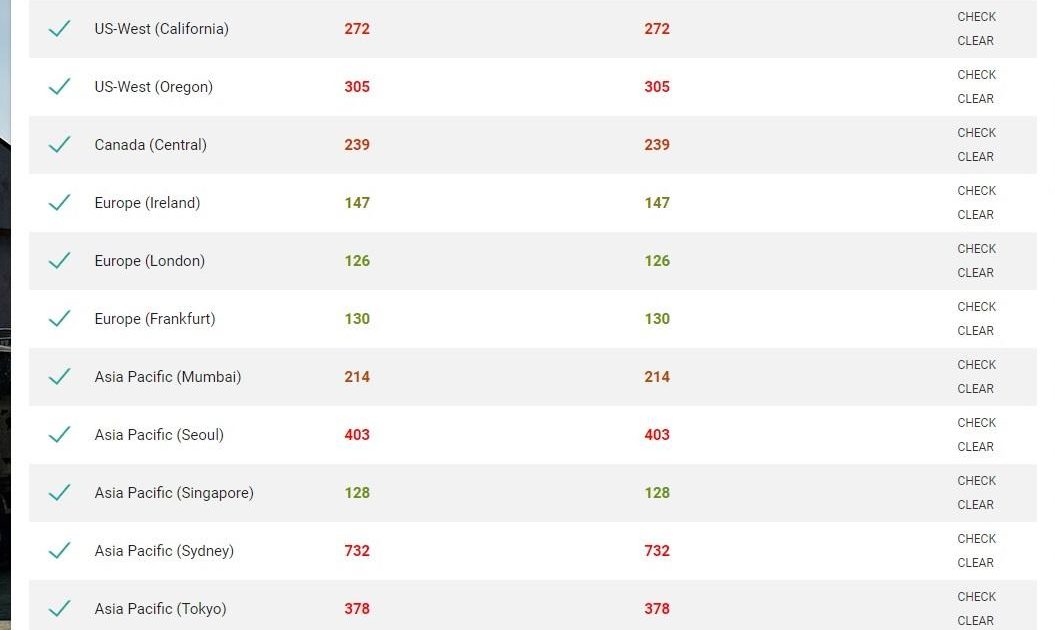
Playing on the Middle East PUBG Mobile server comes with its own set of challenges—higher ping, mixed skill pools, and the need for aggressive plays to secure wins. Standard control codes from other regions often don’t cut it here. That’s why we’ve handpicked 10 control codes specifically tuned for the ME server, taking into account latency compensation, device performance, and the fast-paced combat style you’ll face. Each code has been tested by local players and adjusted for smoother aim, quicker reflexes, and better movement. Let’s dive in.
1. High Ping ADS Sensitivity Adjustment
High ping causes aim to feel sluggish or jittery. For the Middle East server, reduce your ADS sensitivity by 5-10% compared to your usual settings. This prevents overcorrection when the server lags. Try ADS sensitivity around 35-40 with a 2x scope, and lower it further for higher zoom. This code keeps your crosshair steady even when packets drop.
2. Gyroscope Sensitivity for Latency Compensation
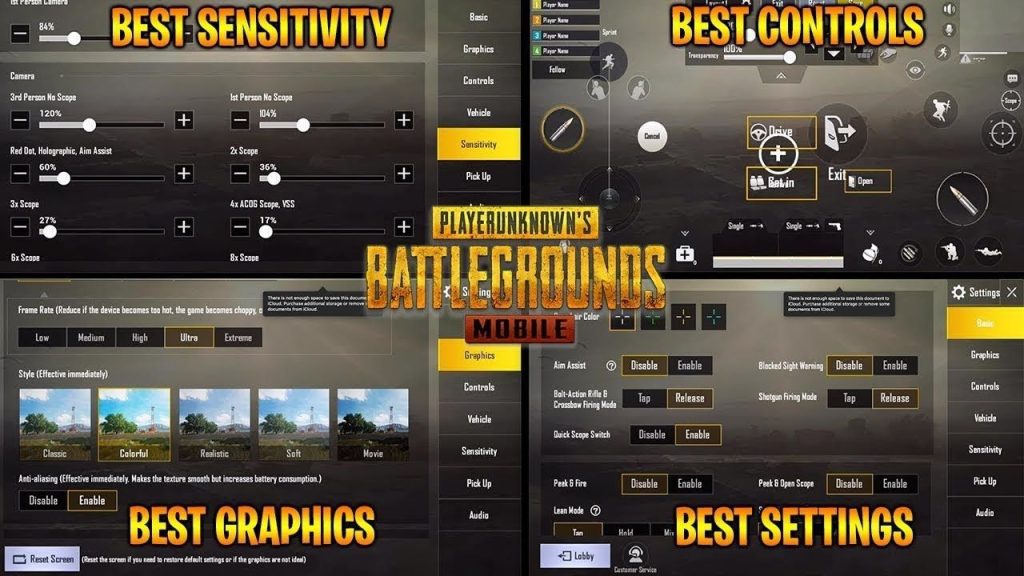
Gyro helps combat lag by allowing fine adjustments without relying on touch input. For the ME server, set your gyro sensitivity to 300-400 for red dot and iron sights, and 200-300 for 4x scope. This gives you pinpoint control even when your screen drags due to high ping. Pair with a sturdy phone grip to avoid shaky aim.
3. Camera Sensitivity Compensation for Desync
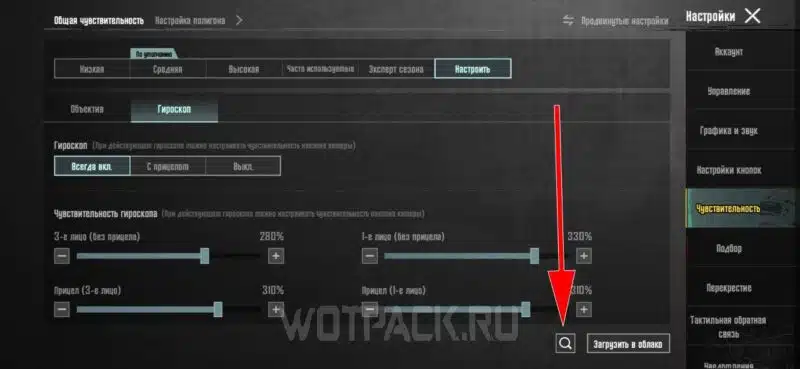
Desync on the ME server means enemies may appear to peek later than they actually do. Boost your camera sensitivity by 10-15% to quickly turn and track targets. Set third-person camera sensitivity to 120-140 and first-person to 100-120. This helps you snap onto enemies faster and compensate for the delay in enemy movement data.
4. 4-Finger Claw Layout Optimized for Aggressive Play
A 4-finger claw setup is ideal for the fast-paced ME server. This control code places fire and scope buttons on the top left, and lean/jump on the top right. You can then use bottom fingers for movement and camera. Download one of our recommended four finger claw setup codes to gain an edge in close-quarter battles where every millisecond counts.
5. Peek and Fire Quick Scope Code
On high ping servers, peeking and firing quickly is crucial to avoid being shot behind cover. Use a control code that binds peek buttons to the same side as your fire button, so you can lean and shoot in one motion. Set the peek delay to zero in settings. This technique, combined with proper layout settings, minimizes the time your hitbox is exposed.
6. Movement Control Codes for Slide and Jump
Lag can ruin your movement—slides may not register, and jumps feel delayed. Use a movement control code that increases joystick dead zone to 20% and lowers sprint sensitivity. This prevents accidental stutters and ensures your commands are registered despite packet loss. Also enable the ‘slide after jump’ option for smooth transitions.
7. Aim Assist Fine-Tuning for Target Tracking
On the Middle East server, aim assist can sometimes fight against you due to desync. Set aim assist strength to 70% instead of 100%. This prevents the crosshair from snapping to a ghost enemy while still helping you track moving targets. Pair with our recommended smooth aim codes for consistent bullet registration.
8. Non-Gyro Control Codes for Stable Spraying
If gyro isn’t your thing, non-gyro control codes work well on the ME server. Use a four-finger or claw layout with fixed fire buttons and no tilt. Adjust your ADS sensitivity to 45-55 for better recoil control. These non-gyro control codes are especially effective for medium-range sprays with the M416 or AKM, where stability beats flashy movement.
9. Vehicle Control Codes for Fast Rotations
On Erangel or Miramar, vehicles are essential for rotations. High ping can cause vehicle handling to feel floaty. Use a control code that lowers the joystick dead zone for driving (15%) and increases camera sensitivity in vehicles to 150%. This lets you make sharper turns and spot enemies from a distance without oversteering.
10. Memory Crash Prevention Settings
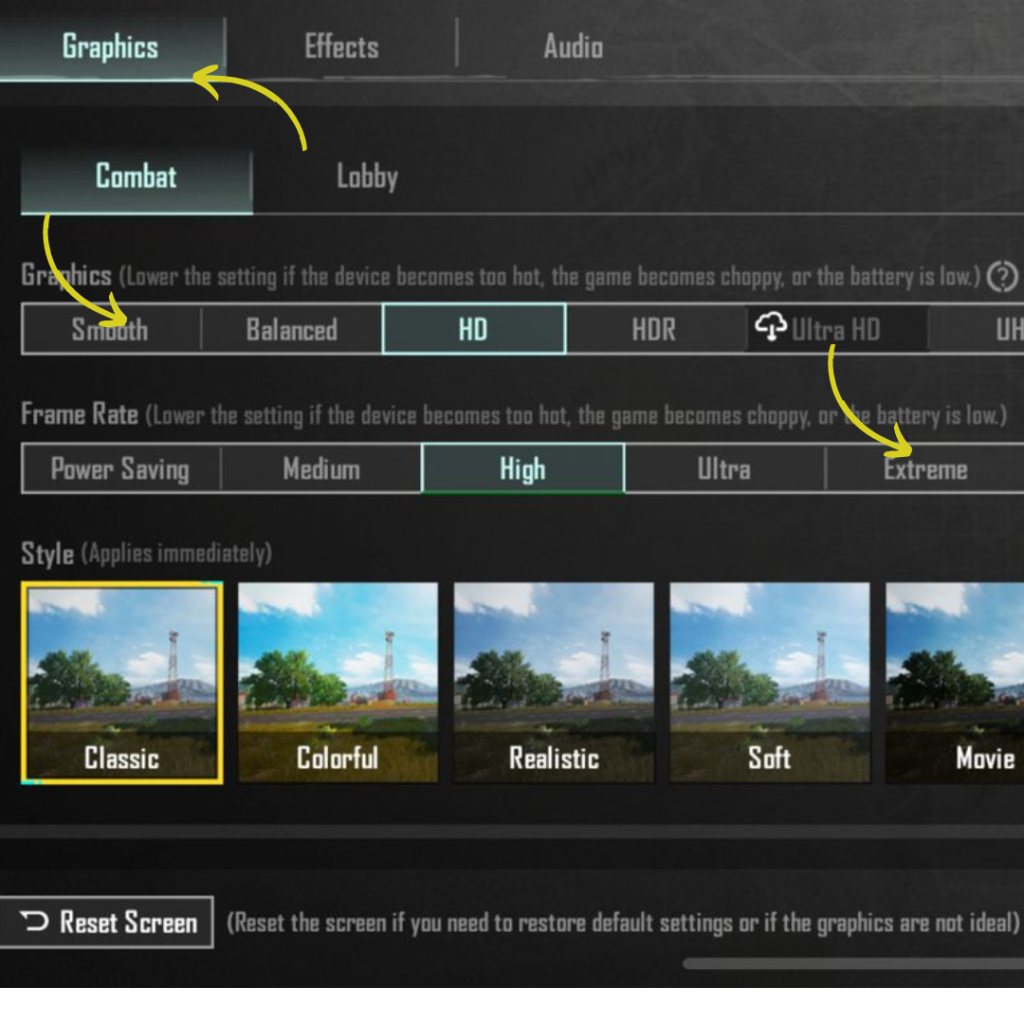
Many ME server players use mid-range devices that struggle with memory leaks. Use a control code that reduces the HUD size and disables unnecessary effects like hit markers. Also force low graphics and smooth frame rate in settings. This keeps the game from crashing during intense firefights, giving you a consistent experience.
These 10 control codes are tailored for the unique conditions of the Middle East server—high ping, aggressive opponents, and diverse devices. Try them out, tweak the numbers to suit your playstyle, and you’ll notice a big difference in your snap accuracy, movement fluidity, and overall consistency. Remember to always test new codes in Training Grounds before hopping into ranked. For more community-tested codes, check out our ace master layouts and other guides linked throughout this post. Happy chicken dinners!



