If you’re a thumb player (or a hybrid claw/joystick user), you know how critical the right joystick settings are. A sloppy dead zone, sluggish sensitivity, or a oversized button can ruin your sprays and make you a sitting duck. That’s why we dug through the best PUBG control codes with joystick optimization, from pro layouts to community favorites. Each code here was chosen for its ability to improve accuracy, movement, and recoil control without needing a gyro or extra fingers. Ready to level up? Let’s dive into the joystick setups that’ll have you lasering enemies in 2025.
1. 2-Finger Joystick Control Code: The Classic with a Twist
The two-finger layout is the default for most PUBG Mobile players, but stock settings rarely cut it. This code tweaks the right joystick dead zone to 10% and ADS sensitivity to 25%, giving you tighter aim while keeping the left stick responsive for peeking. Perfect for casuals or anyone who wants to master the basics without extra buttons. Pair it with our two-finger layout codes for a complete setup.
2. 3-Finger Joystick Control Code: Entry-Level Claw for Thumb Players
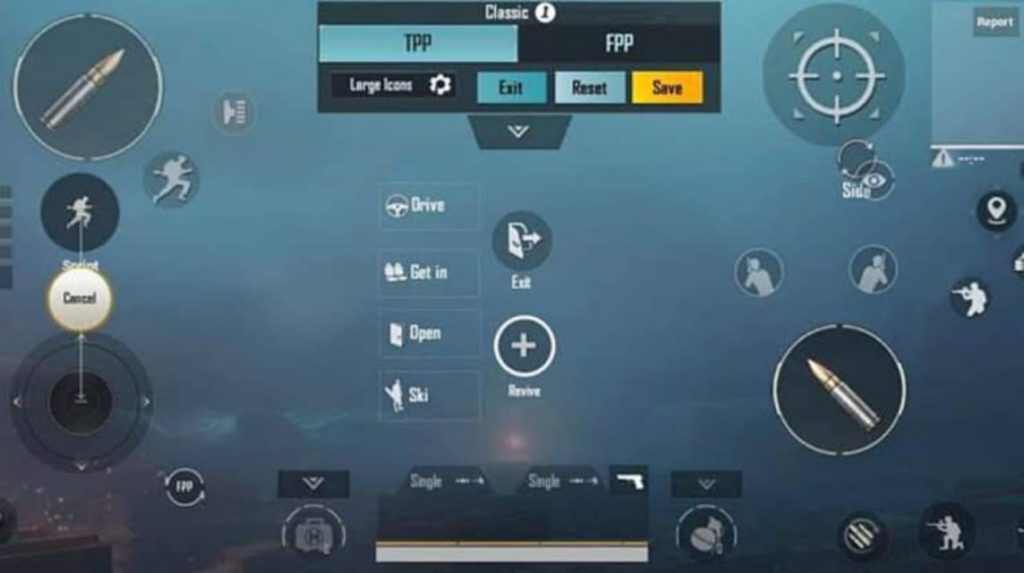
Don’t want to jump straight to a four-finger claw? This 3-finger code uses the left thumb for movement, right thumb for camera, and index finger for fire. The joystick sensitivity is cranked to 35% for quick turns, while the fire button is placed right above the right joystick. It’s a sweet spot for players transitioning from pure thumbs to claw. Check our four-finger claw codes if you’re ready for the next level.
3. Gyro+Joystick Hybrid Code: Best of Both Worlds
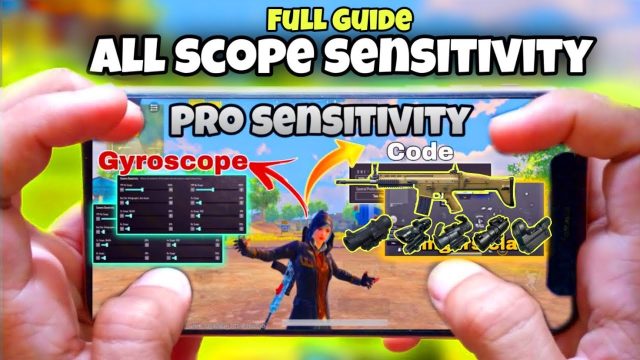
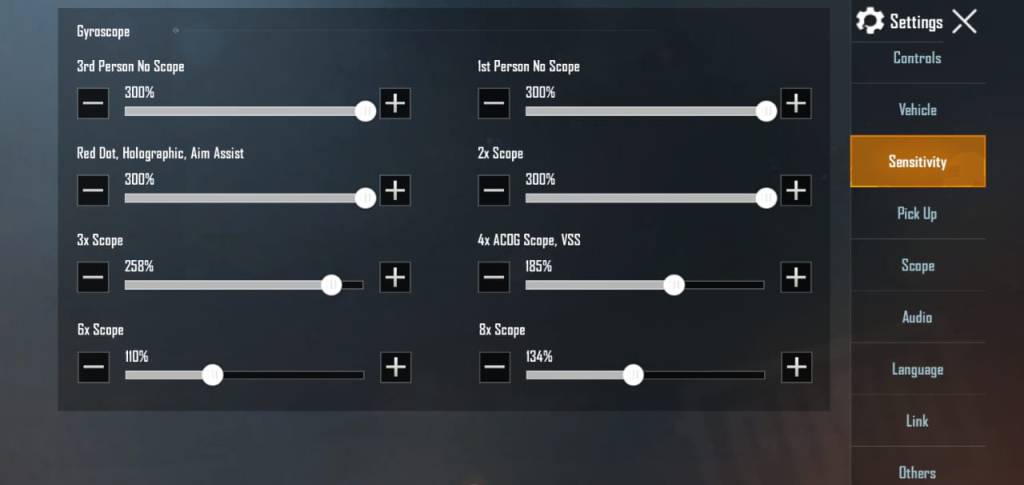
Gyroscope assist can take your joystick aim to the next level, but only if the sensitivity is balanced. This code sets gyroscope to 300% for ADS and 100% for the camera, with the joystick taking over for large movements. The result: micro-adjustments become effortless, and you can track enemies without swiping like crazy. For more on this, see our smooth aim codes.
4. Vehicle Driving Joystick Code: Smooth Ride, No Flip
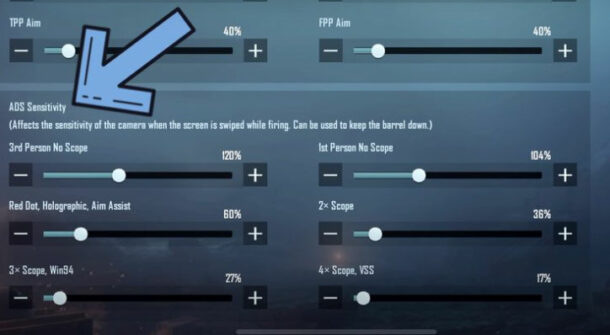
Driving in PUBG Mobile can be janky if your joystick settings are off. This code minimizes the movement joystick dead zone to 5% and adds a slight acceleration curve for smoother steering. It’s especially useful for bikes and buggies in Erangel. Pro tip: pair it with a layout settings that puts the horn and handbrake close to your thumb.
5. TDM Joystick Code: Fast Reflexes, Fast Kills
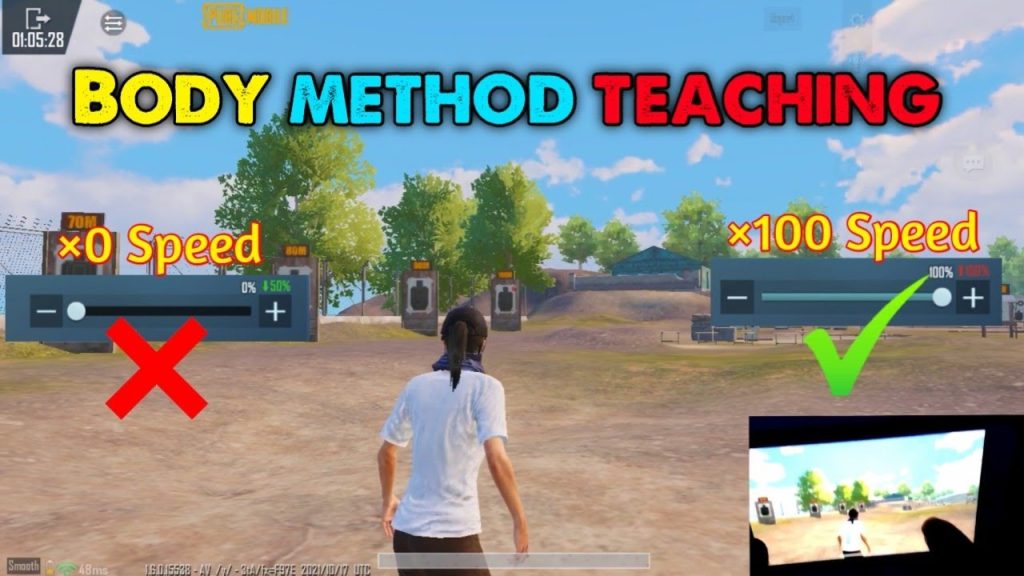
Team Deathmatch demands quick reactions and constant movement. This code pushes joystick sensitivity to 45% for both sticks and reduces the ADS time to 0. Use it to juke, slide, and snap onto enemies. If you’re new to TDM, our easy control codes can help you ease in.
6. AR Spraying Joystick Code: Laser Beams with a Joystick
Controlling recoil on a joystick is tough, but this code uses a low camera sensitivity (15%) and high ADS sensitivity (40%) to keep your crosshair steady while spraying. The right joystick dead zone is set to 8% to prevent drift. Combine this with a vertical grip and you’ll beam enemies at med range. Check our control codes for AKM for rifle-specific tweaks.
7. Sniper Joystick Code: Precision Flicks Without Gyro
Sniping with a joystick requires ultra-low sensitivity and a large dead zone for accidental movements. This code drops ADS sensitivity to 10% and sets the dead zone to 12%. Your flicks will feel heavy but accurate. For non-gyro alternatives, our non-gyro control codes have more options.
8. Crouch+Shoot Joystick Code: Drop and Fire Instantly
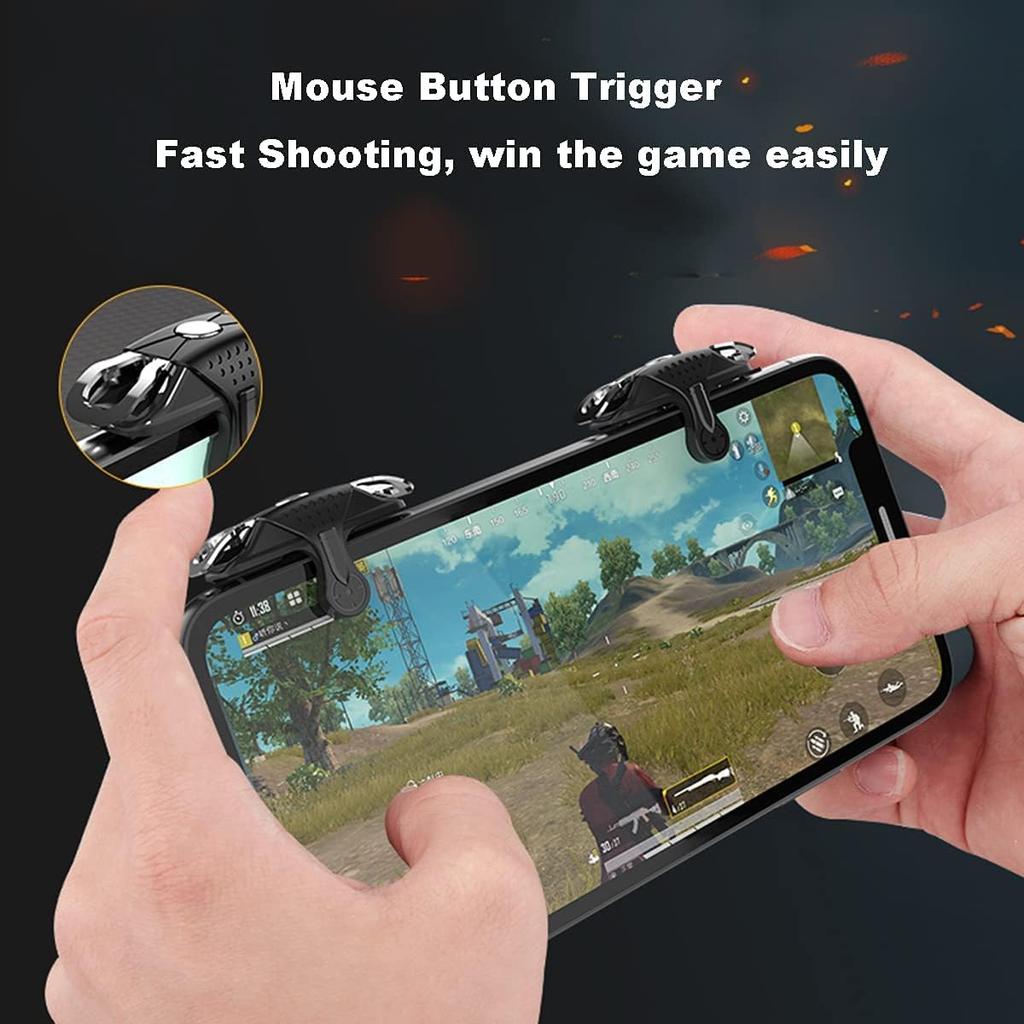
This code maps the crouch button right next to the fire button on the right side, so your thumb can hit both without lifting. The joystick sensitivity stays at 30% for smooth dropshots. It’s a game-changer for close-quarters combat. Remember to test in training mode to avoid common issues like overlapping buttons.
9. Jiggle Peek Joystick Code: Peek with Precision
Jiggle peeking is essential for cover-based fights. This code sets the movement joystick to a high acceleration curve so a tiny nudge makes you lean quickly. The right stick sensitivity is lowered to 20% for steady aim while peeking. It’s a subtle tweak that pros use to win peek battles.
10. Recoil Master Joystick Code: Full-Auto Control
For players who want to control full-auto recoil with pure joystick skill, this code uses a dynamic camera sensitivity curve that slows down when you start firing. The right stick dead zone is minimized to 5% for precise pulling down. It takes practice, but once you get it, you’ll spray like a dream. Experiment with our community codes for more ideas.
There you have it — 10 PUBG control codes with joystick settings that cover every playstyle. Whether you’re a pure thumb player or a claw convert, tweaking your joystick dead zone, sensitivity, and layout can drastically improve your game. Start with the code that matches your current finger count, then experiment. Remember, the best code is the one that feels natural after a few matches. Happy hunting in 2025!