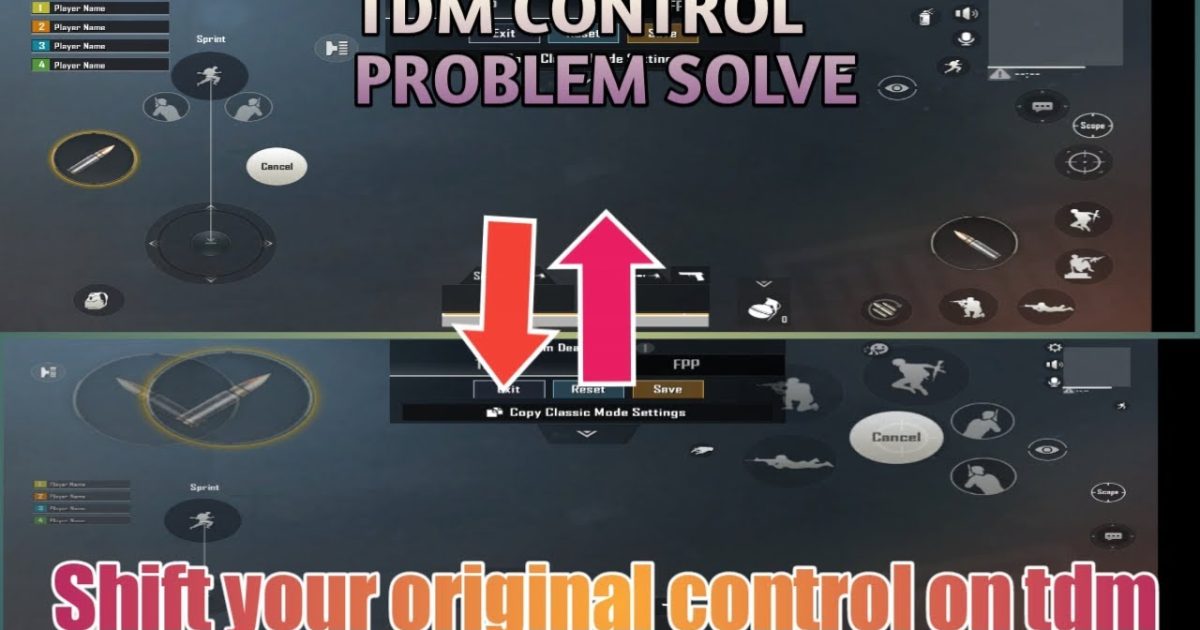
Team Deathmatch in PUBG Mobile is all about fast respawns, close-quarters brawls, and split-second reactions. Unlike classic Battle Royale, TDM demands a different approach to controls—one that emphasizes quick peeking, instant hip-fire, and efficient looting after each respawn. I’ve scoured the community and tested dozens of control codes to find the ones that give you an edge in 2025. Whether you’re a claw player, a gyro enthusiast, or a pure thumbs user, these layouts are optimized for the chaotic pace of TDM. Ready to rack up those kills? Here are 10 PUBG control codes for TDM setup that’ll help you top the leaderboard.
1. The Peek-Fire Layout Code
Peek-fire is the bread and butter of TDM. This layout places the fire button and scope button on the same side, allowing you to peek around cover and fire without repositioning your fingers. The code is designed for a 3-finger claw setup, with the left thumb on movement, left index on peek and fire, right thumb on aim and scope, and right index for crouch. It’s perfect for close-range corners and fast trades. For a similar approach, check out the four finger claw codes we’ve covered before.
2. 6-Finger Claw Code for TDM
If you want maximum actions per second, the 6-finger claw is your endgame. This code assigns every crucial action—movement, aim, fire, crouch, jump, scope, peek, and nade—to individual fingers. The layout uses both index fingers for peek and fire, middle fingers for scope and crouch, ring fingers for movement and aim, and thumbs for the rest. It takes practice, but the speed is unmatched. For a full breakdown, check our dedicated 6 finger layout guides.
3. Gyro Hip-Fire Code
Gyro hip-fire is deadly in TDM because you can aim without crosshair drag. This code enables high gyro sensitivity (300%+ on ADS and camera) and disables aim assist for pure gyro aiming. The layout keeps the fire button huge and central, with a small scope button on the left for occasional ADS. Perfect for jumping around and spraying at close range. If you’re new to gyro, start with our gyro sensitivity presets.
4. Non-Gyro Spray Control Code
Not everyone likes tilting their phone. This non-gyro code focuses on horizontal recoil control by placing the scope and fire buttons in a triangular pattern with the aim button. The layout uses a 4-finger claw with left index for scope, right index for fire, left thumb for movement, and right thumb for aiming. The key is to use high ADS sensitivity (90-100) and adjust the fire button to be near the center of the screen for easy spraying. For AR spray enthusiasts, our AR spray control codes offer similar adjustments.
5. Quick Scope Code for DMR/Sniper
TDM often features snipers in the loadout. This code optimizes quick-scoping by placing the scope button right above the fire button, so both can be pressed with one finger in rapid succession. The layout uses a 4-finger claw with left index for scope and left thumb for movement, while right thumb and index handle aim and fire. The scope button is sized at 120% to avoid misses. Combine this with a low scoped ADS sensitivity for smoother flicks.
6. Movement Jiggle Code
Jiggling and crouch-spam are essential to avoid bullets in TDM. This code maps crouch to a dedicated button on the left side, easily reachable by your left thumb without moving your right thumb off aim. It also increases the joystick dead zone to 5% for quicker direction changes. The layout works best with a 3-finger claw and is ideal for those who already have the basics down. For smoother movement, our easy control codes provide a good foundation.
7. Auto Loot Code for TDM
Every respawn costs precious seconds. This code maximizes auto-loot by enlarging the pick-up button and placing it near the center of the screen, so you can grab weapons and ammo while running. It also disables scopes and attachments from auto-pickup to focus on essentials. The layout is a simple 2-finger thumbs design, perfect for casual players who want efficiency without complexity. Pair it with responsive joystick settings for faster looting.
8. Ace Master TDM Code
Straight from the top-ranked players, this code blends all the elements: a 5-finger claw with gyro, optimized for both close and mid-range. The fire button is split into two (one for continuous, one for tap), peek buttons are at thumb length, and the scope uses a hip-fire hybrid. It’s complex but rewards with insane reaction speeds. For a deeper dive, explore our ace master control codes collection.
These eight control codes cover every playstyle in TDM. From peek-fire to 6-finger claw, there’s a setup here that will boost your win rate. Remember, practice makes perfect—spend some time in the training ground to get comfortable before jumping into a real match. No matter which code you choose, the key is consistency. Happy fragging!



