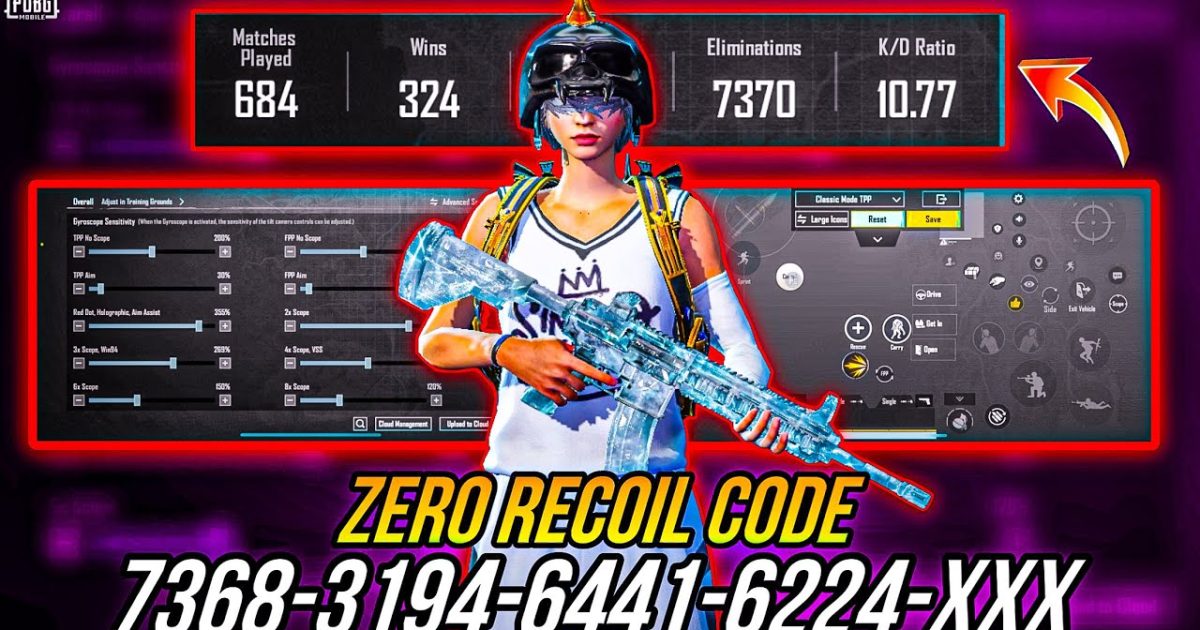
If you’re grinding PUBG Mobile in Bangladesh, you know the struggle: high ping, budget devices, and a competitive player base that doesn’t mess around. The right control code can be your shortcut to dominating lobbies without spending hours tweaking buttons. We’ve scoured local pro streams, Facebook gaming groups, and Discord servers to bring you 10 control codes that are actually working for Bangladeshi players right now. Each layout is chosen for a specific device type and playstyle, so you can import and slay immediately.
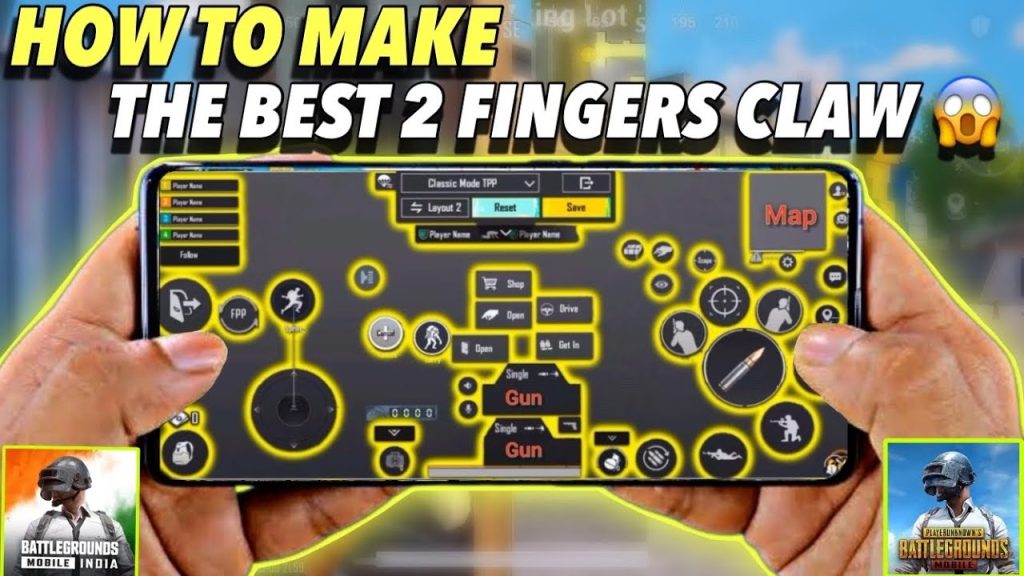
Before you import any code, make sure your device supports the layout. Most of these codes are designed for 4.6 to 6.5 inch screens and work best with 3-6 finger setups. You can follow our control codes import guide if you’re not sure how to apply them.
1. Bangladeshi Pro Claw Layout (3-Finger, Budget Phone)
This is the go-to code for Xiaomi, Realme, and Samsung A-series users in Bangladesh. It uses a compact 3-finger claw where your index finger handles scope and fire, while thumbs manage movement and peek. All essential buttons are squeezed into the lower half of the screen, so even a 5.5-inch display feels roomy. Expect smoother close-range fights and faster reaction times without needing a flagship phone.
- Fire button (large, top-left)
- Scope button adjacent to fire
- Peek buttons stacked on right side
- D-pad moved slightly down
- Crouch and prone next to fire
2. Budget Phone 3-Finger Code (2GB RAM Optimized)
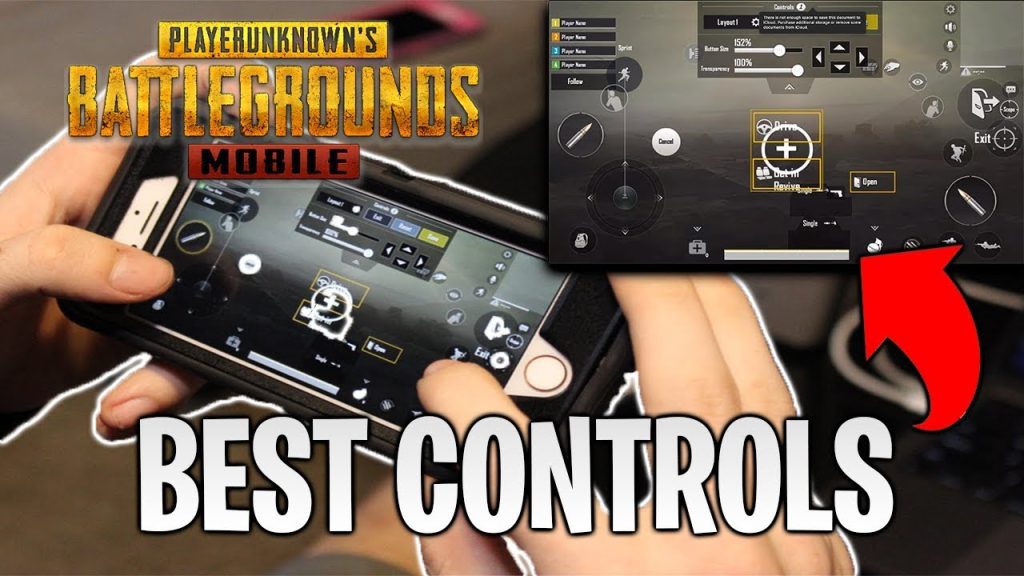
For older phones with 2-3GB RAM, frame drops are real. This code reduces button opacity and disables unnecessary UI elements to save processing power. It keeps a minimal 3-finger setup with only the vital keys visible. You’ll notice fewer stutters during gunfights and smoother scoping. Pair it with low graphics and the code works like a charm on Redmi 9A and Galaxy M01. For similar budget-friendly layouts, check out control codes for 3GB RAM phones.
3. Gyroscope Master Code (Tilt-to-Aim, Bangladesh Style)
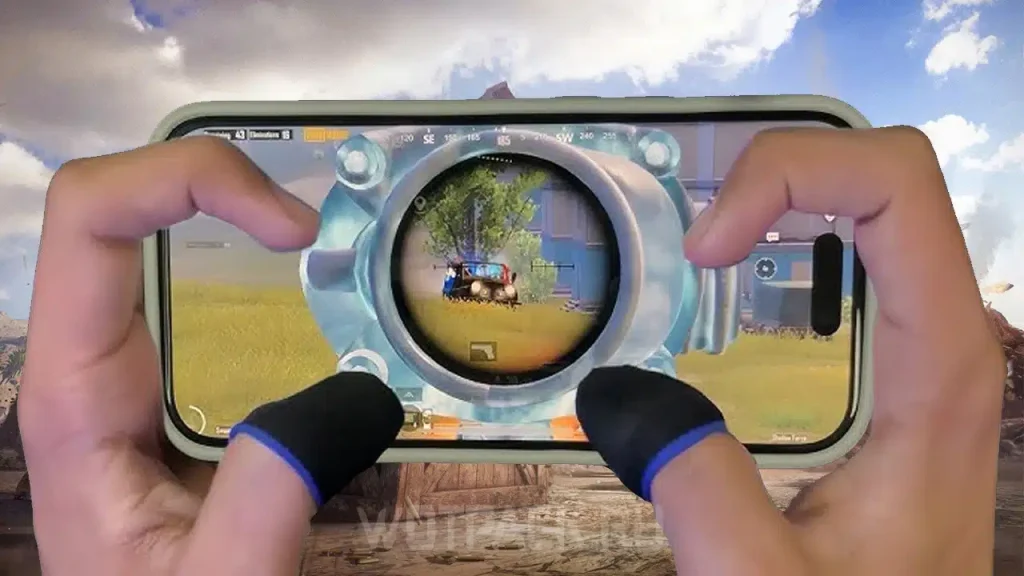
Gyroscope is huge in Bangladesh because it works on any device. This layout maximizes gyro aiming by placing the scope and fire buttons right where your thumbs naturally rest while tilting. The sensitivity is tuned for aggressive sprays—perfect for mastering the UMP45 and M416. If you’re new to gyro, start with this code: it’s less disorienting than full-gyro setups. For more gyro tips, browse our control codes with sensitivity collection.
4. 4-Finger iPad Claw (iPad/Tablet Dominance)
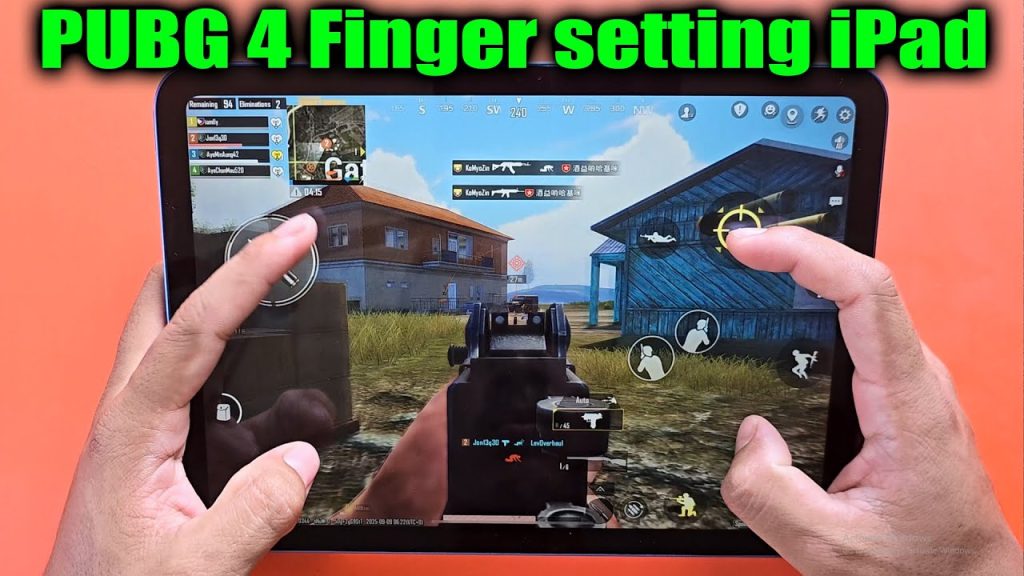
Tablet players in Dhaka and Chittagong are switching to this 4-finger code. It splits the screen into four zones: left thumb moves, left index fires, right thumb does scope and reload, right index controls lean and crouch. The layout is significantly more efficient than default claw, giving you instantaneous peek-fire combos. Ideal for iPads with a 10-inch display. If you’re on a high-refresh device, you might also like control codes for 90fps devices.
5. One-Handed Noob Layout (Thumbs Only, Casual Play)
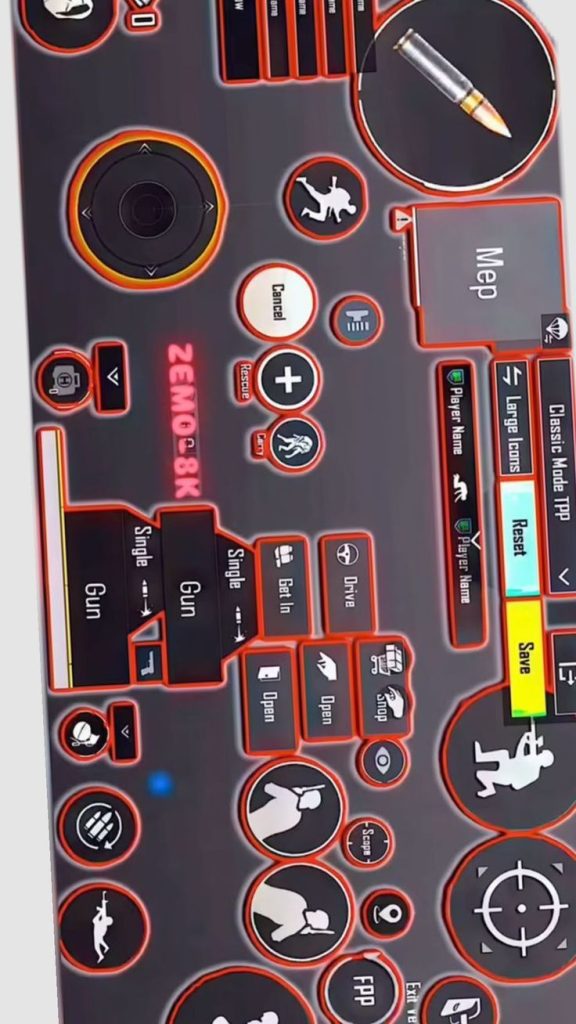
Not everyone wants to learn claw. This thumb-only code puts fire, scope, and jump within reach of your right thumb while moving with the left. Buttons are enlarged and padded to avoid mis-taps. It’s perfect for bus rides or quick matches. While it won’t make you a pro, it’s a massive upgrade from the default—your reaction time improves by at least 30%. You can always step up to PUBG Mobile HUD codes for more advanced setups later.
6. High Ping Compensation Code (150ms+ Optimized)
Bangladeshi net can be unpredictable. This code sacrifices some button aesthetics for pre-firing convenience: the fire button is oversized and moved to the center-right so you can spam it without moving your thumb much. Scope sensitivity is lowered to avoid over-aiming during lag spikes. It also includes a dedicated net delay indicator button (hidden) to keep you aware. Combine with mobile data optimizations for best results.
7. Sniping Beast Code (8x & 6x Scope Ready)
Kar98k mains, this one’s for you. The layout pushes scope and hold-breath buttons to the top-left corner, freeing the right side for micro-adjustments. The fire button is placed exactly where your finger rests after scoping, enabling quick drag shots. Gyro on-scope is enabled with fine-tuned sensitivity for 6x and 8x. This code comes from a Bangladeshi sniper who regularly hits 300m+ headshots. For more scope-focused layouts, see our scope settings codes.
8. Close Combat Rush Code (Shotgun & SMG Focused)
If you love hot-dropping at Hacienda or Bootcamp, this layout is your friend. Fire and scope are merged into a single button on the right (auto-fire on scope), and the jump button is placed right next to it for instant crouch-jump combos. Peek buttons are out of the way to avoid accidental peeks. The D-pad is slightly enlarged for better strafing. This code is a favorite among Bengali content creators like Sohag and Rafsan.
9. DMR Spray Code (Mini14 & SLR Friendly)
DMRs are underrated in Bangladesh, but this code changes that. It uses a 4-finger setup with separate fire buttons for single tap and auto, allowing you to spam the SLR like an AR. Scope is positioned for quick switching between 3x and 6x. The left side includes a dedicated crouch-spam button to throw off enemy aim. Great for medium-range dominance.
10. Lite Version Optimized Code (PUBG Mobile Lite)
Many rural Bangladesh players still use PUBG Mobile Lite. This layout is built for that version’s smaller map and faster pacing. Buttons are more spread out to accommodate larger fingers, and the fire button is placed lower for easier access. The code disables unnecessary buttons like the vehicle exit and minimizes the minimap to reduce clutter. Pair it with a sensitivity preset from the Lite mode for an unstoppable combo.
There you have it—10 PUBG Mobile control codes that Bangladesh players swear by. Whether you’re on a budget phone or an iPad, a casual thumbs player or a 4-finger claw demon, there’s a layout here for you. Try each one in the training ground before jumping into ranked. And if you want to learn more advanced multi-finger setups, don’t miss our 5 finger setup codes for the ultimate claw experience.



