So you reset your layout and your finely tuned PUBG control codes are gone. It happens to the best of us — a clumsy tap, an accidental settings wipe, or maybe you tried someone else’s layout and it just didn’t stick. Whatever the cause, losing your control codes feels like starting from scratch. But it doesn’t have to be a total disaster. We’ve gathered 11 practical tips to help you recover what you can, rebuild efficiently, and even improve your setup. These tips are based on what actually works for pro players and everyday grinders alike. Let’s get your controls back in shape.
1. Don’t Panic — Check Your Cloud Backup First
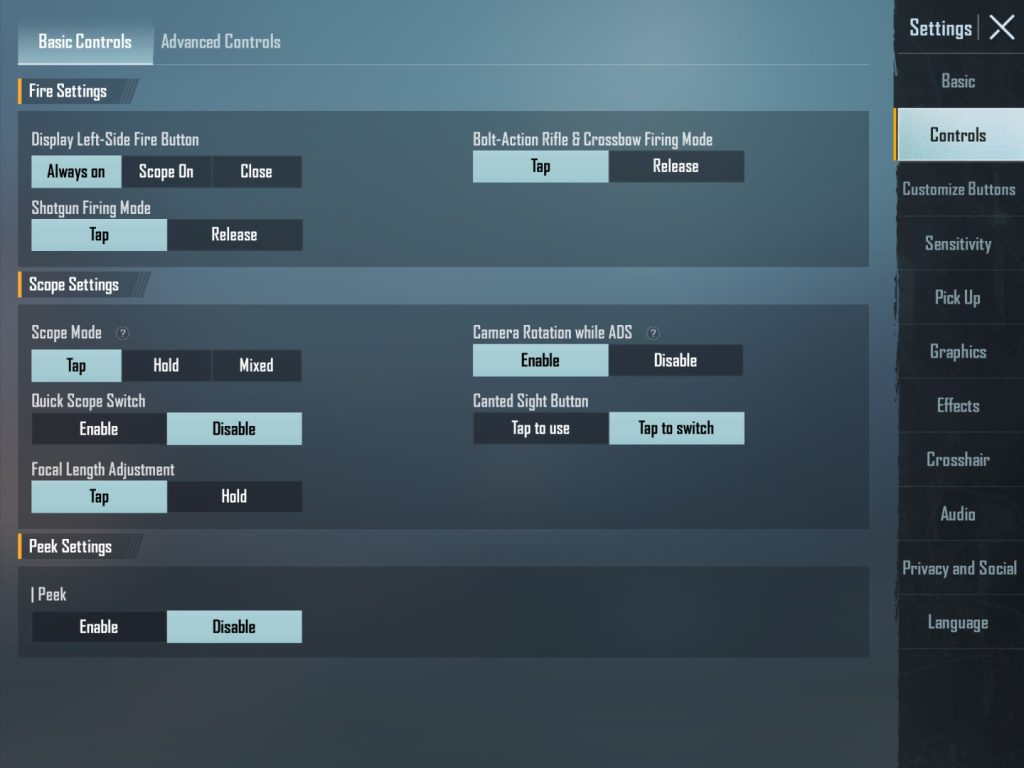
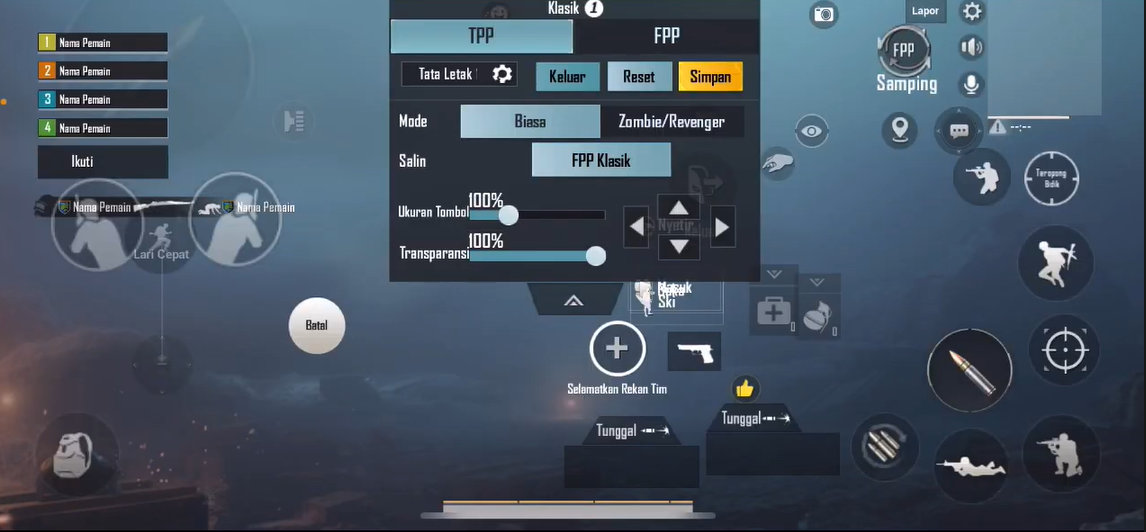
Before you start redoing everything, take a moment to check if you have a cloud backup. PUBG Mobile saves control layouts to the cloud if you’ve enabled the feature. Go to Settings > Controls > Layout and look for the cloud icon or “Restore” button. If you had previously saved your layout, you can restore it in seconds. This is the fastest fix and the reason why you should always back up your control codes before trying new ones. If you’re unsure whether you backed up, check your account’s cloud storage in the game’s settings.
2. Borrow a Friend’s Layout as a Starting Point
If you don’t have a backup, the next best thing is to ask a squadmate. Many players are happy to share their control codes — just have them send the code via the game’s sharing feature. You can then import it and tweak from there. This saves you the headache of placing every button from scratch. Plus, playing with a layout that’s already proven by someone of similar skill gives you a solid foundation. Make sure to use the pubg control codes sharing guide to avoid any hiccups when importing.
3. Use a Pro PUBG Control Codes Template
Don’t want to rely on friends? There are dozens of pro pubg control codes available online. Top players often share their layouts for claw, gyro, or emulator setups. Find a template that matches your playstyle — whether you’re a 4-finger claw or a casual thumb player. Import it and then adjust the button sizes and positions to fit your screen. Starting from a pro template is usually better than building from zero because the logic is already optimized for speed and accuracy.
4. Rebuild Your Core Controls First
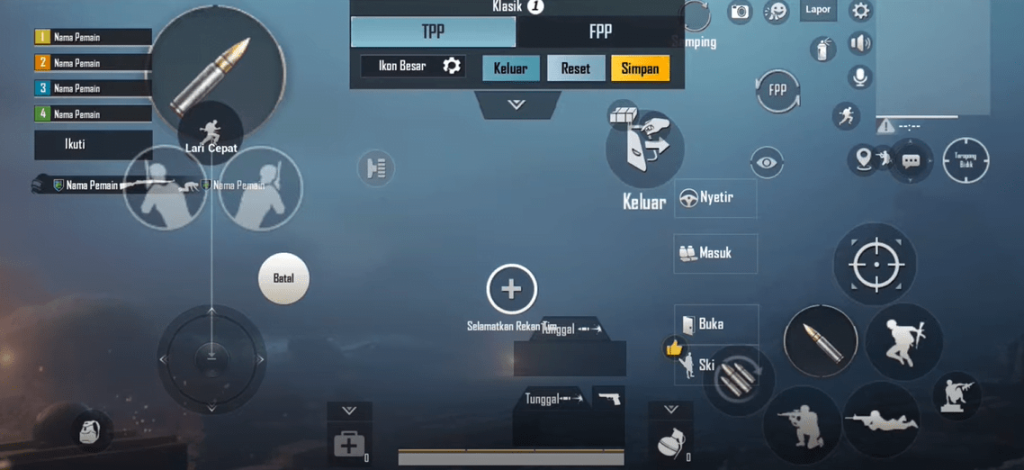
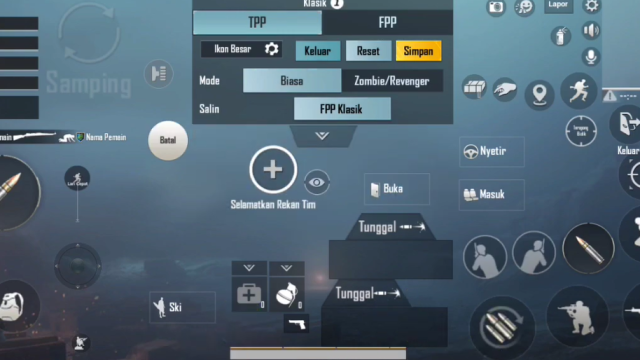
When rebuilding from scratch, don’t try to place every button at once. Focus on the essentials: movement joystick, fire button, aim button, and scope. Get these in comfortable positions where your fingers can reach them without stretching. Once those feel right, add secondary controls like crouch, jump, and reload. This step-by-step approach prevents you from getting overwhelmed and ensures your base mechanics are solid before adding complexity.
5. Fine-Tune Your ADS and Scope Sensitivity
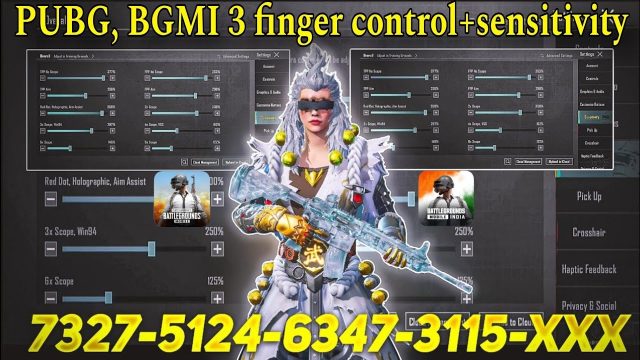
After a reset, your ADS and scope sensitivities often revert to default. That’s why you might feel clumsy in gunfights. Head to the sensitivity settings and adjust your ADS sensitivity for red dot, holographic, 2x, 3x, and higher scopes. A good rule is to keep it between 30-50% for most scopes, but it depends on your device and playstyle. Test in the training ground until you can consistently track moving targets without over- or under-correction.
6. Gradually Reintroduce Your Gyroscope Settings
If you’re a gyro user, a layout reset probably wiped your gyro sensitivities too. Don’t just copy old numbers blindly. Start with low gyro values (like 10-20%) for ADS and scope, then practice in training. Increase gradually as you get comfortable. Your muscle memory for gyro might take a few days to come back, so be patient. Many players find that resetting gyro actually lets them improve by fixing bad habits from their old settings.
7. Practice in the Training Grounds Before Jumping Into a Match
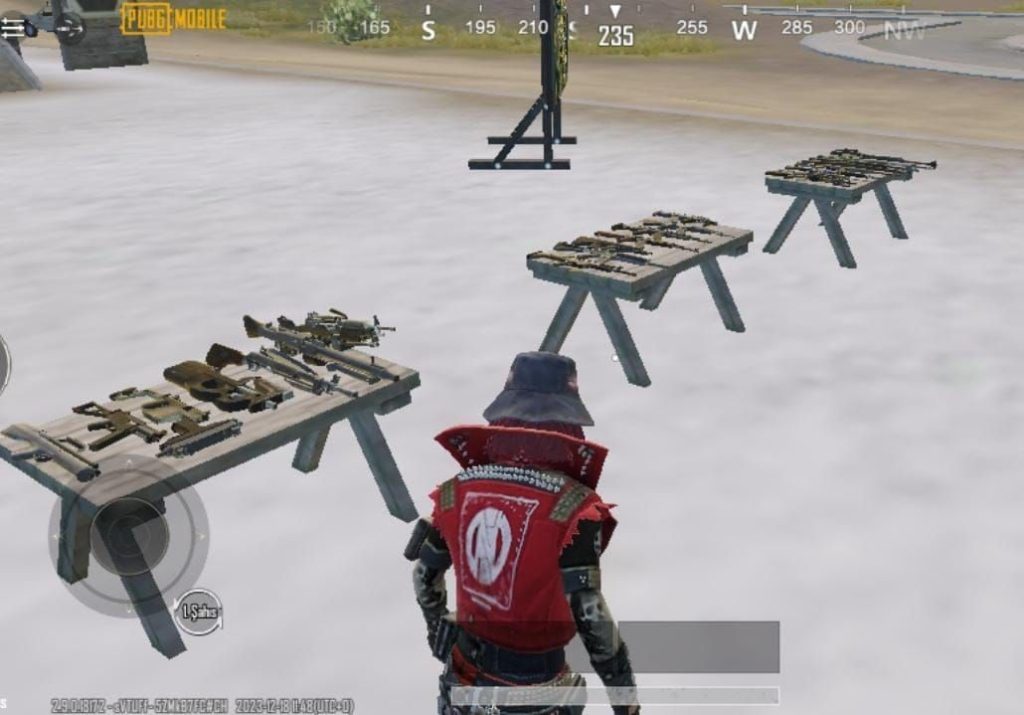
It’s tempting to jump straight into Classic after a reset, but you’ll just get frustrated. Spend at least 15-20 minutes in the training ground. Run around, aim at targets, practice quick scopes, and test your movement. This is where you can identify which buttons are too small, too close, or in a bad spot. It’s also the perfect time to experiment with different layouts without the pressure of a real match.
8. Share Your New Codes to Create a Backup
Once you’ve dialed in a layout you like, share it immediately. Use the in-game export feature to generate a code and save it somewhere safe — a notes app, a Discord message to yourself, or a screenshot. That way, if you reset again, you can import it in seconds. Also consider using the pubg control codes sharing guide to understand the best practices for saving and restoring codes. This simple habit has saved countless players from repeating this whole process.
9. Consider Switching to a 5-Finger Claw Layout
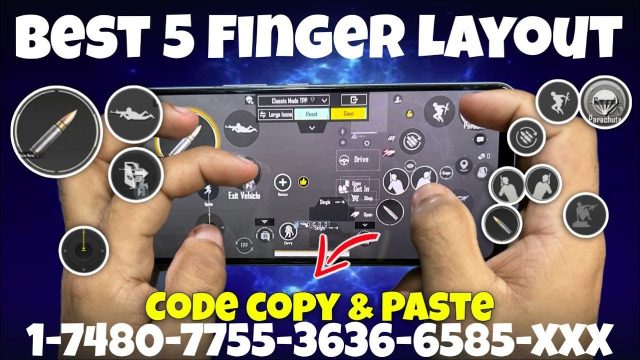
A layout reset can be an opportunity to try a more advanced control scheme. If you’ve been using thumbs or 3-finger claw, maybe it’s time to go for a pubg mobile 5 finger control code. Five-finger layouts allow you to move, aim, shoot, crouch, and scope simultaneously without taking fingers off the movement joystick. It takes a few days to learn, but the payoff in reaction speed is massive. Check out our dedicated guide for 5-finger layouts to get started.
10. Optimize for Your Device’s Refresh Rate
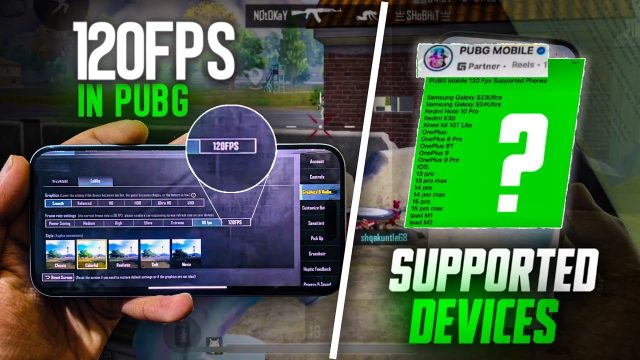
If you play on a 90Hz or 120Hz display, your control codes might need adjustments to account for the smoother frame rendering. Some buttons might feel too sensitive or unresponsive on higher refresh rates. Look up pubg control codes for 120fps devices to see how pros position their buttons for maximum responsiveness. You may also need to tweak your fire button size and the dead zone of your movement joystick to match the faster screen update.
11. Stay Updated with the Latest Control Codes for 2025
PUBG Mobile updates frequently change how controls work. What was good last season may not be optimal now. After a reset, it’s a great time to look for control codes that are up to date. Follow streamers, check community forums, and our list of top pubg control codes for the latest meta. Using a current layout will ensure you’re not stuck with outdated button placements that hinder your performance.
A layout reset doesn’t have to set you back. With these 11 tips, you can recover your control codes quickly or even build a better setup than before. Remember to back up your new layout once you’re happy — that way, next time you reset, you’ll be back in action in minutes instead of hours. If you found these tips helpful, share them with a squadmate who just wiped their settings. Happy grinding!