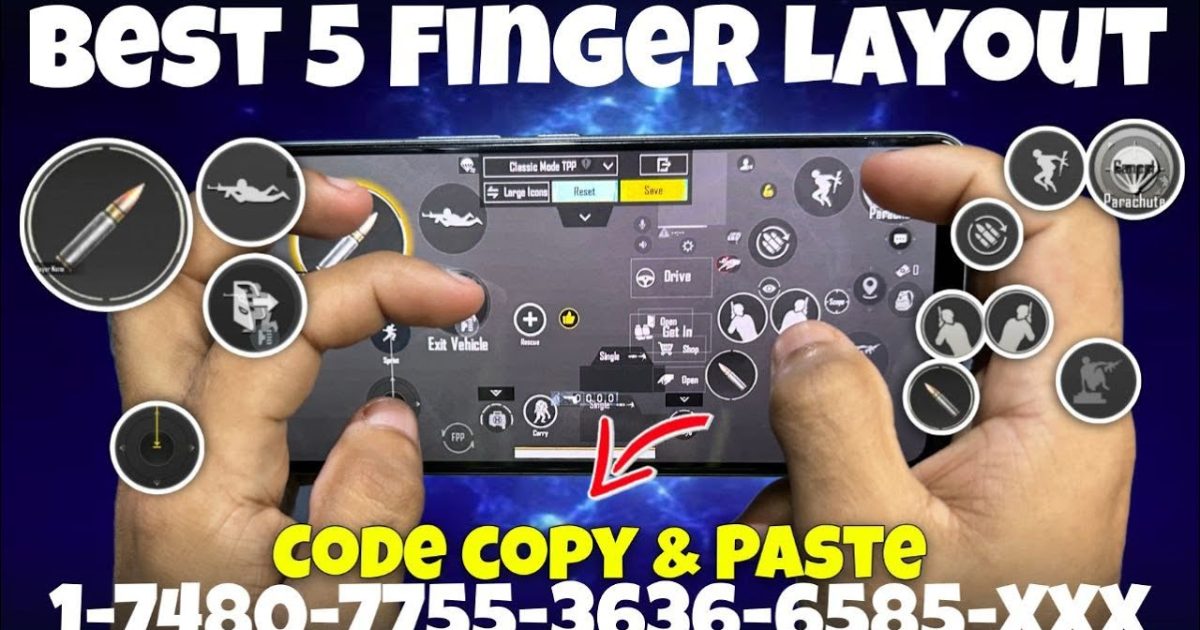
If you’re serious about dominating in PUBG Mobile, mastering the 5 finger claw is a must. It gives you more control over movement, aiming, firing, and looting simultaneously. But finding the perfect control code can be a headache. That’s why we’ve handpicked 8 PUBG control codes for 5 finger claw that are used by pro players and top-tier streamers. These layouts are optimized for both gyro and non-gyro users. Whether you’re on an iPad or a phone, these codes will help you improve your gameplay instantly. For more elite settings, check out our collection of pro PUBG control codes.
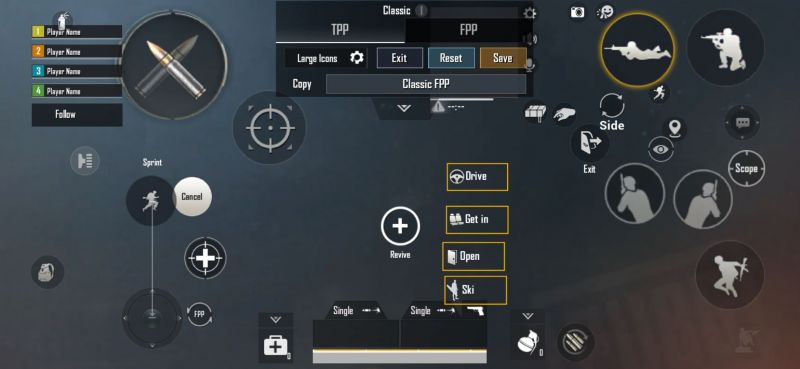
1. The Aggressive 5 Finger Claw (High Sensitivity)
This layout is built for players who like to rush and take close-range fights. It uses a high camera and ADS sensitivity with gyro enabled for fine adjustments. The left thumb handles movement and prone, while the left index finger taps the fire button placed top-left. Right thumb aims, right index finger jumps and crouches. The right middle finger handles scope and peek buttons. This setup allows you to jiggle-peek and shoot without lifting fingers. It’s one of the most popular 5 finger control codes among aggressive players. If you prefer a more balanced approach, the next layout might suit you.
2. The Balanced Claw with DMR Focus
Designed for mid-range engagements using DMRs and snipers, this layout places fire and scope buttons on the left index finger, while the right index handles crouch and lean. The gyro is set to a moderate 70% for both camera and ADS. This code minimizes finger movement, letting you quickly tap from scope to fire. It’s perfect for players who want a mix of aggression and precision. Want to explore more? Our top PUBG control codes list features similar balanced layouts.
3. The No-Gyro 5 Finger Claw for Stability
If gyro makes you dizzy or you play on a phone with poor gyro sensors, this code is for you. It uses static touch for aiming, with large fire and scope buttons to prevent misses. The left middle finger is assigned to crouch, freeing the index for ADS and jump. The right side handles movement and lean. This layout relies on a high ADS sensitivity and aim assist. For more non-gyro options, check our dedicated non-gyro control codes page.
4. The Low Latency 5 Finger Claw for Competitive
Pro players often reduce button size to 70% and space them out for faster taps. This code does exactly that. All essential buttons are placed within thumb reach, while shoulders handle fire and scope. The layout also includes a dedicated peek and free look button. It minimizes accidental presses and input delay. If you encounter any code errors, refer to our invalid code fixes guide.
5. The iPad 5 Finger Claw with Extended View
iPad users get a wider screen, so this layout utilizes the extra real estate. Buttons are spread across the upper half, with fire and scope on the left side, and movement on the right. The left thumb also handles the map and backpack. The right index finger operates crouch and jump. This code improves peripheral awareness. You can test this layout in our custom room control codes page to see how it feels.
6. The All-in-One Claw with Auto Pickup
This code integrates auto pickup settings within the layout. It places the pickup button near the thumb for quick looting after kills. The fire and scope are on the left index, while right fingers handle movement and lean. It’s great for players who want to loot faster without changing finger positions. The sensitivity is set to medium for steady sprays.
7. The Thumb-Focused Claw for Small Devices
For phones with screens under 6 inches, this code keeps most actions on the thumbs. The left thumb controls movement and crouch, while the left index does fire. Right thumb aims and peeks, right index jumps and scopes. This reduces finger travel distance. It’s a simplified 5 finger claw that’s easy to learn. If you have a larger device, try the iPad layout above.
8. The Extreme Claw with Six Buttons (5 Fingers + Thumb)
This advanced code uses all five fingers plus the thumb for a total of six inputs. The left ring finger is assigned to fire, left middle for ADS, left index for lean, and so on. It requires practice but offers unmatched control. Use this if you want to compete at the highest level. For more inspiration, our 5 finger control codes article has additional variations.
These 8 5 finger claw control codes are your ticket to faster reactions and smoother gameplay. Test them in the training ground or custom room control codes to see which one fits your playstyle. Don’t forget to check our other guides for more layouts.



