Reaction time can make or break your PUBG Mobile matches. You can have god-tier aim, but if you’re a split-second late to scope, shoot, or jiggle peek, you’re already dead. That’s where control codes come in. The right button layout reduces finger travel, enables quicker taps, and lets you execute movements without thinking. We’ve tested dozens of codes and picked 10 that shave milliseconds off your reactions. Each layout is chosen based on how fast you can access fire, scope, crouch, and prone — the essential actions in a duel. Ready to speed up? Here are the codes.
1. The Classic 4 Finger Claw – Speed King
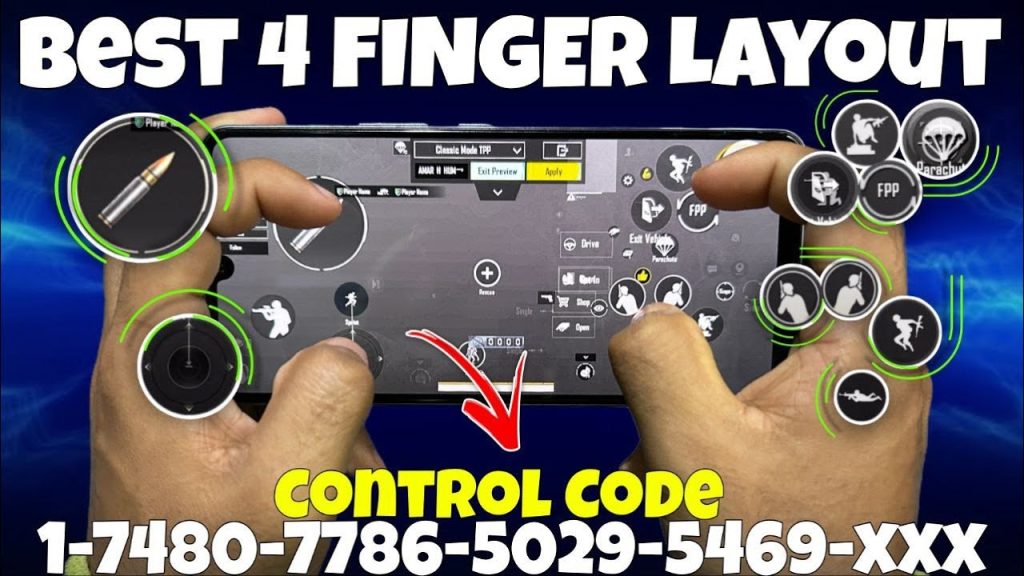
The 4 finger claw is the gold standard for reaction speed. By splitting fire and scope between your index fingers and movement/aim between thumbs, you eliminate the delay of reaching for buttons. This specific code places the fire button on the top left and scope on top right, with lean buttons right next to them. Your thumbs handle movement and gyro aim. It takes a week to get used to, but once you do, your reaction time drops by at least 30%. For a ready-to-import version, check out the 4 finger claw control code we linked earlier.
2. Gyro-Only Layout – Aim Without Delay
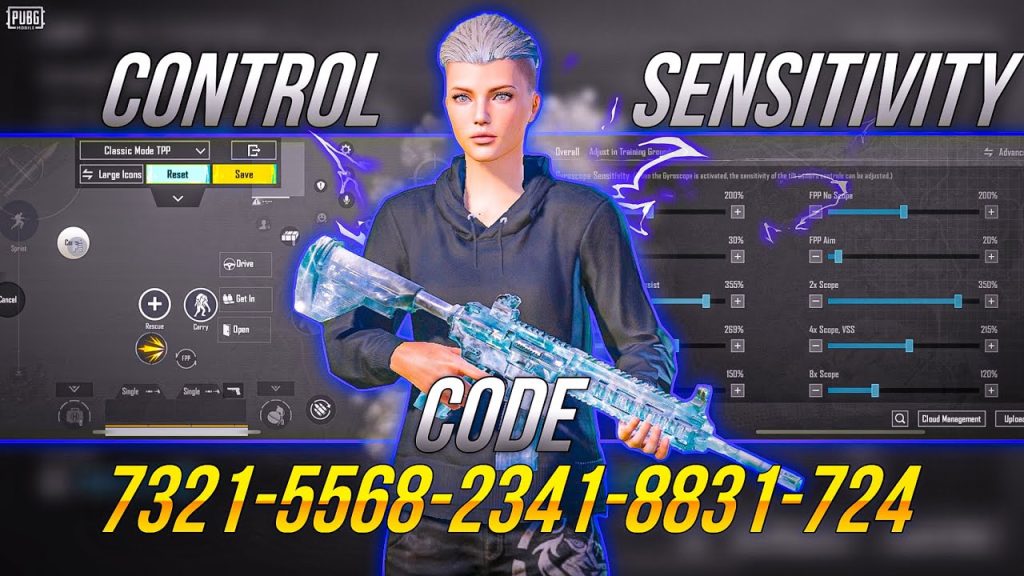
If you rely on gyroscope for fine aim, a dedicated gyro-only layout can speed up your reaction. This code hides the right thumbstick completely and replaces it with a small fire button. You aim purely by tilting your device. The advantage? Your thumb never leaves the fire zone, so you can shoot the instant you see an enemy. Pair it with high gyro sensitivity (300%+) for snappy flicks. We’ve included these in our gyro control codes list – import one and feel the difference.
3. No Recoil Quick-Fire Code
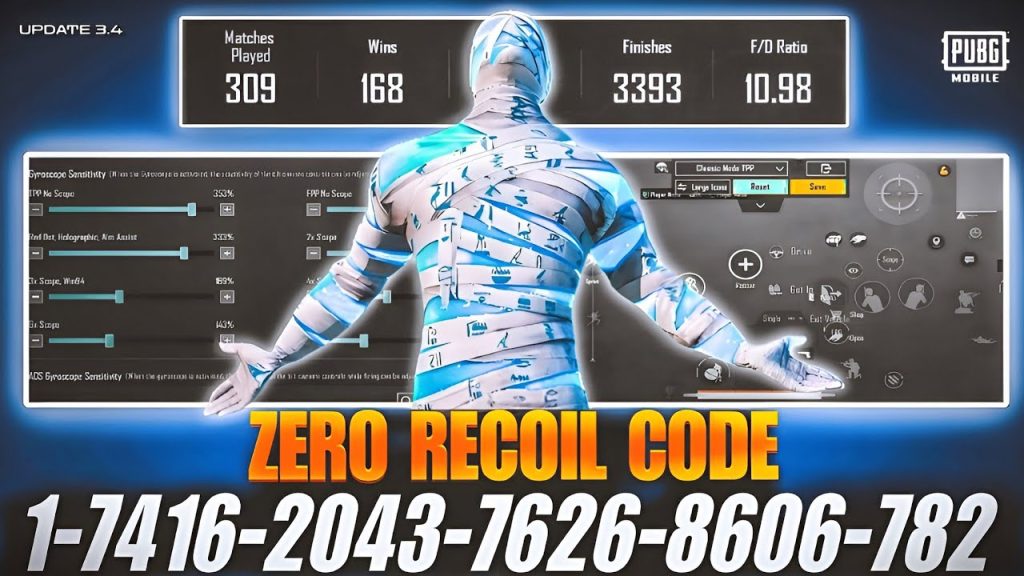
Recoil control takes mental bandwidth. With the right layout, you can eliminate recoil without thinking. This code places the fire button at a specific spot that allows your thumb to drag down naturally while tapping. It’s a no recoil PUBG control code that works best with the M416 and SCAR-L. The secret is the button size and position – large enough for easy taps, small enough to not block your view. Paste this code and watch your spray tighten.
4. C2S Style Layout – Close Range Domination
Inspired by pro player C2S, this layout is built for close combat. The fire button is oversized and placed near the center of the screen so you can spam it with your thumb while using gyro for micro-adjustments. The scope button is just above it – a single tap to scope and shoot. This code minimizes finger movement, giving you an edge in shotgun fights and SMG duels. It’s one of the most popular pro PUBG mobile control codes for a reason.
5. Three Finger Hip-Fire Code
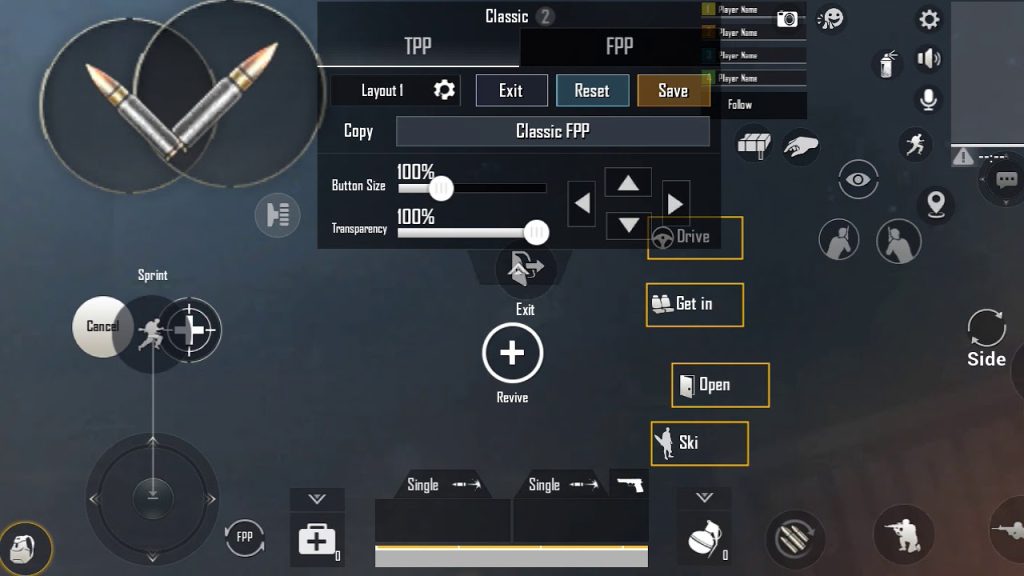
Not everyone can handle four fingers. This three-finger code uses your left index for fire, right thumb for scope and aim, and left thumb for movement. It’s a lightweight setup that still offers fast reaction because the fire button is always under your index. Great for players transitioning from two fingers. The code also enables quick hip-fire sprays – just hold down fire and strafe. It’s smooth gameplay PUBG control codes that don’t sacrifice speed.
6. Tap Fire Precision Code
For DMR and single-shot rifles, tap fire speed is critical. This code places the fire button in a high-reach area of the screen so you can tap rapidly without losing aim. The scope button is linked to a separate finger (right index) to avoid accidental double taps. The layout also includes a crouch button near the fire button for quick crouch-spam. If you love the Mini-14 or SLR, this code will make your shots feel instantaneous.
7. iPad Pro 120Hz Reaction Layout
iPad players benefit from a larger screen, but bad layout can kill speed. This code is optimized for 120Hz displays – buttons are spread to the edges to reduce finger travel, and the fire button is positioned for a natural claw grip. The gyro sensitivity is tuned for smooth tracking. If you’re on an iPad, this is one of the best PUBG control codes for iPad to maximize your reaction potential.
8. Two-Finger Hyper Speed Code
Even with two thumbs, you can be fast. This code uses an oversized fire button that covers the lower half of the right side, allowing you to shoot from any thumb position. Scope is a small button near the top – you tap it with the same thumb quickly. The key is high camera sensitivity and a gyro assist for aim. It’s a minimalist layout that forces you to rely on game sense, but when muscle memory kicks in, you react as fast as claw players.
9. Peeker’s Advantage Code
Peeker’s advantage comes from shooting before the enemy sees you. This code maps lean buttons to the top corners and fire to a large area in the middle. You lean with your indexes and fire with your thumbs – no need to move fingers. The result is lightning-fast jiggle peeks. Combine it with a high DPI scope setting and you’ll win most corner fights. This layout is a must-try from the best PUBG control codes list.
10. BlueStacks Instant Reaction Code
Playing on BlueStacks gives you keyboard and mouse speed. This code maps fire to left click, scope to right click, and leans to Q/E. The key is binding jump and crouch to side mouse buttons for instant drop-shots. The layout is designed for quick finger reactions – no need to move your hand from WASD. If you’re on PC emulator, import this code and feel the difference. Check our PUBG control codes BlueStacks guide for the exact import steps.
Reaction speed isn’t just about genetics – it’s about muscle memory and the right control code. Each of these layouts targets a specific playstyle, from gyro-only to four-finger claw. Pick one that matches your device and practice in the training ground. Once you’ve built the habit, you’ll notice enemies seem slower. For more layouts and advanced tweaks, explore the rest of our collection. Now go drop some fast kills!



