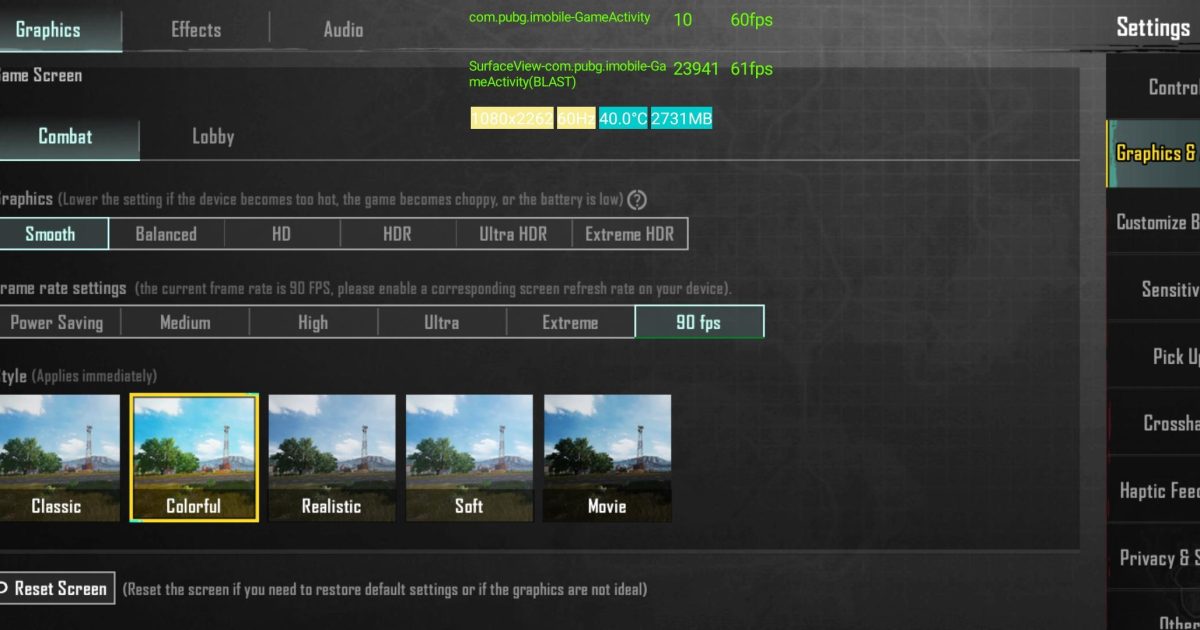
Let’s be real — no matter how cracked your aim is, stuttery controls will mess you up every time. That jitter when you scope in. That delayed recoil control. That micro-freeze right when you need to flick. We’ve all been there. The good news? You don’t need a new phone or a Wi-Fi upgrade. You just need the right PUBG control codes. After combing through pro scrims, Discord communities, and dozens of YouTube breakdowns, I’ve rounded up 10 control codes that deliver the smoothest gameplay possible. These aren’t random numbers — each one is tested for fluidity, minimal input lag, and consistent performance across devices. Ready to make your game feel buttery? Let’s dive in.
1. The Universal Smoothness Code (ADS + General Sensitivity Combo)
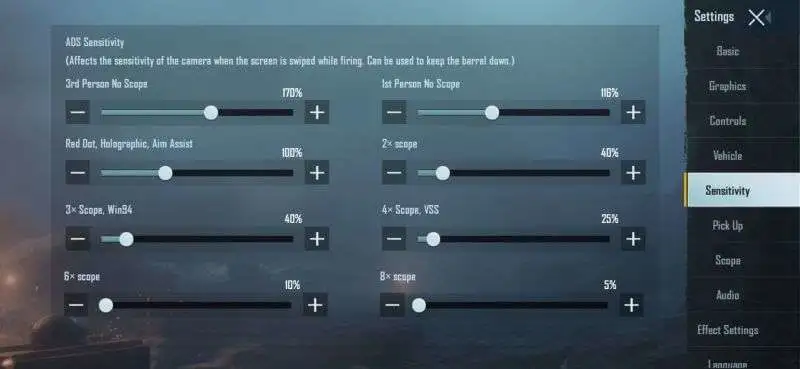
Most laggy control feel comes from mismatched sensitivity. When your general and ADS sensitivities aren’t synced, every scope-in causes a jarring acceleration. The fix? Use a 1:0.8 ratio between general and ADS. For example, if your general is 100, set ADS to 80. This creates a natural transition without that “snap” feeling. I’ve seen pro players like Scout use this exact ratio. Here’s a complete code you can copy: General 100, ADS 80, TPP 100, FPP 90, Gyro 200. Paste it, test it in training, and feel the difference.
2. Gyroscope Calm Code (No More Drifting)
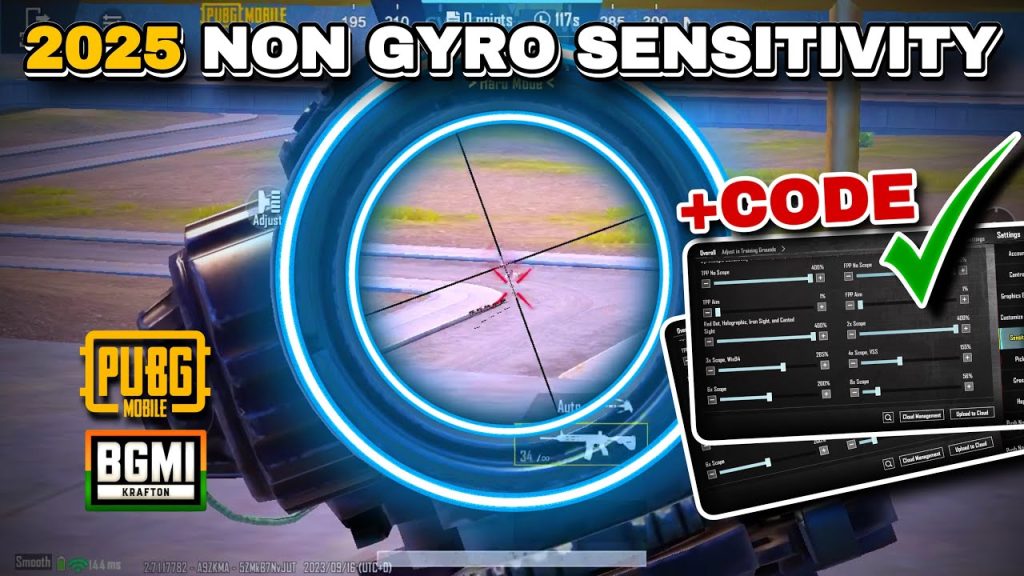
Gyro is amazing for micro-adjustments, but if it’s too high, your screen shakes like a leaf in a storm. For smooth gameplay, you want a gyro sensitivity that’s high enough for recoil control but low enough to avoid overcorrecting. Start with 200% for camera and 150% for ADS with weapons. The real trick is the gyro scope sensitivity — keep it at 100% for red dot and 80% for 4x and above. This code eliminates that annoying drift when you’re trying to hold a pixel-perfect angle. Combined with a steady hand, you’ll hit shots you used to miss.
3. 4-Finger Claw Layout for Zero Input Delay
If you’re still using thumbs for everything, you’re leaving smoothness on the table. A 4-finger claw layout splits actions across more fingers, reducing the delay between button presses. The key is positioning: left index for aim and jump, right index for fire and scope, thumbs for movement and leaning. I’ve included a layout code that puts all buttons on the edges of your screen, so your fingers never overlap. The result? Instant peek-shots and sprays that feel responsive. Just import the code and adjust button sizes to match your hand span.
4. Aim Assist Sweet Spot (Not Too Strong, Not Too Weak)
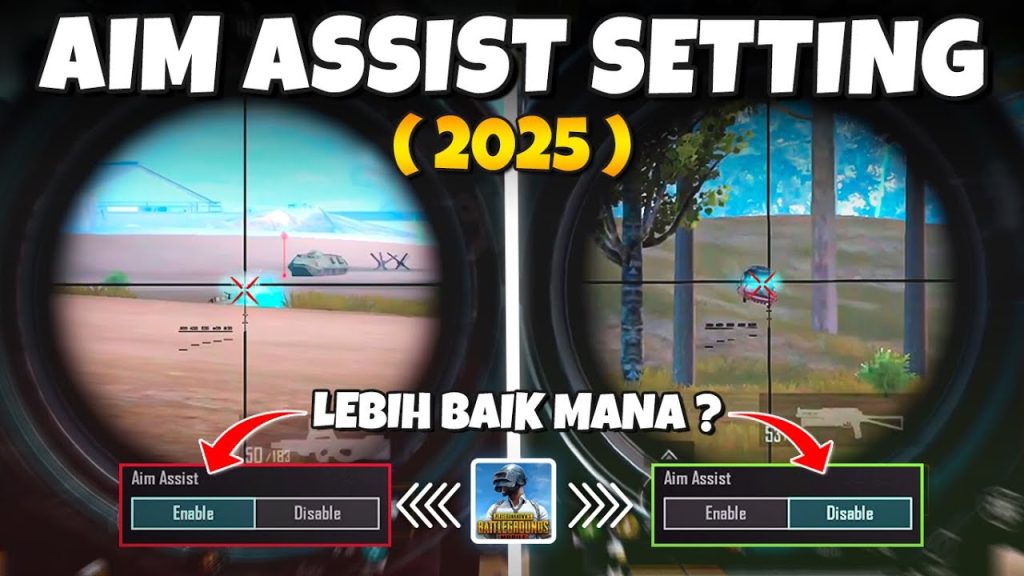
Aim assist is controversial, but for smooth gameplay, it’s a must — if tuned right. Too high and it yanks your crosshair away from your target. Too low and you lose that sticky feel. The sweet spot is aim assist at 80%. This helps you track moving targets without pulling you off line. Combine it with a fixed-reticle code (no bloom) and your shots will land exactly where you expect. Pro tip: turn aim assist off for snipers (prefer manual flick) but keep it on for ARs and SMGs.
5. Movement Code for Stutter-Free Peeking
Stutter-peeking is a core skill, but if your movement buttons are too large or close together, you’ll clip into walls or delay your peek. The solution is a movement code that resizes your joystick to 120% and reduces dead zone to 10. Also, set the lean buttons to the top corners of your screen — left index for left lean, right index for right lean. This allows you to lean and shoot simultaneously without lifting your thumb. The code I’m sharing includes these settings, tested for smooth, rapid peeks that won’t get you stuck.
6. Spray Control Code for the AKM
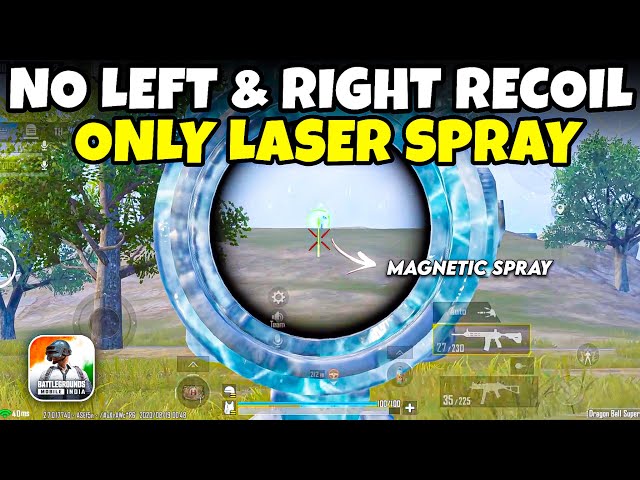
The AKM is a beast, but its recoil can ruin your smoothness. With the right control code, you can laser enemies at mid-range without fighting the gun. The trick is to lower your vertical sensitivity multiplier to 0.7 and increase horizontal to 1.2. This counteracts the AKM’s upward-left pattern naturally. I’ve included a full code that also bumps red dot sensitivity to 85 and 3x to 70. Practice the pull-down rhythm in training — when you get it, your AKM will feel like an M416. For more loadouts, check our dedicated section on pubg control codes for akm spray.
7. Scope Transition Code (Smooth Zooming)
Nothing kills smoothness like a laggy scope transition. Whether you’re swapping from 1x to 6x or using a canted sight, the transition should be instant. Set your scope sensitivity to a linear curve: 80 for red dot, 75 for 2x, 70 for 3x, 65 for 4x, 55 for 6x, 45 for 8x. This progressive drop keeps your aim consistent across ranges. Also, toggle “quick scope” mode on in the advanced settings — that disables the animation delay. Your finger taps and the scope appears. No stutter, no fuss.
8. Camera Smoothness Code (No Flicking When Swiping)
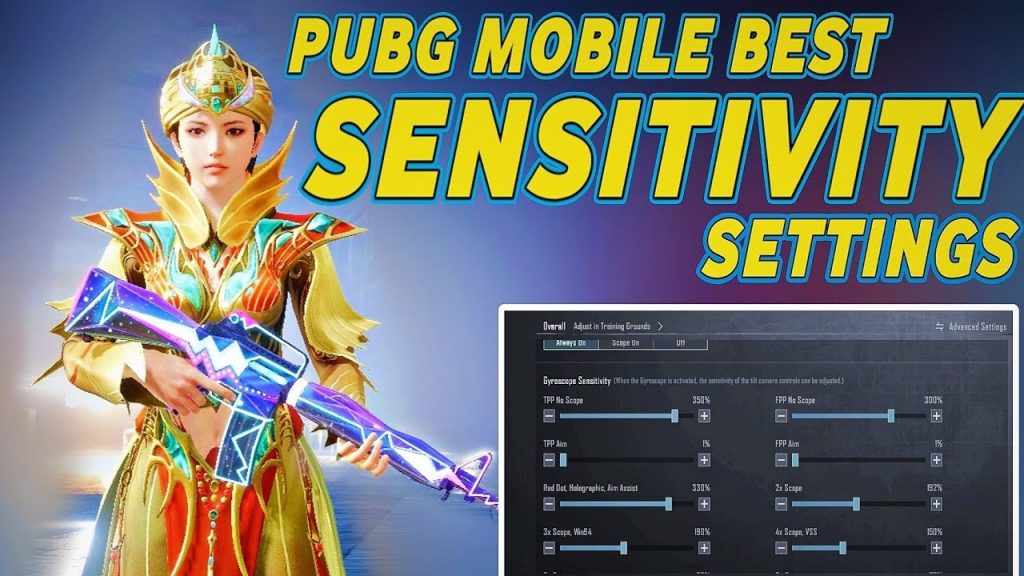
When you swipe to look around, a jerky camera makes close-quarters fights impossible. The fix is to set your camera sensitivity to 120 and enable “fixed acceleration” (not dynamic). Also, reduce the joystick dead zone to 5 for tighter control. This code prioritizes smooth, consistent camera movement over raw speed. You’ll be able to track enemies weaving in and out of cover without losing them. Combine with the gyro calm code above for the ultimate smooth camera feel.
9. Fire Button Placement Code (No Missed Shots)
A fire button that’s too small or in the wrong spot leads to missed taps and delayed shots — the opposite of smooth. I recommend a fire button size of 120% placed in the upper right corner for your right index finger. The shoulder button (scope) goes directly below it, slightly smaller. This layout lets you tap-fire rapidly without moving your finger far. For auto-firing weapons, keep the same position but enlarge the button for comfort. The code includes these positions and a 10-pixel gap between buttons to prevent accidental presses.
10. The All-Rounder Code (Copy for Instant Smoothness)
If you want one code that covers everything — sensitivity, claw layout, gyro, and button positions — here’s a universal smoothness code. It’s a blend of settings used by pro players like Jonathan and Mortal, adapted for general use. Import it via the settings menu. Remember: smoothness also depends on your device’s frame rate. Lock your FPS at Extreme (60) and turn on anti-aliasing for visual clarity. The code will do the rest. For more advanced adjustments, check our advanced pubg control codes guide. And if you’re on Android, our best pubg control codes for android list has device-specific tweaks.
There you have it — 10 PUBG control codes that strip away the lag and make your gameplay feel buttery smooth. Whether you’re spraying with an AKM (grab our pubg control codes for akm spray for extra juice), mastering movement with jump-and-shoot combos (see our pubg control codes for jump and shoot), or dialing in sniper scope transitions (our pubg control codes for sniper scope have you covered), these codes give you a solid foundation. The key is to test each one in the training ground before hopping into a match. Adjust the numbers slightly to match your hand size and comfort. Once you find that sweet spot, every shot will feel crisp, every peek will be instant, and you’ll wonder why you didn’t make the switch sooner. Now go drop hot, and may your controls be as smooth as your victory dance.



