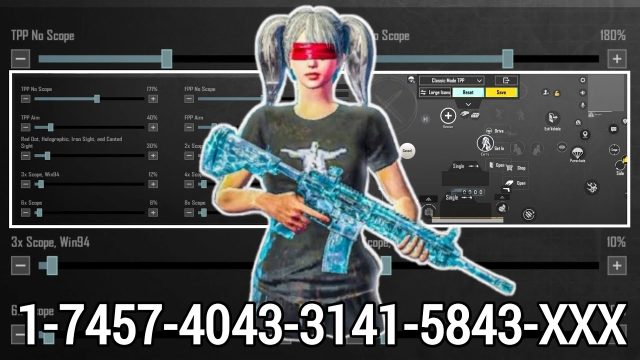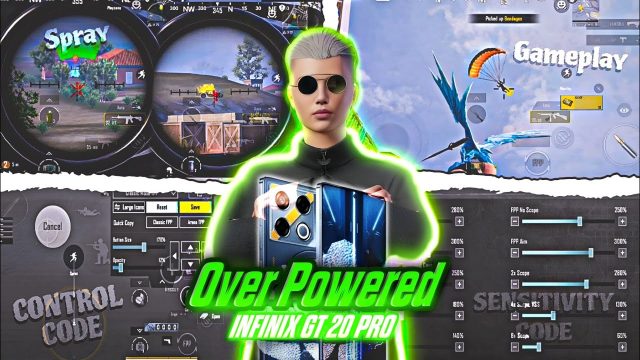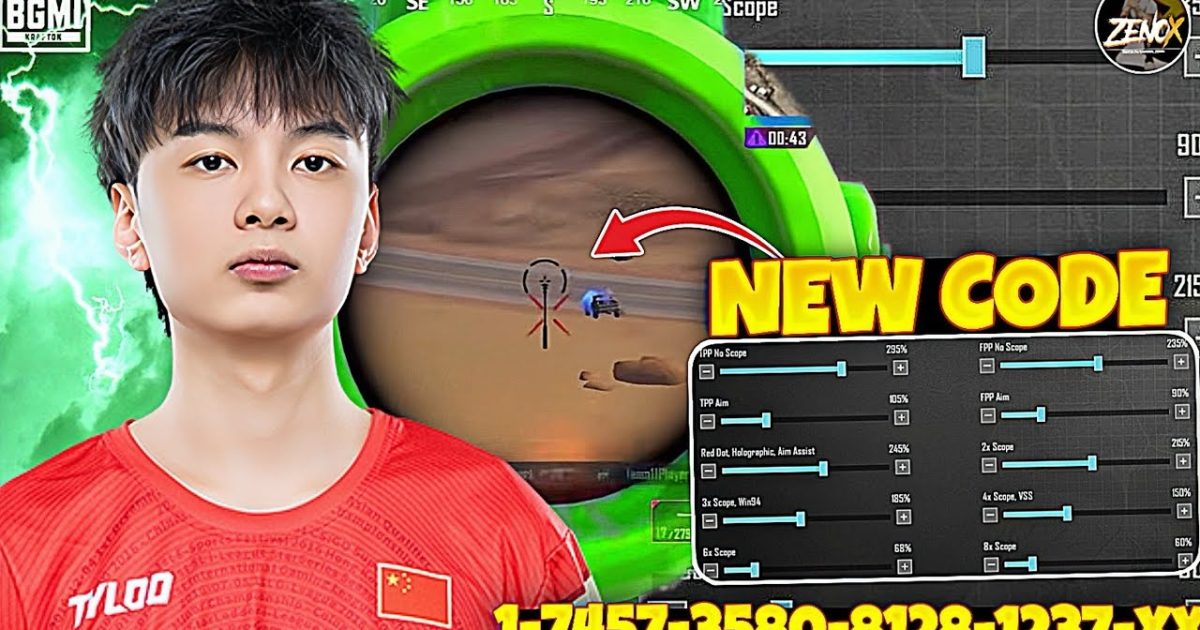
Hey, PUBG Mobile players! Control codes have evolved again in 2025. Whether you’re a claw god or gyro wizard, having the right layout can make or break your game. We’ve combed through the latest pro setups, community favorites, and updated codes to bring you the definitive list. These picks are based on performance in current meta, device compatibility, and player feedback. Ready to level up? Let’s dive in.
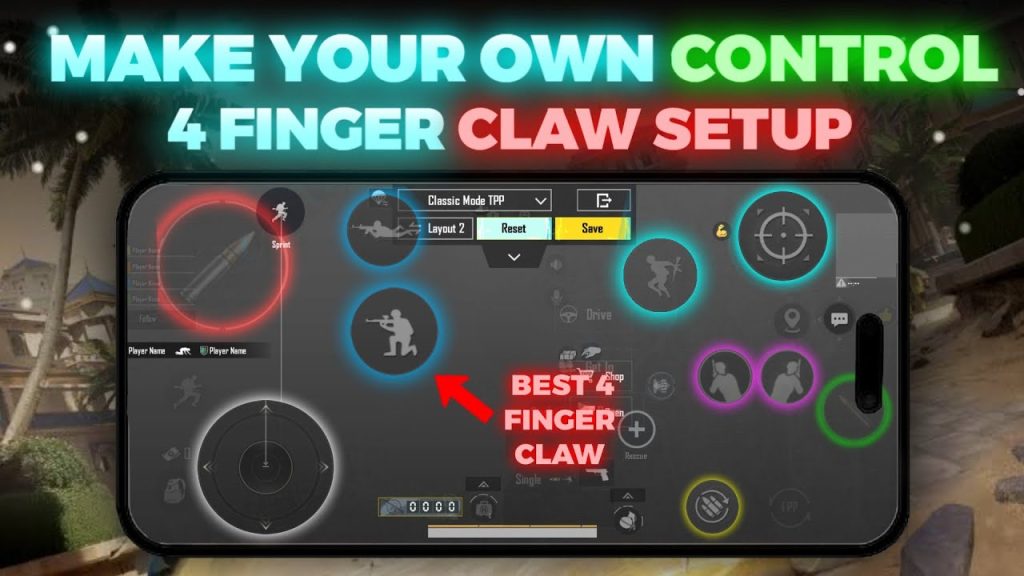
1. Classic 4-Finger Claw (Updated for 2025)
The 4-finger claw remains a staple for mobile gamers, and 2025’s update refines button placement for faster reactions. This layout uses your index fingers for scoping and firing while thumbs handle movement and leaning. It’s perfect for close-quarter battles and quick peeks. Many pros still swear by it because of the balance between control and speed. If you’re coming from a 2-finger setup, this is the first upgrade you should try. Pair it with weapon switching codes to maximize your efficiency.
2. 5-Finger Hybrid Layout
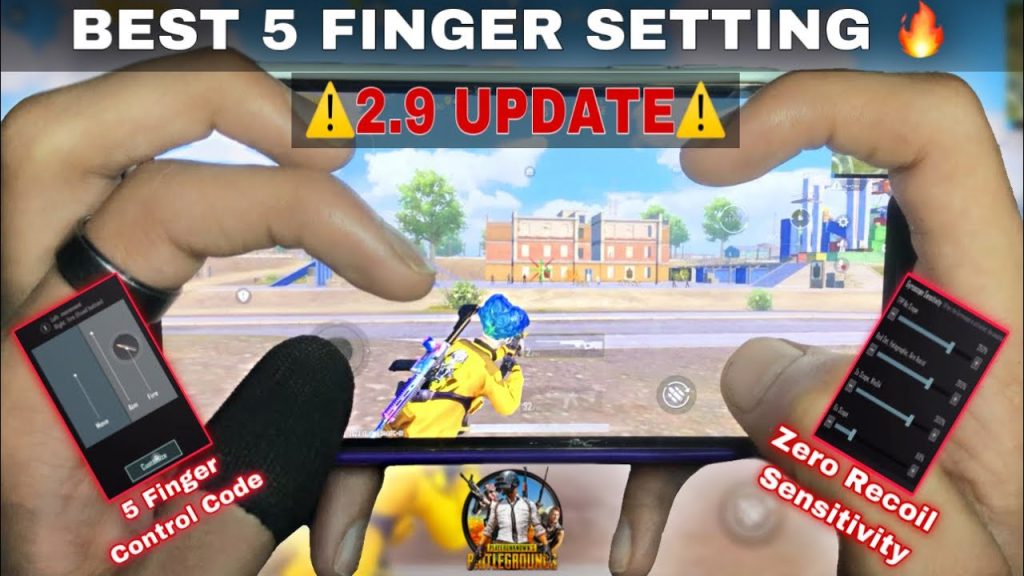
Adding a fifth finger gives you an edge in executing complex maneuvers like jiggle peeking and crouch spraying. This hybrid layout maps your left middle finger to crouch and right middle finger to lean, freeing your thumbs for precise aim. It’s a super popular setup among streamers because it doesn’t sacrifice movement. The code we’ve included is optimized for 90 FPS devices, so expect buttery smooth transitions. Combine it with our AWM control codes for devastating long-range shots.
3. 6-Finger Pro Layout
Want to go full tryhard? The 6-finger layout uses every finger except your thumbs to handle actions like reloading, switching weapons, and throwing grenades. It requires a tablet or a phone with a large screen, but the payoff is immense: you can essentially do everything without lifting your thumbs off the movement and aim areas. This updated code features a revised button arrangement that reduces accidental presses during intense firefights. For best results, use a PUBG control codes guide to fine-tune the placement to your hand size.
4. Gyro-Only Setup
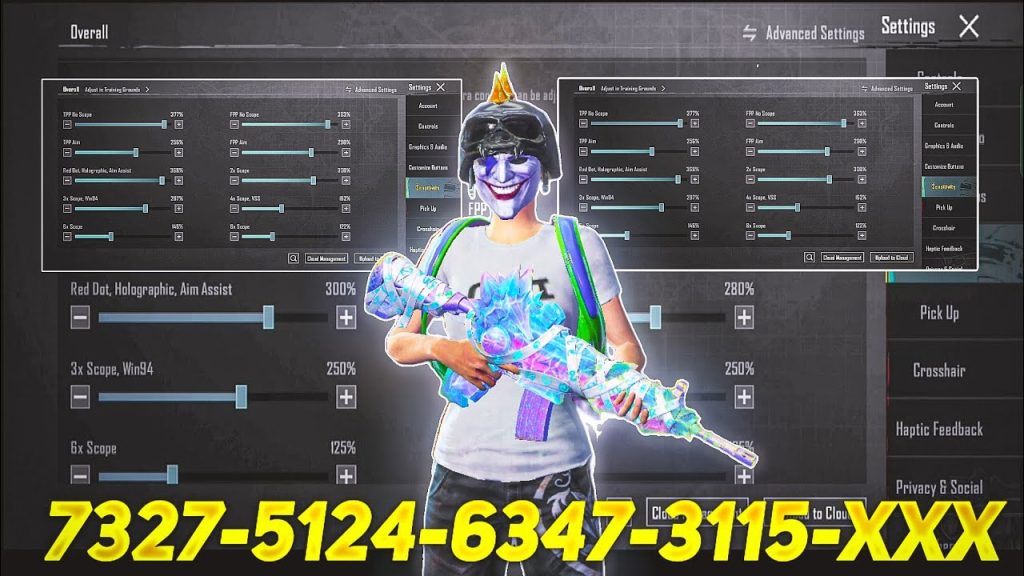
Gyro controls let you aim by tilting your device, and this updated code is designed for players who want to rely almost entirely on gyro for fine aim. The layout minimizes touch inputs: just tap to fire and use the gyro for recoil control. It’s especially effective for medium-to-long range engagements where micro-adjustments matter. This code sets the gyro sensitivity to 300% for ADS, which is a sweet spot for most players. If you’re new to gyro, check out our low RAM control codes for a smoother experience on older devices.
5. iPad Extended Layout
iPad users have a unique advantage with a larger screen, but only if the controls are scaled correctly. This updated layout spreads out the buttons to maximize the display real estate, reducing finger overlap. It includes dedicated buttons for quick scope and peek, plus a wide fire button for easier tapping. The code is tested on iPad Pro 11-inch and 12.9-inch models, but works on any tablet. For more, see our dedicated iPad control layouts.
6. Low RAM Optimized
If you’re playing on a phone with 2GB or 3GB of RAM, lag can ruin your experience. This control code is stripped of unnecessary animations and uses a simplified layout to reduce processing load. Buttons are smaller and placed away from the edges to avoid accidental touches. It also disables the auto-pickup settings that can cause stutter. This updated version includes a custom sensitivity profile tuned for 30 FPS. Don’t miss our low RAM control codes for more options.
7. Sniper-Focused Layout
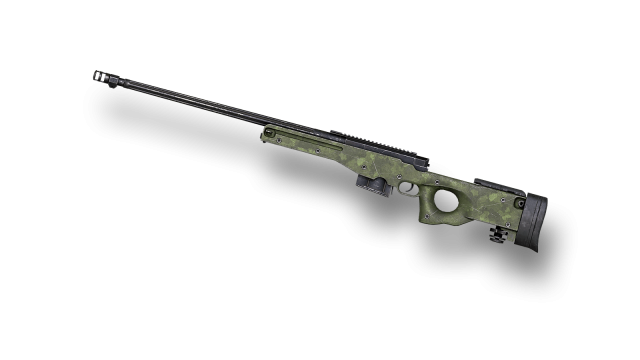
For one-shot wonders, this layout prioritizes quick scoping and steady aim. The fire button is enlarged and placed near the center, while the ADS button is moved to the top-left for thumb access. The code also configures gyro for scope alignment and sets a low dead zone for precise dragging. It works best with bolt-action rifles like the AWM. Pair it with dedicated AWM control codes to land those 300m headshots consistently.
8. AR Spray Control Setup
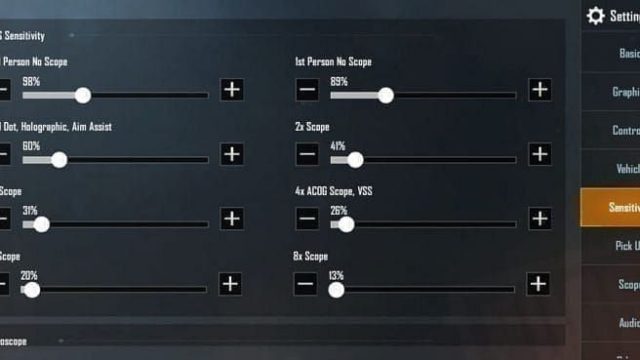
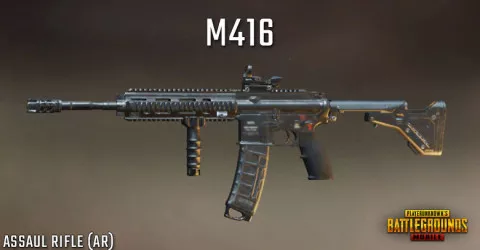
Mastering AR spray in PUBG Mobile requires a layout that compensates for vertical and horizontal recoil. This code positions the aim button slightly above the fire button so you can drag down naturally. It also uses a three-finger claw grip: left index for ADS, right index for fire, and thumbs for movement and scope. The sensitivity settings are calibrated for M416 and SCAR-L at 100m distances. For more, explore our AR spray control codes.
9. TDM Aggressive Layout
Team Deathmatch in PUBG Mobile demands lightning-fast reflexes and constant movement. This control code is built for super aggressive play: all action buttons are within thumb reach, and the fire button is set to release mode for rapid tapping. The code also auto-centers the aim after each kill to help you snap onto the next target. It’s a bit wild for classic mode but dominates in TDM. Check out our TDM setup guide for more aggressive layouts.
10. Solo vs Squad Differentiated
Playing solo in squads requires a different approach: you need to engage and disengage quickly. This layout separates the crouch and prone buttons to opposite sides, and assigns a dedicated lean button near the fire area for quick peeking. The code also includes a fast inventory access button for hot-swapping weapons. It’s ideal for lone wolf players who rely on third parties and ambushes. For more solo tips, see our solo match control codes.
There you have it — 10 updated PUBG control codes to level up your gameplay. Try a few, tweak them to your style, and dominate the battlegrounds. For more, check out our ultimate PUBG control codes guide.